Delete a Data Stream
Reference:
| Field | Description |
|---|---|
| Name | Unique name identifier. It must contain only lowercase alphanumeric characters. The characters ., _ and - are allowed to separate words instead of a space BUT can not be at the beginning or end of the name. |
| Title | The display name to show on the Kelvin UI. It can contain any characters, including spaces. |
| Description | Optional description for the data stream, up to 200 characters. |
| Type | Determines if the data is directly derived from sensors or is processed/calculated. Allowed values: Measurement or Computed. |
| Semantic Type | Provides context or deeper meaning behind the data, beyond just its format or structure. Check Kelvin API for the full list of available semantic types. |
| Data Type | Specifies the kind of data in the stream. Allowed values: Boolean, Number, Object, String. |
| Unit | Defines the measurement unit for data. Check Kelvin API for the full list of available units. |
Delete Data Stream
Deleting a Data Stream is very simple. The only information you need is the actual name of the Data Stream.
There are two ways to delete Data Streams, either with the delete button or in edit mode.
To delete with the Delete button, simply go to the Data Streams page, select the Data Stream to delete and click the Delete button.
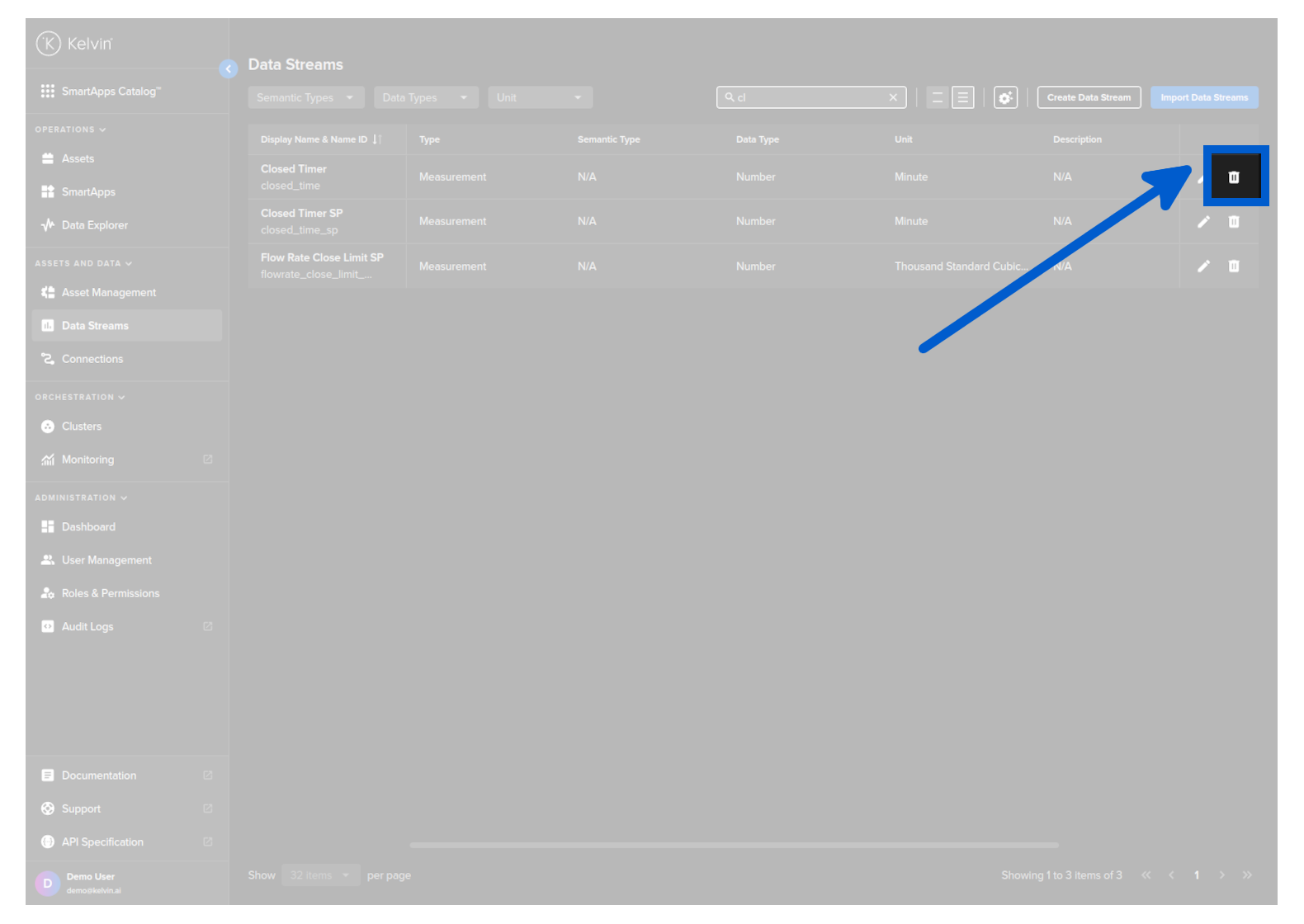
To delete in edit mode, go to the Data Streams page, select the Data Stream you want to edit and click on the Pencil button on the right hand side.
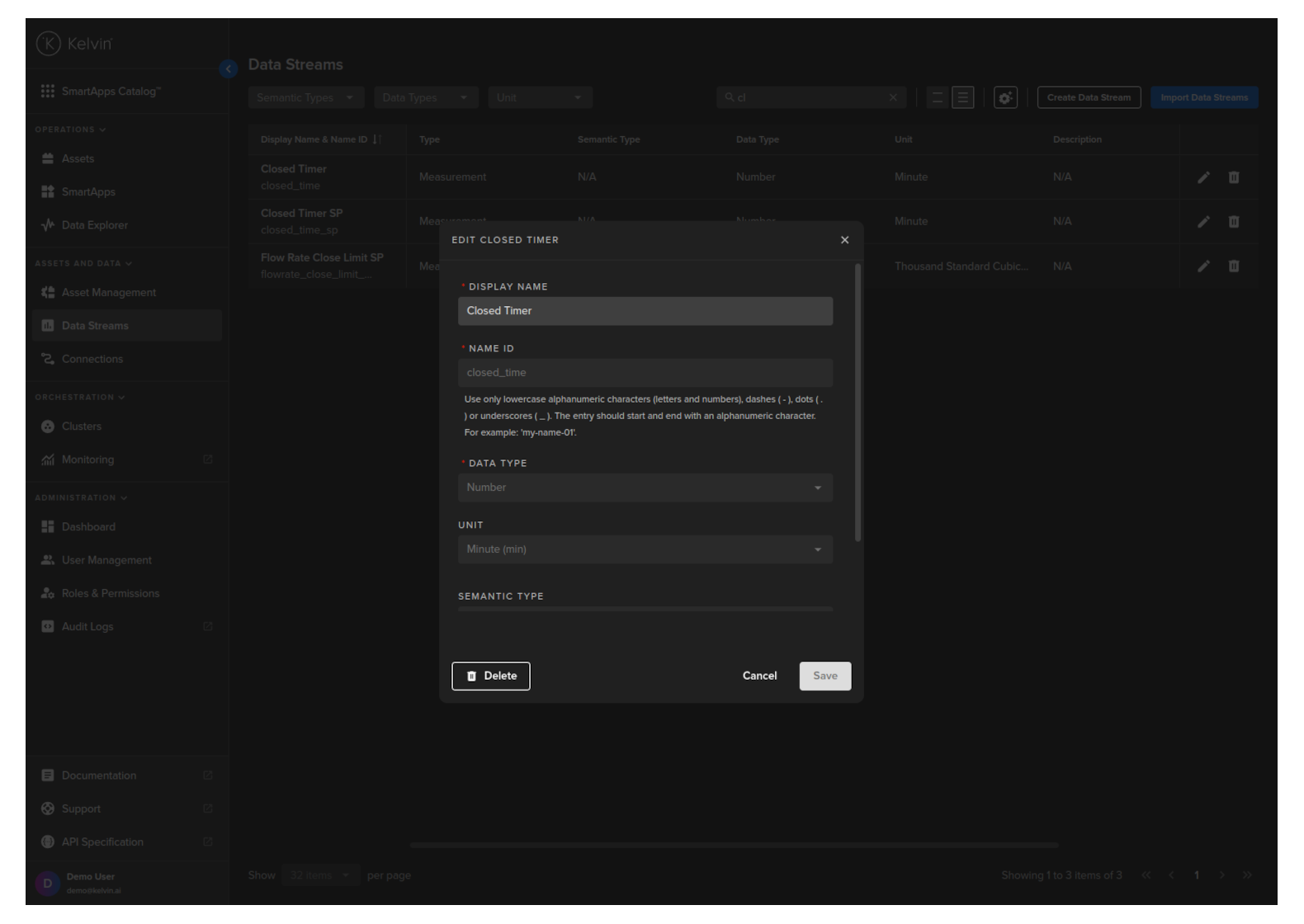
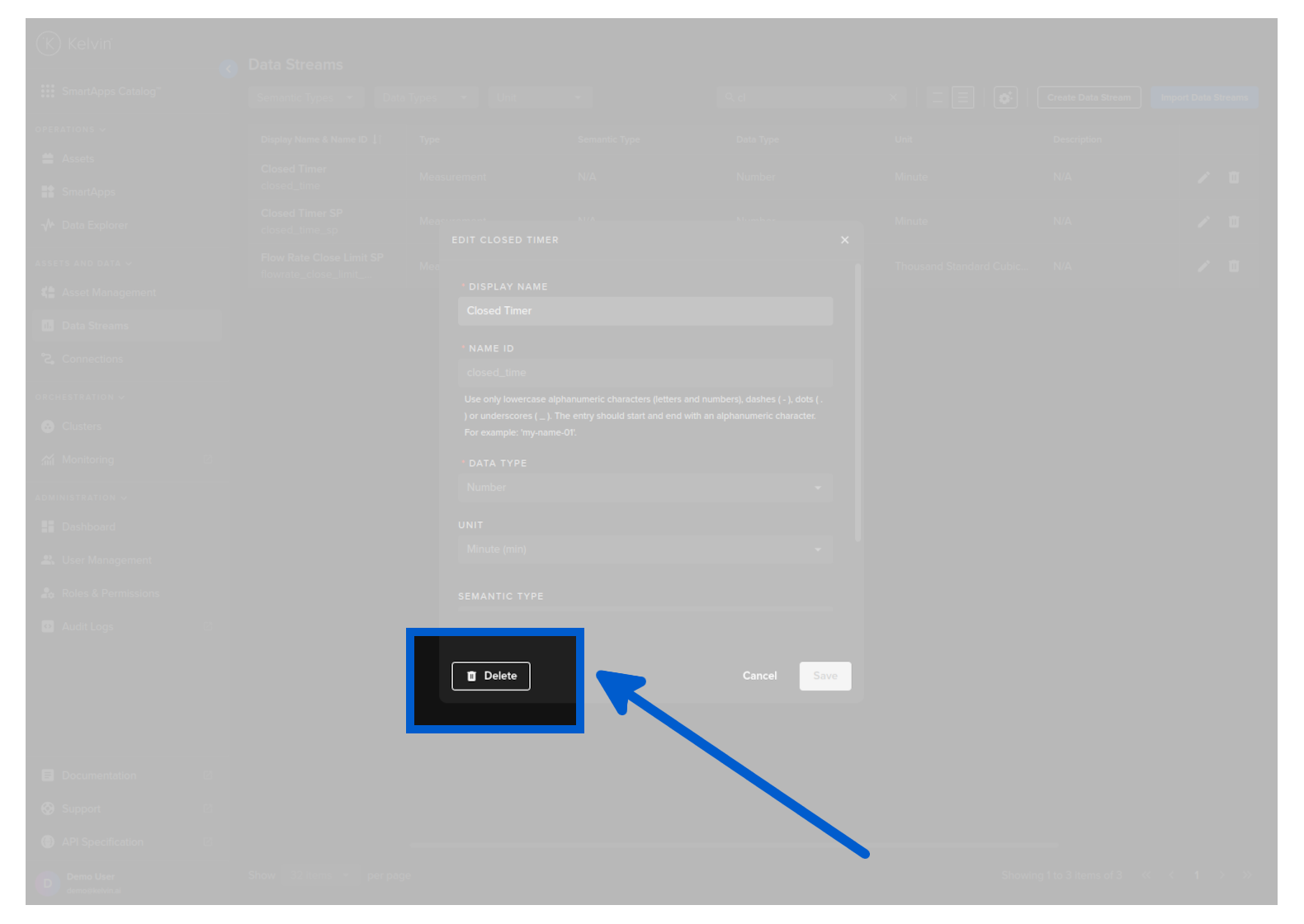
Then click on the Delete button and confirm the delete.
curl -X "POST" \
"https://<url.kelvin.ai>/api/v4/datastreams/doc_demo_data_stream/delete" \
-H "Authorization: Bearer <Your Current Token>" \
-H "Accept: application/json" \
-d ''
from kelvin.api.client import Client

# Login
client = Client(config={"url": "https://<url.kelvin.ai>", "username": "<your_username>"})
client.login(password="<your_password>")

# Delete Data Stream
response = client.datastreams.delete_data_stream(data_stream_name='doc_demo_data_stream')

print(response)