Setup Visual Studio Code
Setup Visual Studio Code
Video Tutorial
You can watch this video tutorial or read the full step-by step written tutorial below.
Written Tutorial
When you first start Visual Studio Code, there are a some basic questions to answer.
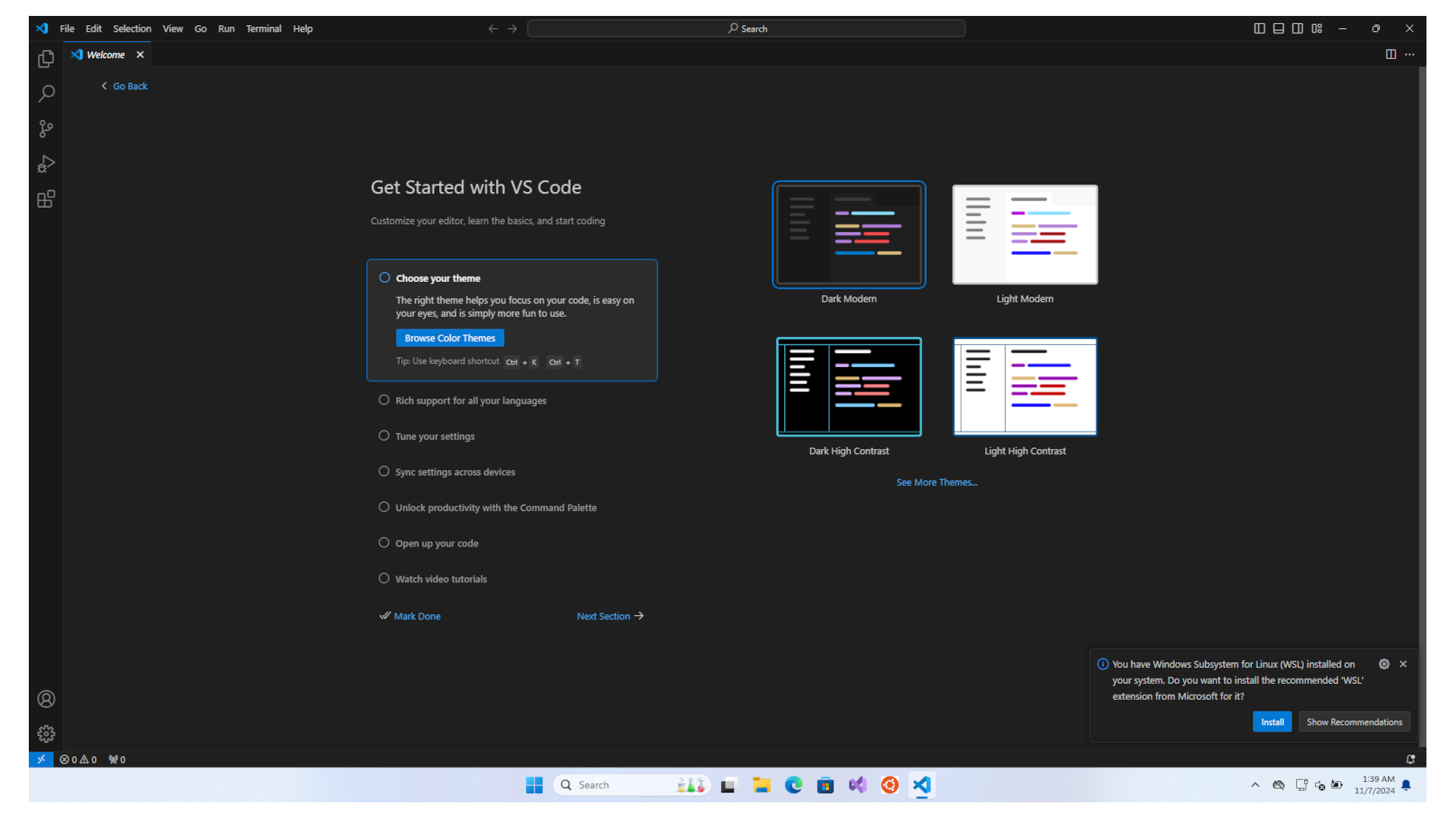
First choose you theme, then click Next Section.
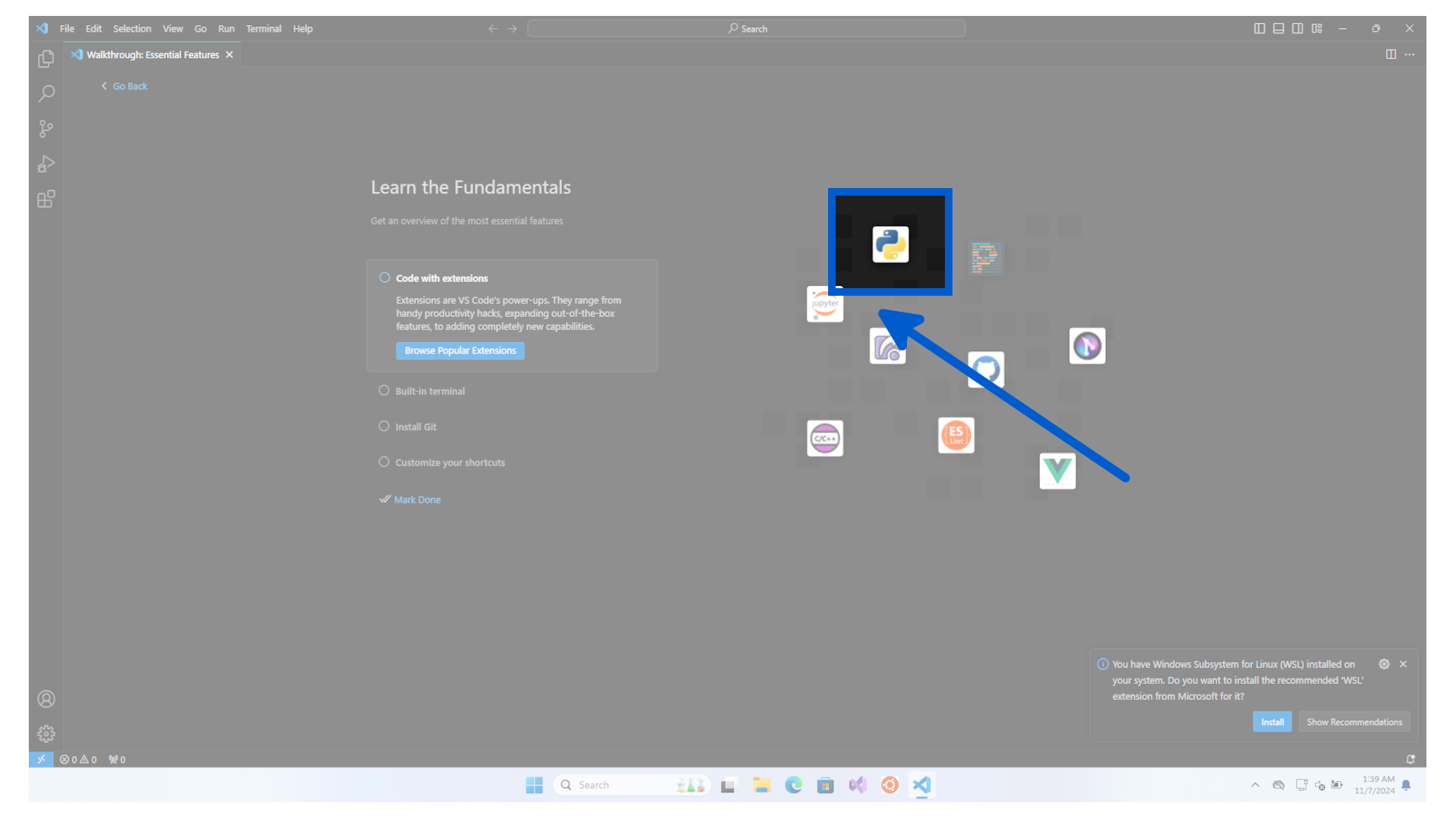
Now click on the Python logo.
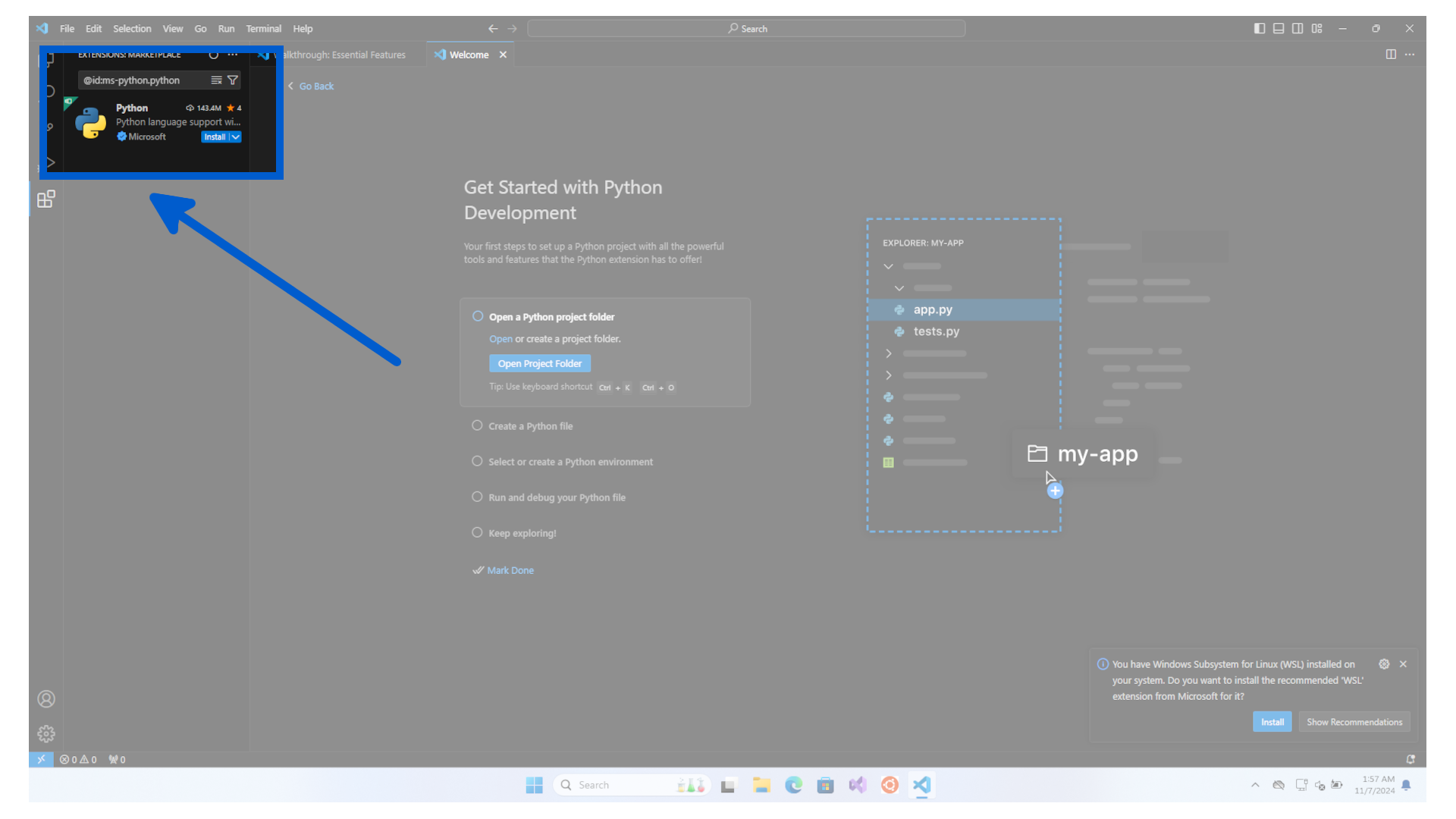
Then click on the Install button.
When finished the install button will disappear.
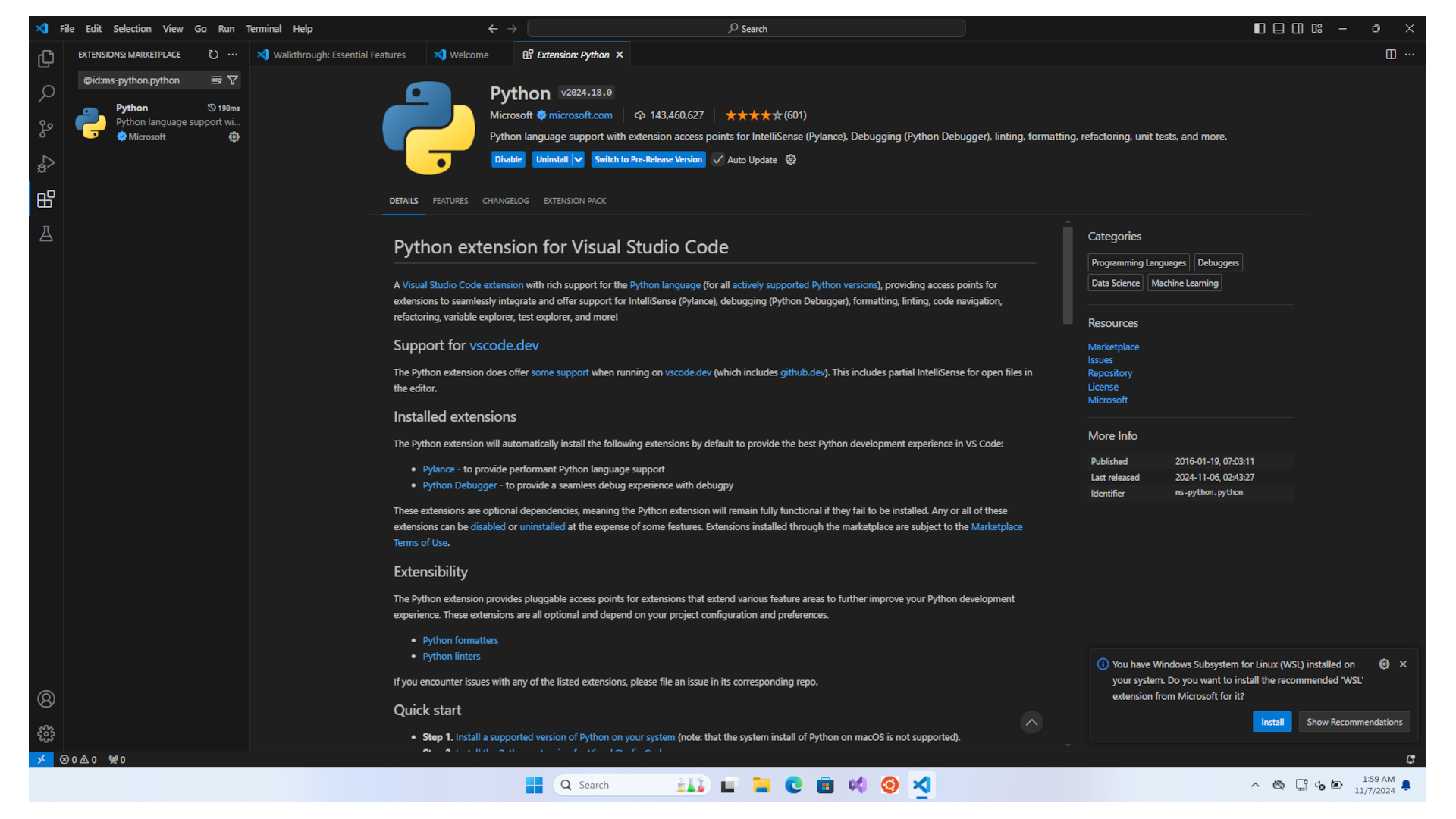
if you have an alert to install WSL extension, then click on the Install button.
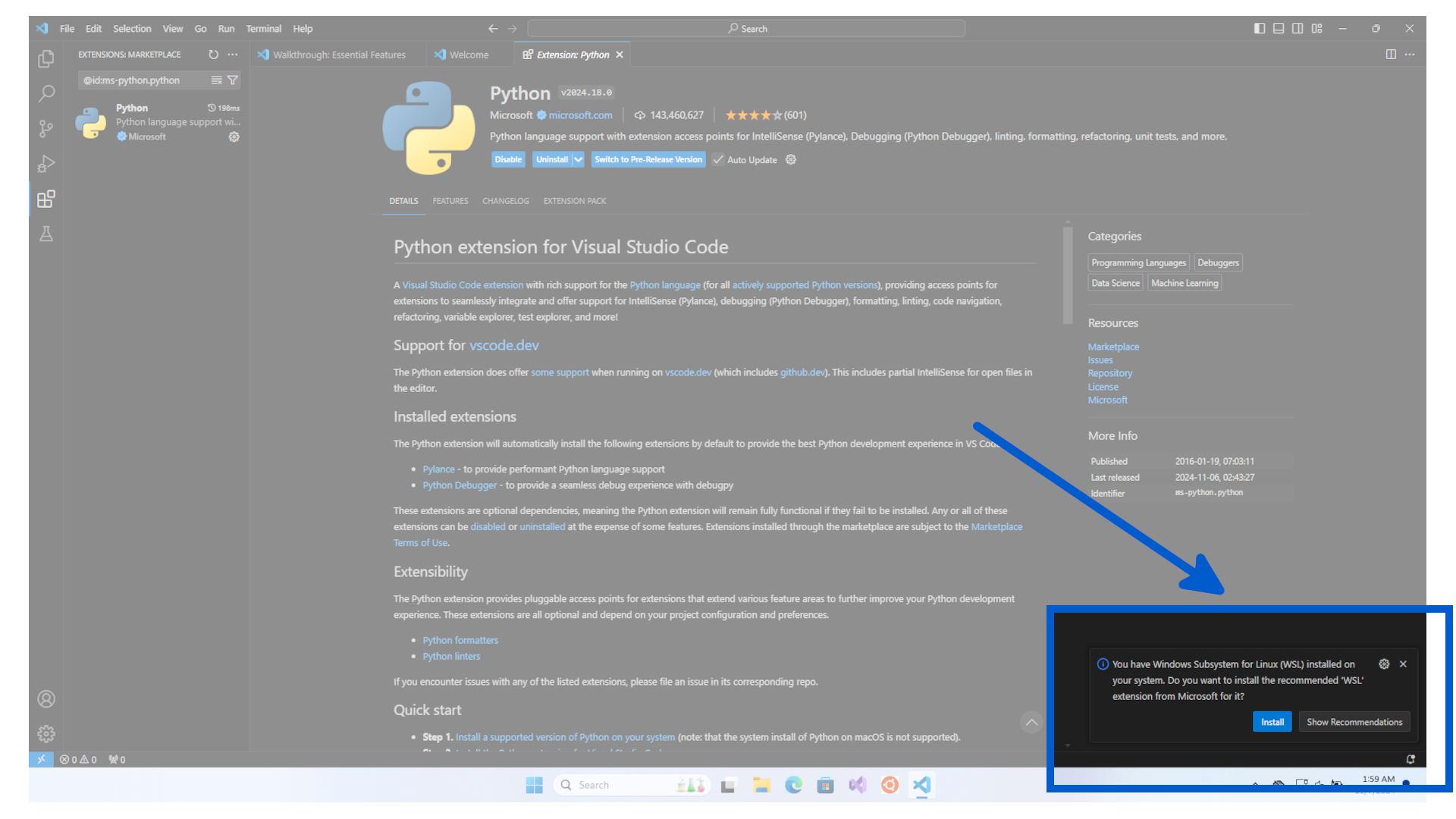
It will then be automatically installed.
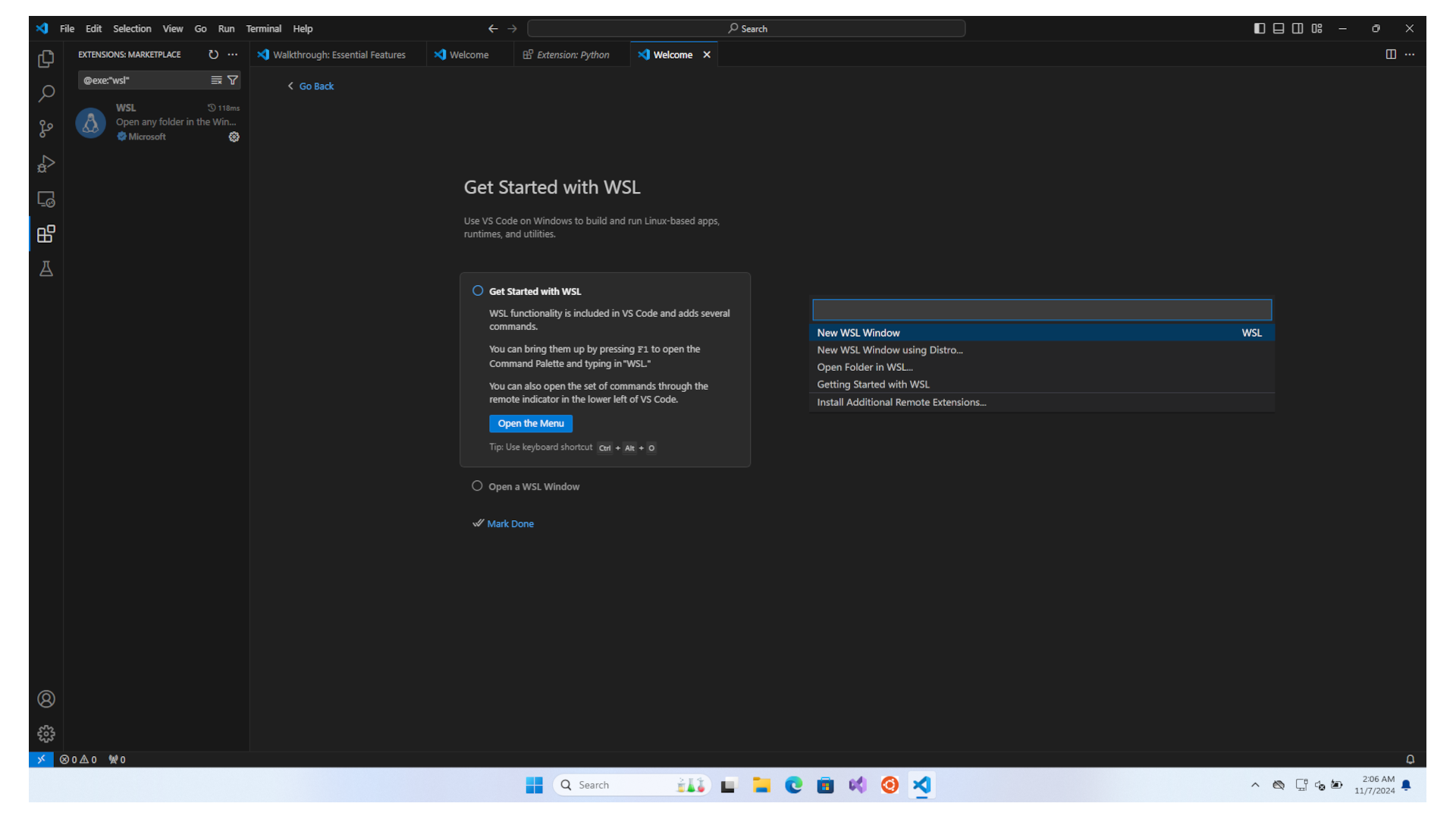
Congratulations, you have setup your Visual Studio Code program. Now we move on to finalize the Virtual Environments for Python.