Install Google Chrome
Install Google Chrome
Video Tutorial
You can watch this video tutorial or read the full step-by step written tutorial below.
Written Tutorial
Kelvin UI is fully tested and guaranteed to work only on Google Chrome.
Note
It will work with other major web browsers such as Microsoft Edge, Firefox, Opera, etc. but there may be some features that are not fully compatible.
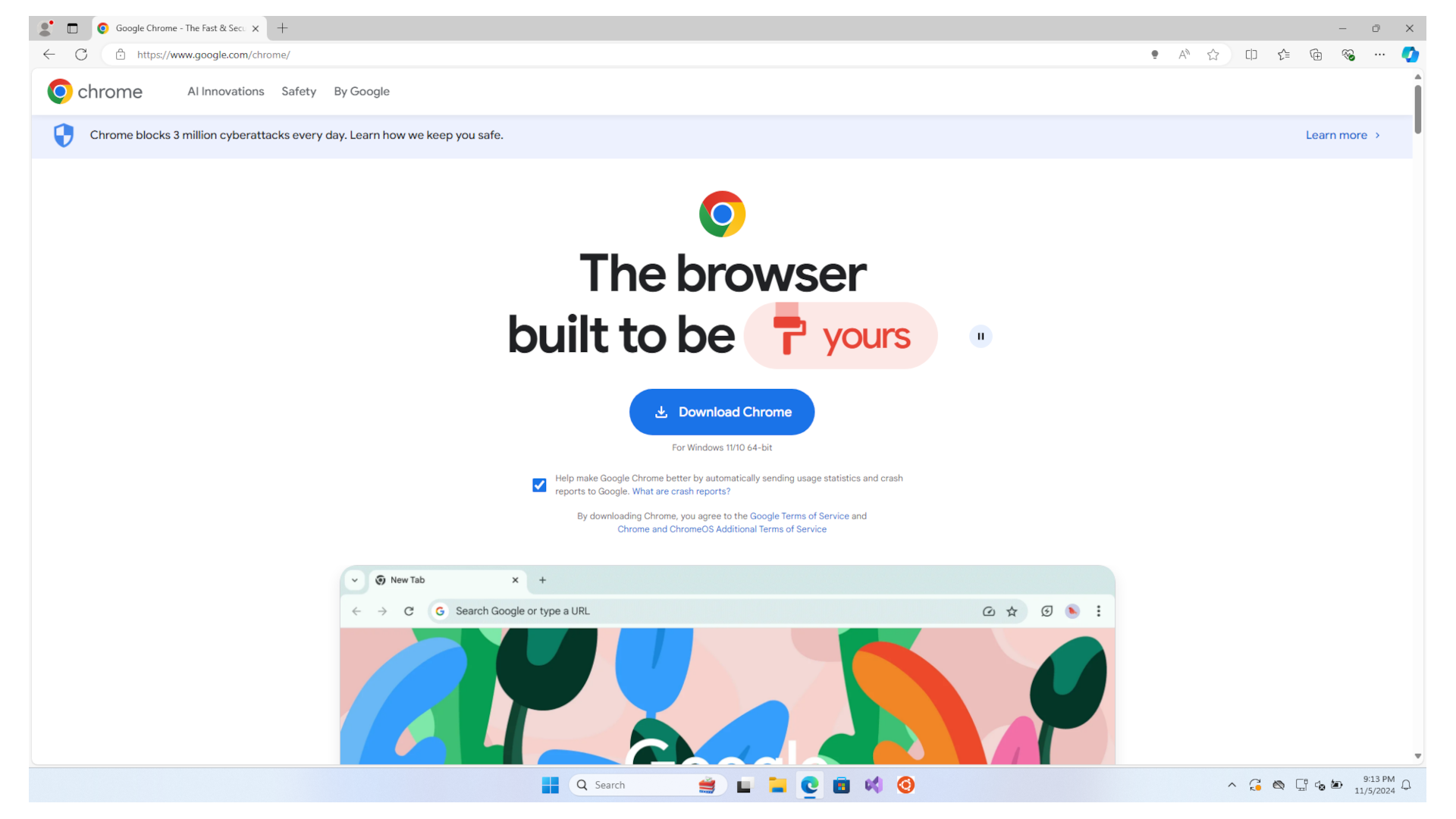
To install, use the builtin Microsoft Edge browser to go to the Google Chrome download page and click on the Download Chrome button.
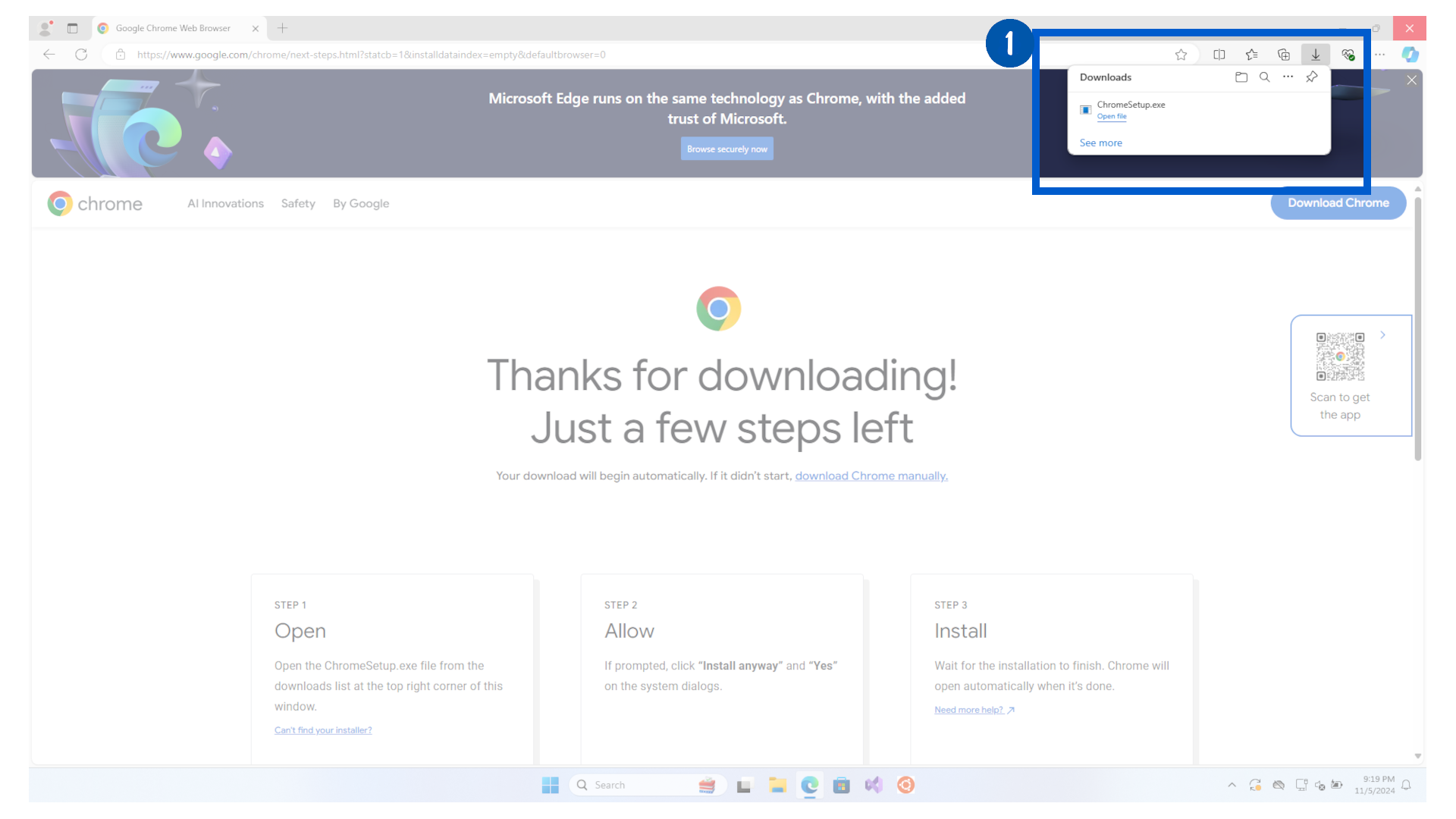
After the download completes, click on the Open file link in the top right corner.
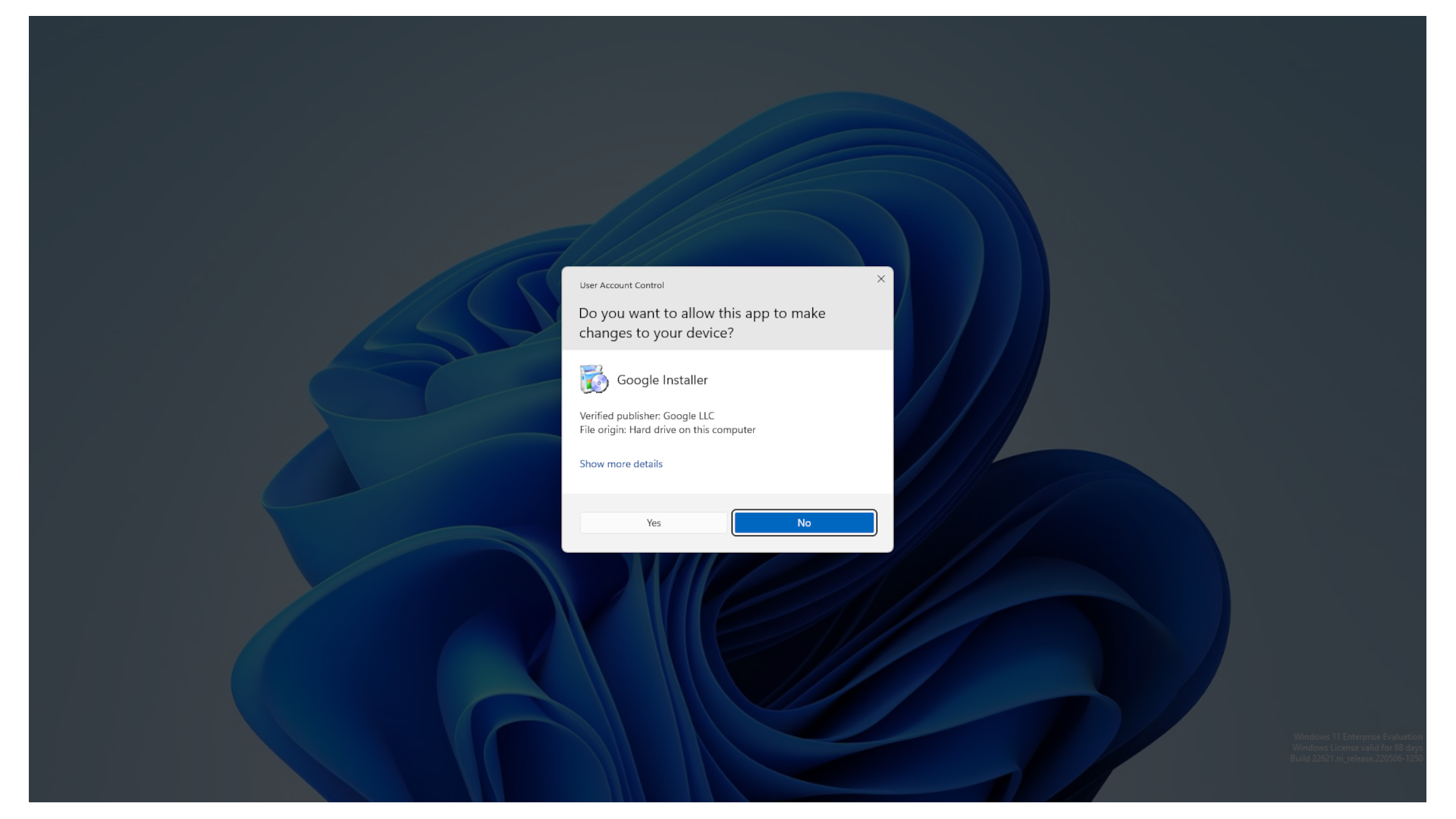
When the user account control popup appears, click on Yes to allow it to make changes to your OS.
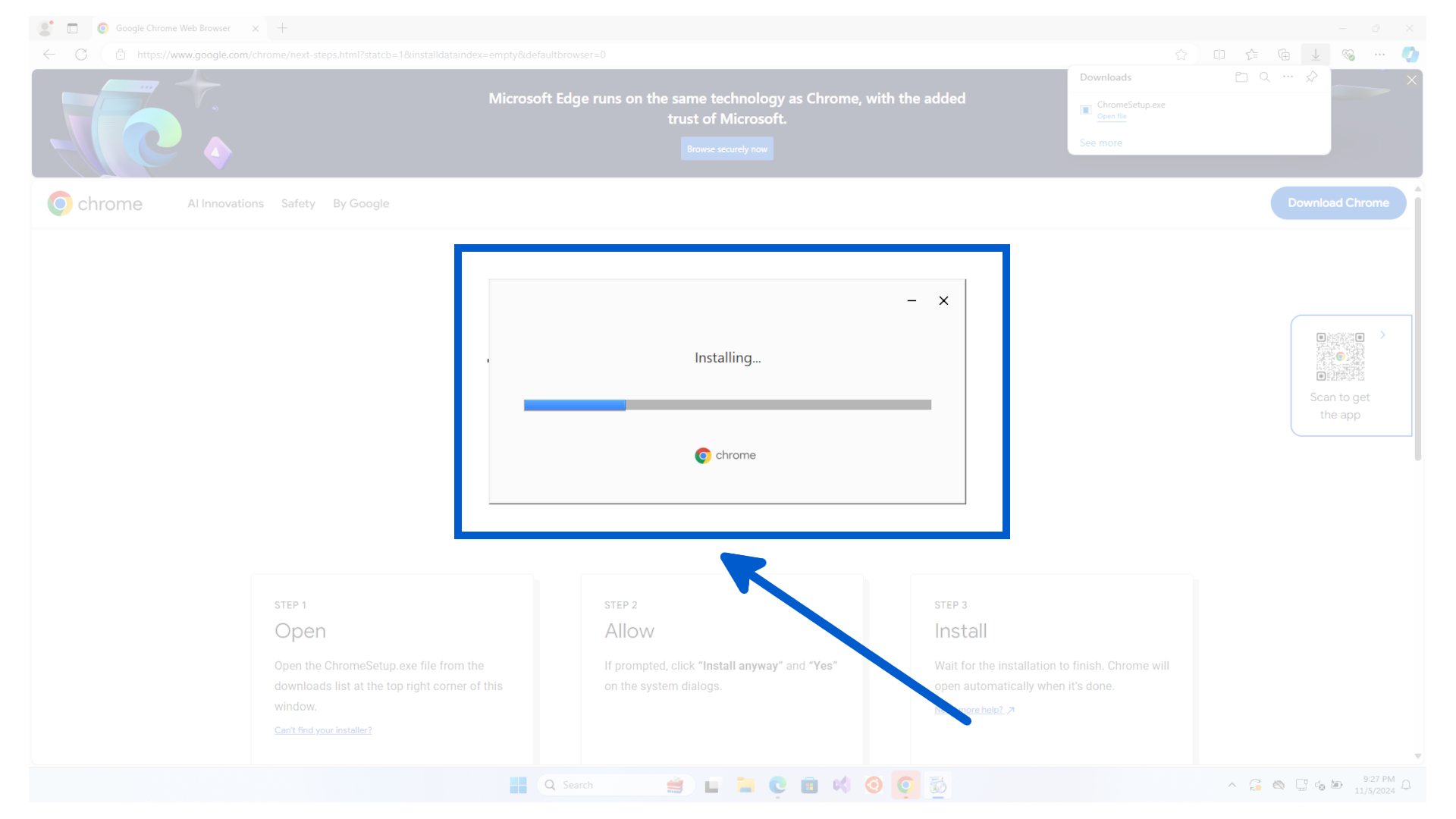
It will then download the rest of the installation files and install Google Chrome.
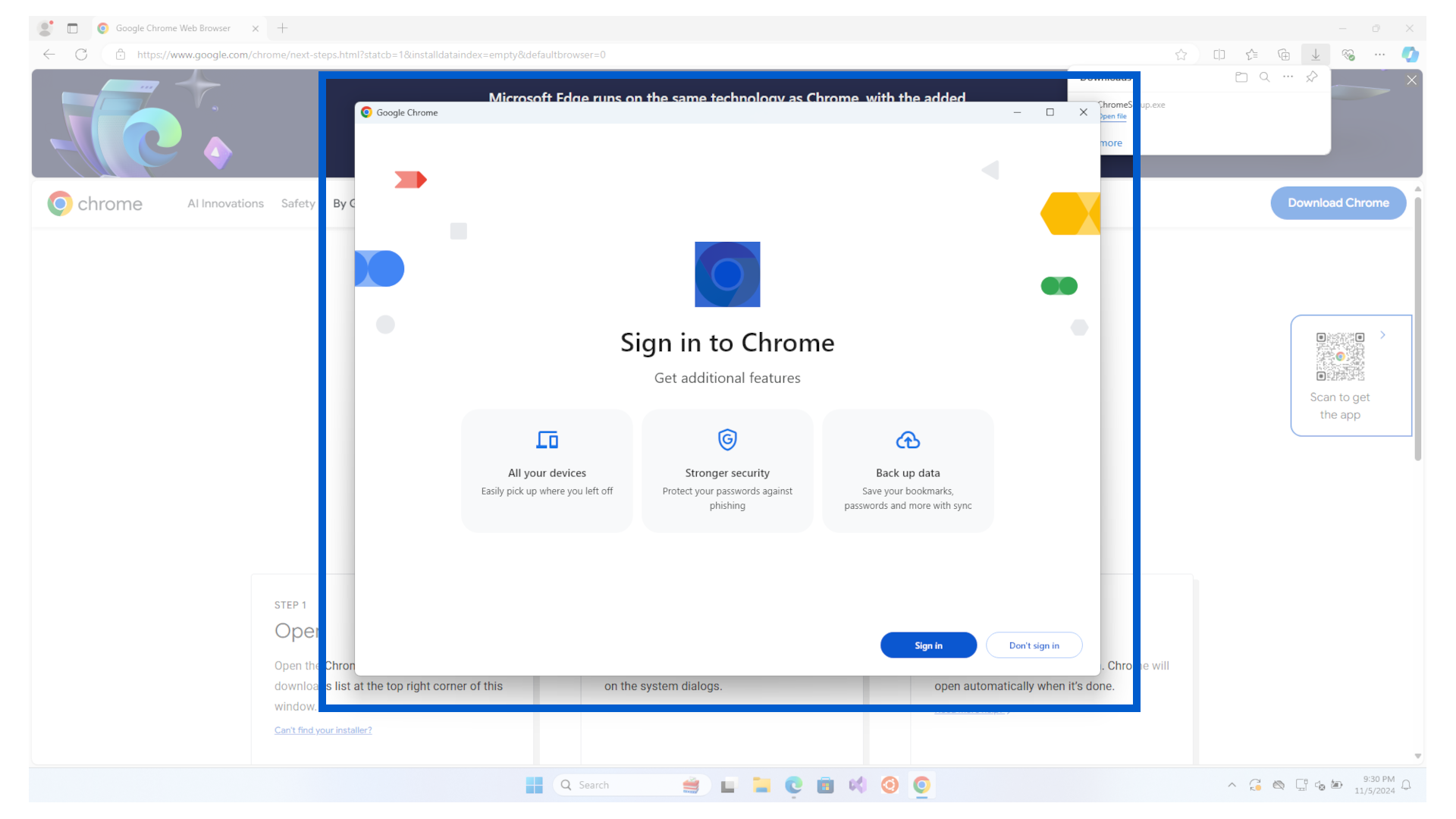
When finished, it will automatically open Google Chrome.
Note
It is your choice whether you want to log into your Google Account or use the browser anonymously
Congratulations ! You have completed the first step in getting your computer ready to work on the Kelvin Platform.