Kelvin SmartApps™
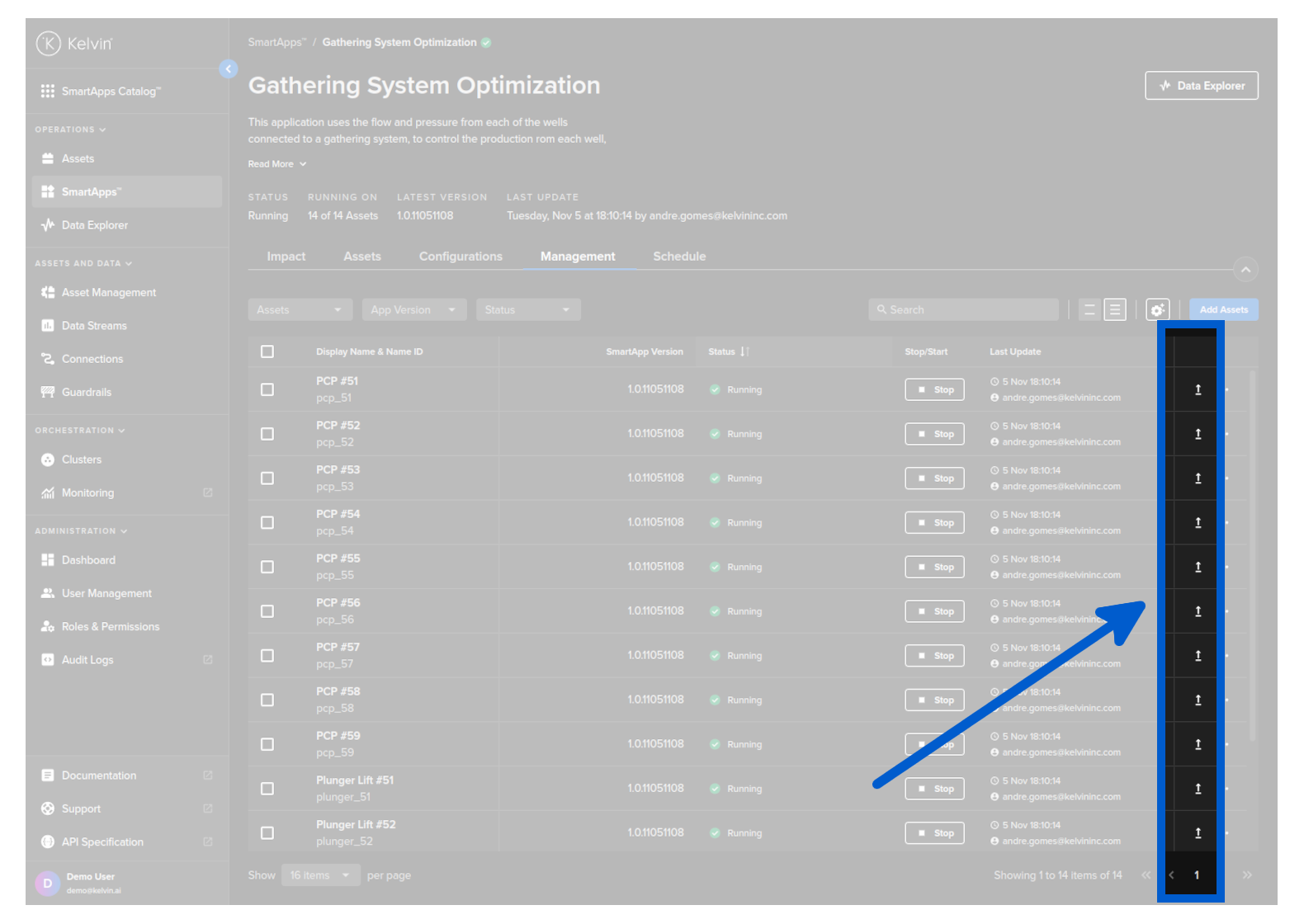
On this page you will learn about the concept and important features of Kelvin SmartApps™ from an Operations Engineers point of view .
What is Kelvin SmartApps™ ?
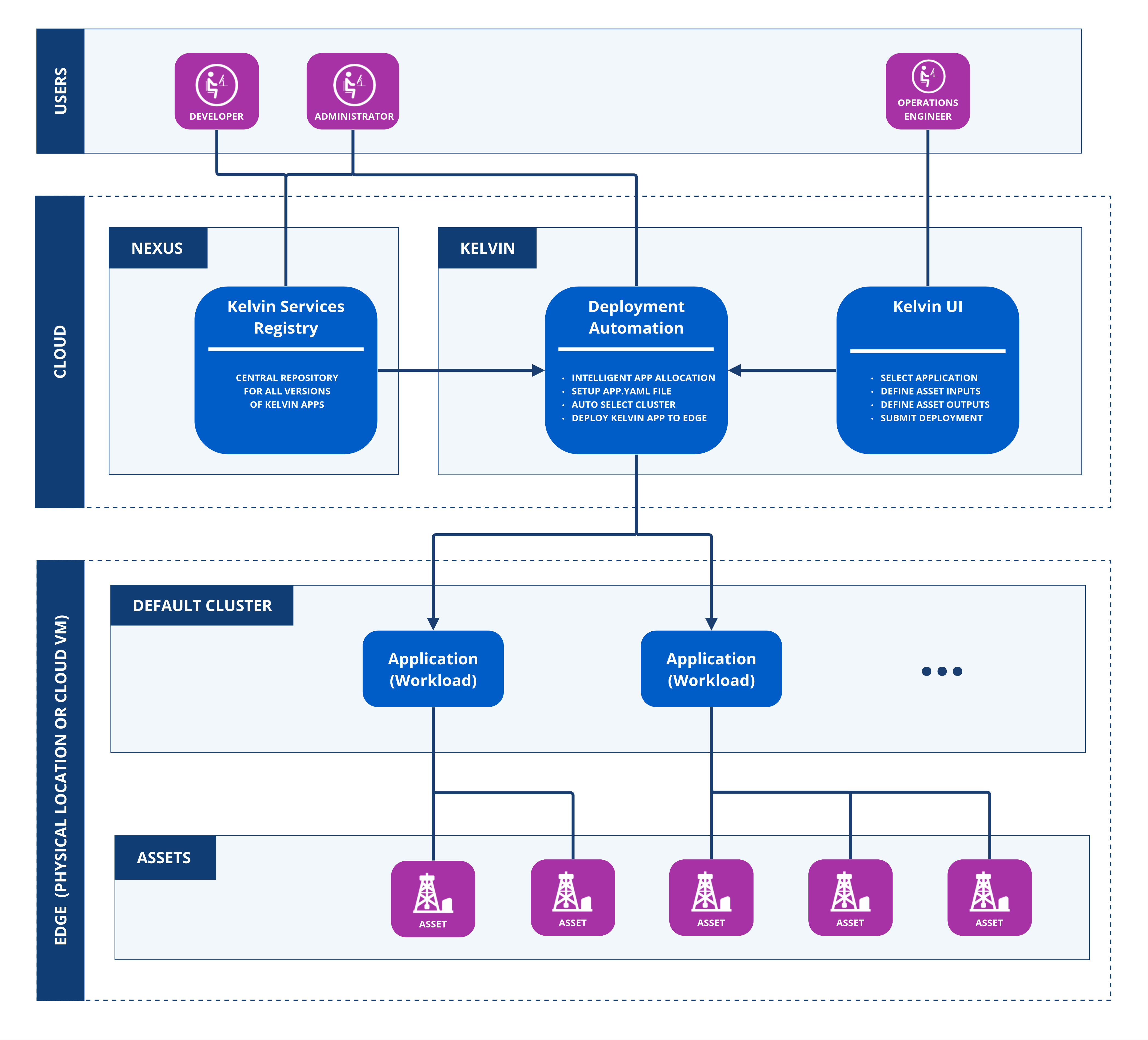
Kelvin SmartApps™ is design to take the technical IT and software development knowledge requirements out of the picture for deployment to the edge and management by Operations.
Kelvin SmartApps™ utilizes each Asset's input data for program execution and calculation to generate Asset output data, Control Changes and Recommendations.
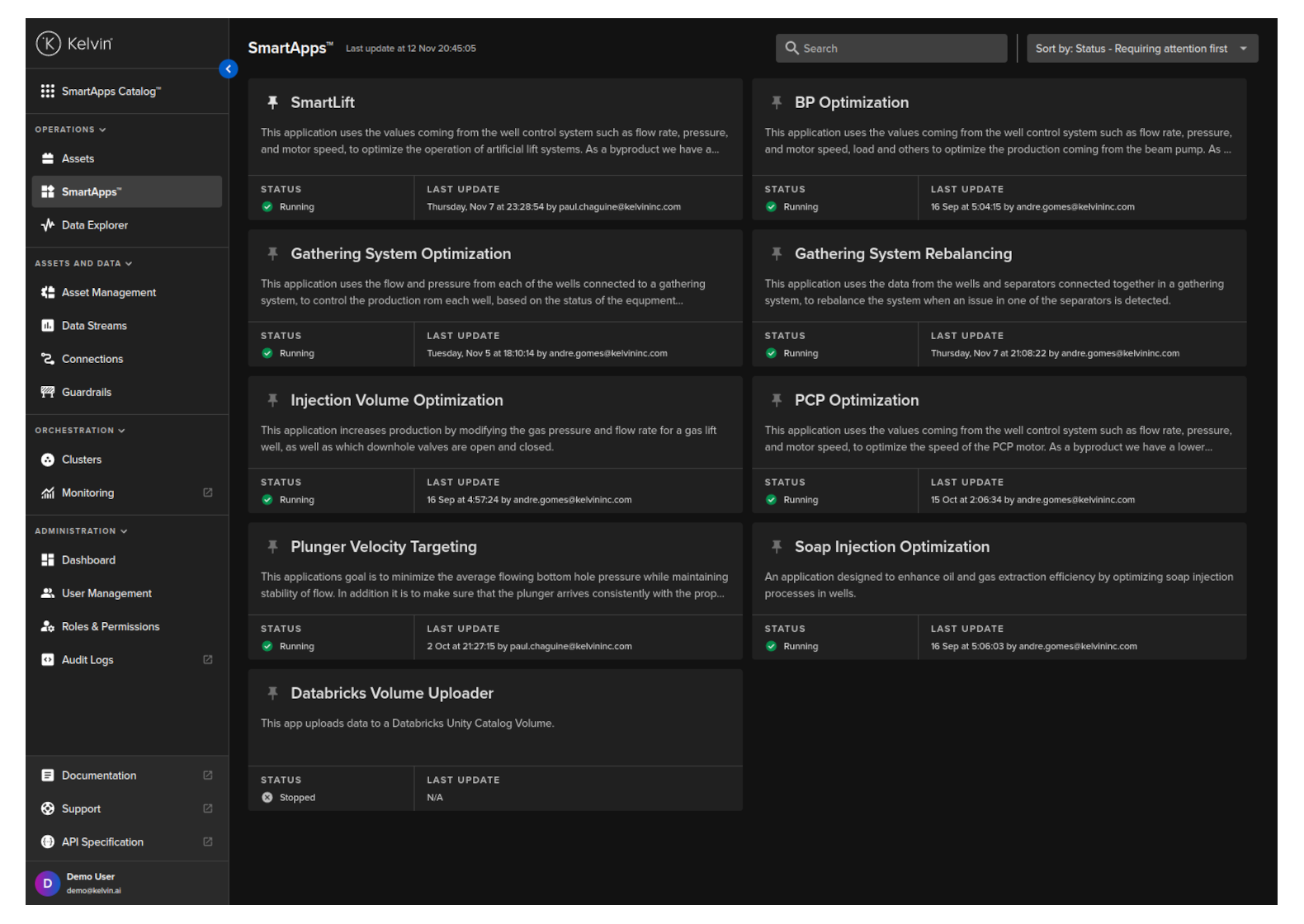
Kelvin SmartApps™ My SmartApps page in the Kelvin UI enables Operations Engineers to monitor and manage the Assets added to Kelvin SmartApps™ and its Asset Parameter configurations.
This allows the Operations Engineers to add Assets to any Kelvin SmartApp™ to monitor and control their assets without the need to have any knowledge of the software or the edge infrastructure.
See here how easy it is to add five new Assets to Kelvin SmartApps™ and immediately start taking action on new Recommendations.
Individual Asset Control
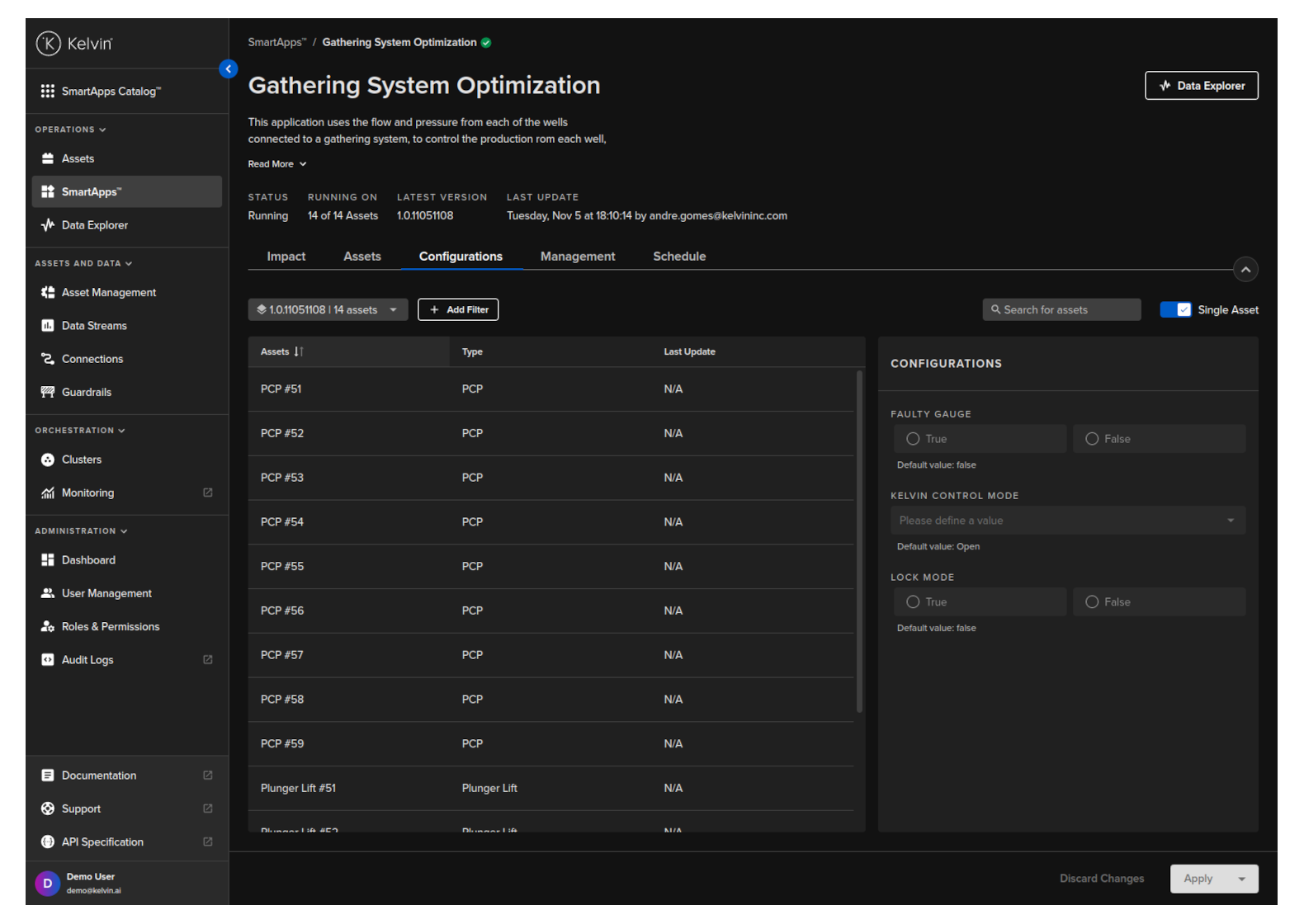
Where custom configurations are required for each Asset, each Kelvin SmartApp™ has an Asset Parameter configuration screen for customizing the values. These Asset Parameter configuration settings can be updated for each Asset separately or in bulk.
Even though the Asset Parameter configuration options for each Kelvin SmartApp™ can vary, the overall UI look and feel remains the same for all Kelvin SmartApps™.
This is great for Operations Engineers as they do not need to be trained on new UI interfaces for each Kelvin SmartApp™.
Version Management
Software is always a space for innovation and new versions are continually coming out. This is no different for the industrial environment and machine learning model environment.
With Kelvin SmartApps™ you can handle this with ease and have different Assets running on different versions of Kelvin SmartApps™ concurrently.
The Operations Engineers can decide which version to run which Assets during the deployment.
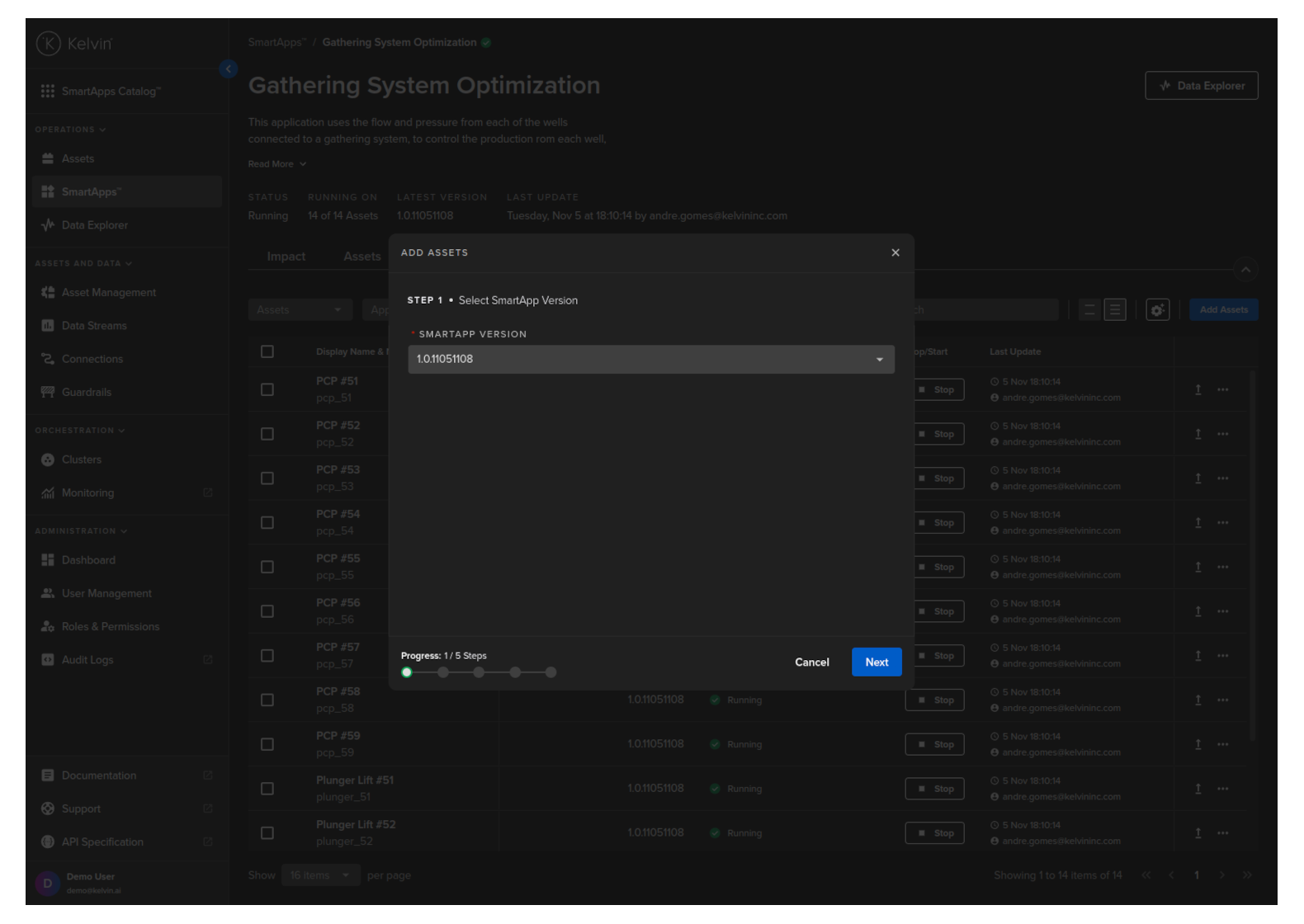
Each version may have different configurations which will be reflected in Kelvin UI for the Operations Engineers.
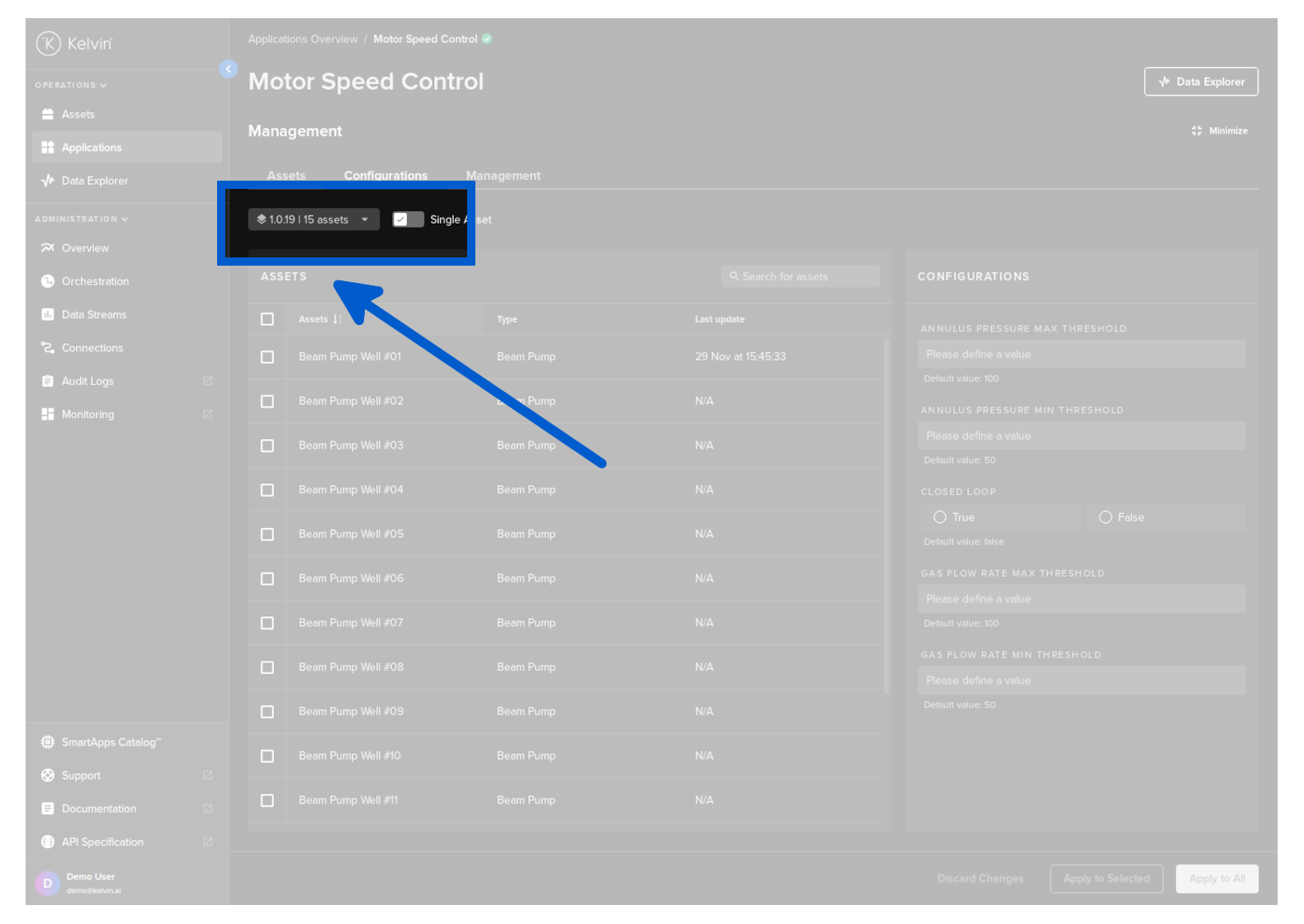
And upgrading Kelvin SmartApps™ for one, a selection or all Assets is very easy.