Kelvin API Overview
The Kelvin API is the standard method for interacting with Kelvin. It conforms to the RESTful API design principles.
The Kelvin API is versioned and the current version is v4. The version is part of the URL path and the current URL is https://<url.kelvin.ai>/api/v4/.
OpenAPI Specification
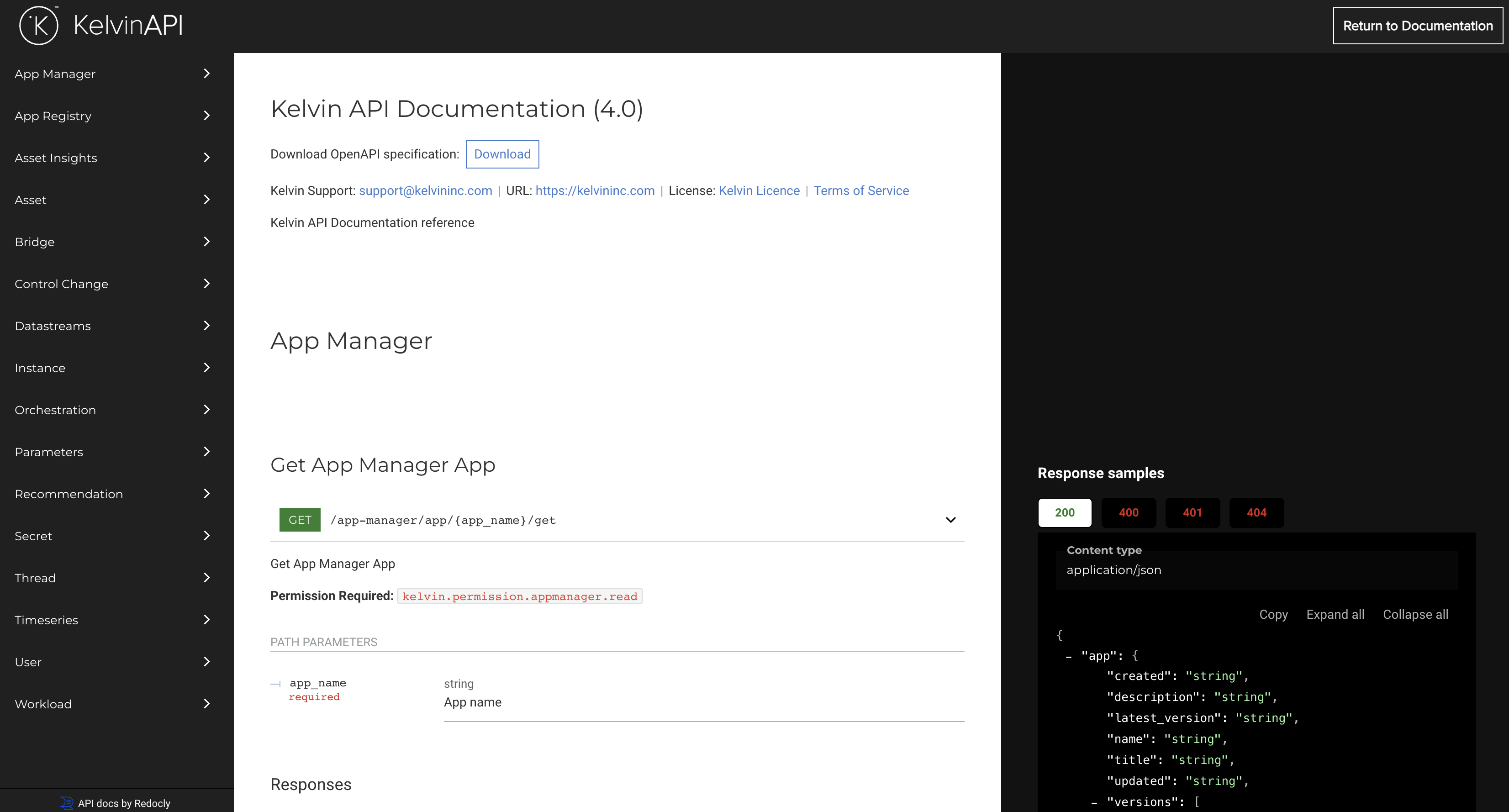
The OpenAPI specification for the Kelvin API is available in the following location:
Online API Client
Your Kelvin Instance also come with a built-in Swagger client that allows you to test any Kelvin API request in the browser.
You can access in two ways;
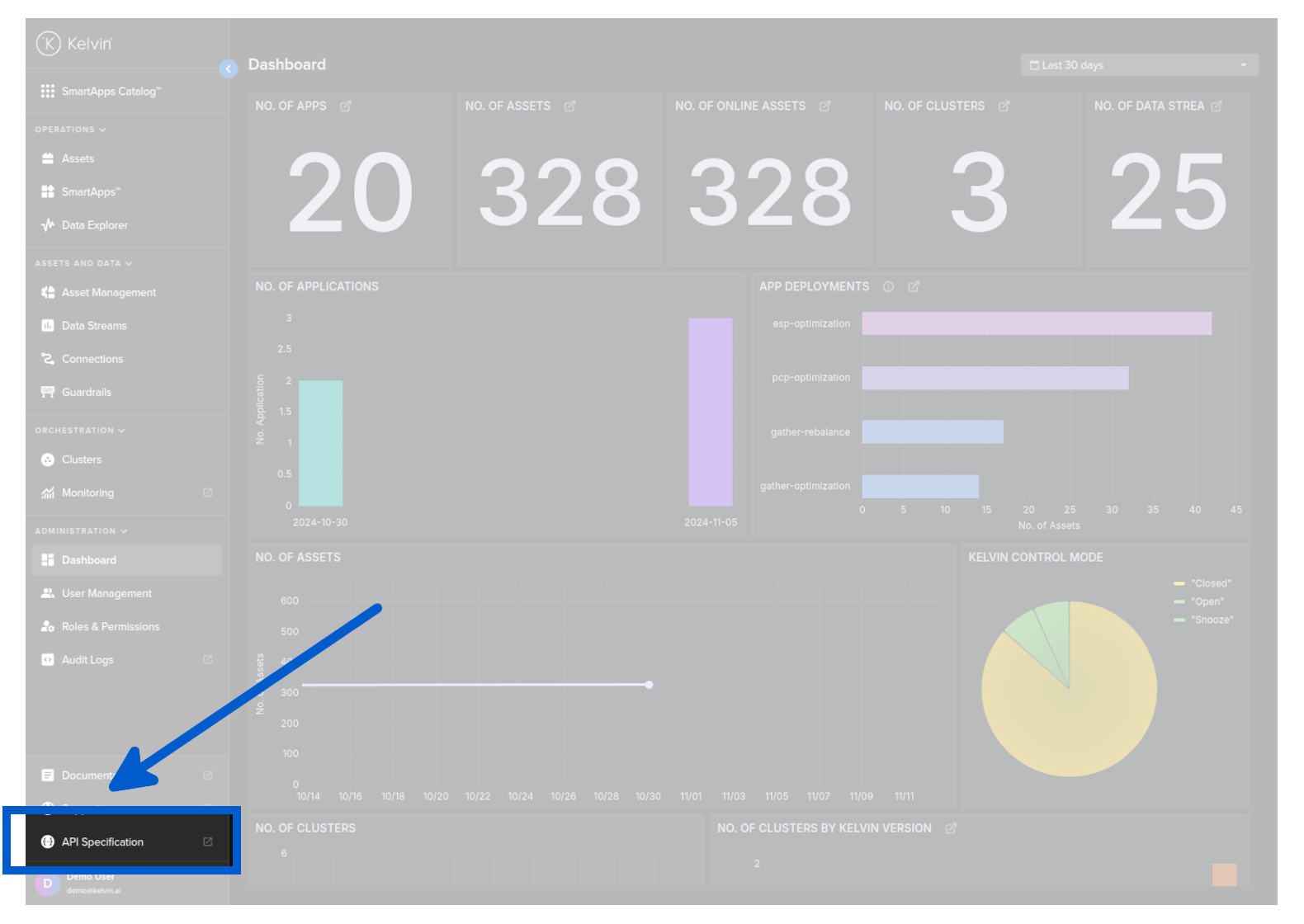
Link in Kelvin UI
In the Kelvin UI, in the main menu on the left hand sidebar click on the API Specification link.
Direct by URL
Type into your favorite browser;
https://<url.kelvin.ai>/api/swagger/
Before typing the URL address you will need to login first. You can do this by logging in through the standard Kelvin UI login screen at https://<url.kelvin.ai>/.
Swagger Client Overview
The swagger UI will look like this;
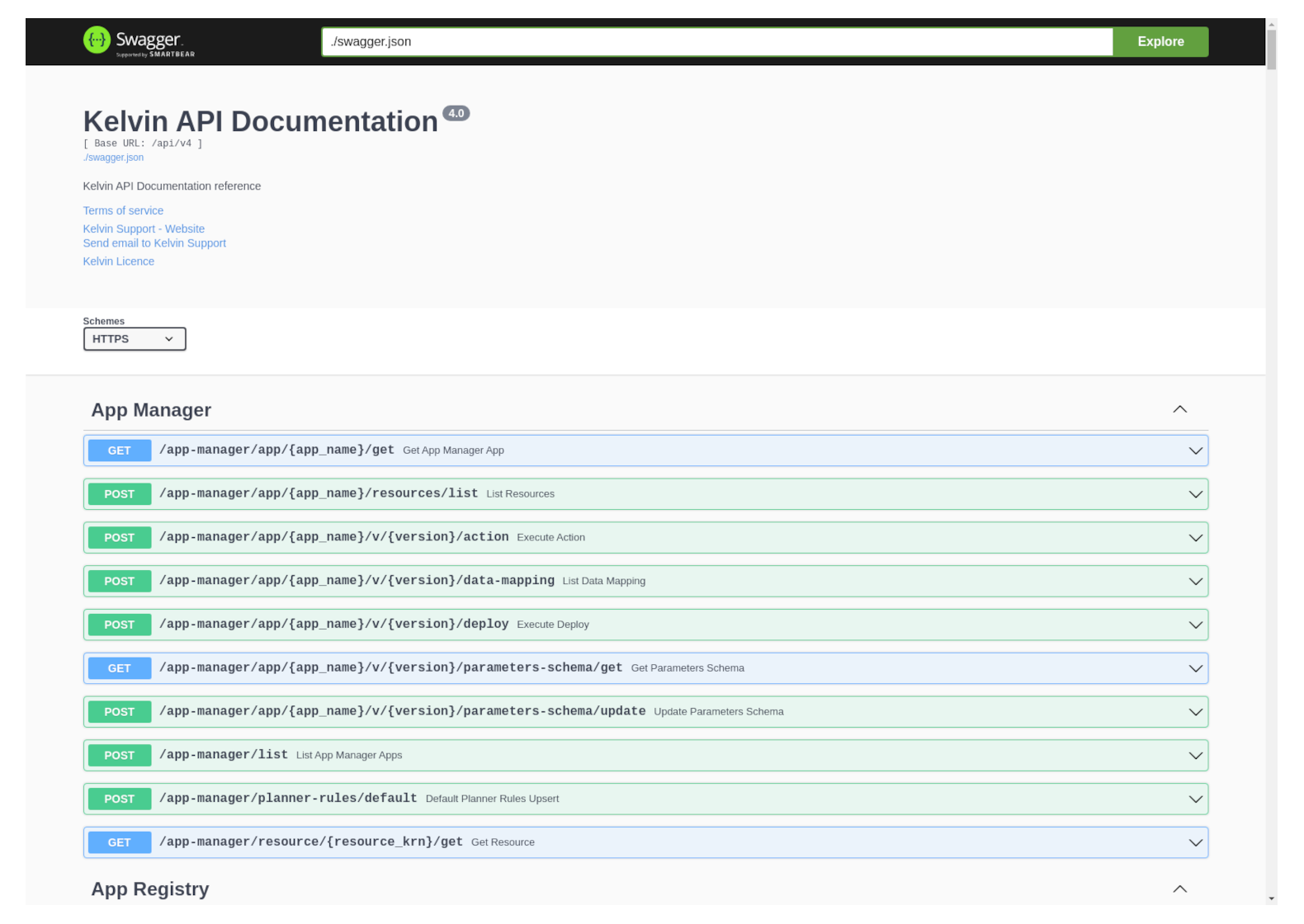
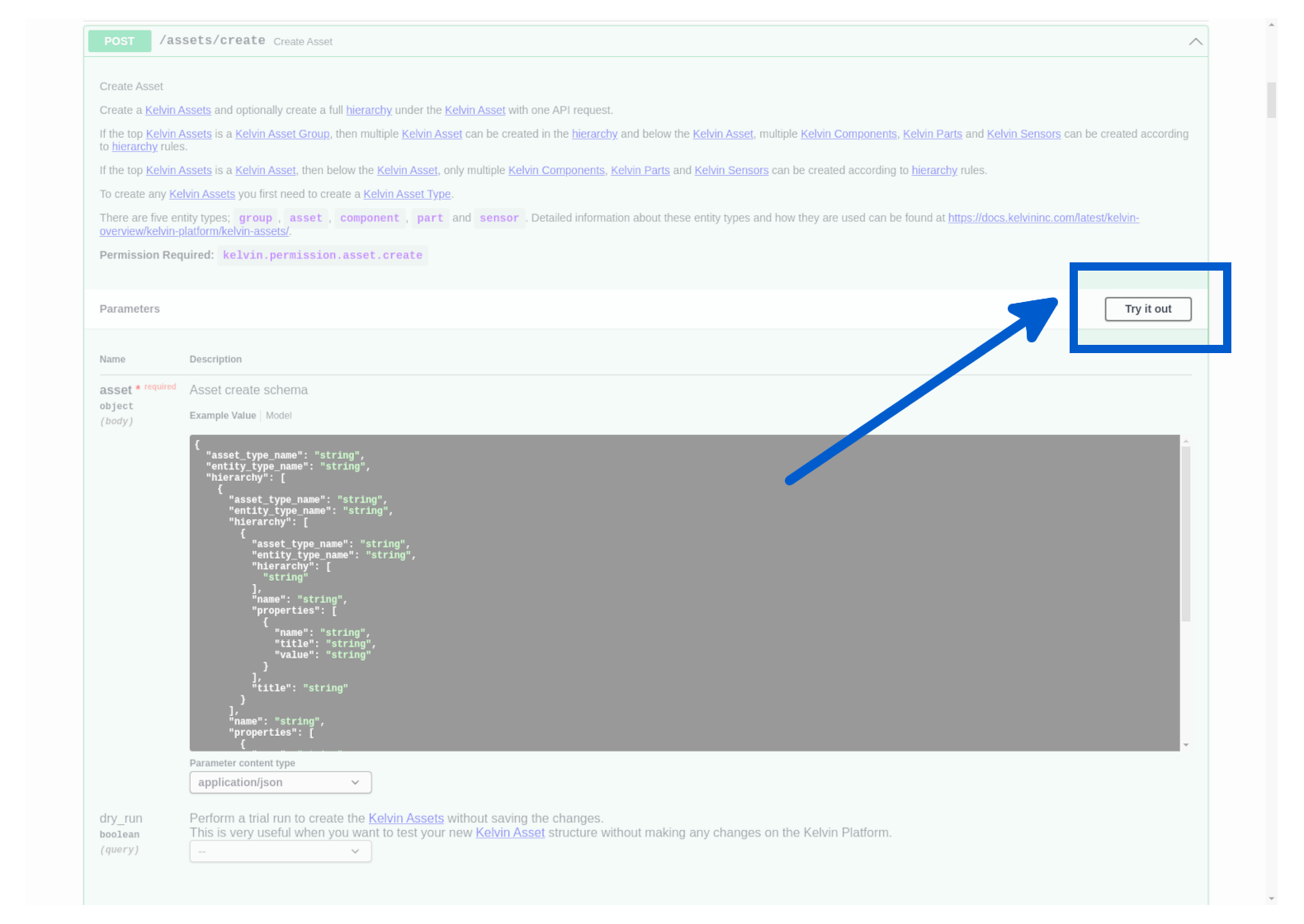
To test any API request in the browser, simply find the request you want to send, click on the Try It Out button, fill in the parameters and body and click on the Execute button.
Authentication
The Kelvin API authentication is based on the OpenID Connect (OIDC), which is an open authentication protocol that works on top of the OAuth 3.0 framework.
You can learn how to authenticate with the Kelvin API in the Kelvin API Authentication page.
Pagination
The Kelvin API uses pagination to limit the number of results returned in a response.
You can learn how to use pagination in the Kelvin API Pagination page.