Operations Tools
On this page you will learn how Production Engineers, Operations Engineers and other manufacturing SMEs can use Kelvin to augment their existing operations workflows using the Operations Menu.
What is Kelvin UI ?
Kelvin UI provides tools for Operations Engineers be able to monitor, manage, configure and control assets as well as Kelvin SmartApps™ that they are responsible for using a simple UI.
Even UI is accessed through any modern browser, it is recommended and fully tested on the latest versions of the Chrome browser.
Operations Engineers will use the Kelvin UI mainly to manage and control the assets under their responsibility. Some key features for Operations Engineers are;
- Managing Assets
- Monitoring the data streams both live and historical
- Making decisions on recommendations from Kelvin SmartApps™ and machine learning models
- Changing Asset configuration values for Kelvin SmartApp™ and assets.
- Deploy and manage premade Kelvin SmartApp™ and ML models to assets
- Analyze and compare Asset's historical data and decisions all in one graph
There are areas in Kelvin UI specifically for Software Engineers and Administrators. These are covered in the Developer Tools and Platform Administrators sections of the documentation.
Requirements
Kelvin UI works with most modern browsers but it is only fully tested in the latest version of Google Chrome, so you may find some odd quirks when running it on older versions of Google Chrome or in other browsers such as Firefox.

For a seamless and guaranteed experience, only use the latest Google Chrome version (v130.0.6723 as of last writing this page) as your browser.
Using the latest version also guarantees you have the latest security patches installed.
Operation Tools
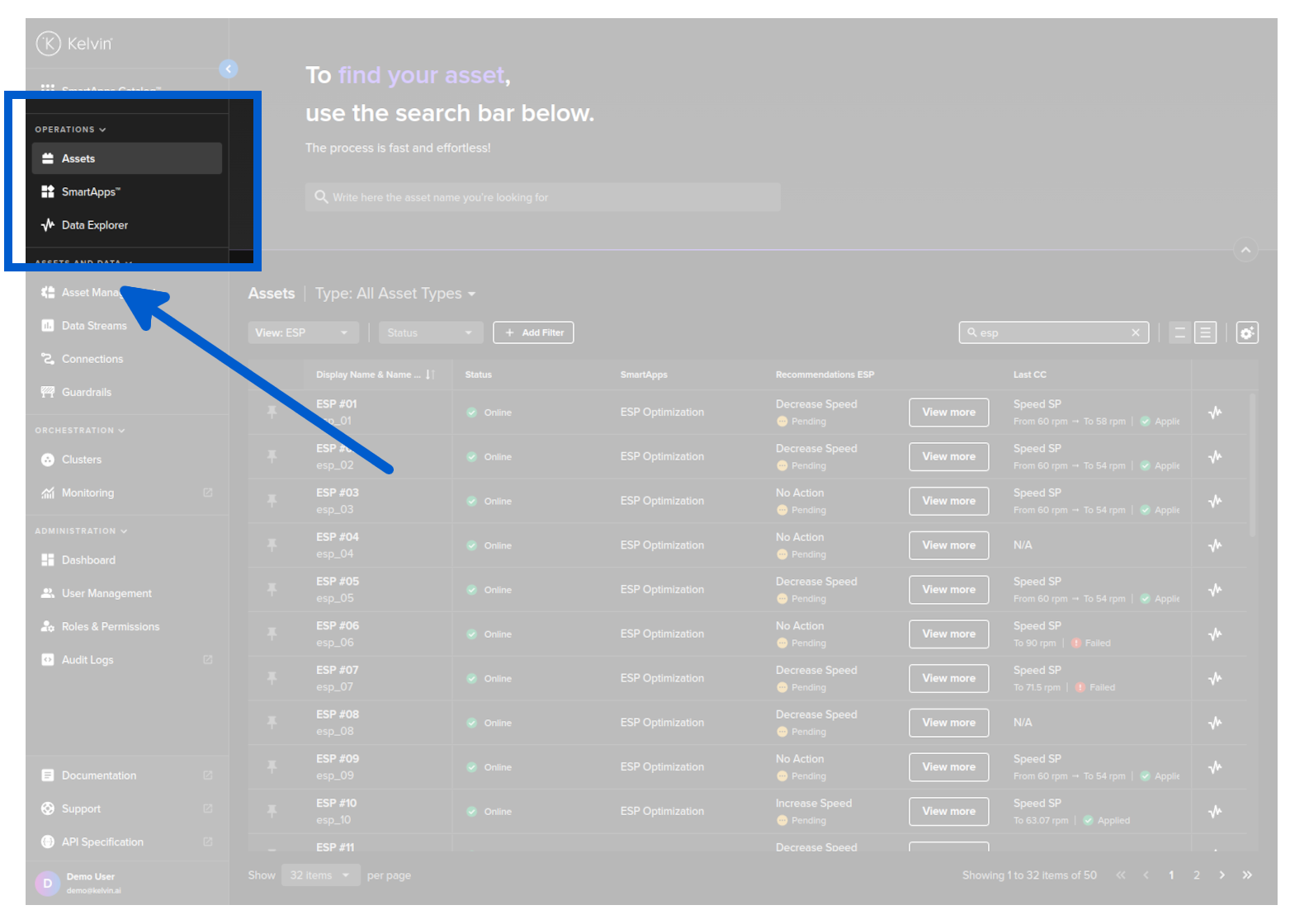
Operations Engineers will predominantly use Kelvin UI to handle all their assets. On the left hand side menu, the Operations section is focused on bringing all the tools required by Operations Engineers to monitor, manage, configure and control all assets under their responsibility.
Assets
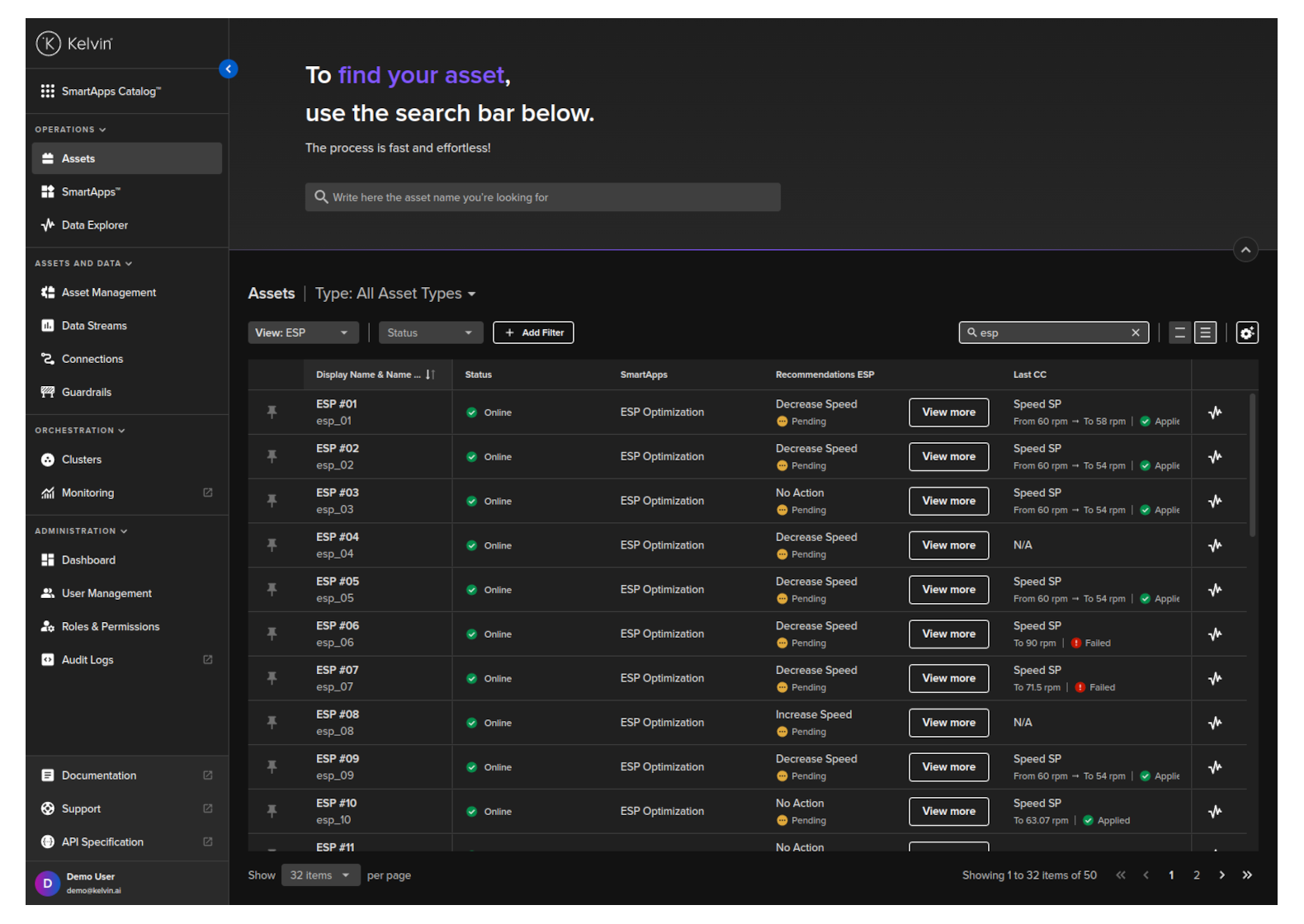
In Kelvin UI you can manage both your Asset and Data Streams.
For Assets you see a full filterable list of Assets with shortcut links to go to the Data Explorer where you can view all the data coming in through the Data Streams associated with the Asset.
For each Asset you will be able to see many details related to the Asset including;
- Current status and general information
- Last recommendations
- All Kelvin SmartApps™ that process the Asset data
- Monitor and change configurations for Kelvin SmartApps™.
- Manually change the values of Data Streams associated with the Asset.
- View the graphs in Data Explorer for all Data Streams.
Kelvin SmartApps™
All Kelvin SmartApps™ that have been developed by the Software Engineers and uploaded to the App Registry in the Kelvin Cloud will be shown here.
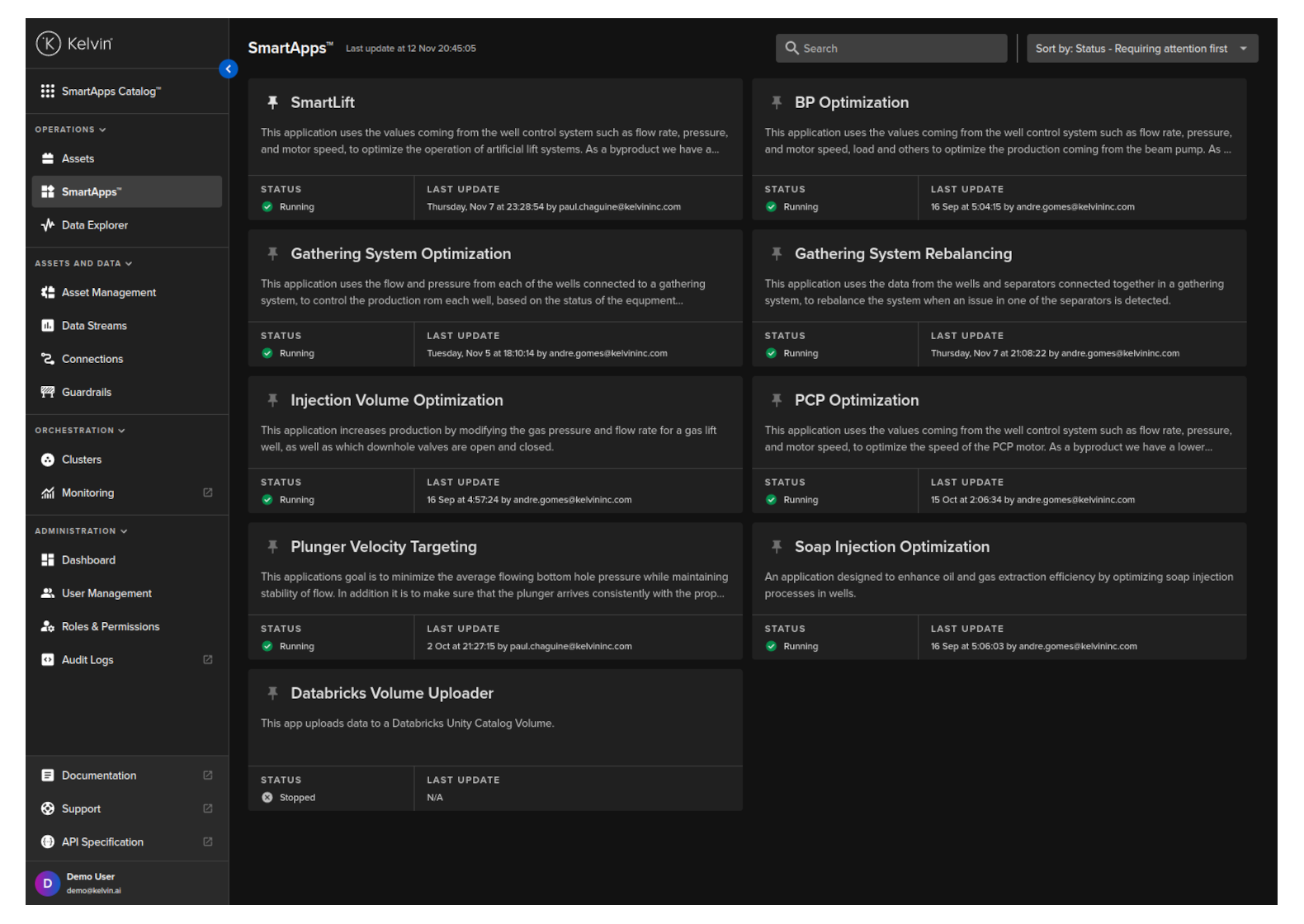
For each Kelvin SmartApps™ you can;
- Adding new Assets.
- Manage, upgrade and remove Assets.
- Manage the different versions of Kelvin SmartApps™ and its the associated deployed Assets.
- Update configurations for one or multiple Assets at the edge.
- Go to the Data Explorer to view all historical data associated with Kelvin SmartApps™.
Data Explorer
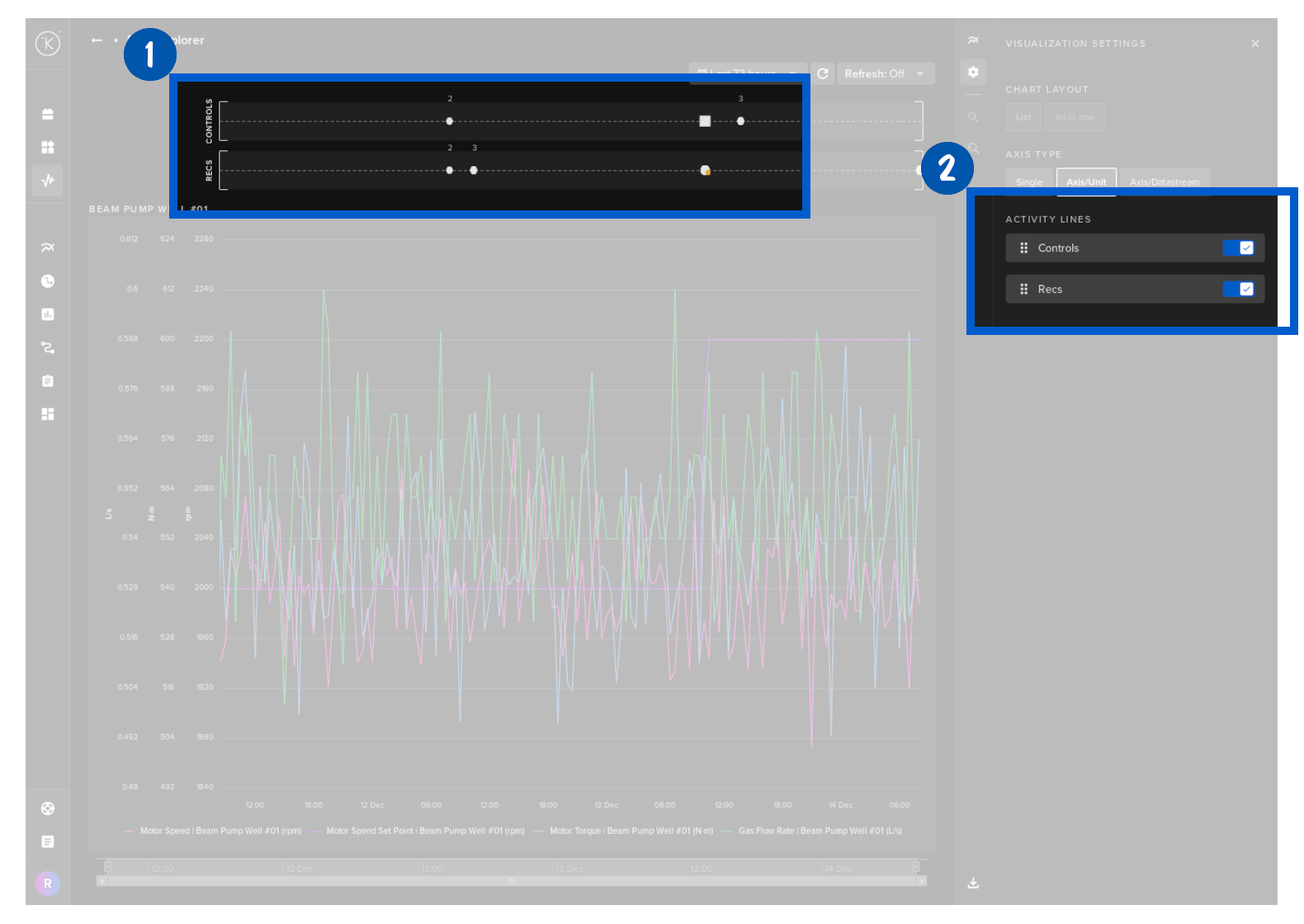
Data Explorer gives you a full set of features to review historical data from Asset / Data Stream pairs.
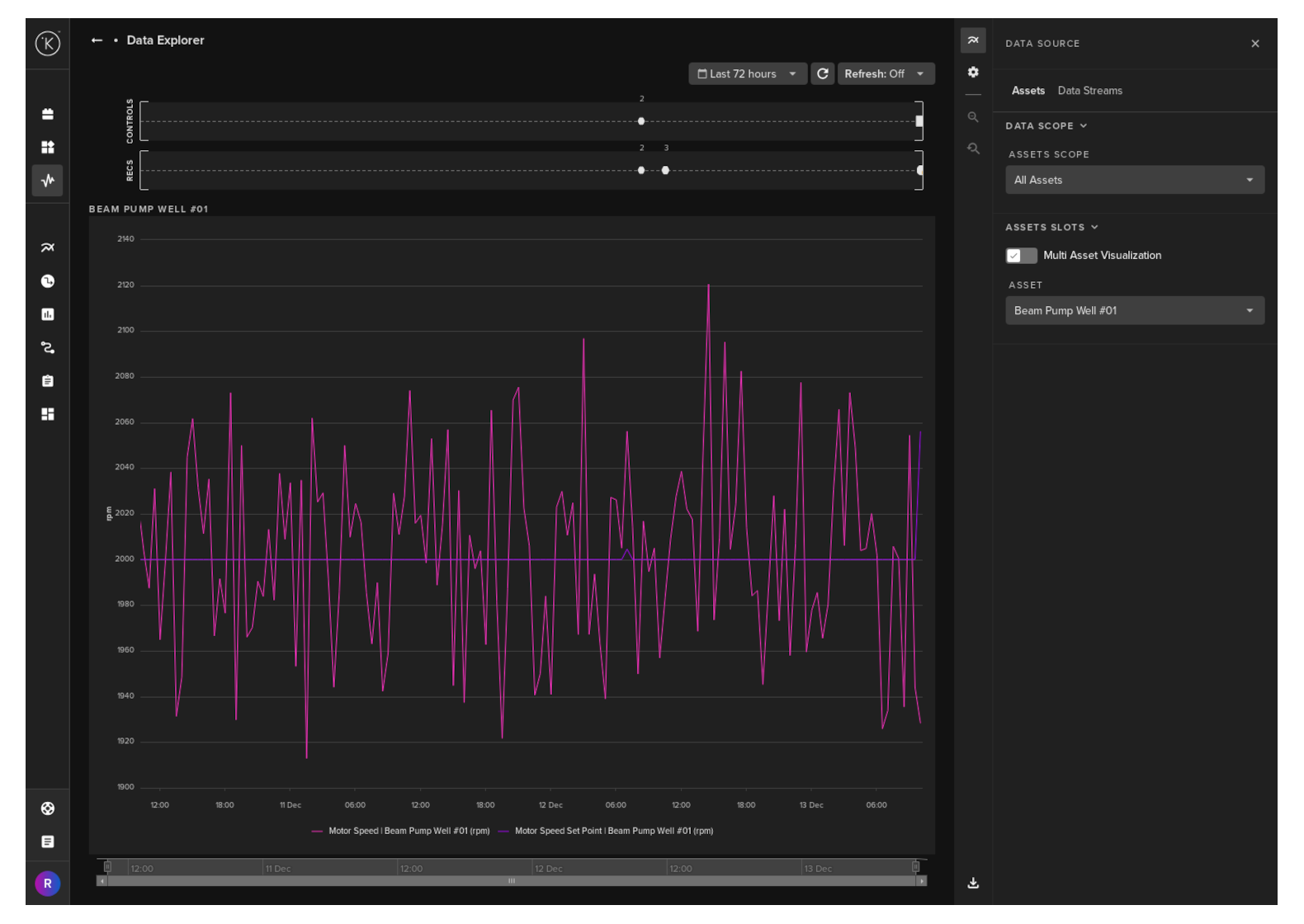
You can also see all control systems changes and Recommendation initiated for the selected Assets.