Requirements
Introduction
To setup your developer environment you will need to install a number of software and tools.
Standard Developer Tool
Throughout our documentation we will use Visual Studio Code as the default developer tool for showcasing programming and terminal commands.
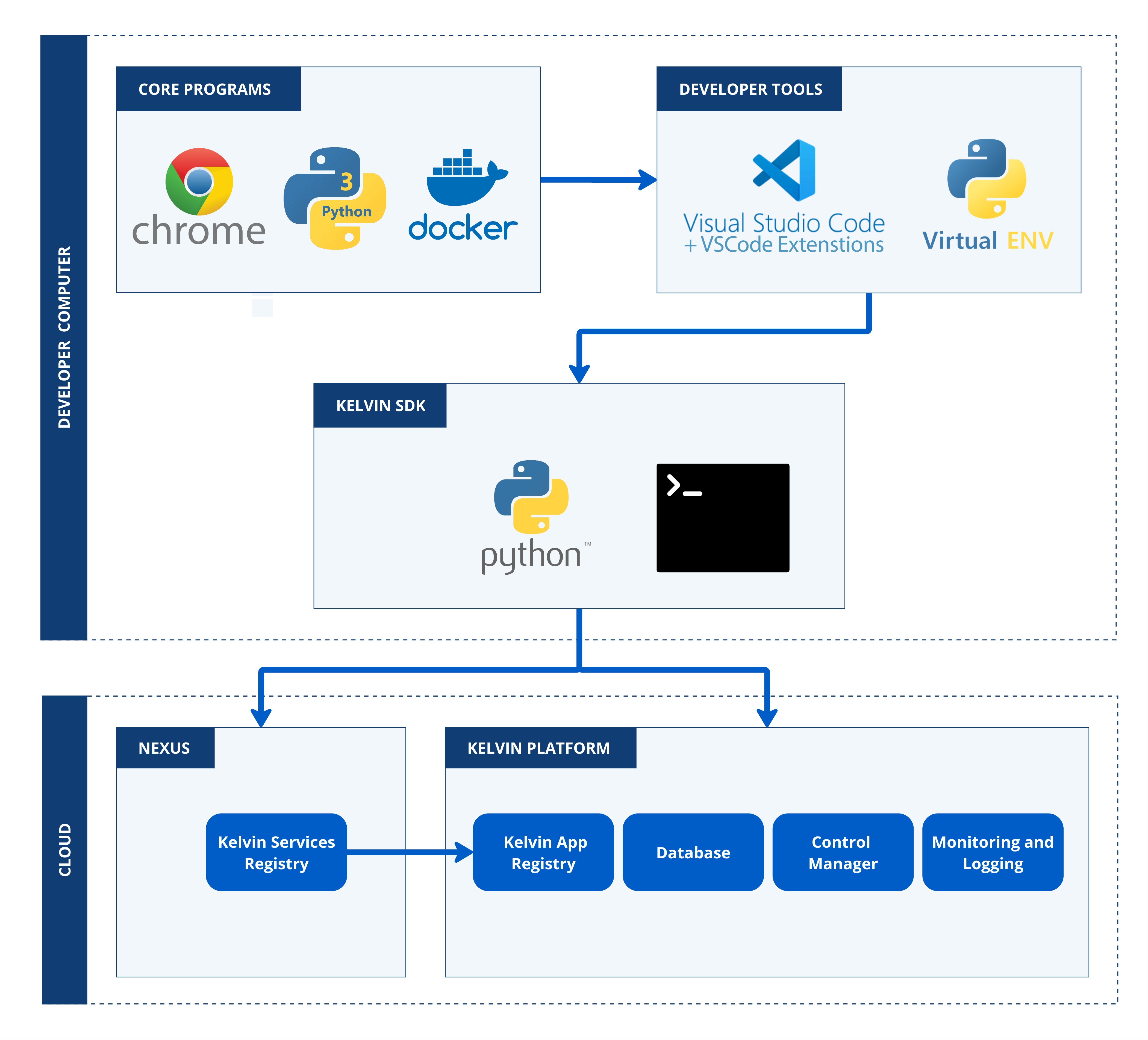
On this page we will take you through the full process on getting your computer environment ready to start developing and administrating on the Kelvin Platform.
Requirements
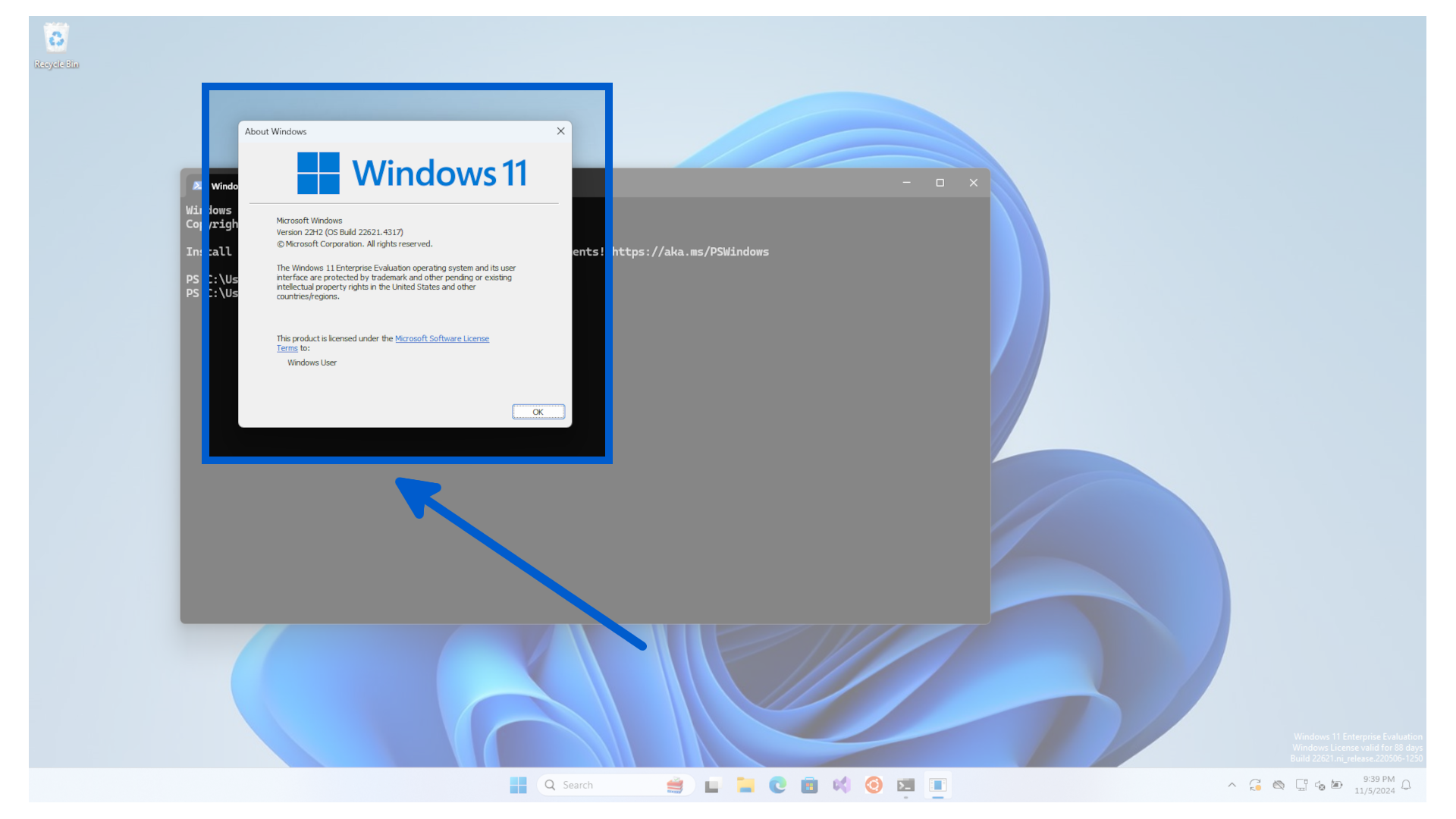
For this demonstration we will be using Windows 11, version 22H2 (OS Build 22621.4317).
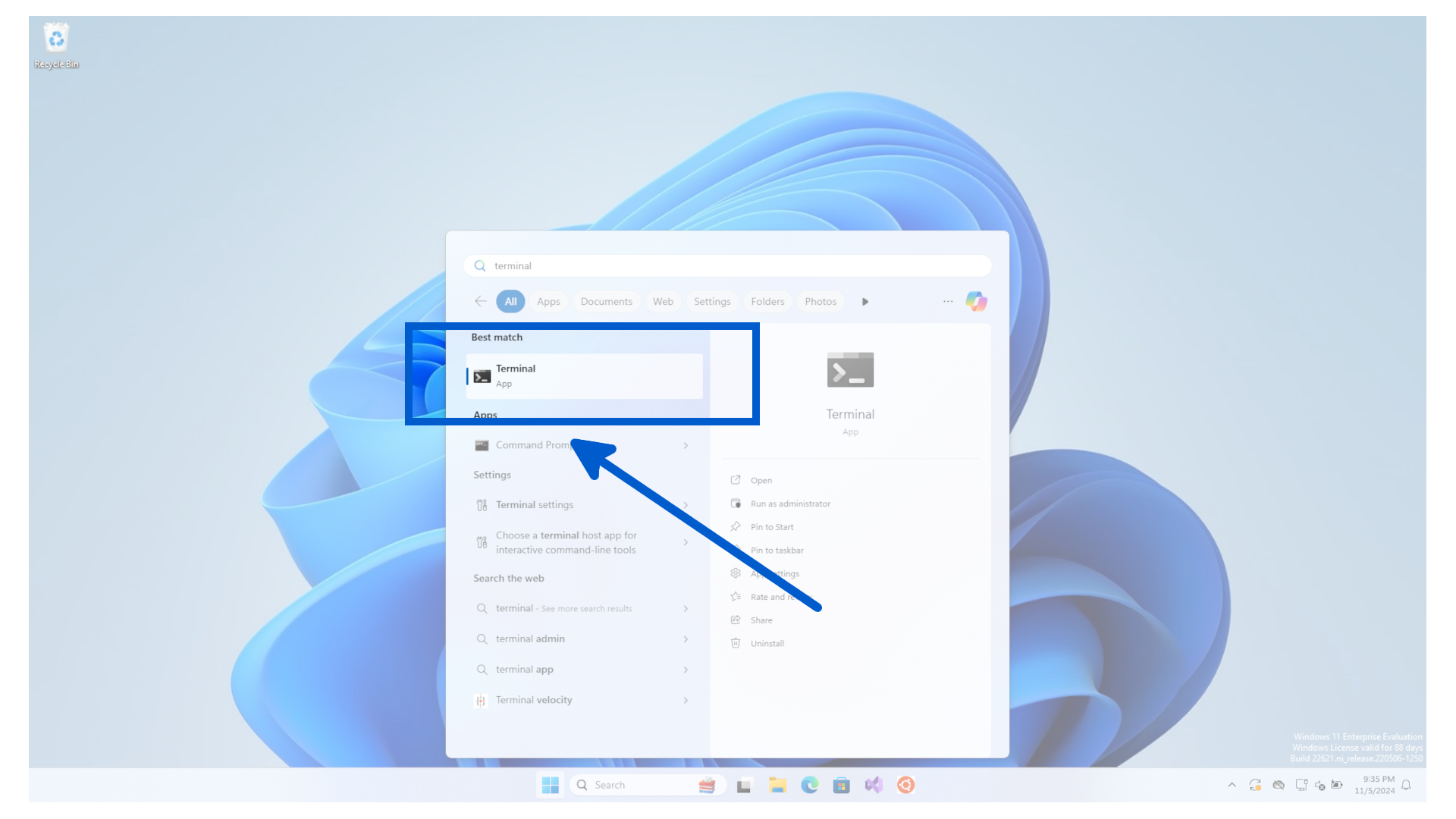
To see what version you are using, 0pen a new terminal window.
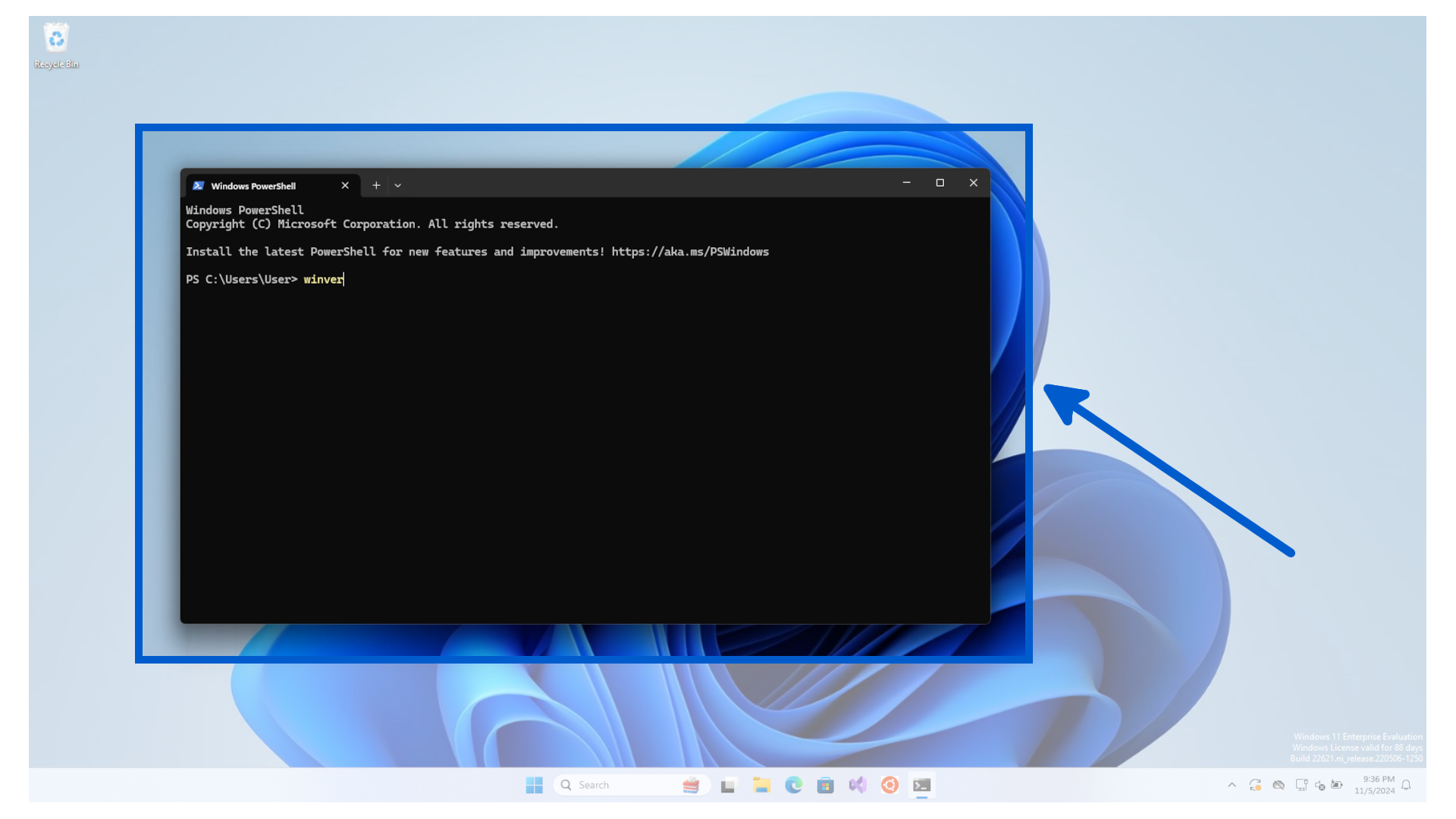
Then type winver into the terminal.
You will see a popup like this;
We will assume this is a blank new Windows installation.