Add MQTT Connection - How To
You can add a MQTT Connection through the Kelvin SDK and Kelvin API.
Connections was formerly called Bridges. You will find the Kelvin SDK and Kelvin API commands still refer to Connections as Bridges.
Kelvin UI
At the moment you can not add a Connection for MQTT.
You can create MQTT Connections using Kelvin SDK or Kelvin API.
Kelvin API

/bridges/deploy
The API request POST for adding a new MQTT Connection can be done with the /bridge/deploy request POST.
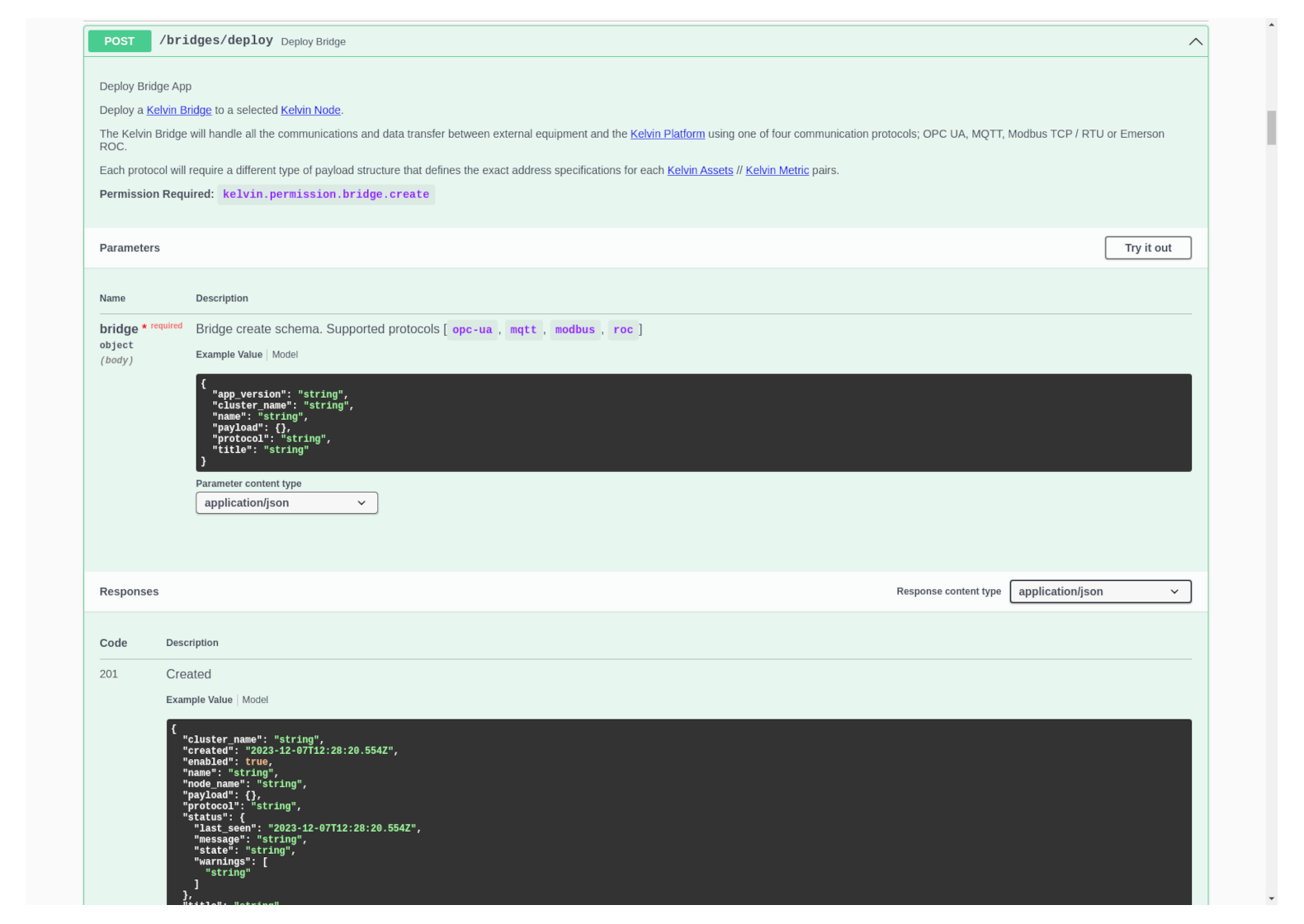
You can easily make a new MQTT Connection by using the Request Body like this;
{
  "name": "docs-demo-mqtt-bridge",
  "title": "Docs Demo MQTT Bridge",
  "cluster_name": "demo-cluster",
  "workload_name": "docs-demo-general-bridge",
  "protocol": "mqtt",
  "payload": {
    "configuration": {
      "authentication": {
        "type": "none"
      },
      "connection": {
        "host": "broker.hivemq.com",
        "port": 1883,
        "tls": false
      },
      "integration": "qtv"
    },
    "logging_level": "INFO",
    "metrics_map": [
      {
        "access": "RO",
        "asset_name": "docs-demo-bridge",
        "configuration": {
          "scale_multiplier": null,
          "topic": "kelvin/docs-demo-bridge/measurement"
        },
        "data_type": "raw.float64",
        "name": "docs-demo-bridge-mqtt"
      }
    ]
  }
}
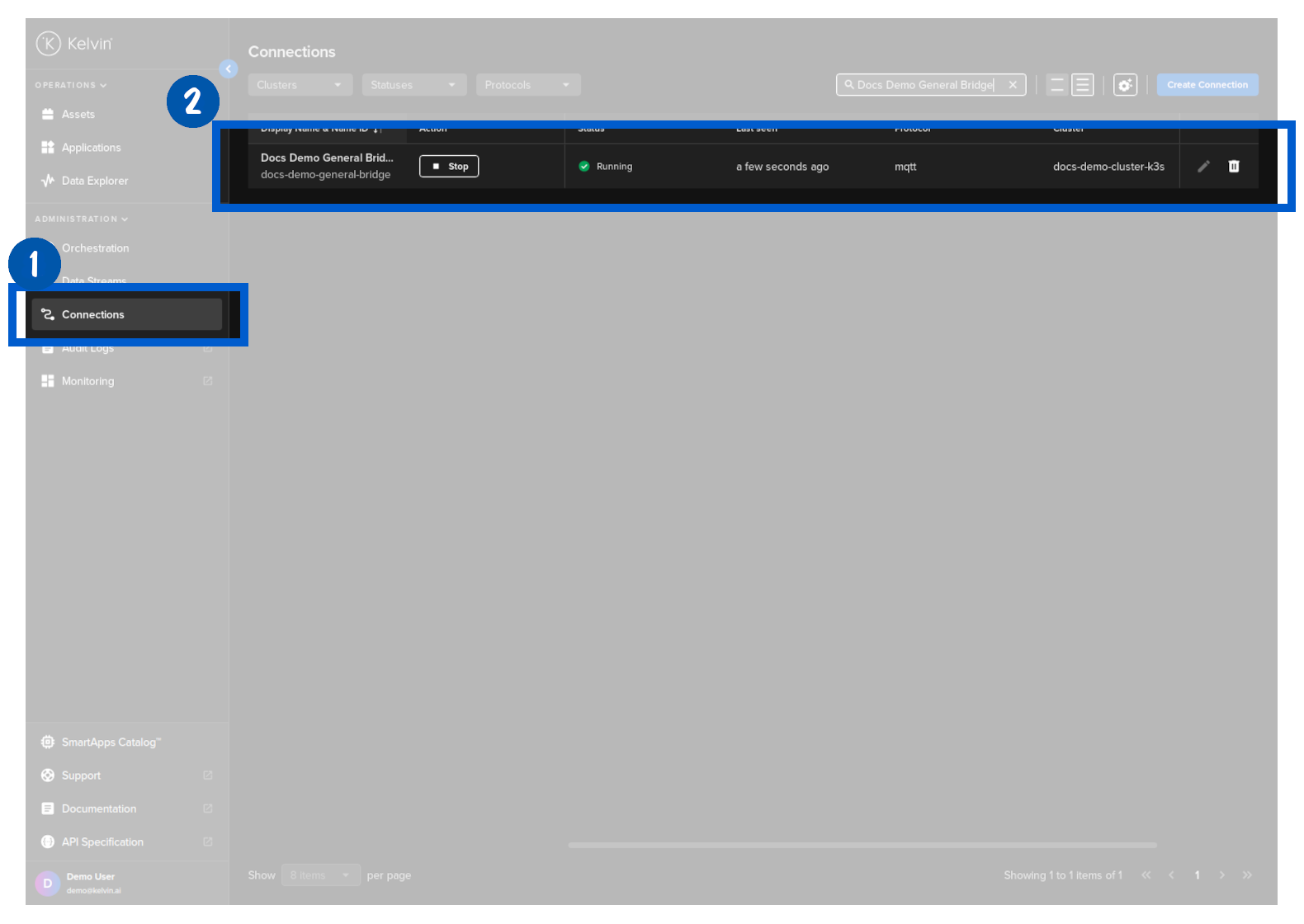
Then in Kelvin UI under Connections you will see your Connection deployed and running.
If you have any issues in the deployment and the /bridges/deploy fails to run, then you can check its logs.