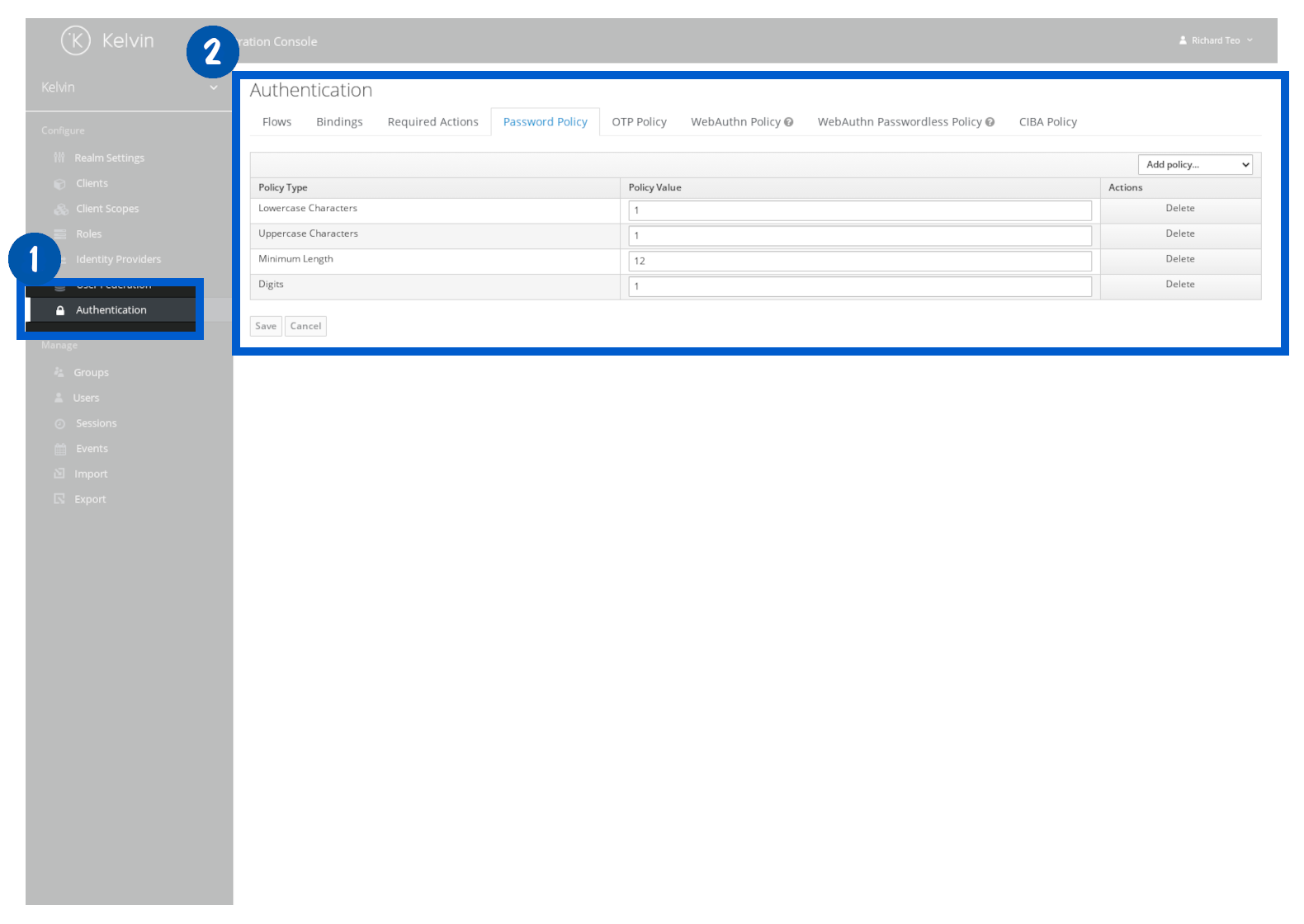
Define Password Policies
On this page you will learn how to define password policies in Keycloak.
The instructions here are only for the built-in Keycloak solution. For other SSO solutions, refer to your SSO's documentation on how to activate two-factor authentication.
In Keycloak, you have the option to define password policies to ensure users create complex passwords.
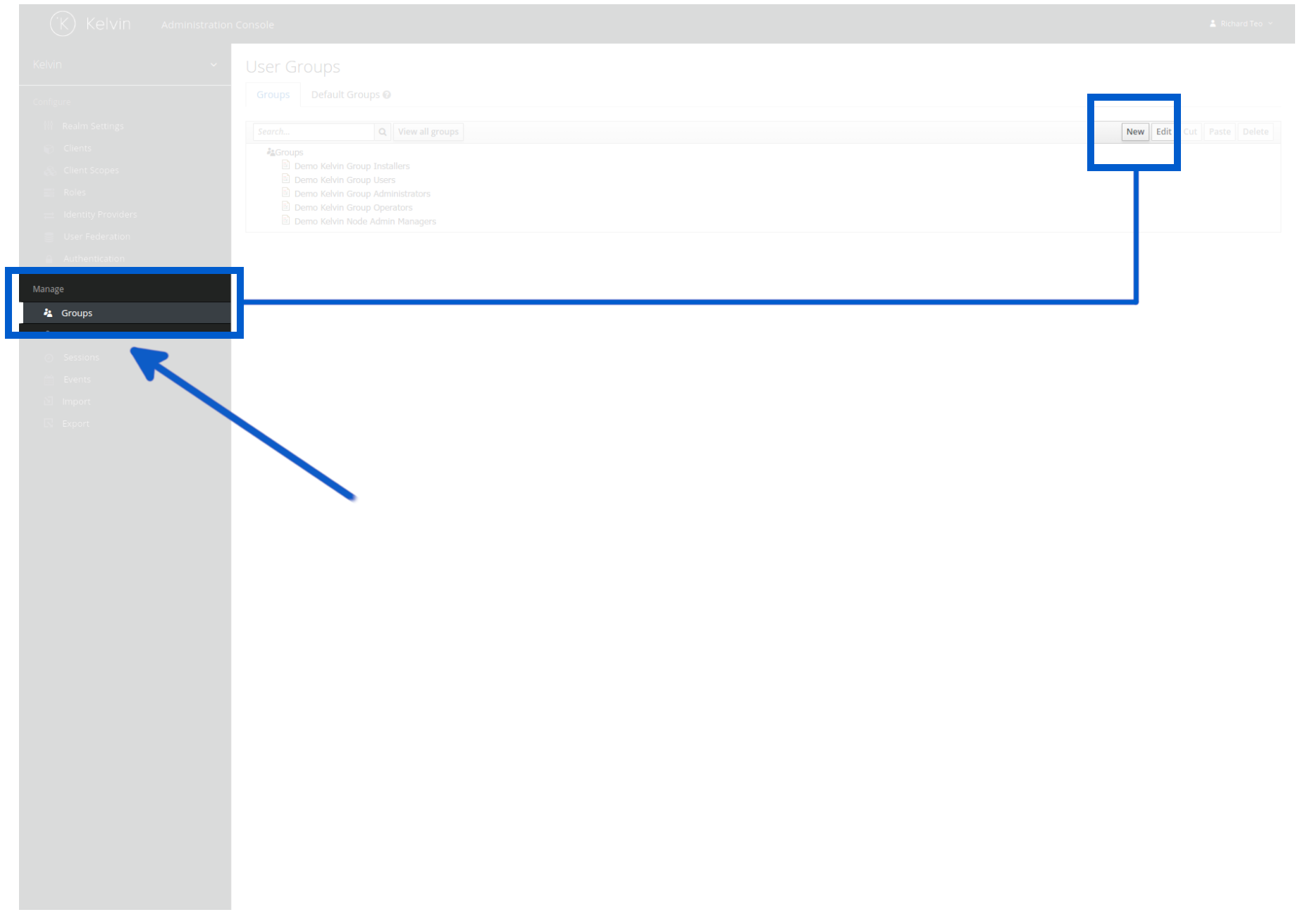
To create a new group, click on the Groups option in the left sidebar and then click on the New button in the top right hand corner.
You can now setup the standard password policy all users must follow when they create a new password.
Don't forget to click save otherwise your settings will be lost.