Overview - Insights
Operations Engineers are able to add Insights to Assets which is either linked to a point in time or a time range.
Note
Insights is the new terminology name for the depreciated name Data Tags.
In the Kelvin SDK, the Data Tag names are deprecated in favor of the Insight names. The Kelvin API and the Kelvin API Client (Python) still use the Data Tag names, so the API and Kelvin API Client (Python) examples in this section use them too.
These Insights can be used for any reason, for example tag important events of a certain time.
From there, the Insights section surfaces similar Insights, allowing Operations to create Tasks that run automatically whenever new matching Insights are detected.
Operations can choose from a list of existing for predefined Insight names. They can also create new ones where required.
In this section we show the Platform Administrator how to manage these at scale.
Note
Developers and Data Scientists will also find this section useful when they want to either
- mark certain events automatically when they happen for both future analysis or highlights for Operations in the Data Explorer.
- Download the Insights for analysis and improved model training.
Any insights created programmatically will appear in the Data Explorer in the Kelvin UI.
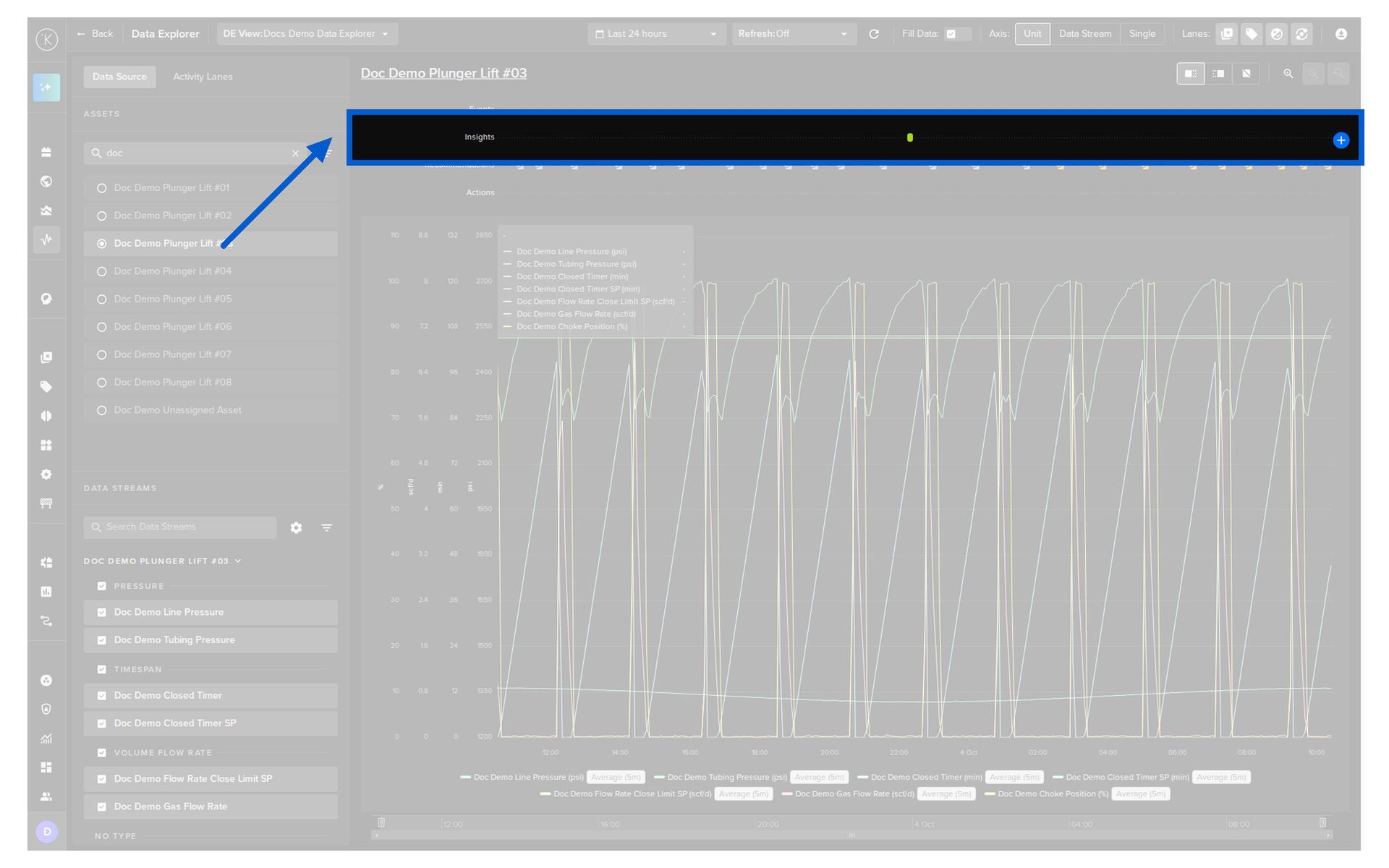
Insights Reference
Reference:
| Field | Description |
|---|---|
| start_date | Start date for the Insight. Time is based on UTC timezone, formatted in RFC 3339. |
| end_date | End date for the Insight. Time is based on UTC timezone, formatted in RFC 3339. |
| tag_name | Tag name to categorize the Insight |
| resource | The Asset that this Insight is related to. This is in KRN format (e.g. krn:asset:bp_01) |
| source | The process that created this Insight. This can be a user or an automated process like a workload, Applications, etc. This is KRN format. |
| description | Detailed description of the Insight. |
| contexts | A list of associated resources with this Insight. This can be a Data Stream, Applications or any other valid resource in the Kelvin Platform. |
Download Insights
You can find documentation how to Download Insights in the Developer Tools export section here.