View Connection Logs
You can see the logs of any Connection in the Kelvin UI.
Logs
Click on Connections menu.
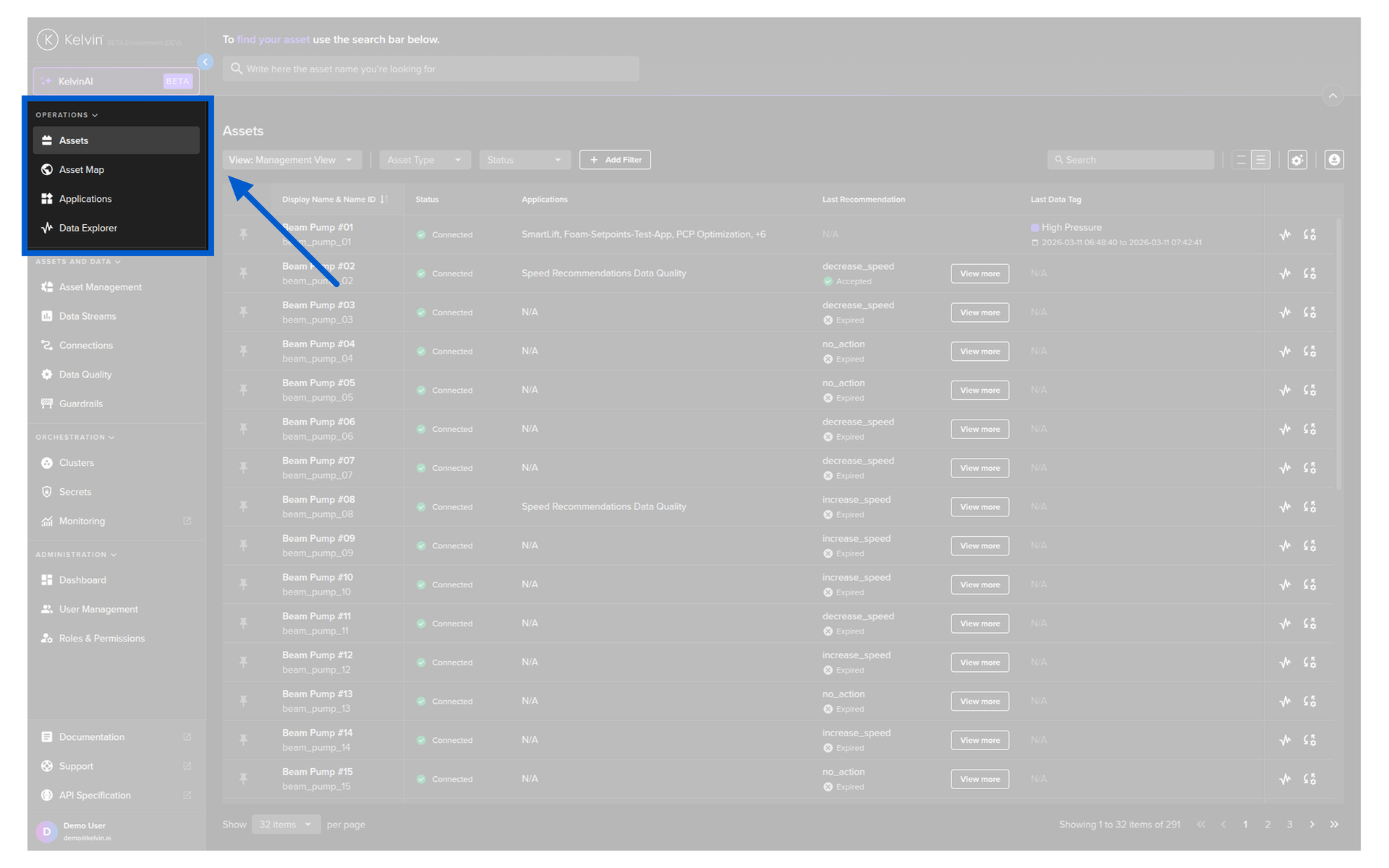
Click on the Connection to view its details.

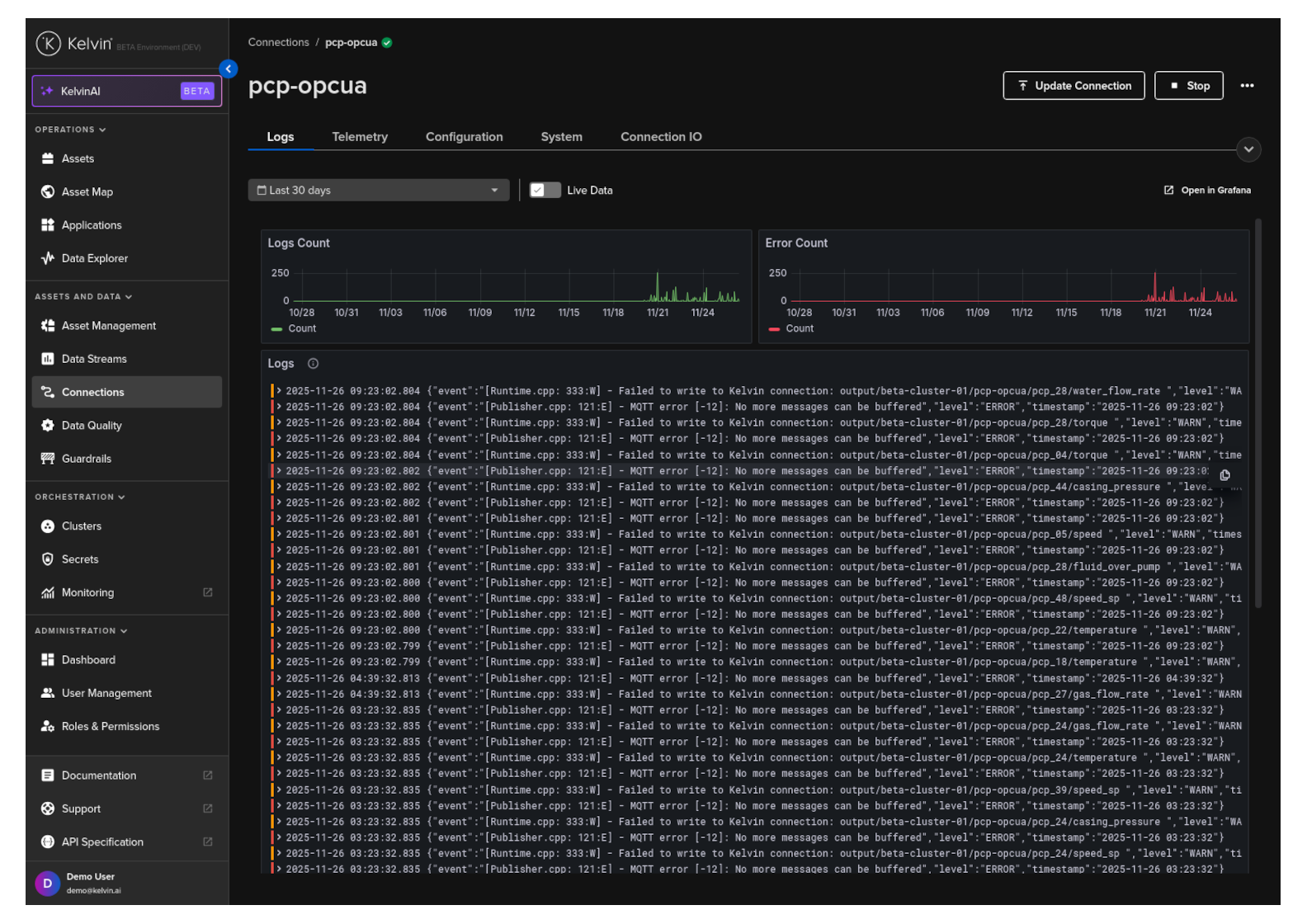
and then click on the Logs tab.
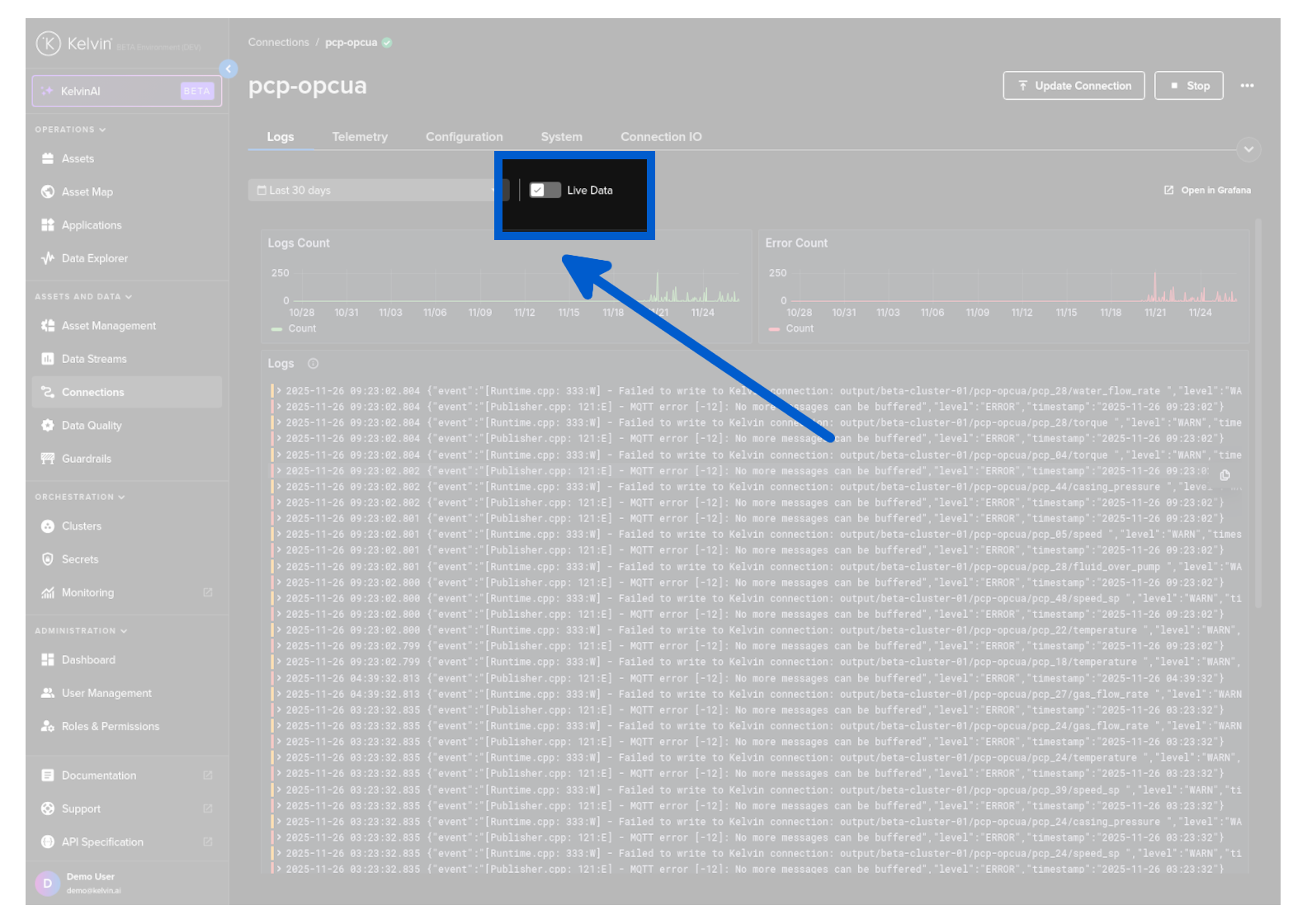
Live Data
In the Logs screen you have a toggle option called Live Data.
| Option | Description |
|---|---|
Live Data 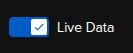 |
The Connection logs are pulled directly from the edge to the Kelvin UI |
Live Data (Locked) 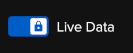 |
The Connection logs are pulled directly from the edge to the Kelvin UI. This behavior is fixed and cannot be modified for the current Edition of the Kelvin Platform. |
Forwarded Data 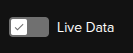 |
The Connection logs are pulled from the Kelvin Cloud to the Kelvin UI. Logs from the Connection at the edge are synced between the edge and the Kelvin Cloud automatically when online. |
Forwarded Data (Locked) 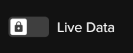 |
The Connection logs are pulled from the Kelvin Cloud to the Kelvin UI. Logs from the Connection at the edge are synced between the edge and the Kelvin Cloud automatically when online. This behavior is fixed and cannot be modified for the current Edition of the Kelvin Platform. |
Use the Live Data toggle to switch between viewing Connection log data from the Edge or from the Kelvin Platform.
Note
Live feature is preferred if you want to view the direct logs as a new Connection is deployed to the edge.
Forwarded Data is preferred if you want to compile a time range of historical log data for performance analytics.