Action a Recommendation
Overview
A Recommendation that is waiting for your decision can be accepted or rejected from its details in the Data Explorer.
-
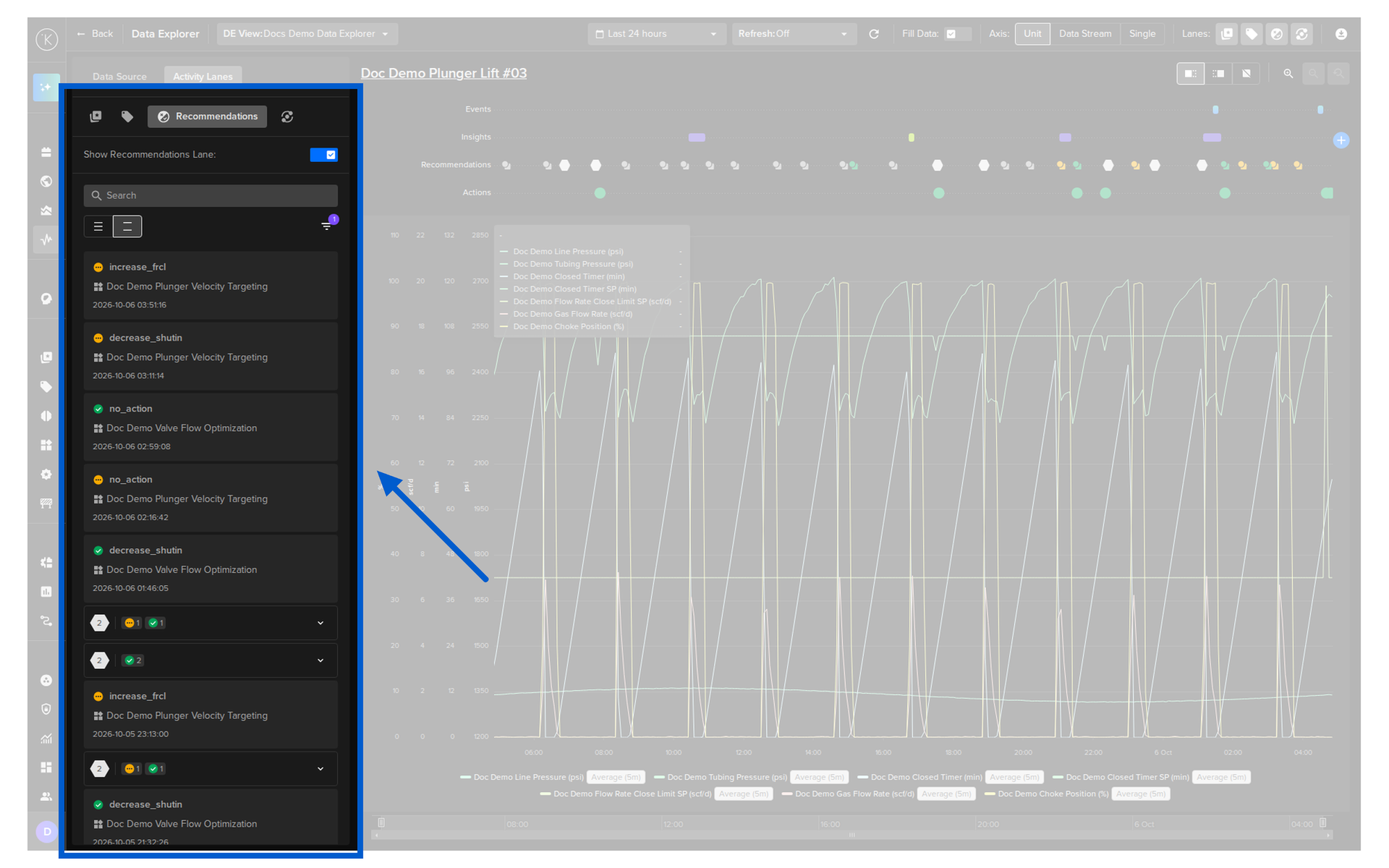
Click the Activity Lanes tab in the left panel and select the Recommendations option
-
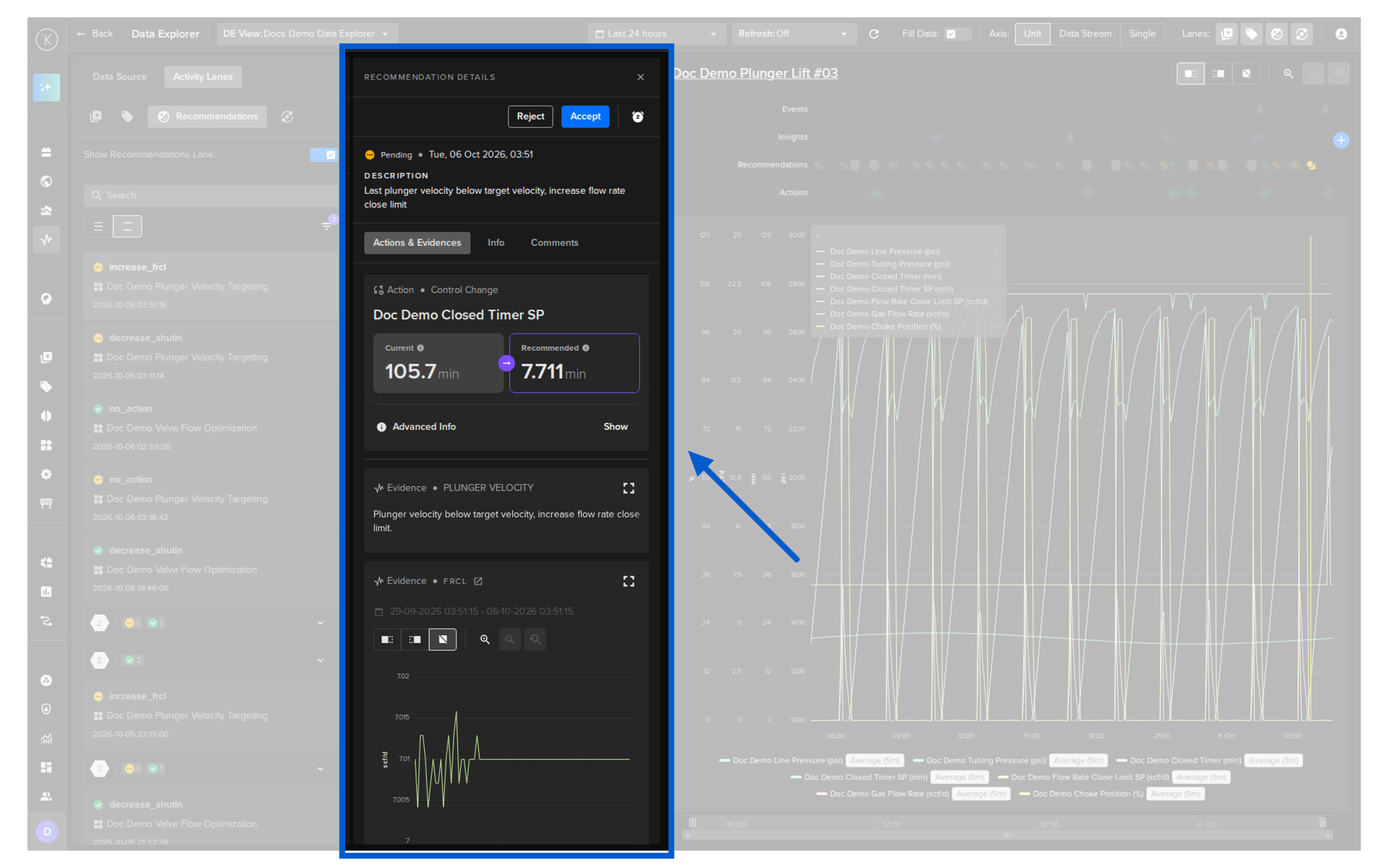
Click the Recommendation card in the list to open its details
-
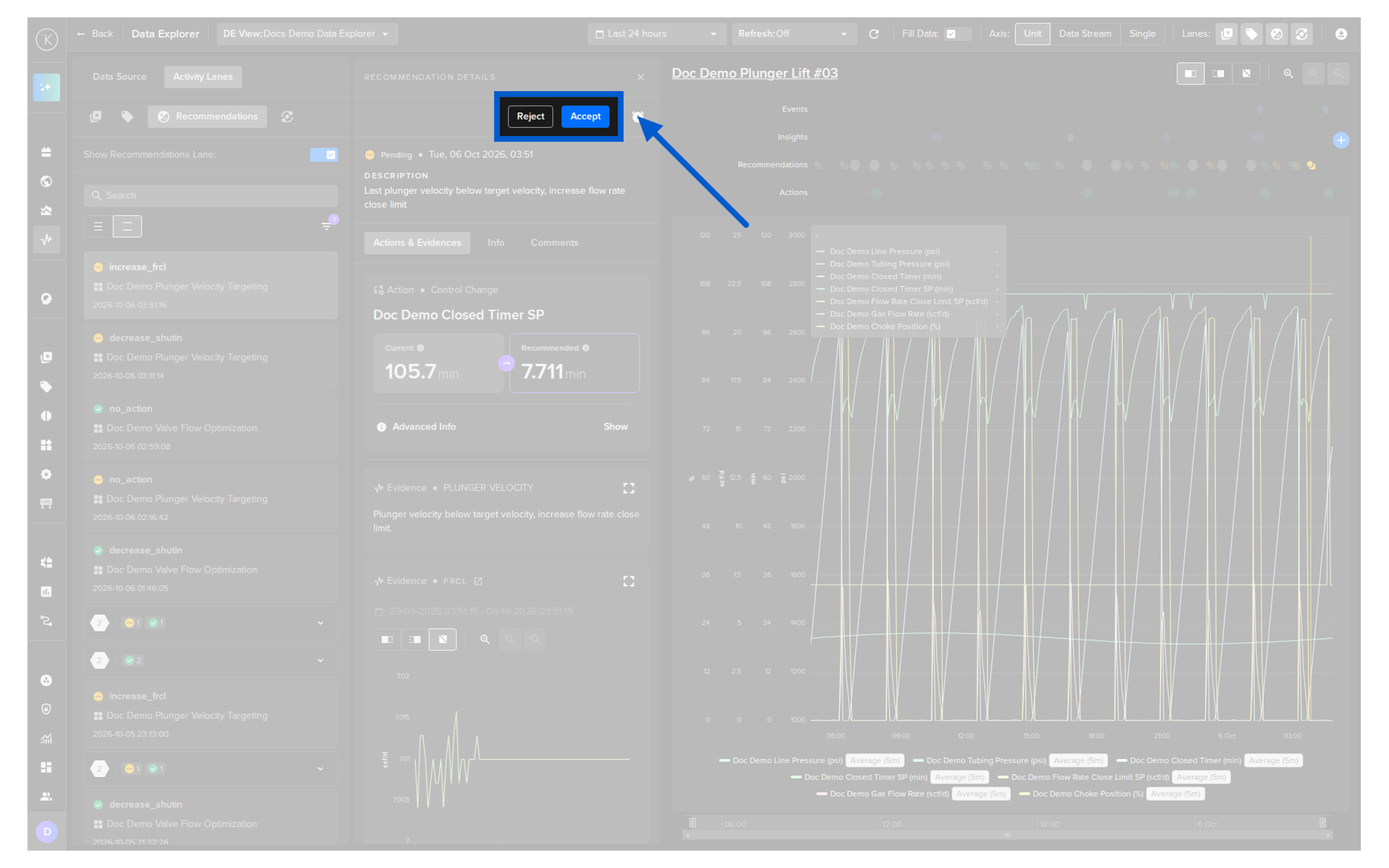
Click the Accept button or the Reject button
Accept
In the details of the Recommendation, click the Accept button to perform all the actions it contains.
- All the actions in the Recommendation are initiated
- You can not accept only some of the actions
- If any action returns an error, the whole Recommendation is tagged as failed
Reject
In the details of the Recommendation, click the Reject button when you do not want the actions to be performed.
- The Recommendation is stored for historical purposes
- No further actions are taken
- The Recommendation becomes read-only and can not be accepted later