Github Codespace & Kelvin SDK
From the Kelvin UI you can open up a Github codespace environment with all the Kelvin SDK requirements fully installed and ready for you to start your programming, testing and upload experience.
This allows you to program, test and upload Applications directly from Github Codespace to the Kelvin Platform.
Success
The advantage of this approach is that you do not need to install any software onto your own computer.
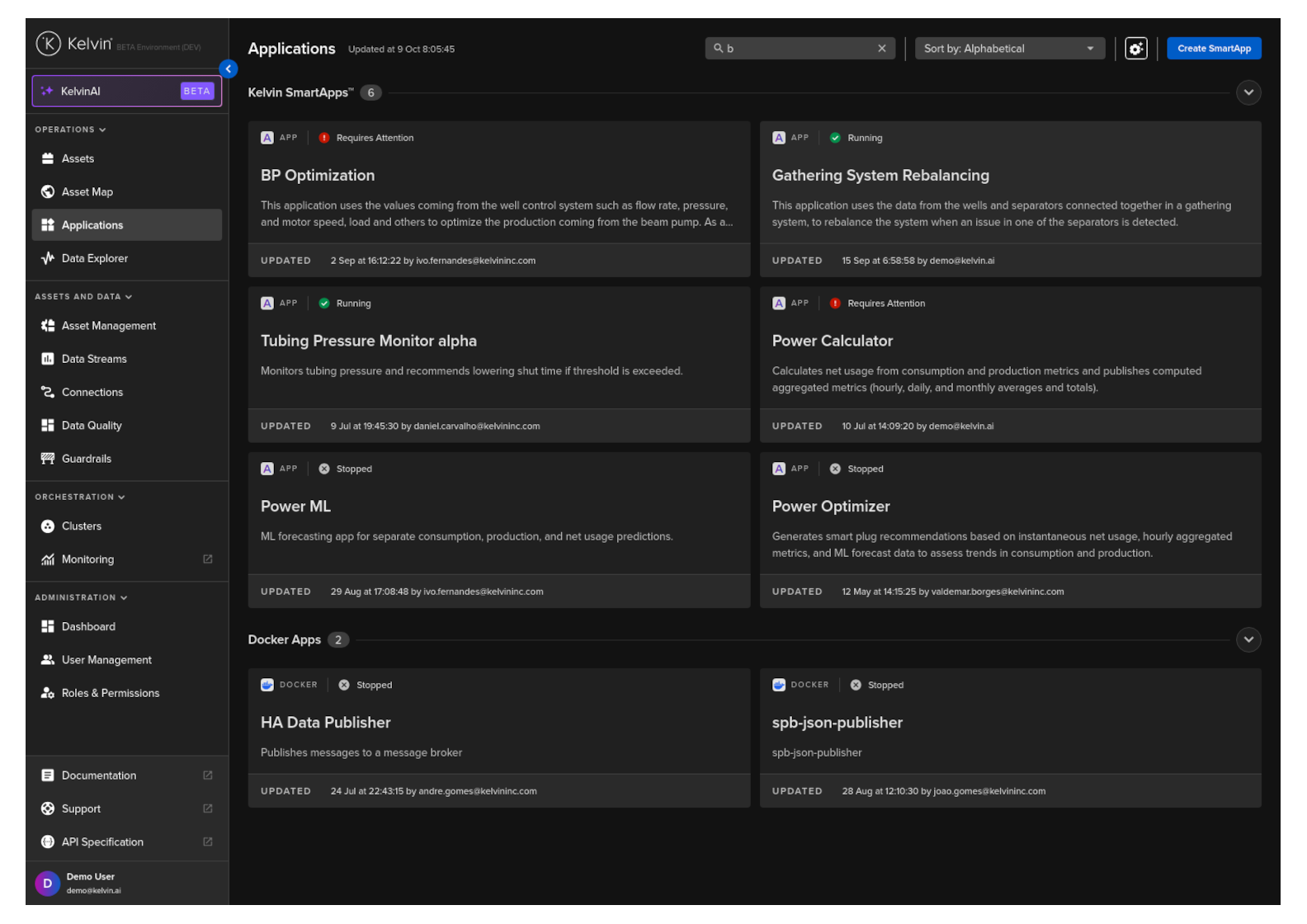
To start, login to the Kelvin UI and click on the Applications menu.
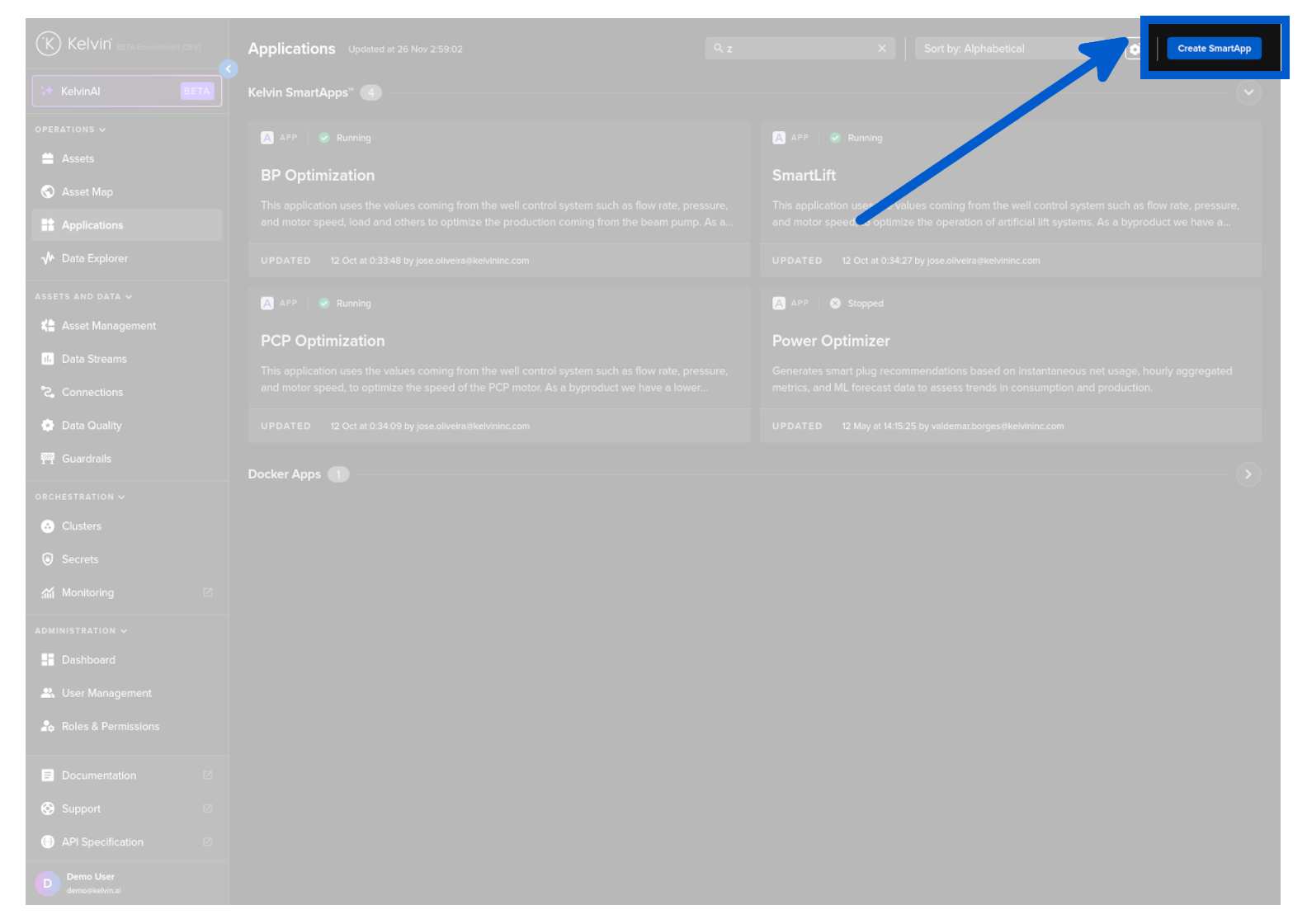
In the top right hand corner click on the Create Application button.
You will be redirected to github where it will ask you to create a codespace
Warning
You will need to have an account and be logged into Github. A free account is all you will need.
Note
If you have already created a codespace previously, it will ask if you want to continue in the previous codespace or create a new one.
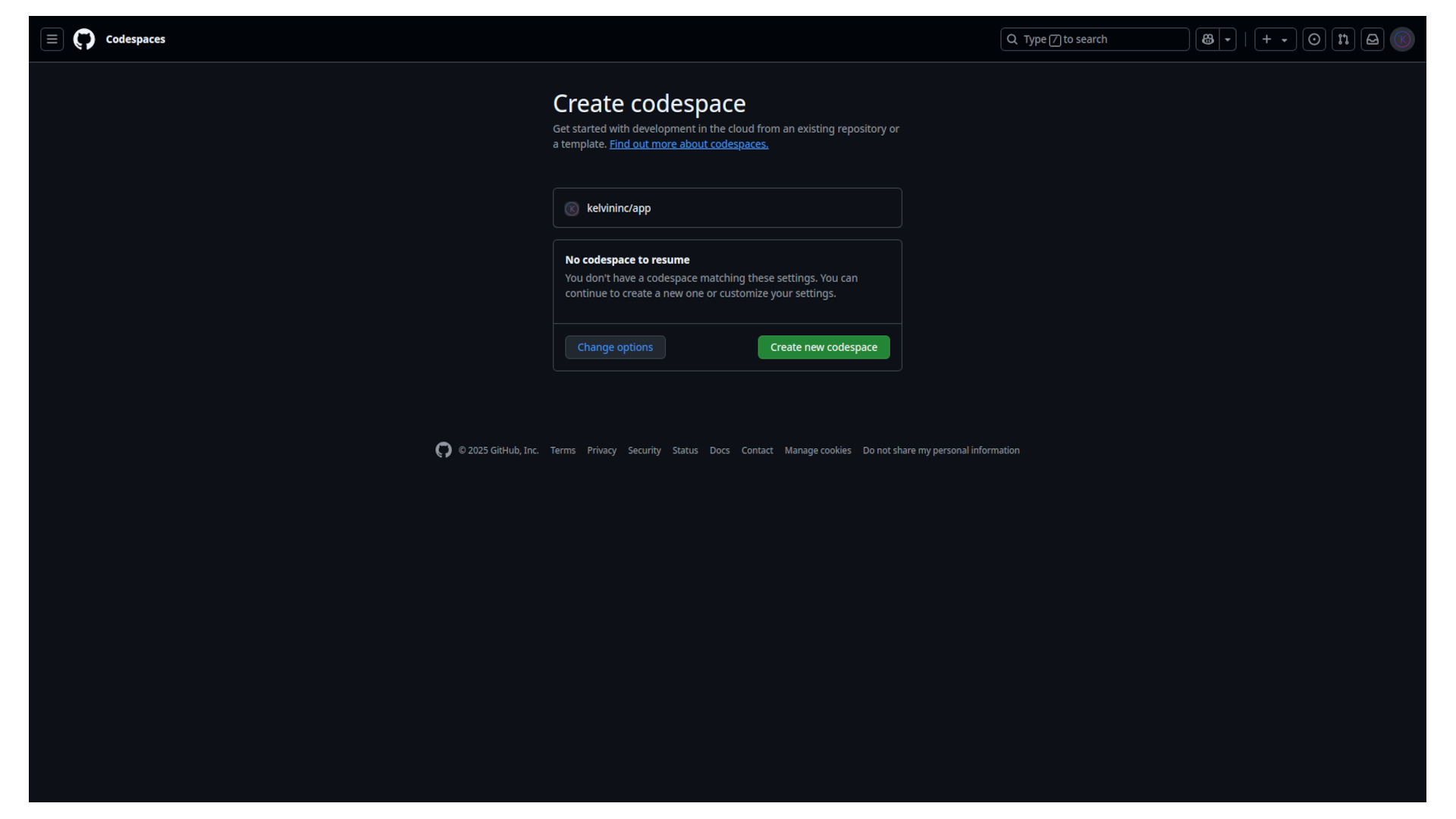
Click on Create new codespace button.
Github will now setup the codespace environment. This includes;
- Installing docker-in-docker which is a Kelvin SDK prerequisite
- Installing the Python support Visual Studio Code extension
- Installing the Python language server Visual Studio Code extension
- Installing Python
- Installing the Kelvin SDK library and all dependencies
Warning
This will take up to 5 minutes to complete, so please do be patient when you first crete a Github codespace.
Once created, you can keep the codespace environment and restart it later. This will start faster as it does not need to reinitialize and install the environment again.
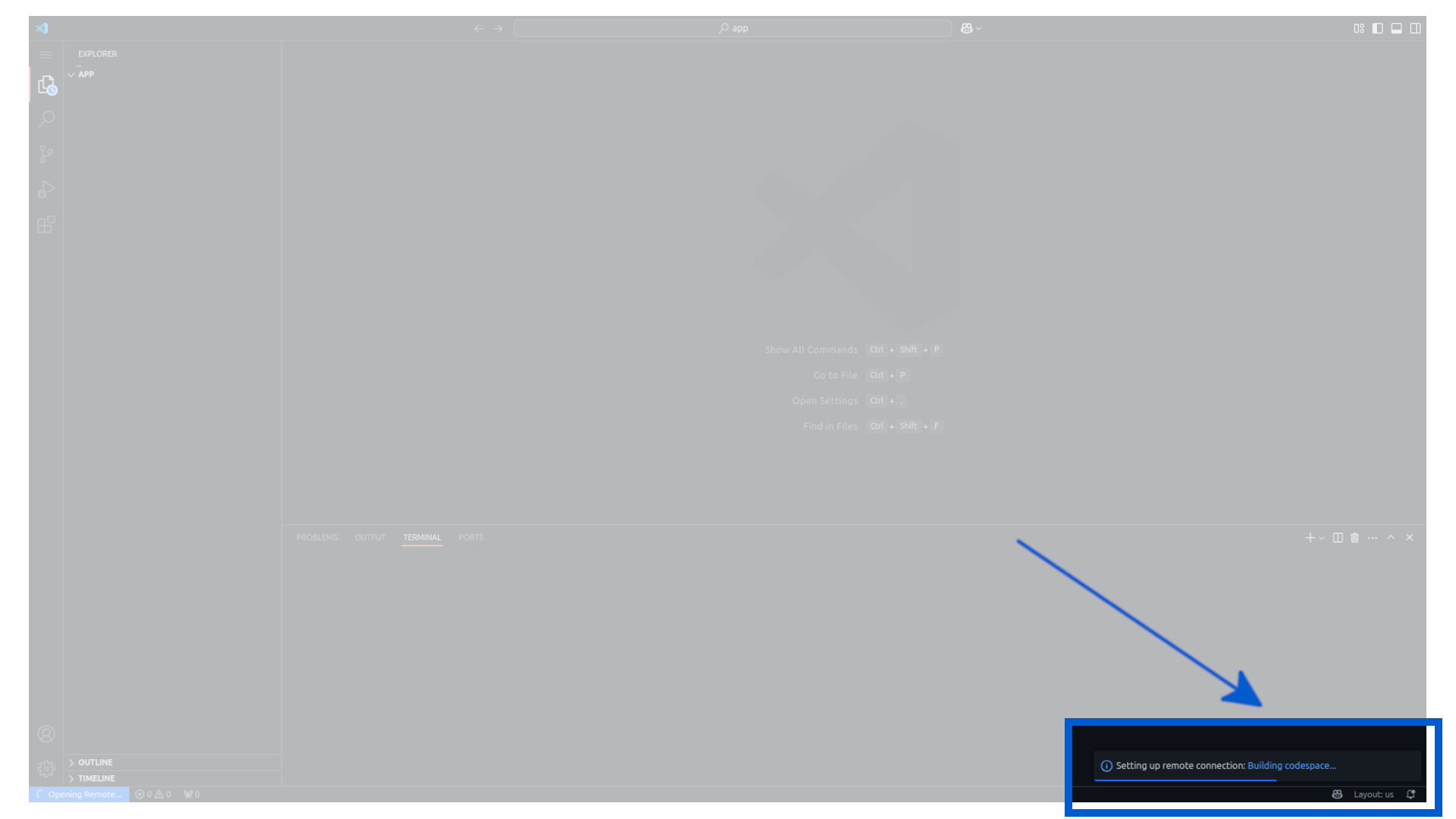
When all initialization installations and the environment setup is complete, then your codespace environment will start.
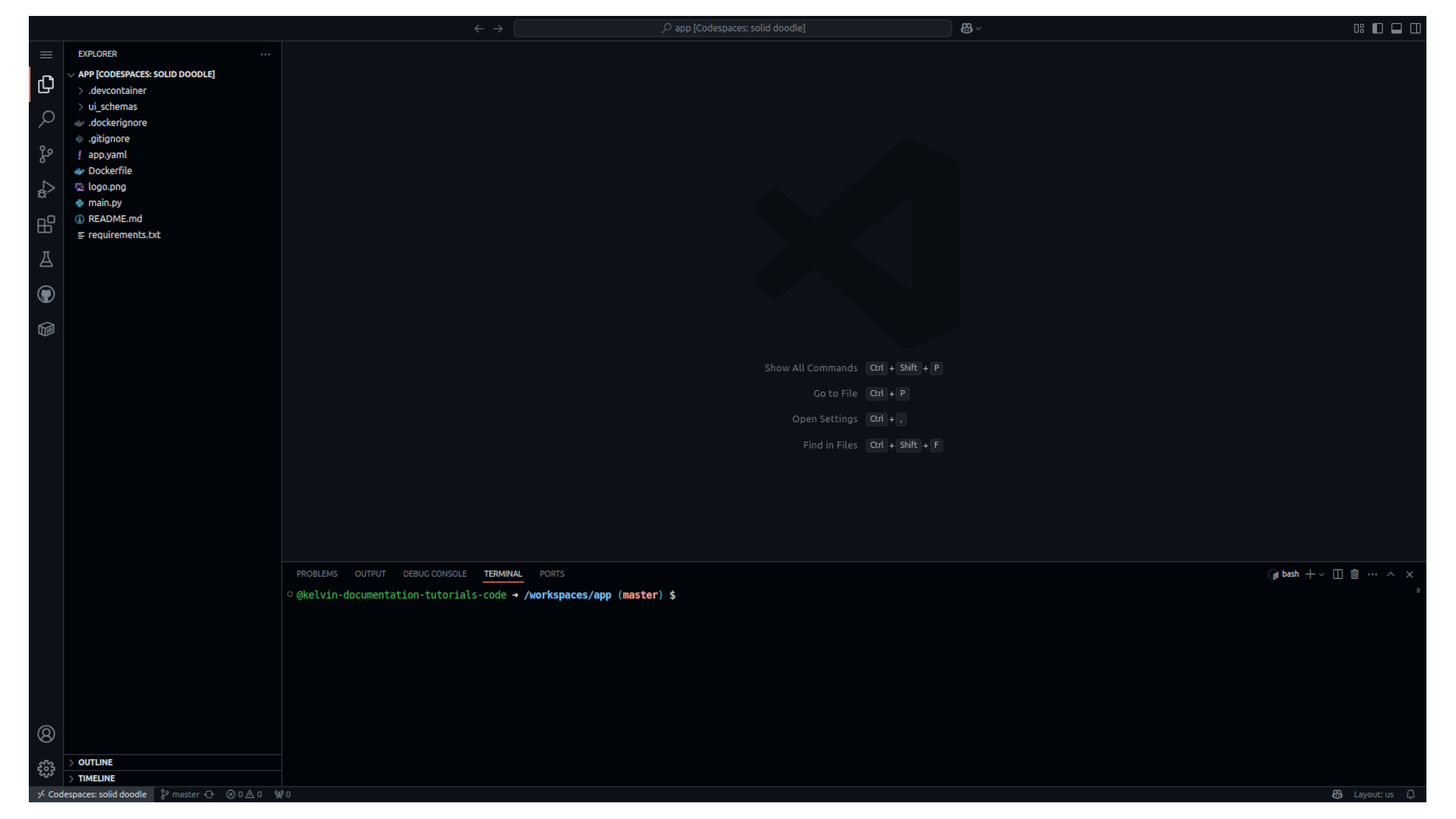
The default Application Application files are loaded and ready for you to start your programming journey in Kelvin.
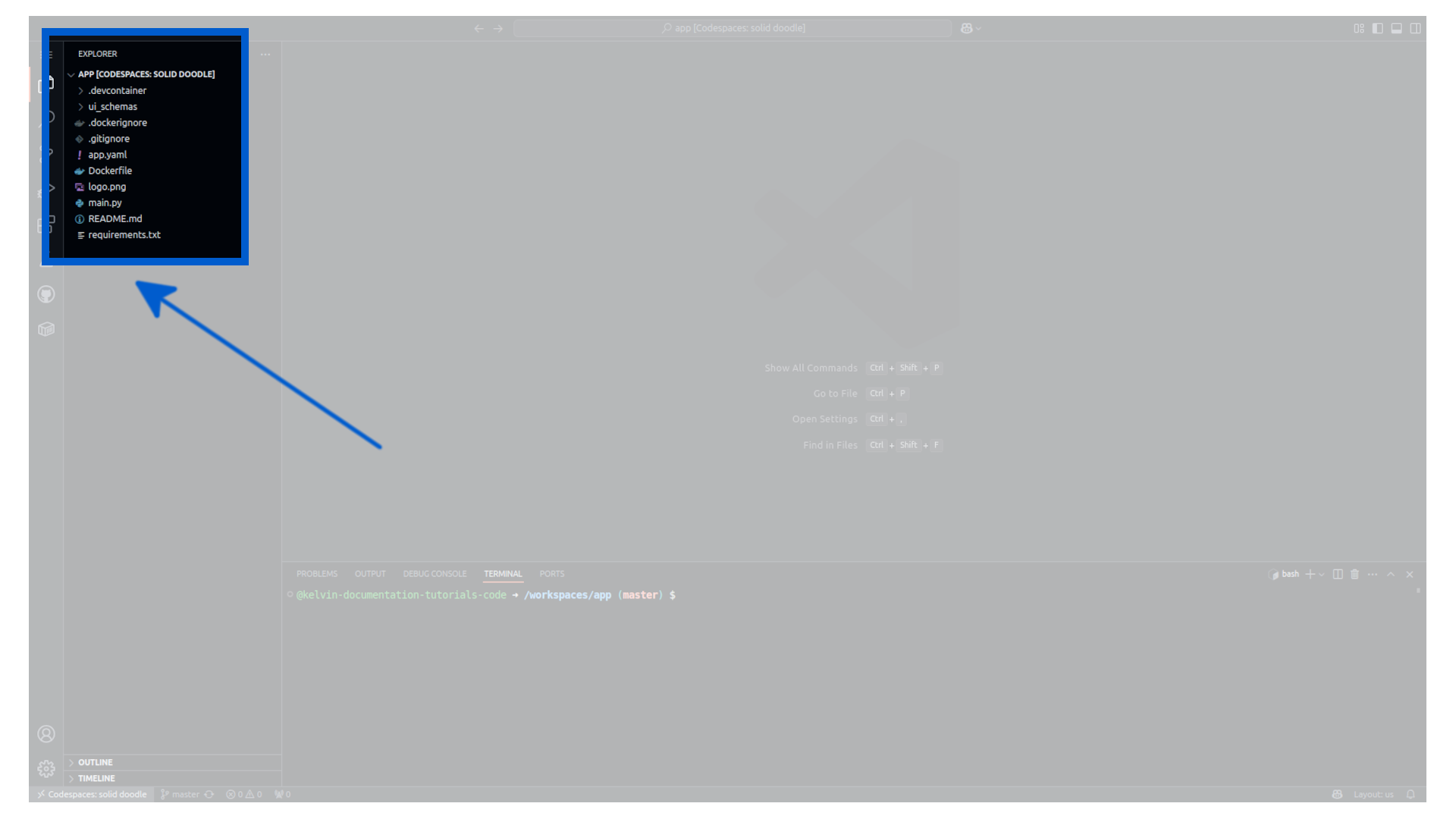
You can also test your Application before uploading to the Kelvin Platform and upload your Application using the remote terminal interface.

Your environment is setup and ready for you to program, test and upload your Kelvin Applications.
Success
You can develop both Applications, Import & Export Connectors and Docker Apps in this environment.
To see all your Github Codespace environments, go to https://github.com/codespaces