Skip to content

List Insight Names

You can see a list of all Insight Names in the dropdown list in Data Explorer.
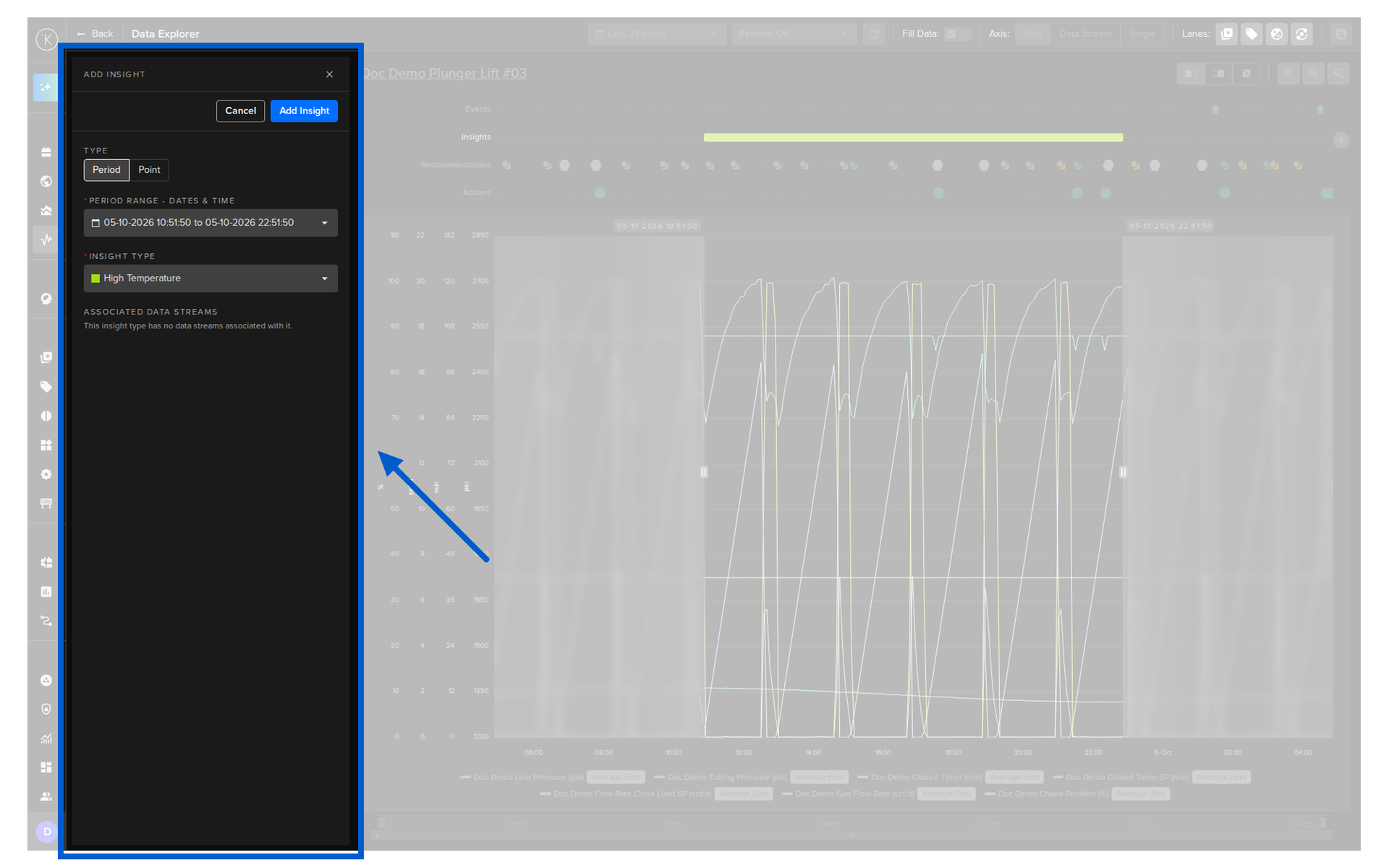
Sort options;

Field Description
name Insight Names alphabetically
created Sort by created date
updated Sort by updated date
API cURL Example
1
2
3
4
curl -X 'POST' \
  'https://<url.kelvin.ai>/api/v4/datatags/tags/list?pagination_type=cursor&page_size=20&direction=asc&sort_by=name' \
  -H 'Authorization: Bearer <Your Current Token>' \
  -H 'accept: application/json' \

The response will look like this;

API cURL Example Response
  {
     "pagination": {
     "next_page": null,
     "previous_page": null
     },
     "data": [
     {
        "name": "Connection Failure",
        "metadata": {
           "color": "#8fe516"
        },
        "created": "2025-03-26T14:35:05.206906Z",
        "updated": "2025-03-26T14:35:05.206906Z"
     },

     ...

     {
        "name": "Valve-Open",
        "metadata": {
          "color": "#64e1e5"
        },
        "created": "2025-04-01T22:37:06.644374Z",
        "updated": "2025-04-01T22:37:06.644374Z"
      }
    ]
  }
API Client (Python) Example
from kelvin.api.client import Client

# Login
client = Client(url="https://<url.kelvin.ai>", username="<your_username>")
client.login(password="<your_password>")

# List Data Tag Name
response = client.data_tag.list_tag()

print(response)

The response will look like this;

API Client (Python) Example Response
[Tag(name='Connection Failure', metadata={'color': '#8fe516'}, created=datetime.datetime(2024, 3, 26, 14, 35, 5, 206906, tzinfo=datetime.timezone.utc), updated=datetime.datetime(2024, 3, 26, 14, 35, 5, 206906, tzinfo=datetime.timezone.utc)), Tag(name='frw', metadata={'color': '#82458C'}, created=datetime.datetime(2024, 5, 16, 10, 54, 22, 671783, tzinfo=datetime.timezone.utc), updated=datetime.datetime(2024, 5, 16, 10, 54, 22, 671783, tzinfo=datetime.timezone.utc)), ... ]