Delete a Cluster
Delete Cluster
This will permanently delete all Kelvin software from the cluster including all Applications, Docker Apps and Connectors deployed to the cluster.
This is not reversible and you will need to setup a new cluster and redeploy all Applications, Docker Apps and Connectors again.
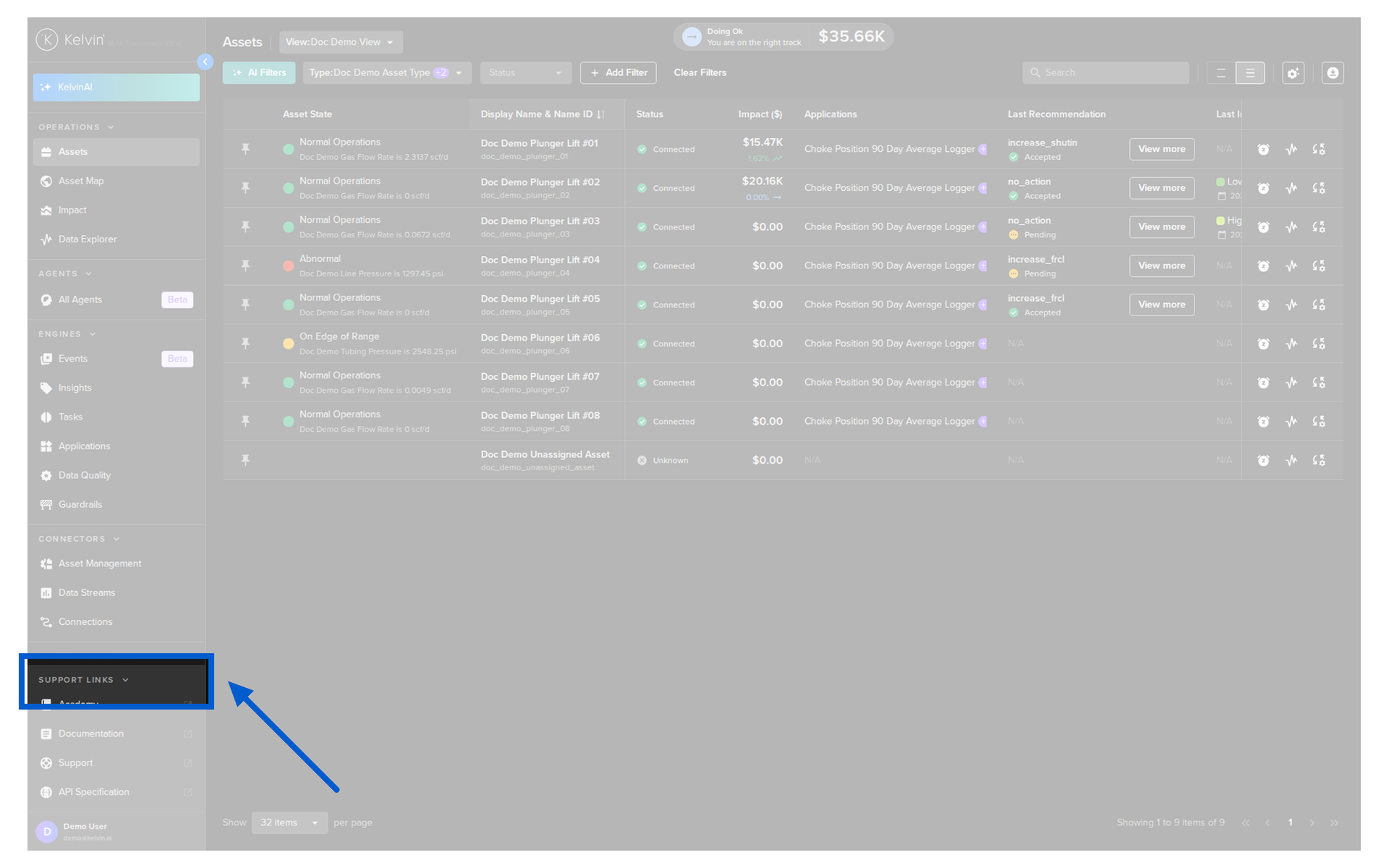
To start, click on Clusters in the Administration section of the left side bar.
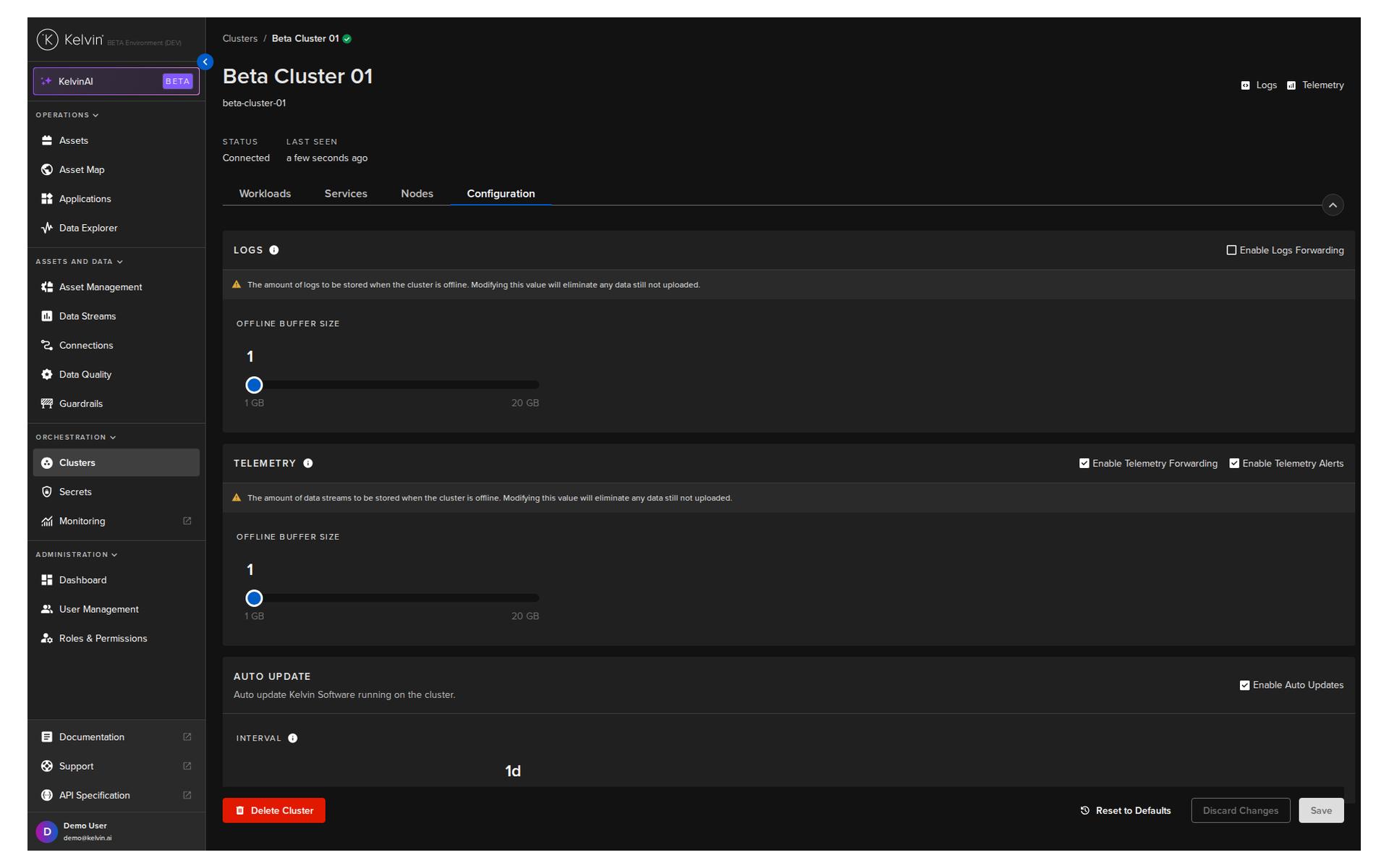
In the list of Clusters, click on the name of the Cluster you want to delete.

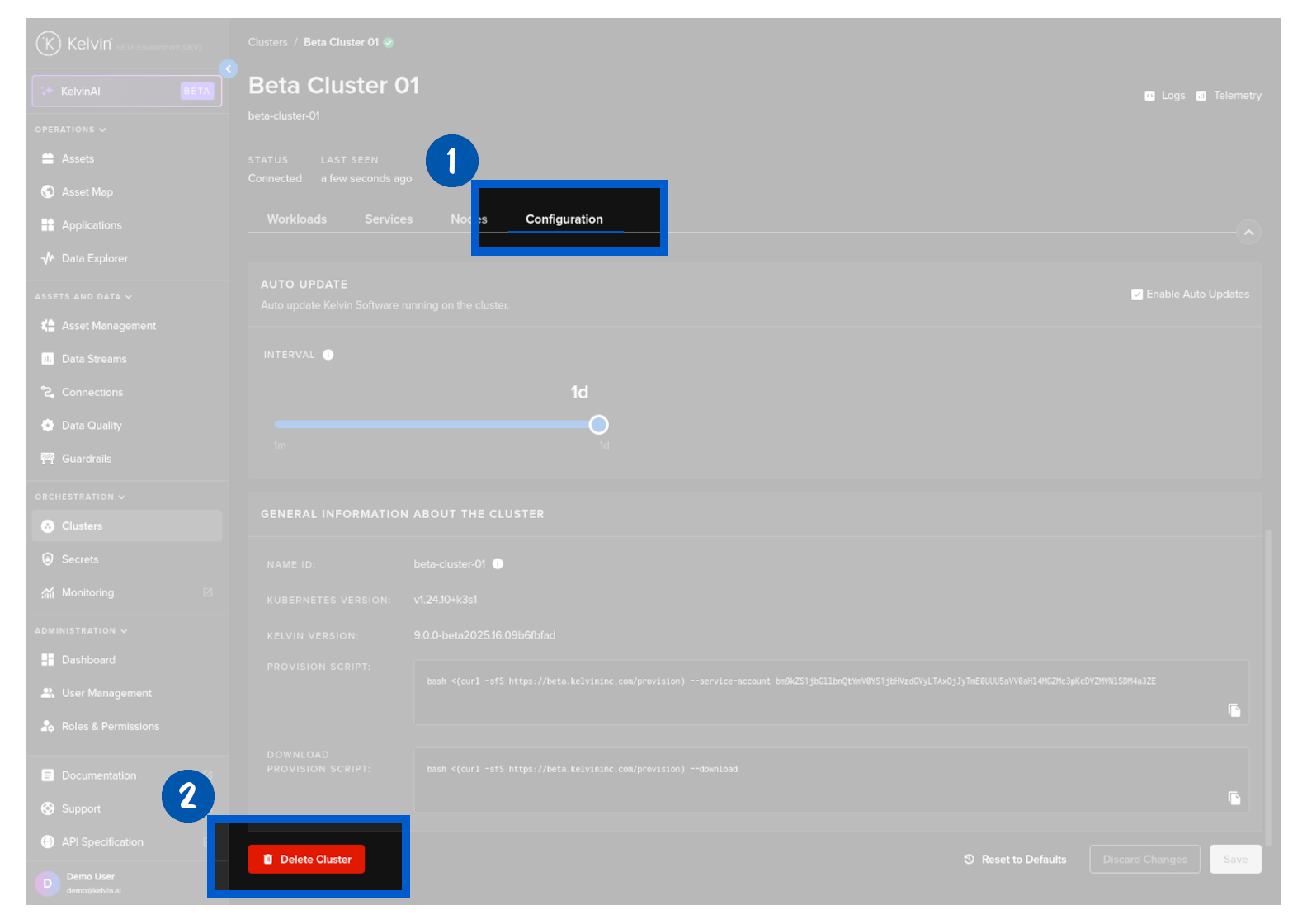
In the Cluster details, click on the Configuration tab.
Scroll to the bottom of the Configuration tab and click the Delete Cluster button.
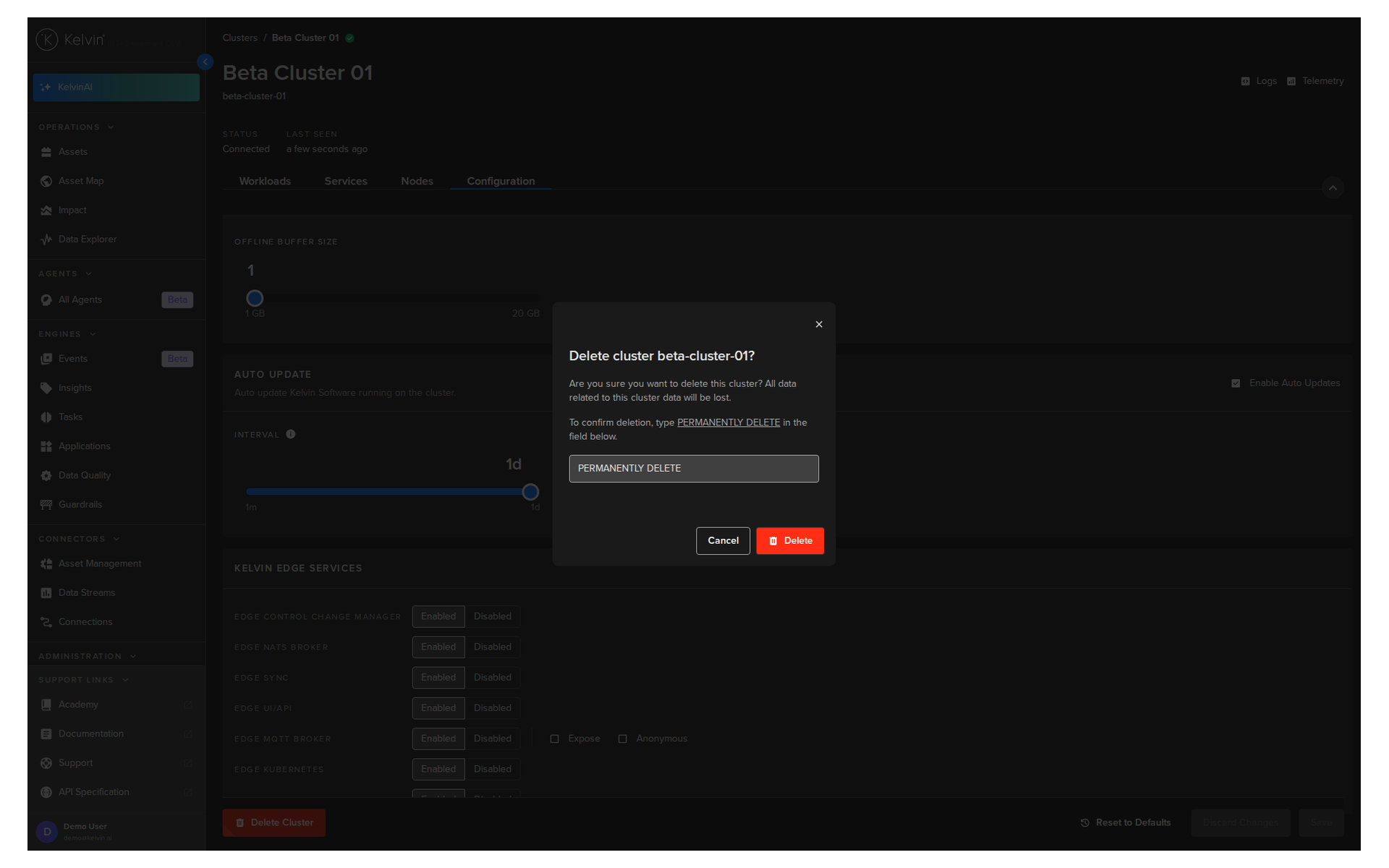
Finally write PERMANENTLY DELETE in the confirmation field and click Delete.