View Recommendations
Recommendations current status and actions for each Asset can be seen in the Asset list in a column.
The default Asset-centric table does not show Recommendations in the column.
You can read the documentation on how to show Recommendation column here.
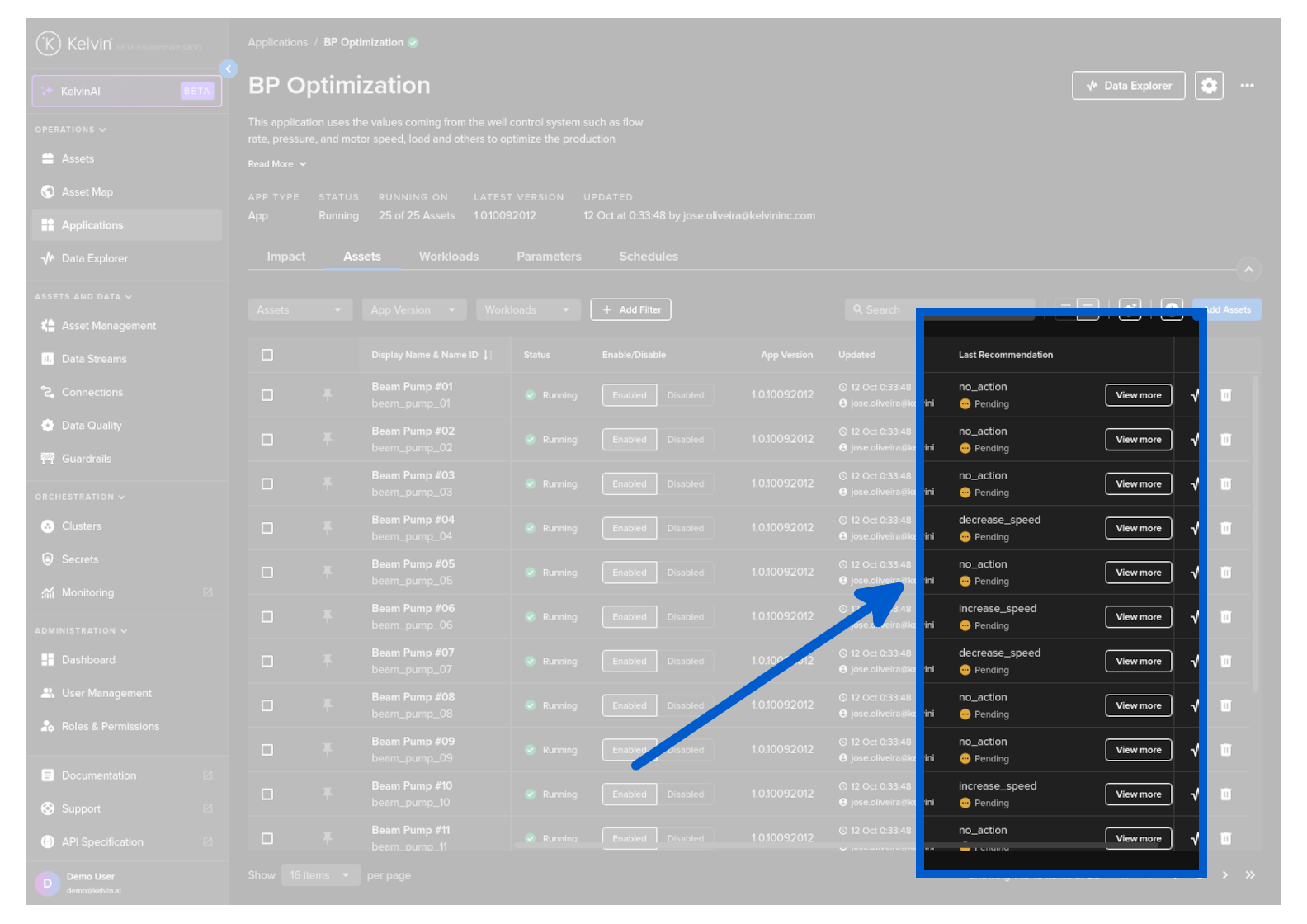
In the recommendations column you will see two types of options;
| Option | UI | Description |
|---|---|---|
| View More Button |  |
This means that there is a pending Recommendation. Clicking will show a popup where you can accept/reject the pending Recommendation. |
| Details Link |  |
This means that there are NO pending Recommendations. Clicking will show a popup with the last Recommendation details. |