Edit App Parameter Values
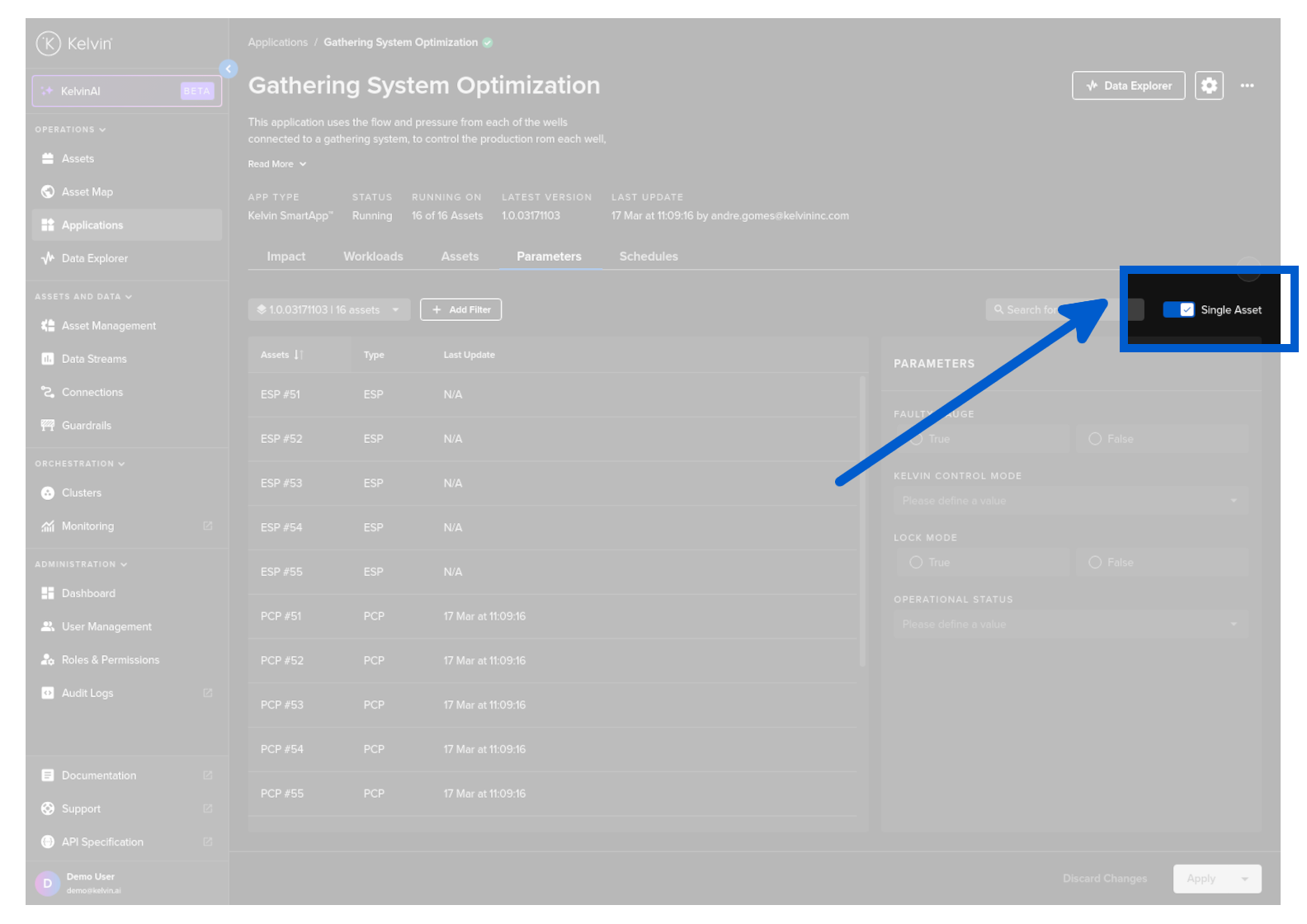
Click on the App Parameters tab, and you can see a list of Assets and the App Parameter options for Kelvin SmartApps™.
Turn on the Single Asset toggle switch then when you click on an Asset you will see the current App Parameters parameters in the App Parameters section.
If you can not find an Asset that you know you have deployed, make sure you change Kelvin SmartApps™ version as it may have been deployed to a different version.
On the right hand side you will see the standard App Parameter parameters available for Kelvin SmartApps™. When you click on an Asset, then the current App Parameter values in Kelvin SmartApps™ will be shown in the App Parameters section.
To update any of the App Parameter values change any of the values and then click Apply to initiate the update. A confirmation will be displayed when the values have been sent to the edge.

Schedule Updates
When controlling your Assets with Kelvin SmartApps™, there are times when temporary parameter setting adjustments are necessary for optimal performance, such as during planned maintenance periods or planned production changes.
Kelvin's Scheduling feature automates this process, ensuring settings change as needed. You can also optionally add a "revert to normal" after a defined time period.
This allows you to "set and forget" parameter changes, leaving you to focus on the more critical aspects of running and maintaining your assets.