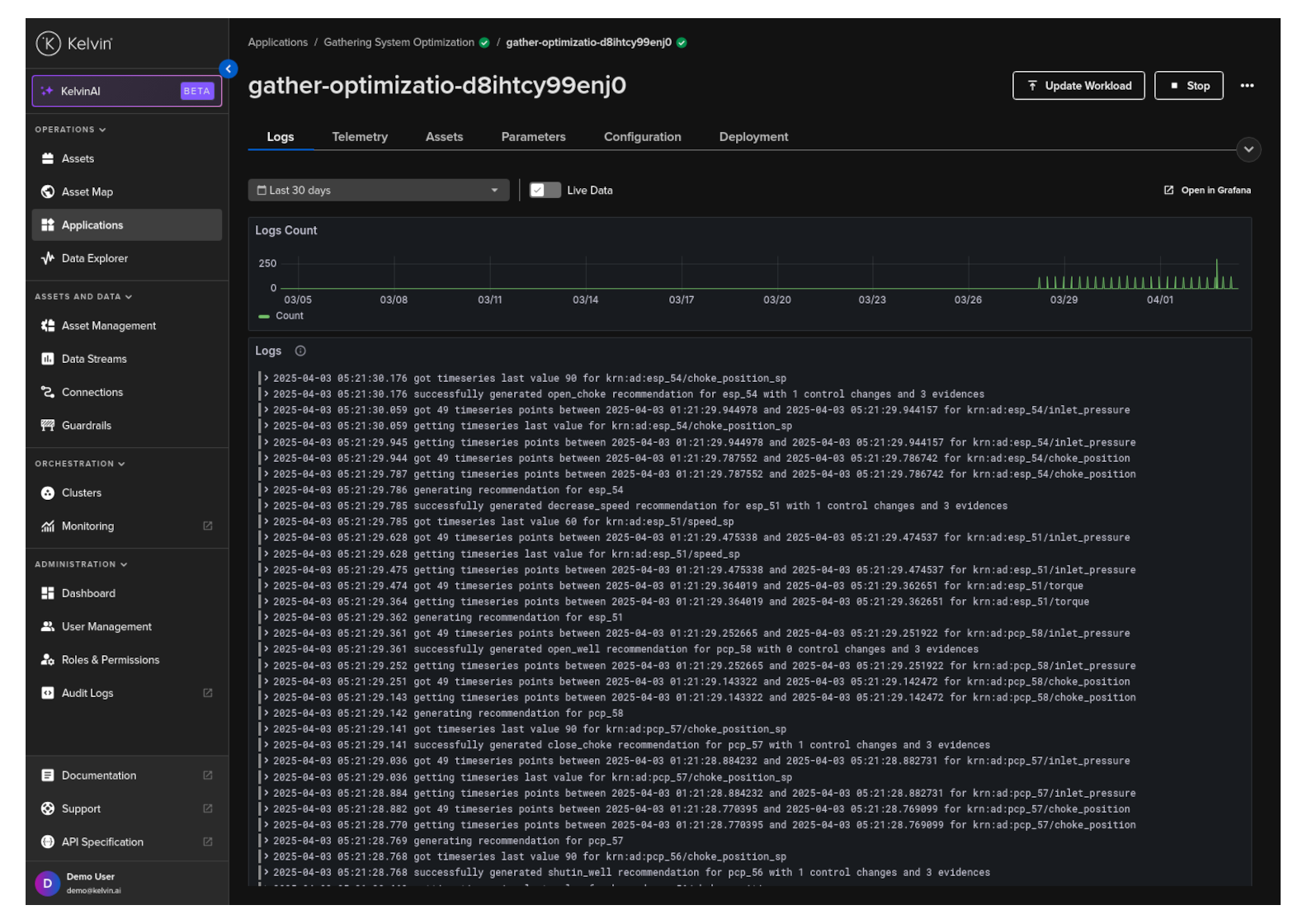
View Workload Logs
You can see the logs of the workload for any Application in the Kelvin UI.
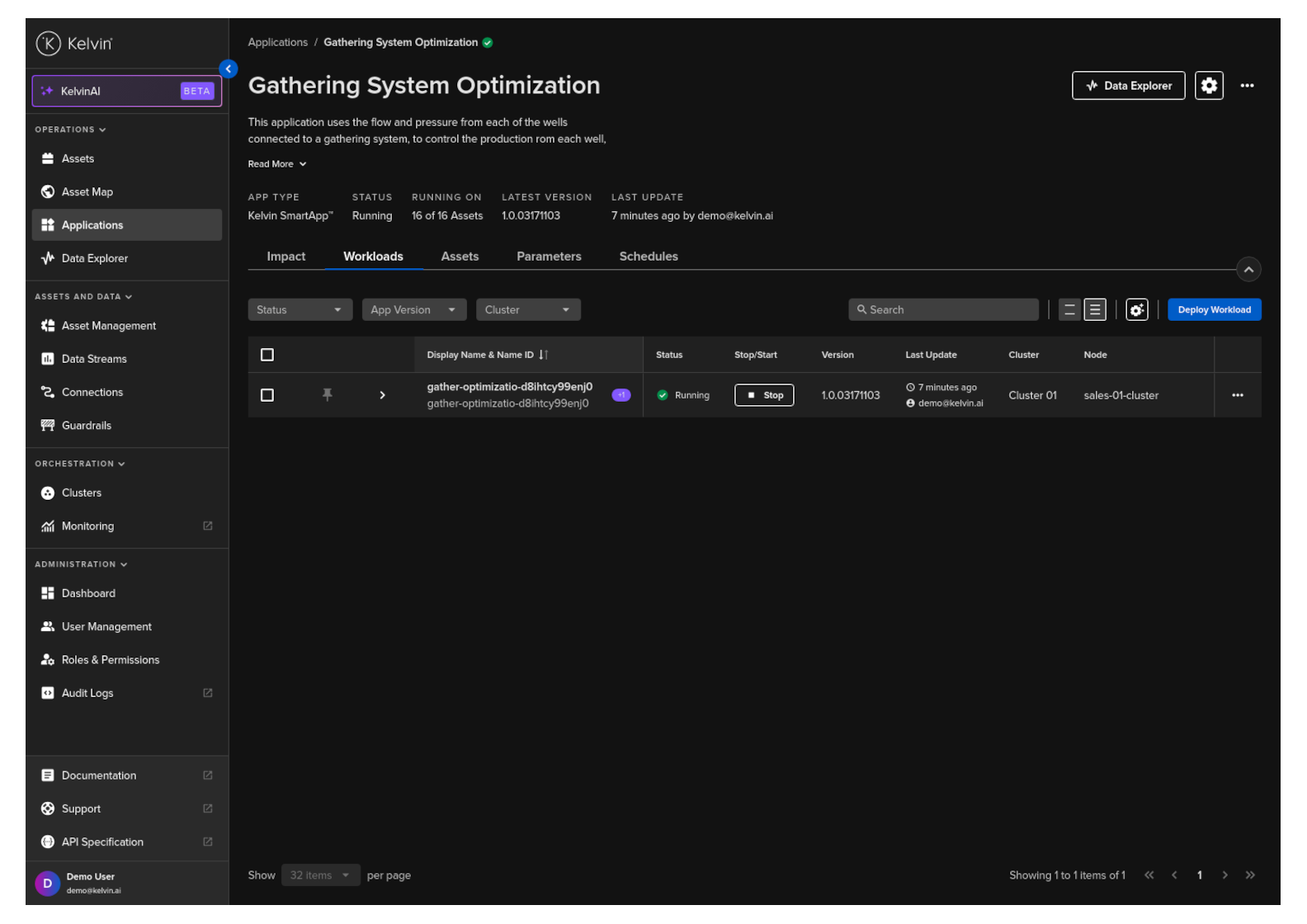
Click on Applications, select the Application card, then navigate to the Workload tab to view the list of workloads for that Application.
Then click on a Workload name to see the details.
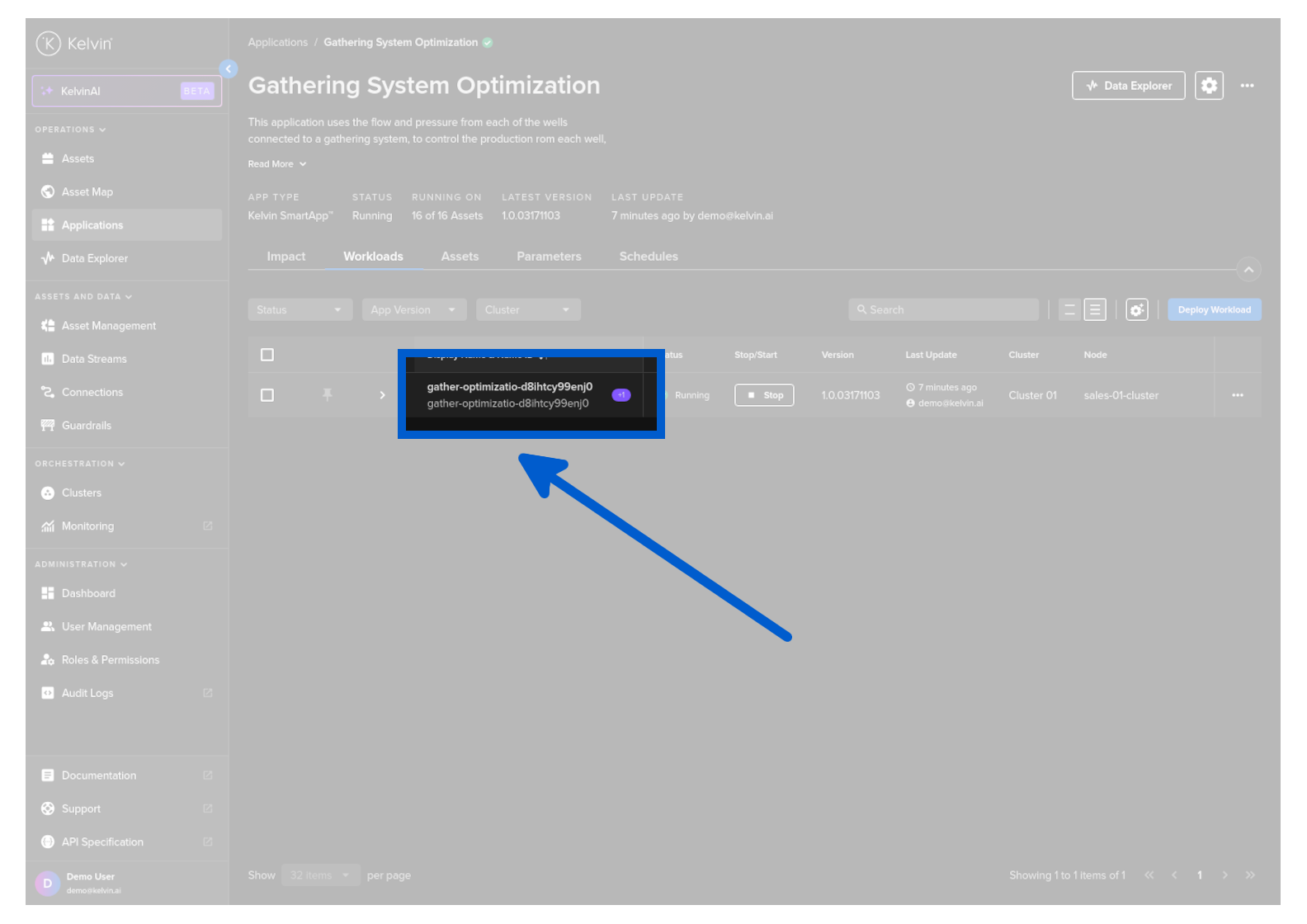
and then click on the Logs tab.