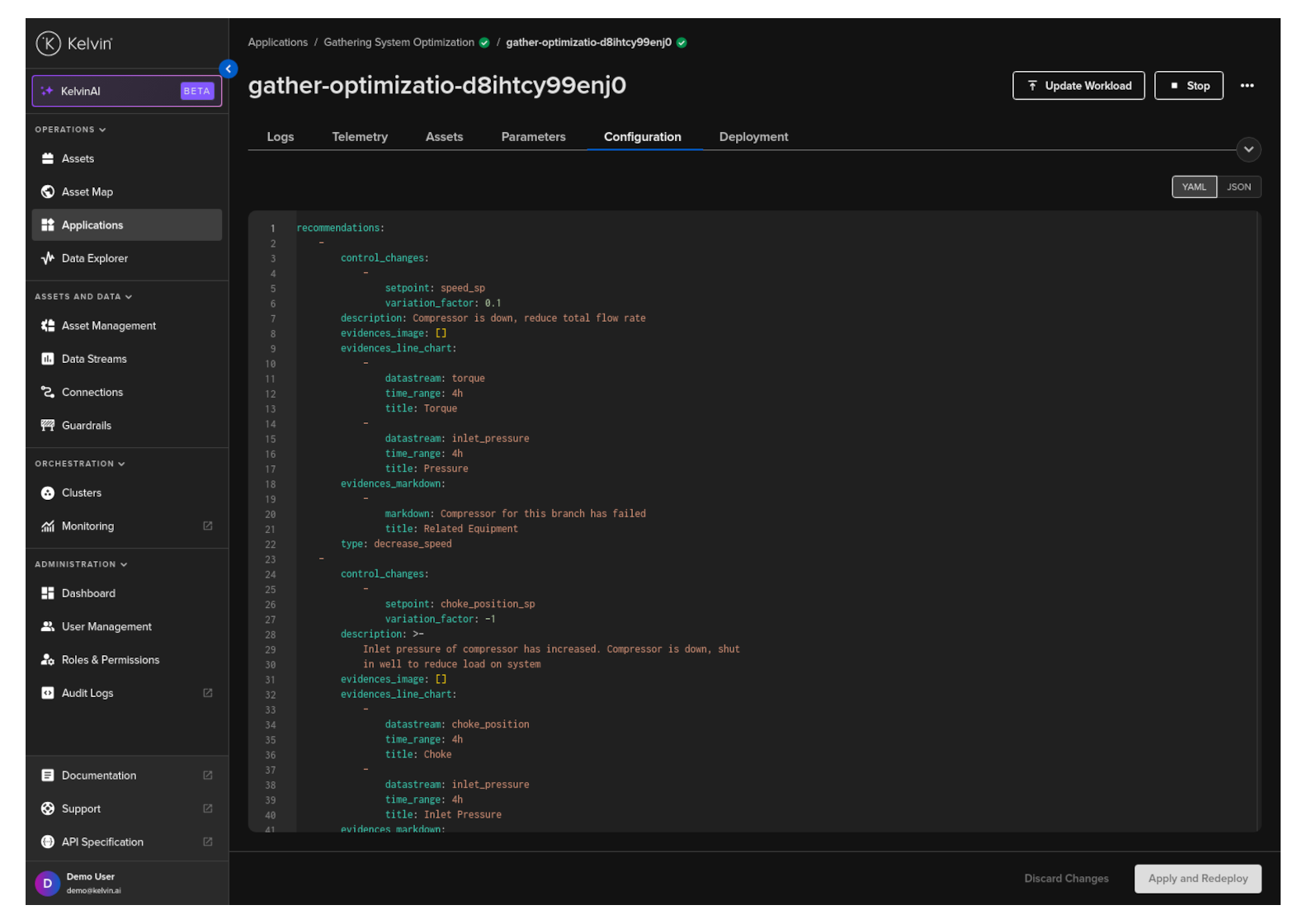
Update Workload Configuration
The App Configurations for a Kelvin SmartApp™ can be updated individually for each Workload.
Note
You can read the full concept of App Configurations in the Overview ⟶ Concepts page.
Click on the Applications menu item on the left sidebar menu.
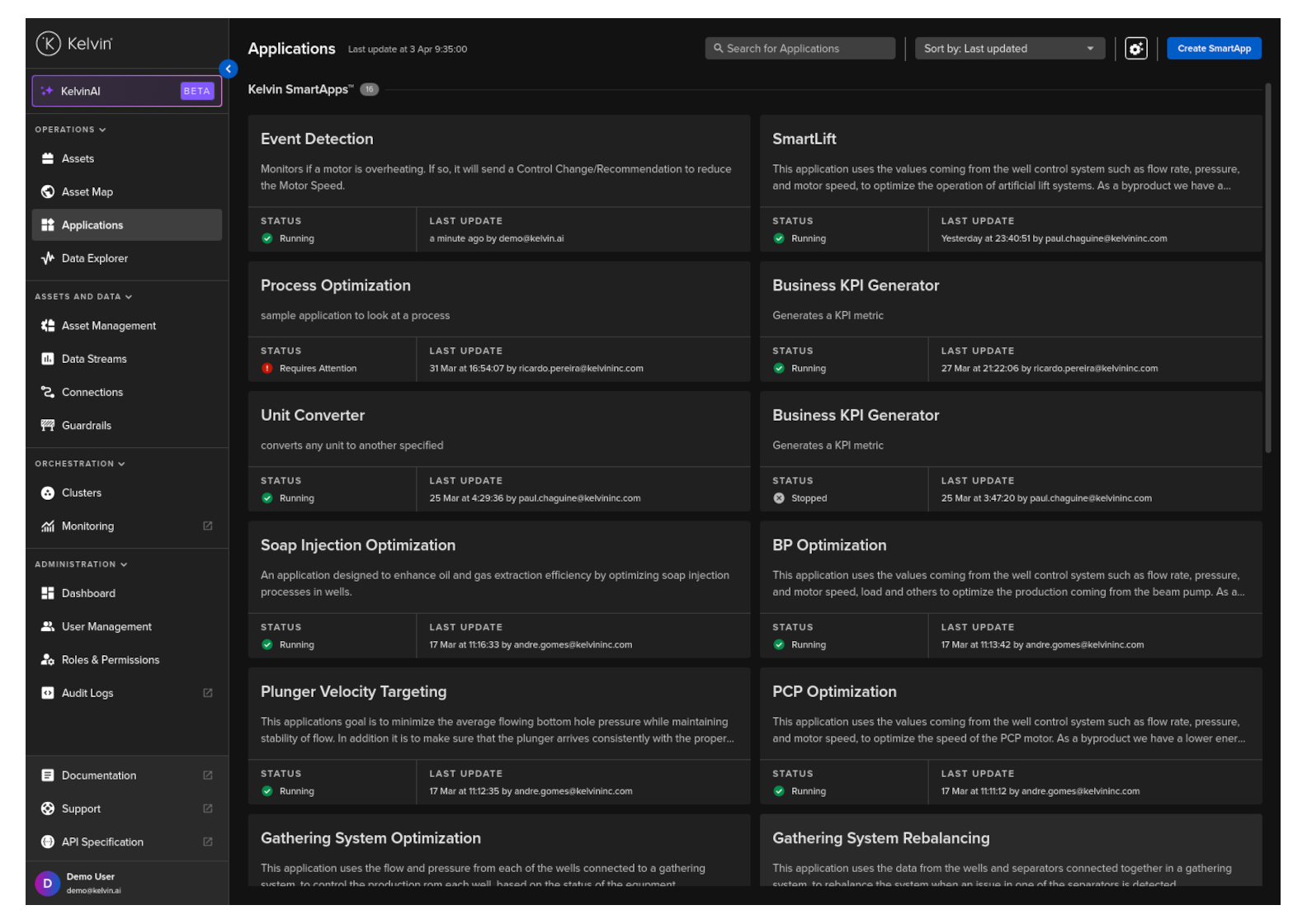
Select the Application you want to edit the App Configurations and click on the Workloads tab.
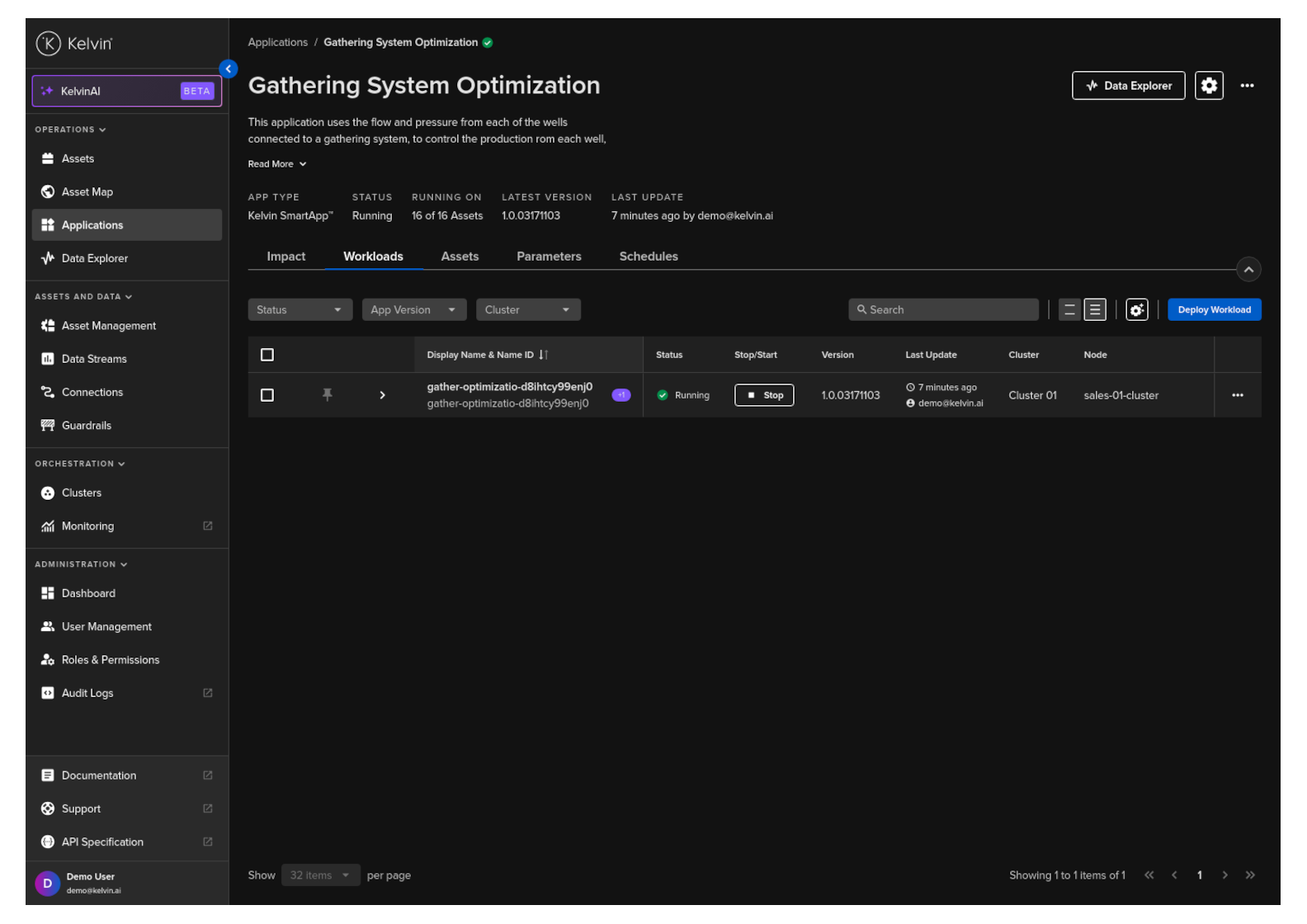
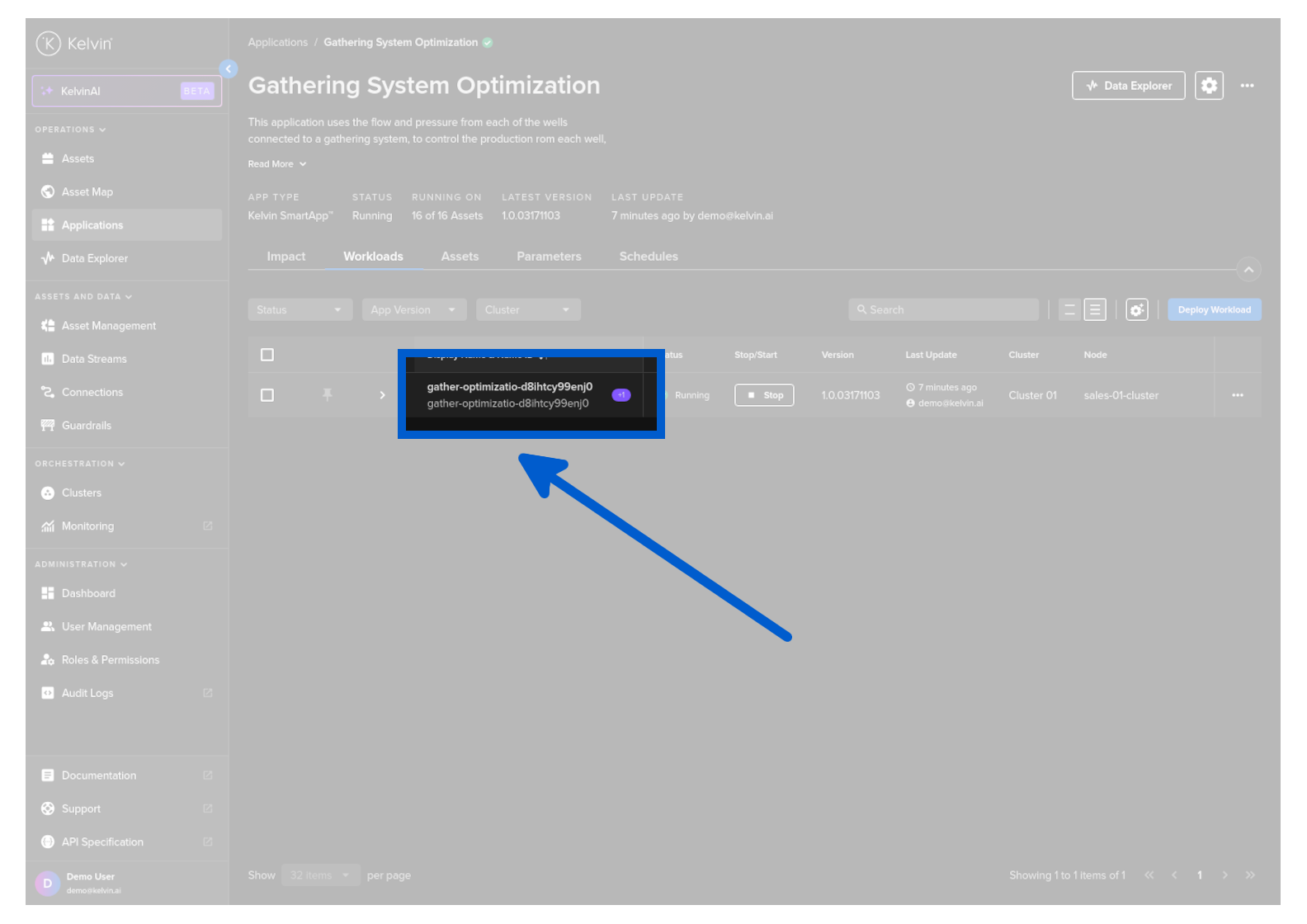
Next click on the workload name.
Click on the Configuration tab and update the configurations as required. When finished click on the Apply and Redeploy button.
*