Data Tags
Data Tag Messages
Data Tags are used to label Asset time series data. This has many applications such as;
- For data scientists to use for machine learning training
- For developers to have additional information beyond the raw data to review and improve Kelvin SmartApps™
- For Operations to tag events linked to the time series data for historical records
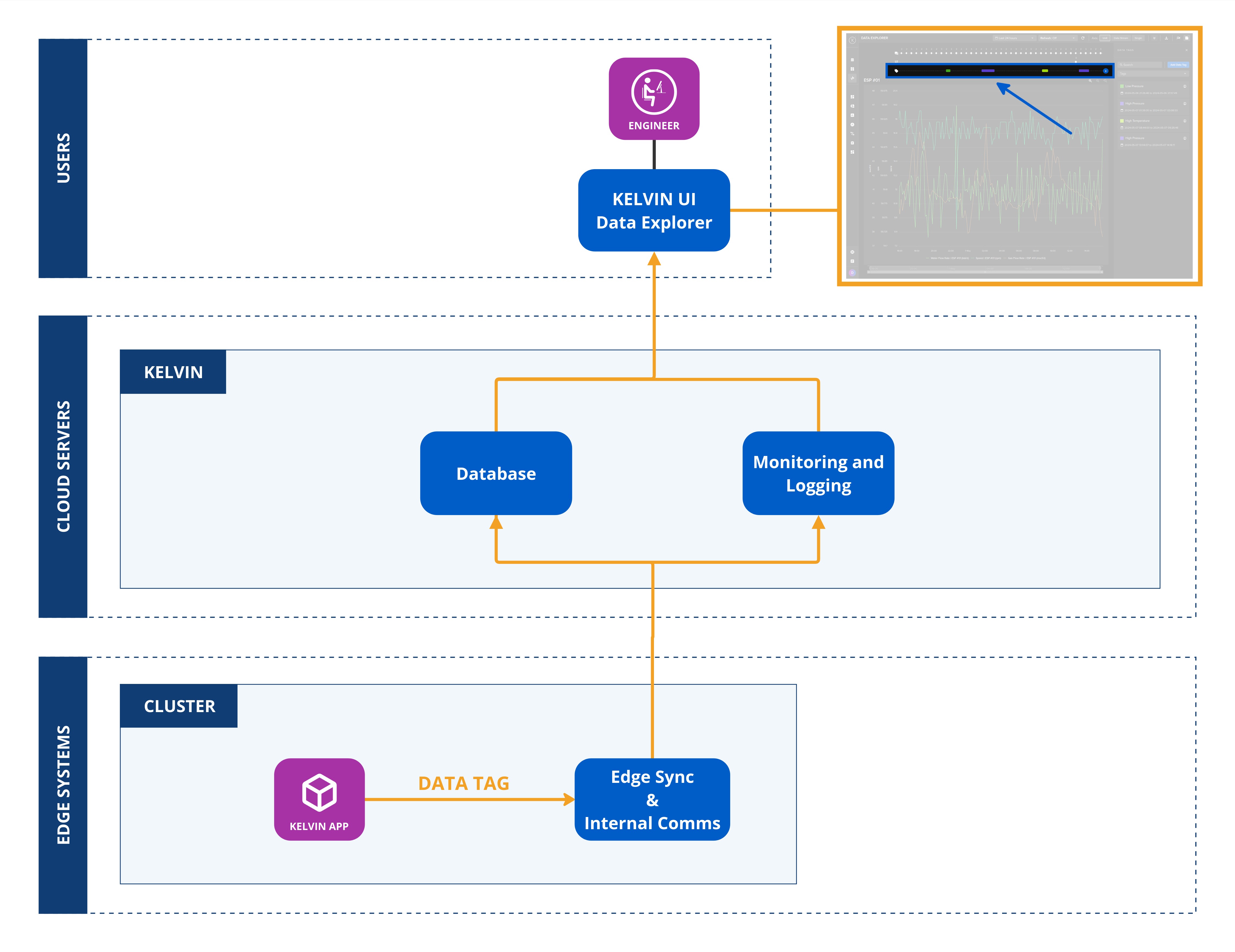
On the Kelvin UI, the data tags will show in the Data Explorer.
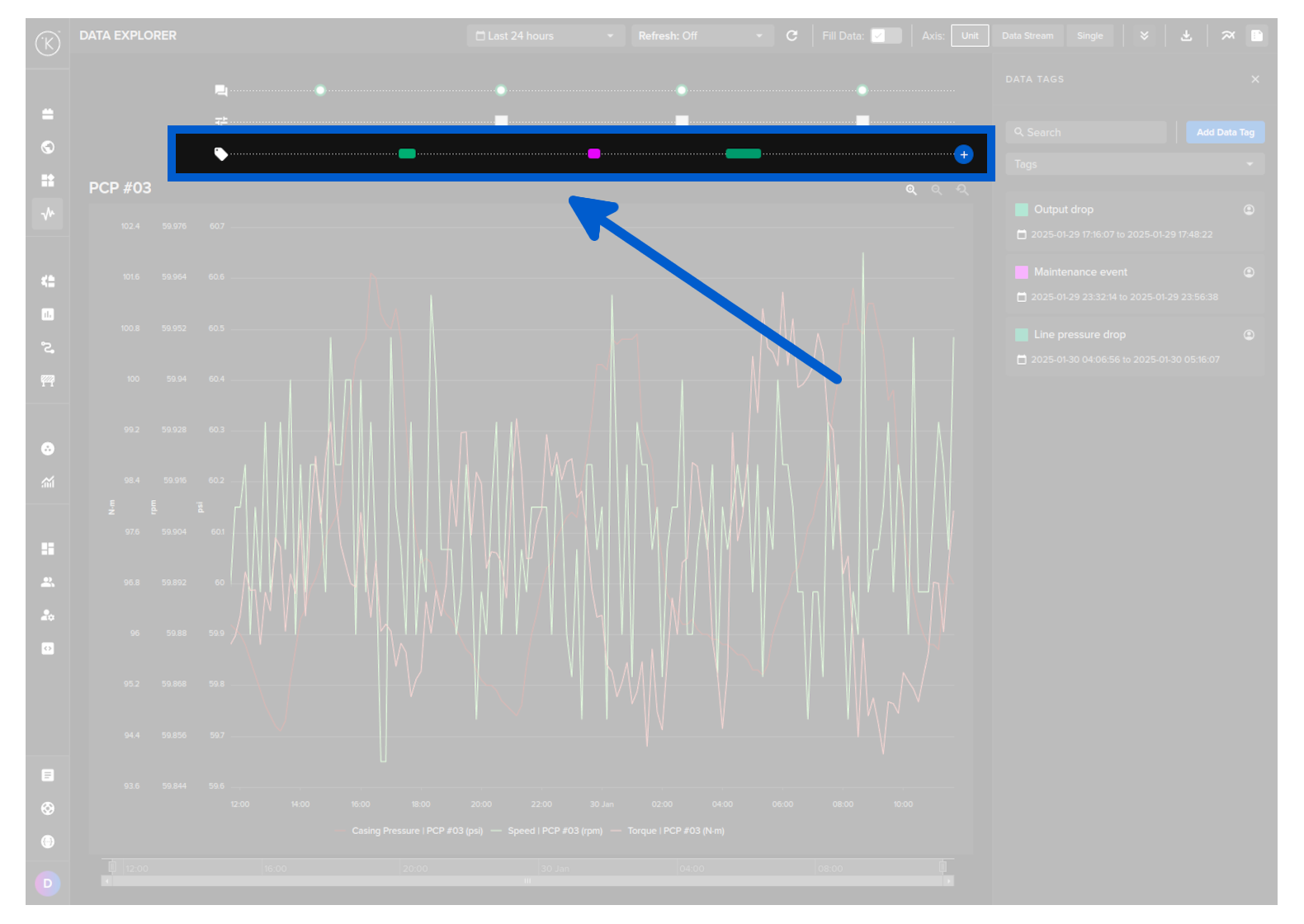
Kelvin SmartApps™ can publish a DataTag Message in order to label important events on a certain point in time (or time range) for a certain Asset.
Note
Operations can also their own add Data Tags manually through the Kelvin UI
The DataTag Object supports the following attributes:
| Attribute | Required | Description |
|---|---|---|
start_date |
required | Start date for the Data Tag. Time is based on UTC timezone, formatted in RFC 3339. |
end_date |
optional | End date for the Data Tag. Time is based on UTC timezone, formatted in RFC 3339. |
tag_name |
required | Tag name to categorize the Data Tag. |
resource |
required | The Asset that this Data Tag is related to. This is in KRN format (e.g. krn:asset:bp_01). |
description |
optional | Detailed description of the Data Tag. |
contexts |
optional | A list of associated Kelvin resources with this Data Tag. (e.g. KRNDatastream, KRNApp, etc). |
This is how they can be created and published:
| Create and Publish Data Tag Python Example | |
|---|---|
1 2 3 4 5 6 7 8 9 10 11 12 13 14 15 16 17 18 19 20 | |