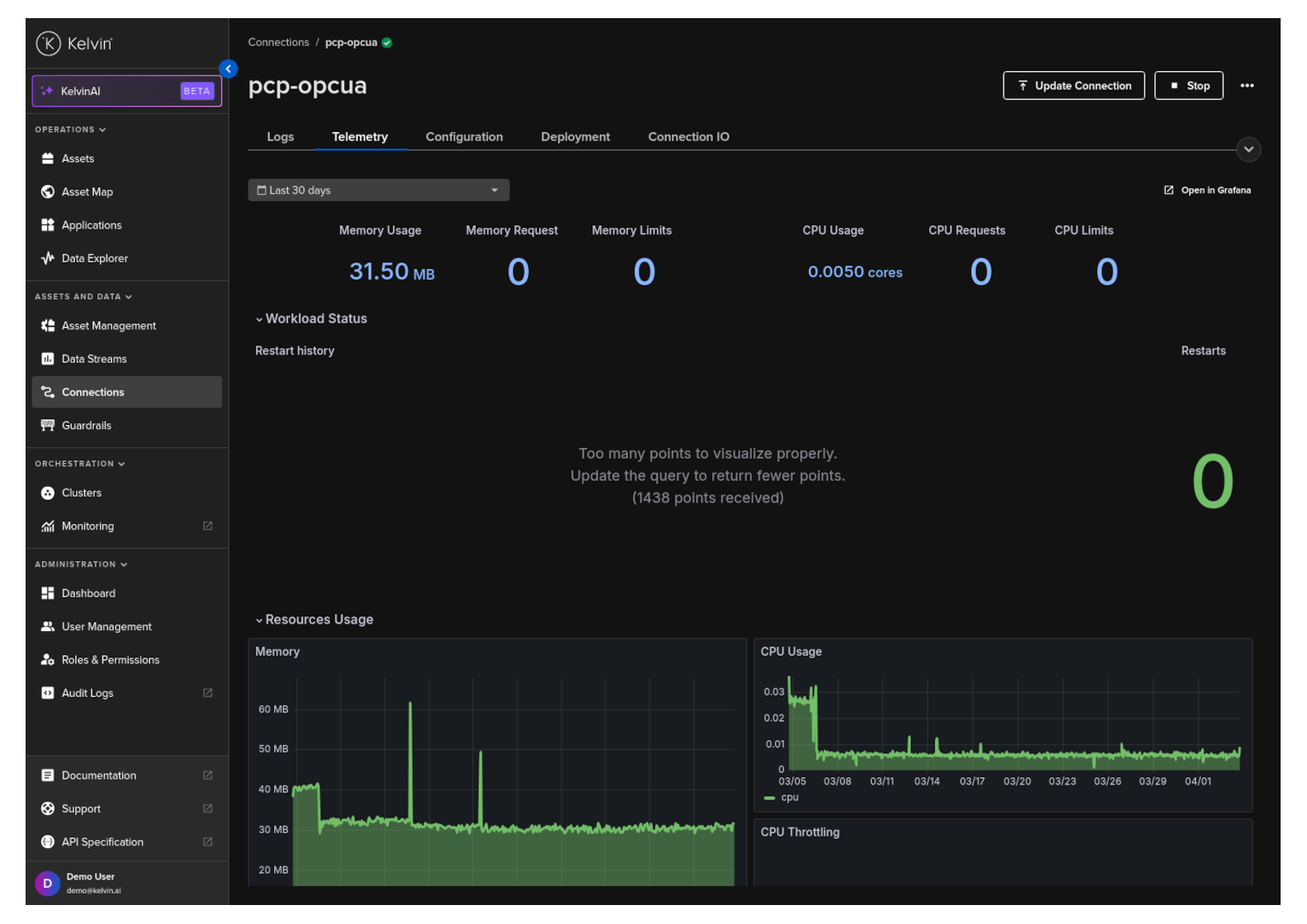
View Connection Telemetry
You can see the telemetry of a workload for any Application in the Kelvin UI.
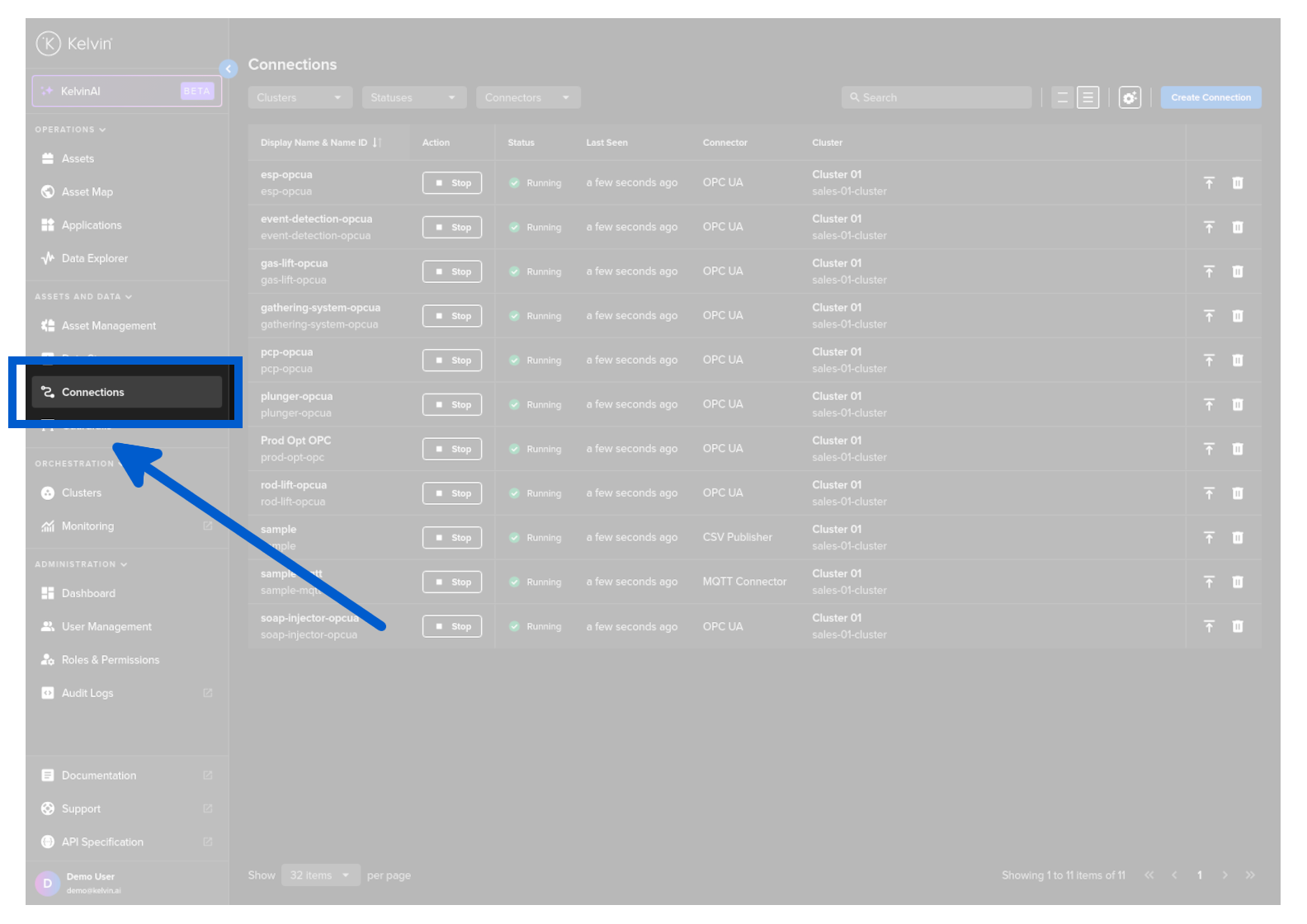
Click on Connections menu.
Click on the Connection to view its details.
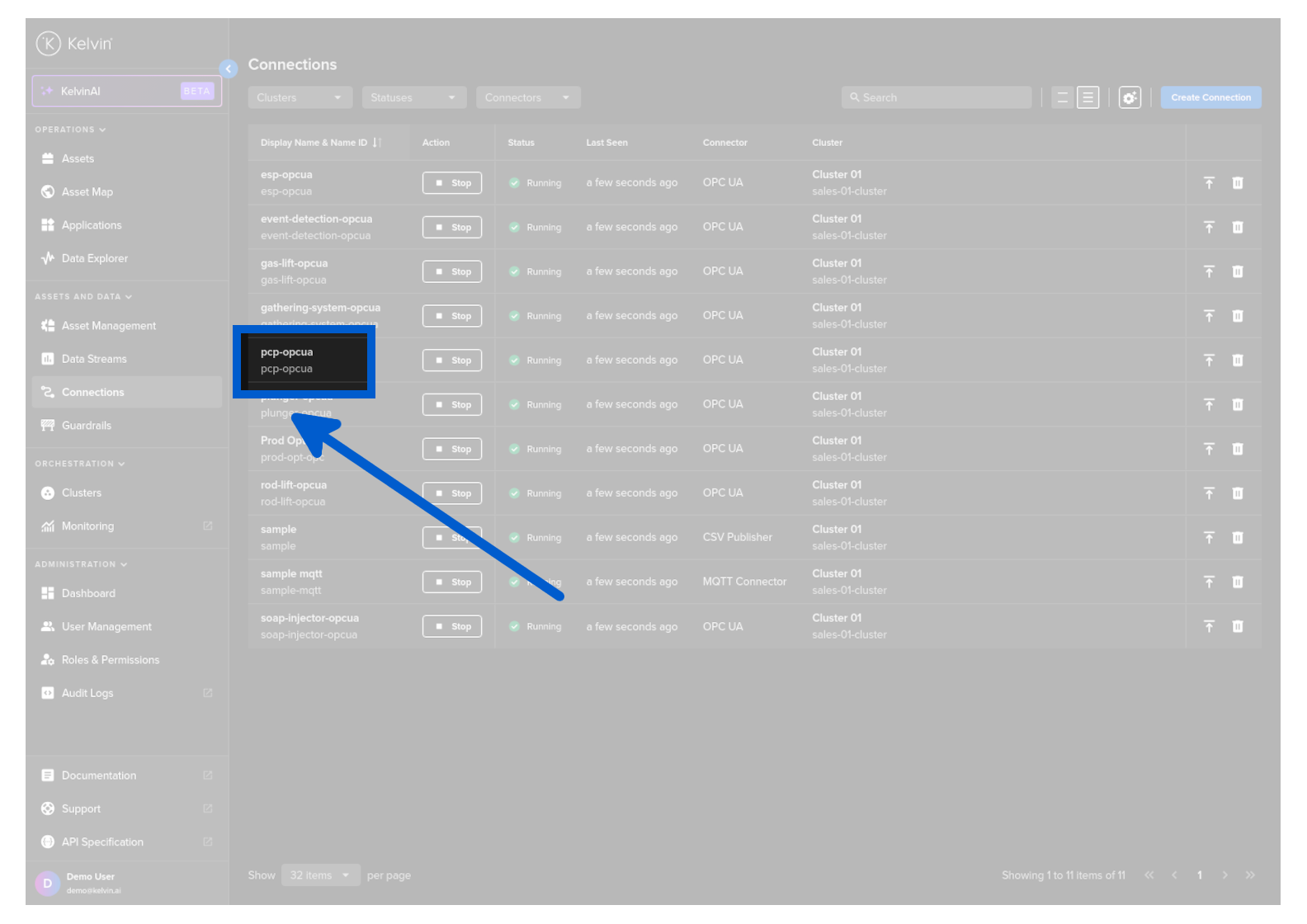
and then click on the Telemetry tab.
Here you can view all the telemetry information.
- Memory Usage, Requests and Limits
- CPU Usage, Requests and Limits
- Network Usage, Received and Transmitted
- Storage IO
- IOPS and Throughput