Upload Kelvin SmartApp™ to Kelvin Platform
Once you have finished writing and testing your new Kelvin SmartApp™ Application, then you need to upload it to the Kelvin Platform.
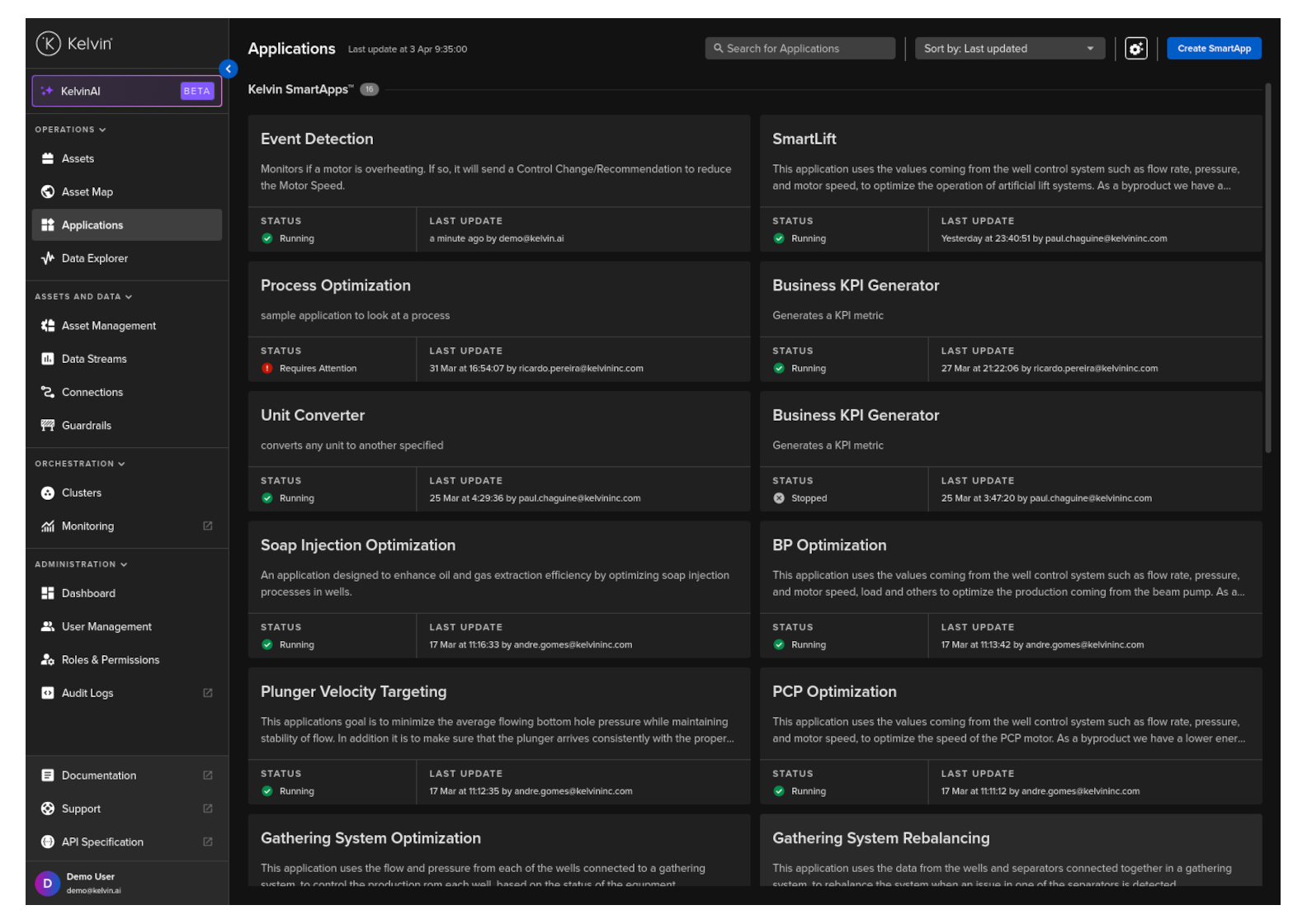
After uploading it, you will see it listed in the Applications section where you can then add Assets to it in the Workloads Tab.
Note
When you upload, by default it will be placed in the Kelvin SmartApp™ group.
You can change this default location for all users by defining its group in the category key in the app.yaml file.
To upload you can follow the Application Quick Start Guide for Upload.