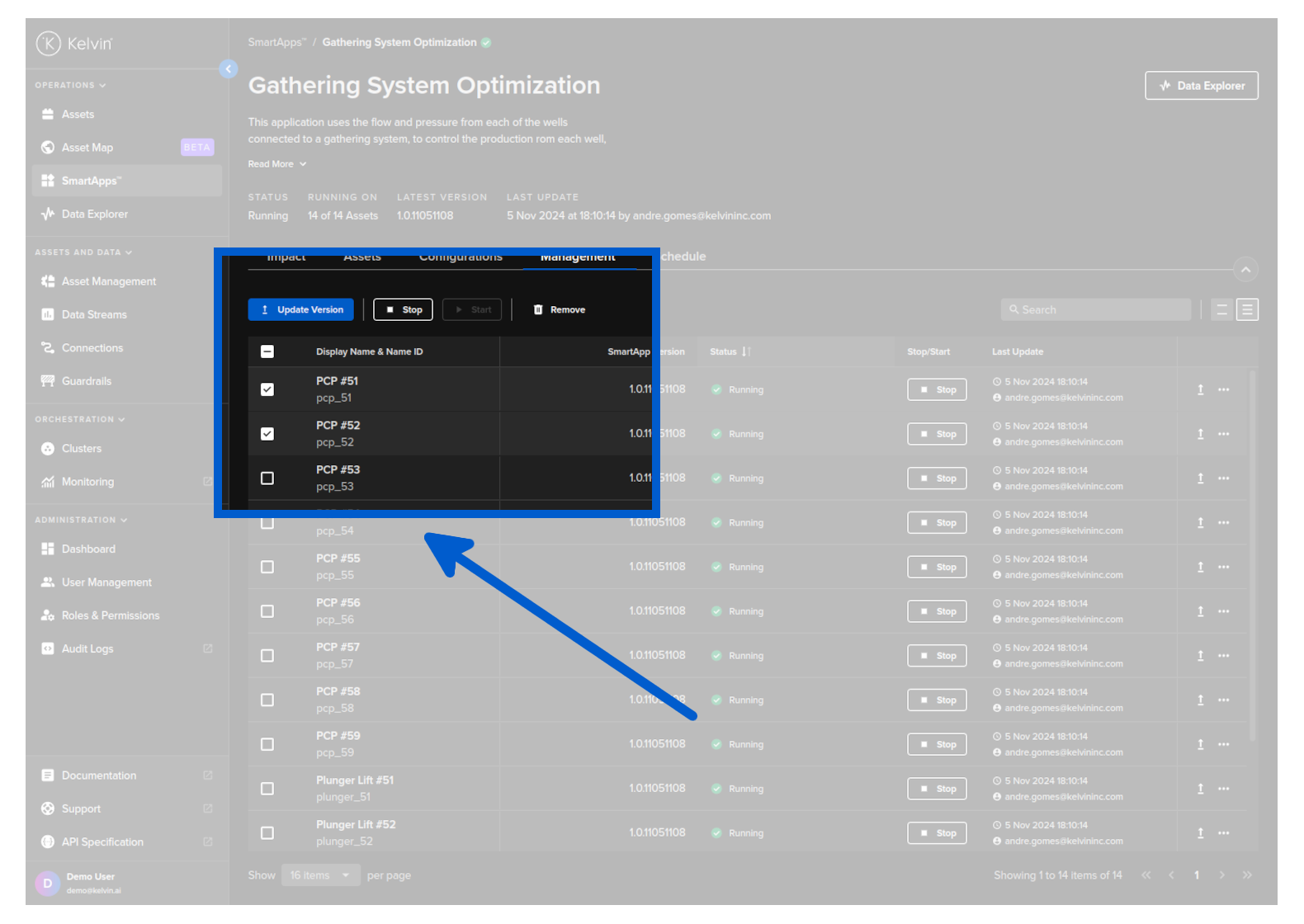
Start / Stop Application for Asset
On this page you will learn how to control Assets through the management tab in the Application section of Kelvin UI.
Start / Stop Application for Asset
In an Application you have the ability to start and stop the application for each Asset individually.
When you stop an application for an Asset, the Application will no longer process the data coming from the Asset and will not produce any output calculations, control changes or send recommendations to the Operations Engineers for this Asset. Application will continue processing data from other Assets.
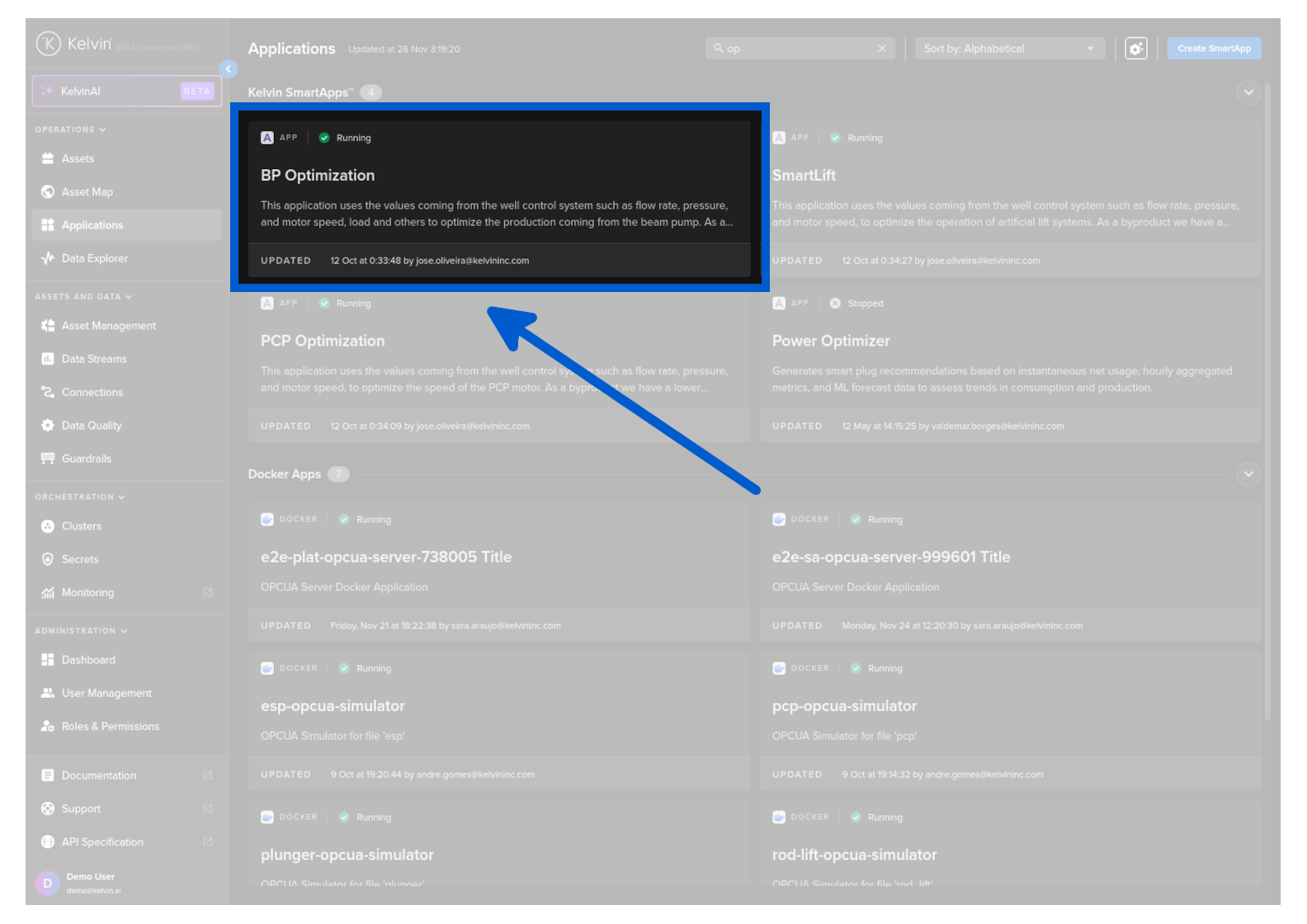
To control any Application for an Asset, go to the Applications dashboard page and select the Application where your Assets have been deployed.
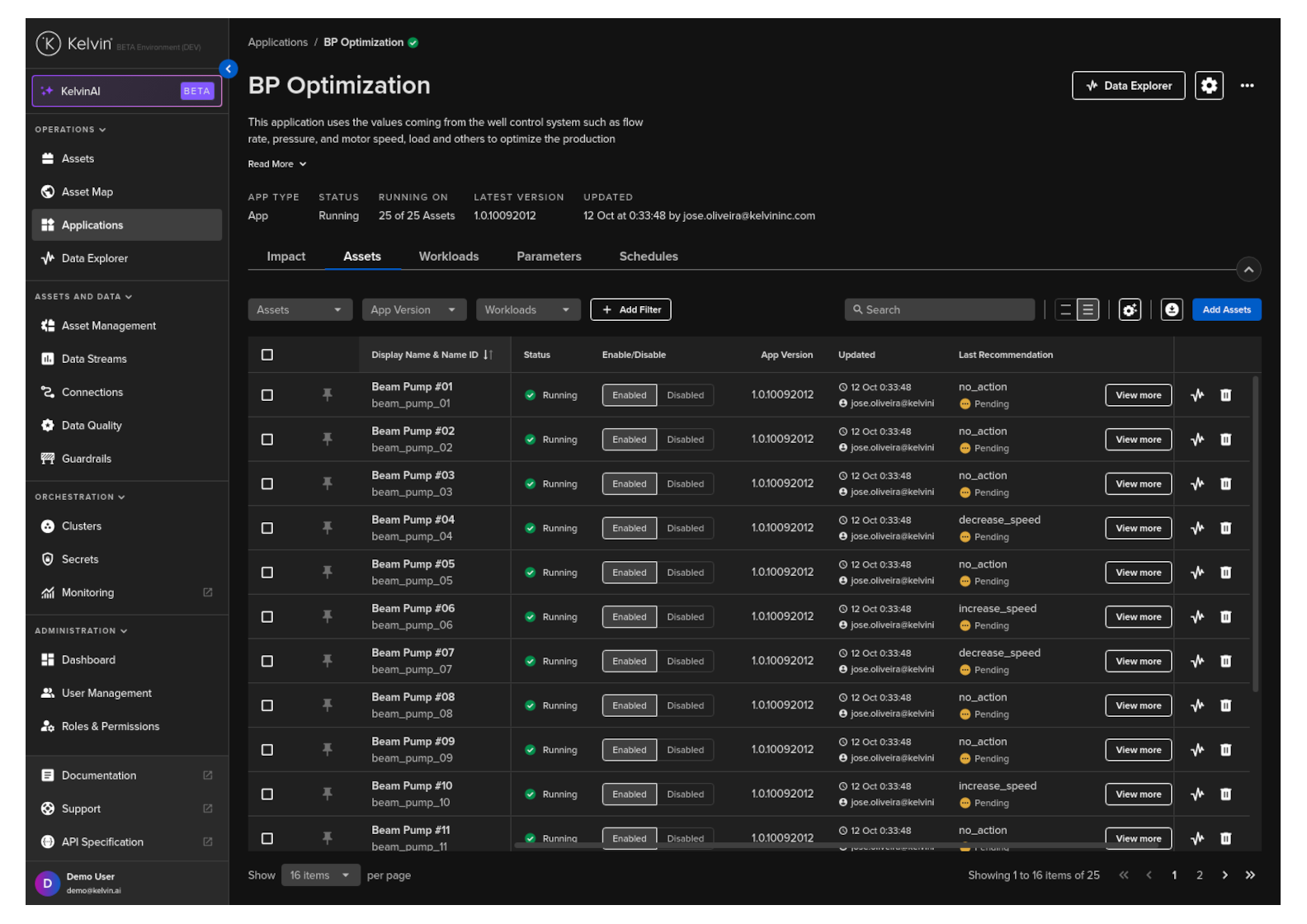
Click on the Management tab, and you can see a list of Assets and the configuration options for the Application.
This shows all Assets for all versions of the Application. You can see which version an Asset is connected to in the asset-centric table.
Start / Stop Commands
Here you have the ability to control, on a per-Asset basis, whether the Application should process each Asset.
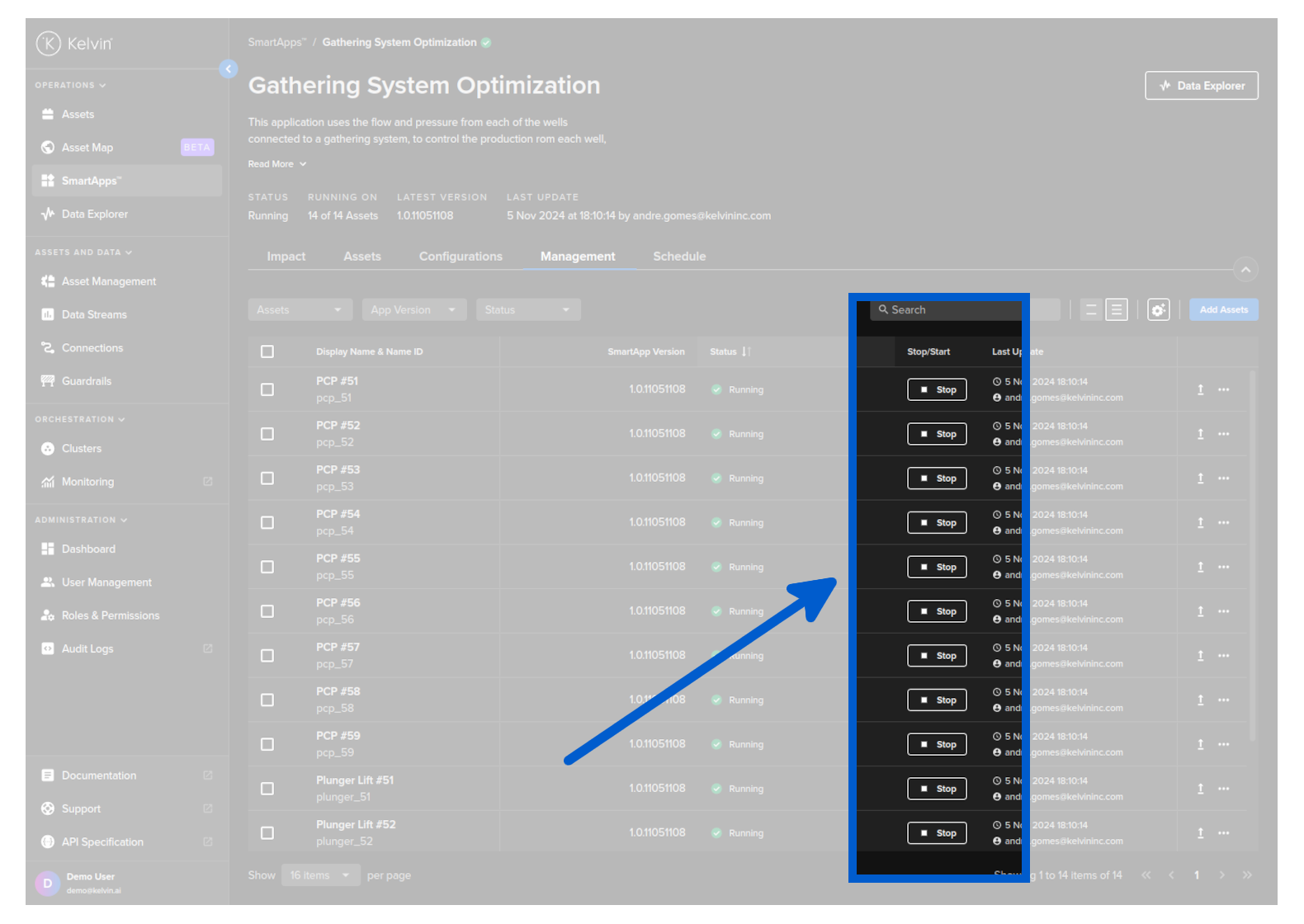
Start - The Application will start to process input data for your Asset and produce the output data required.
Stop -The Application will stop processing data for your Asset.
You can also control multiple Assets at the same time by selecting the Assets and then choosing a bulk action to take for all.