Configuring apps with Kelvin Studio
The app configuration file is dynamic and allows an extensive combination of properties for your application.
Understanding the underlying complexity, the KSDK suite provides a GUI tool for managing your app.yaml configuration file: Kelvin Studio
Starting Kelvin Studio
Kelvin Studio works on your app.yaml, thus receiving it as an input. You can start configuring your application with the kelvin studio start command.
If no app.yaml is provided, once your save your results, Kelvin Studio will generate it and download it on your browser.
In addition, you can start Kelvin Studio with a custom port, thus avoiding port collisions with other running applications.
kelvin studio start --input=app.yaml --port 8000
This command will use the latest schema version available in the system to keep your configuration file updated.
Success
[kelvin.sdk][2021-01-14 17:25:15][I] Retrieving the latest schema version
[kelvin.sdk][2021-01-14 17:25:16][I] Starting Kelvin Studio with "app.yaml"
[kelvin.sdk][2021-01-14 17:25:16][I] Pulling "demo.kelvininc.com:5000/kv-studio:1.0.0-demo.16" from "demo.kelvininc.com"
 [elapsed: 00:00] - [Layer: 1.0.0-demo.16] [Pending..]
[kelvin.sdk][2021-01-14 17:25:18][R] Successfully pulled "demo.kelvininc.com:5000/kv-studio:1.0.0-demo.16" from "demo.kelvininc.com"
[kelvin.sdk][2021-01-14 17:25:18][I] Initializing the emulation system.
[kelvin.sdk][2021-01-14 17:25:18][I] Emulation system is running.
[kelvin.sdk][2021-01-14 17:25:18][I] Loading configuration and starting the application
[kelvin.sdk][2021-01-14 17:25:18][I] Starting application "demo.kelvininc.com:5000/kv-studio:1.0.0-demo.16"
[kelvin.sdk][2021-01-14 17:25:18][I] Stopping containers of "demo.kelvininc.com:5000/kv-studio:1.0.0-demo.16"
[kelvin.sdk][2021-01-14 17:25:18][I] Containers of "demo.kelvininc.com:5000/kv-studio:1.0.0-demo.16" successfully stopped
[kelvin.sdk][2021-01-14 17:25:21][R] Application successfully launched: "demo.kelvininc.com:5000/kv-studio:1.0.0-demo.16"
[kelvin.sdk][2021-01-14 17:25:21][R]

                    Kelvin Studio successfully started!
                    Use your browser of choice to access it on: "http://localhost:8000"

                    Opening Kelvin Studio...
You can access localhost:8000 and start configuring your application.
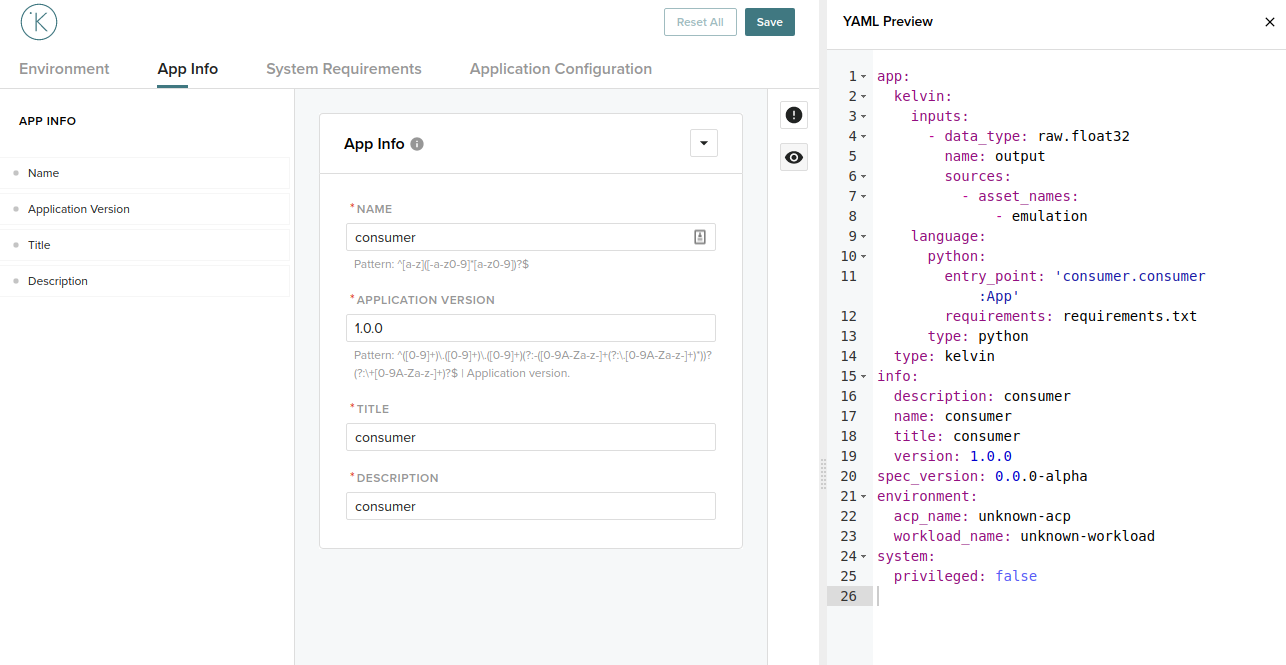
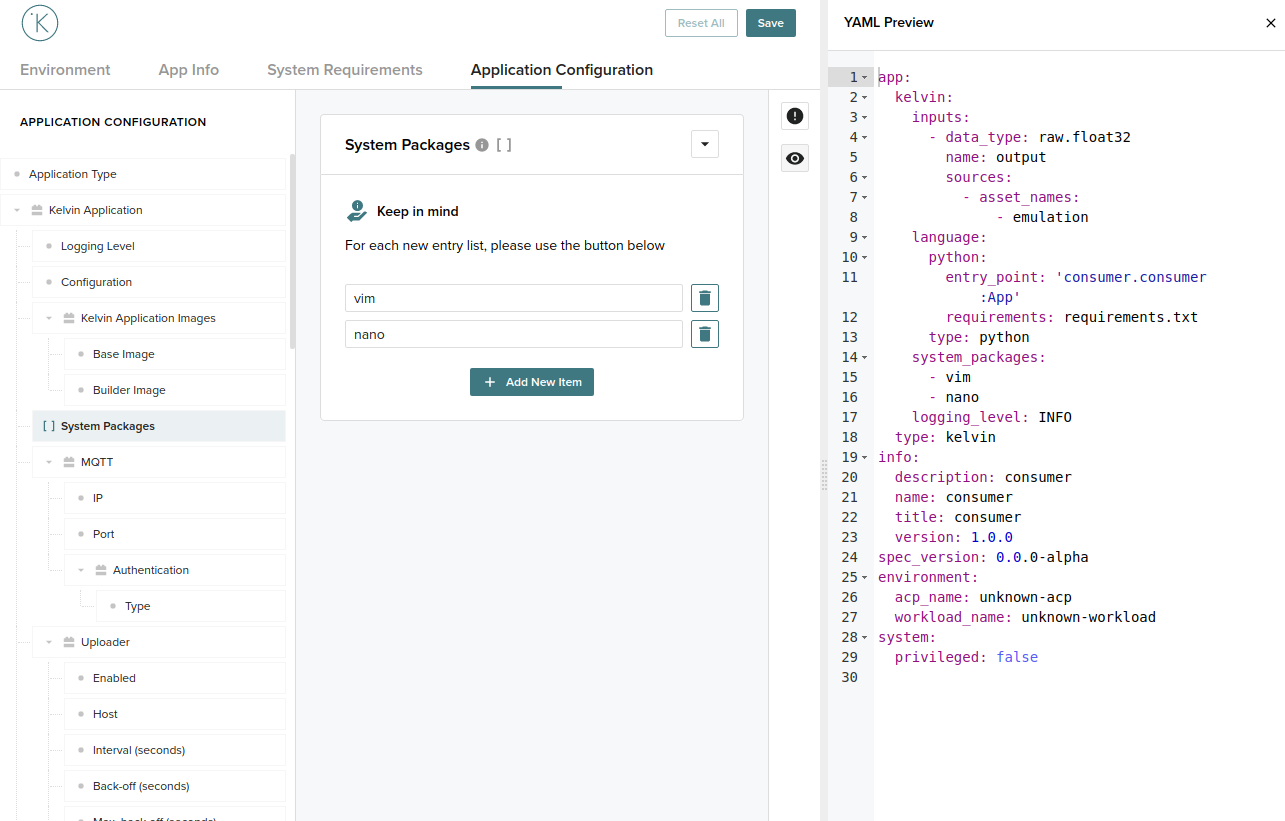
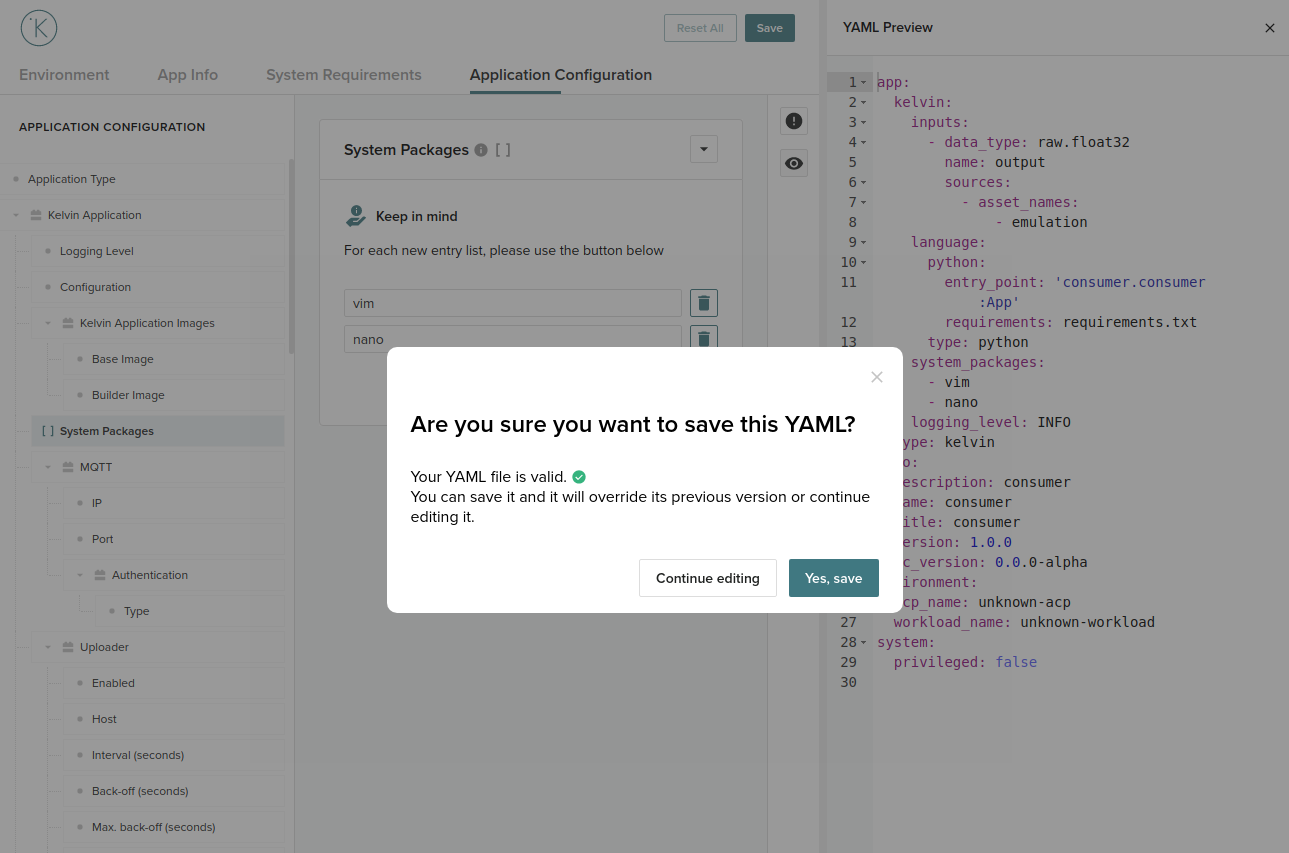
Clicking Save on the top right corner will write the changes to your app.yaml:
app:
  kelvin:
    inputs:
      - data_type: raw.float32
        name: output
        sources:
          - asset_names: [asset]
    language:
      python:
        entry_point: 'my_app.my_app:App'
        requirements: requirements.txt
      type: python
  type: kelvin
info:
  description: my-app
  name: my-app
  title: This title was changed from within Kelvin studio!
  version: 1.0.0
spec_version: 2.0.0
environment:
  node_name: unknown-node
  workload_name: unknown-workload
In addition, you can override a specific schema to validate the configuration file against with the --schema option:
kelvin studio start --input=app.yaml --schema=my_schema.json
Stopping Kelvin Studio
Once you're done configuring your application, you can stop Kelvin Studio with the kelvin studio stop command:
kelvin studio stop
Success
[kelvin.sdk][2021-01-14 17:32:38][I] Stopping Kelvin Studio
[kelvin.sdk][2021-01-14 17:32:38][I] Stopping containers of "demo.kelvininc.com:5000/kv-studio:1.0.0-demo.16"
[kelvin.sdk][2021-01-14 17:32:48][I] Containers of "demo.kelvininc.com:5000/kv-studio:1.0.0-demo.16" successfully stopped
[kelvin.sdk][2021-01-14 17:32:48][R] Kelvin Studio successfully stopped