Workloads
Workloads are deployed instances of applications from the App Registry. You can find more details about creating and deploying workloads with the Kelvin SDK here.
In the Control Center you can view workload status and health, stop and start workloads, view logs, and modify configuration files.
The most common way to interact with Workloads is from the Node tab of Control Center.
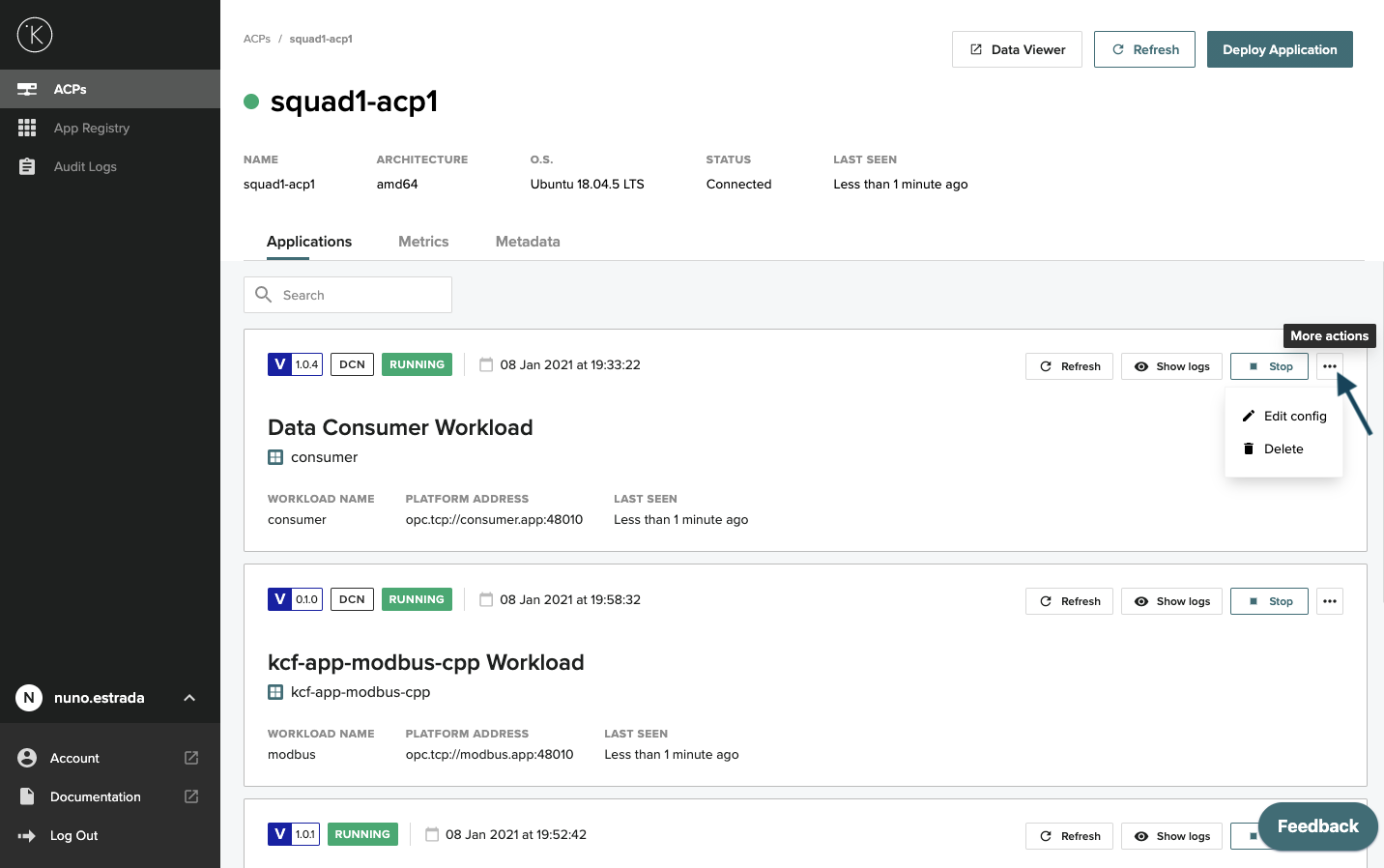
Deploy an application from Control Center
1. Select the Node where you want to deploy the application and click Deploy Application
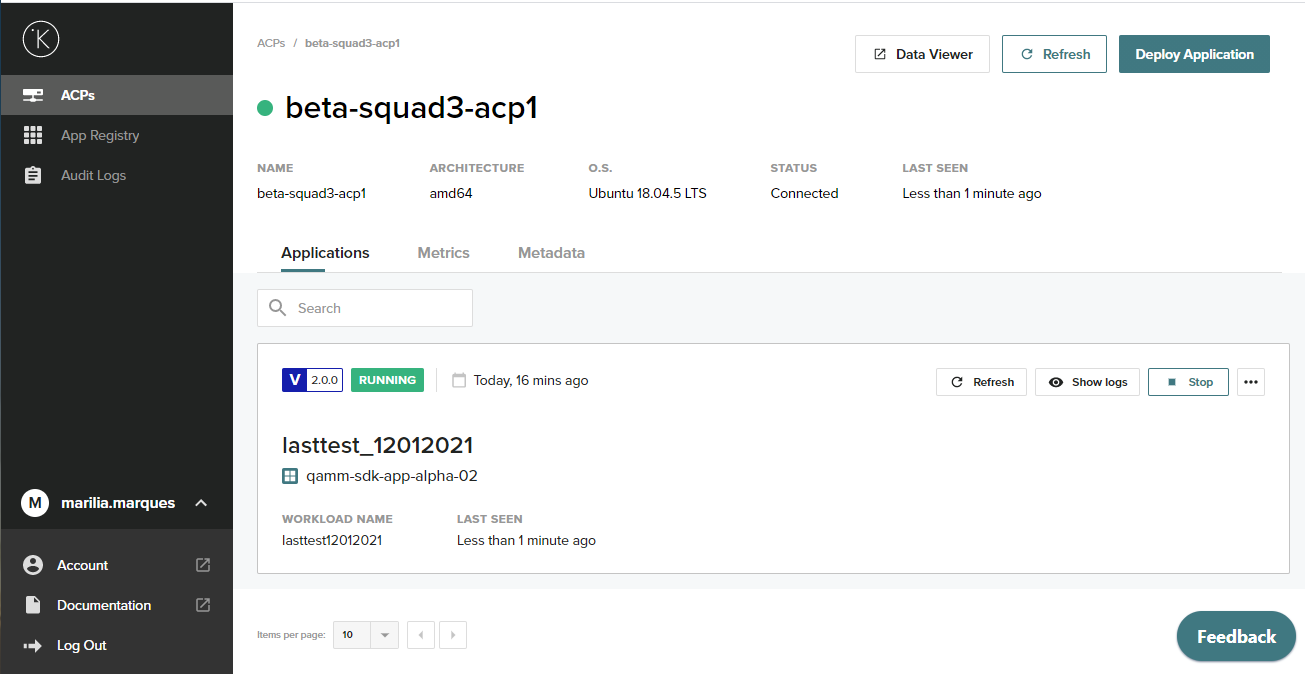
2. Select the application
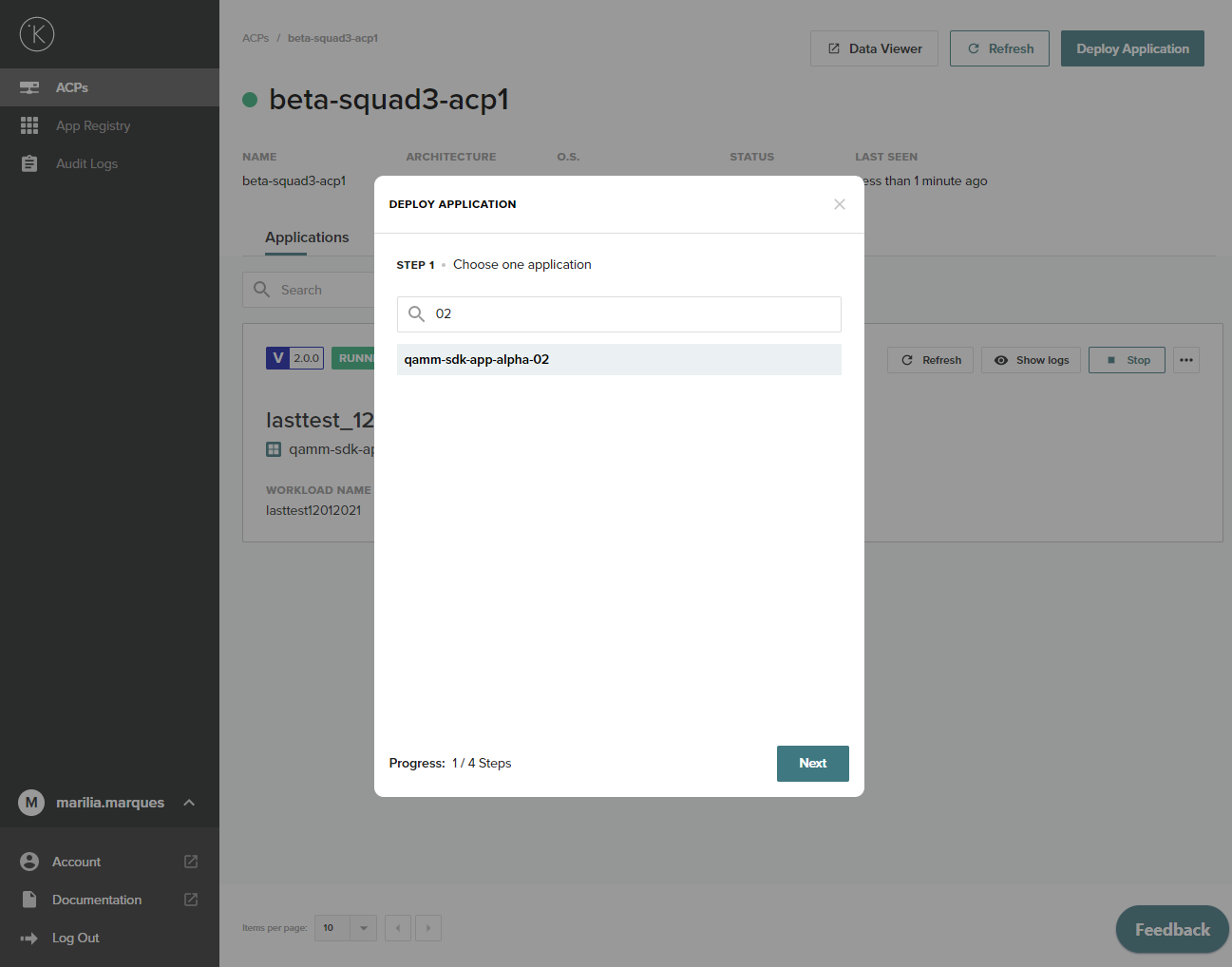
3. Select the version
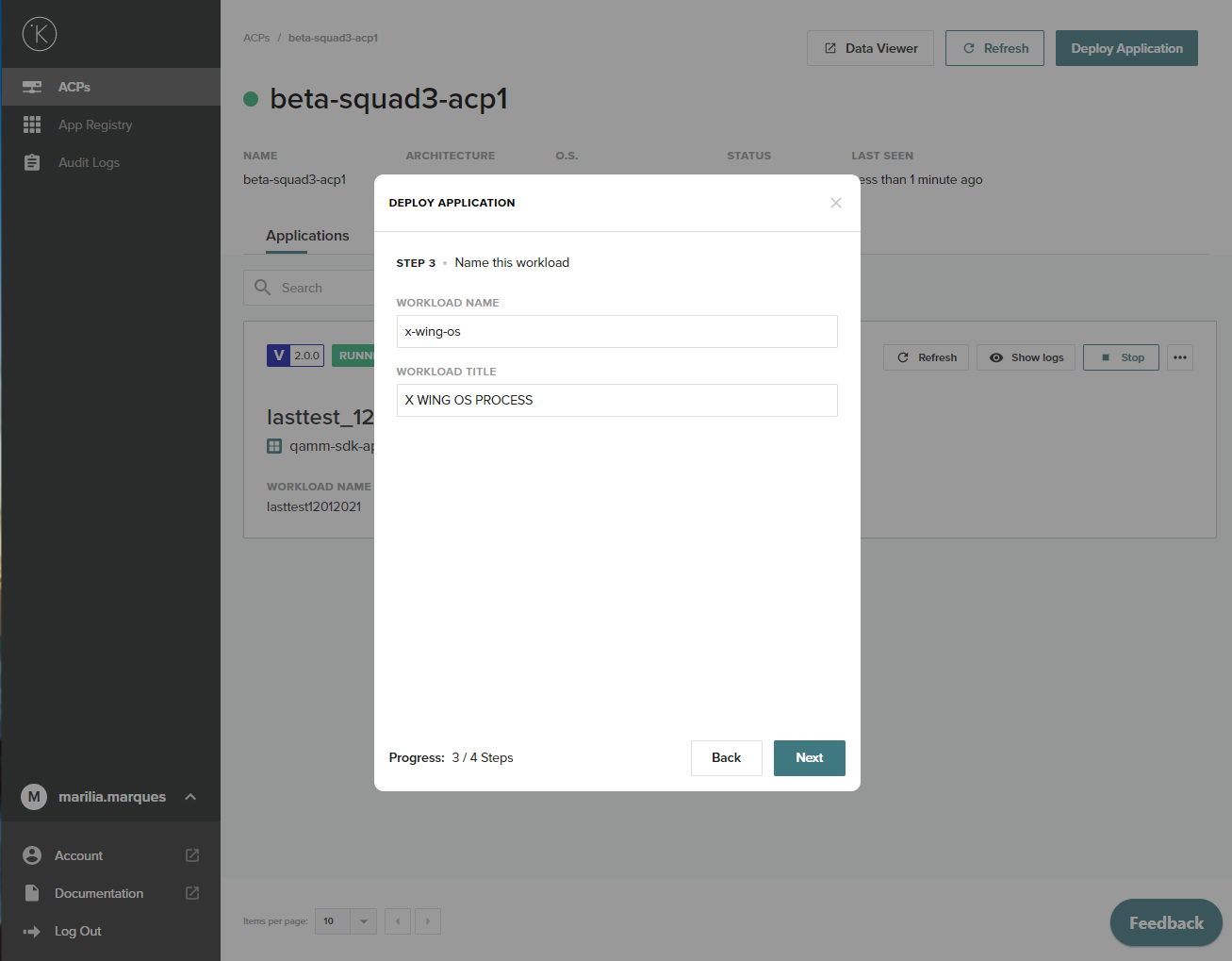
4. Select name and title
5. Edit the configuration
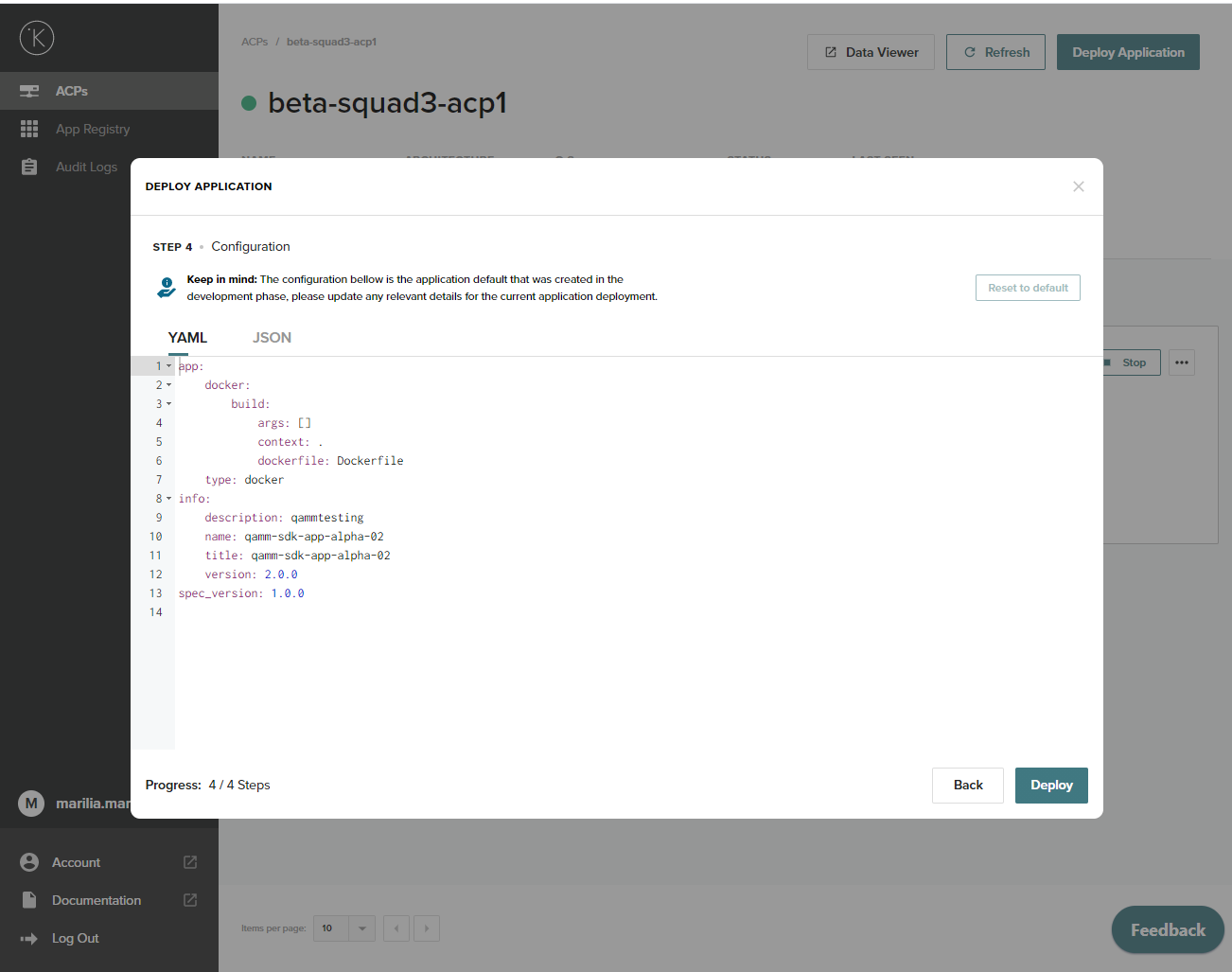
6. Click Deploy and confirm
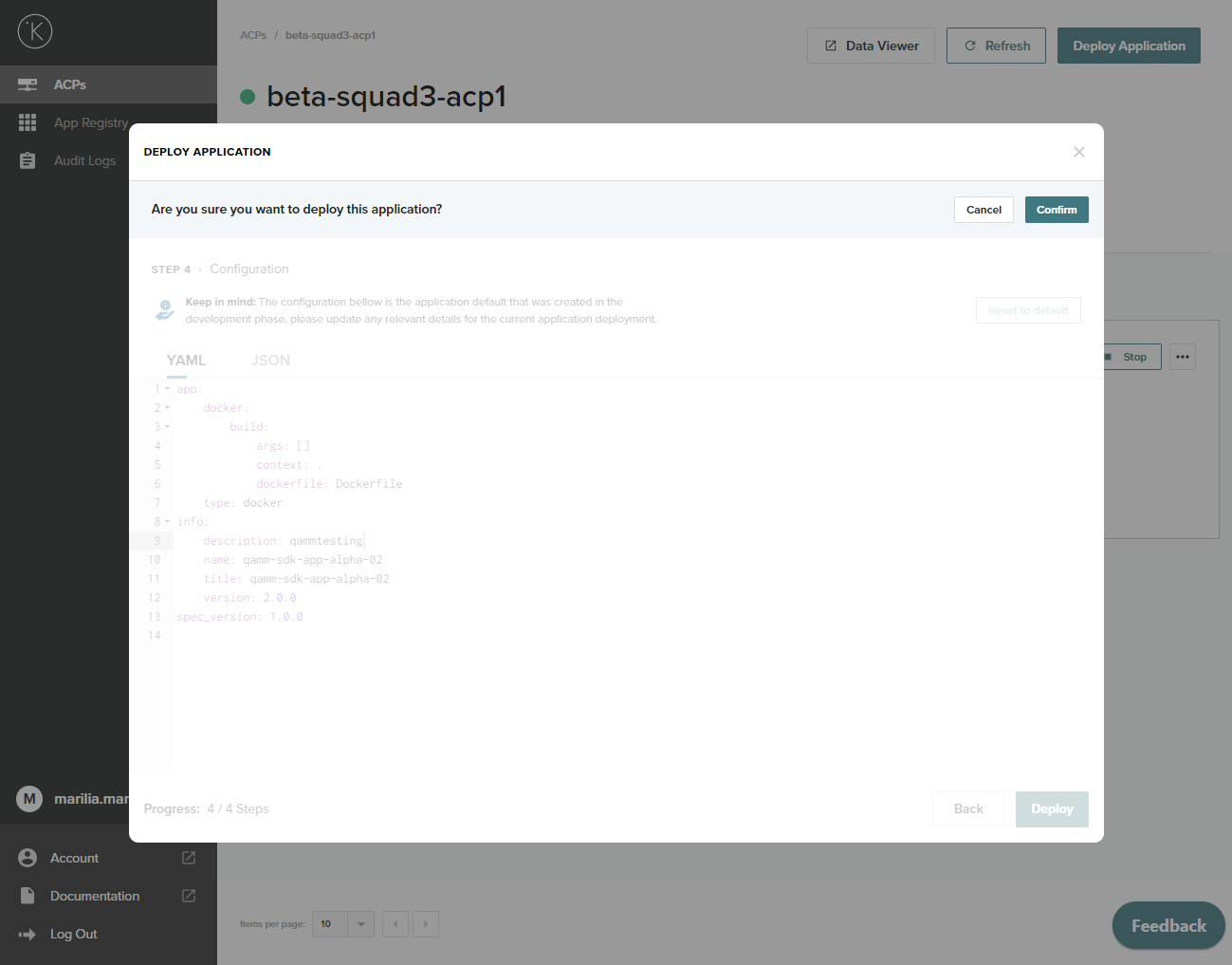
7. Application deployed
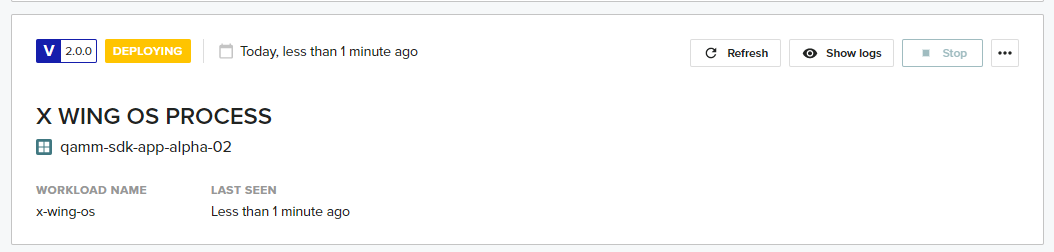
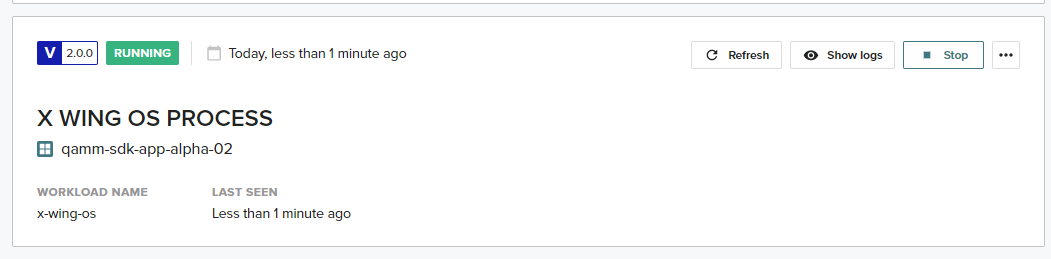
You will be redirected to the Node application list. You will then be able to see you application deployed. It can take a couple of seconds for the application to move from the registry to the Node, so you will see the status "Deploying" and once it's deployed and running it will show "Running"
Deploying
Running
Info
You can also use the SDK to deploy an application, more details here