View Templates
The Data Viewer is prepared to display the data from all the workloads on a Node.
If there is no configuration (view template) defined, the Data Viewer will display the data in its "raw" format, without units on the metrics and assuming the default configurations for the Overview section and the Metrics dropdown.
If a View Template is provided, the Data Viewer can display the information in a more curated format.
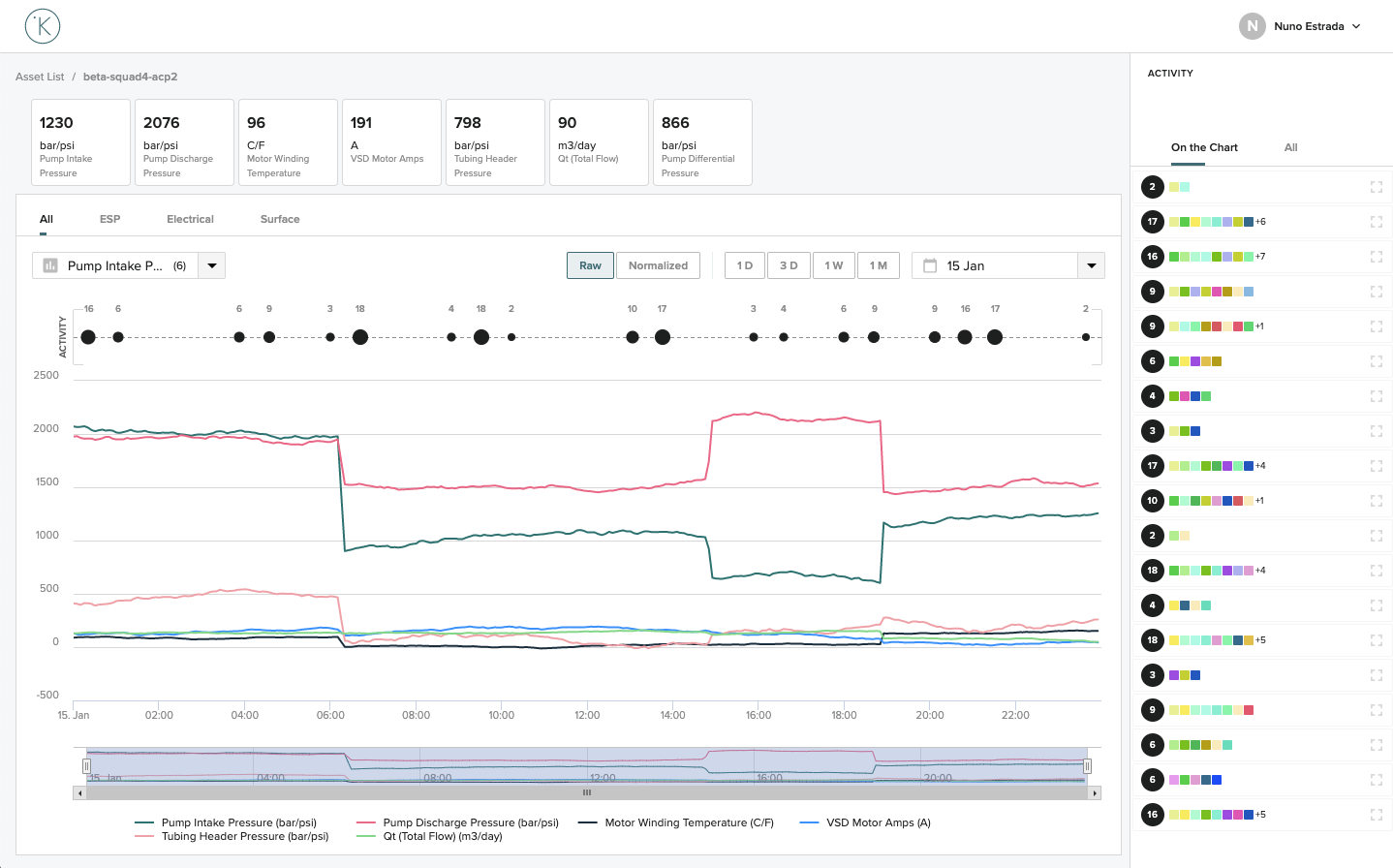
The following things can be configured using the View Template:
- For each Metric:
- Title
- Unit
- Color
- Source
- Data Type
- For the Overview Section:
- Which metrics are displayed and in which order
- For the Chart Section:
- Define different tabs for the Chart
- Define for each tab which metrics are loaded by default in the Chart
Info
To create a custom configuration for your Asset Type (View Template) please contact Kelvin's Customer Support