Account Settings
The Account section of the Control center allows the user to make changes to their profile and perform actions such as changing their name, password, adding a 2 Factor Authenticator, and etc.
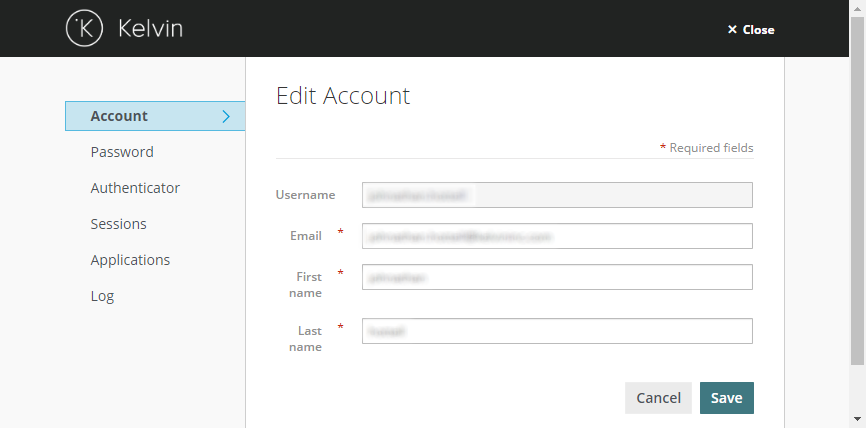
Account
Edit email, and full name name.
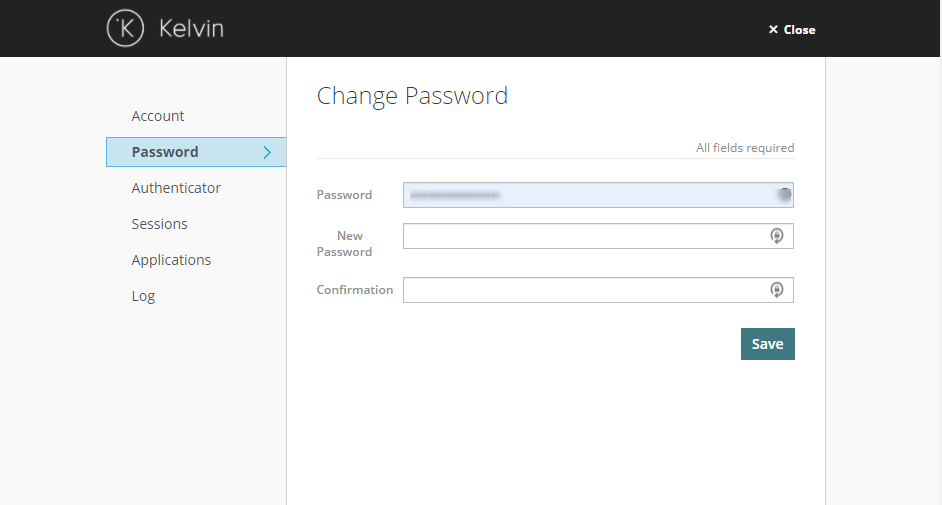
Password
Update user password.
Info
New users will be prompted to change their password when their login the first time.
Password minimum requirements:
- 12 Characters
- 1 Special character
- 1 Upper case letter
- 1 Lower case letter
- 1 Number
Authenticator
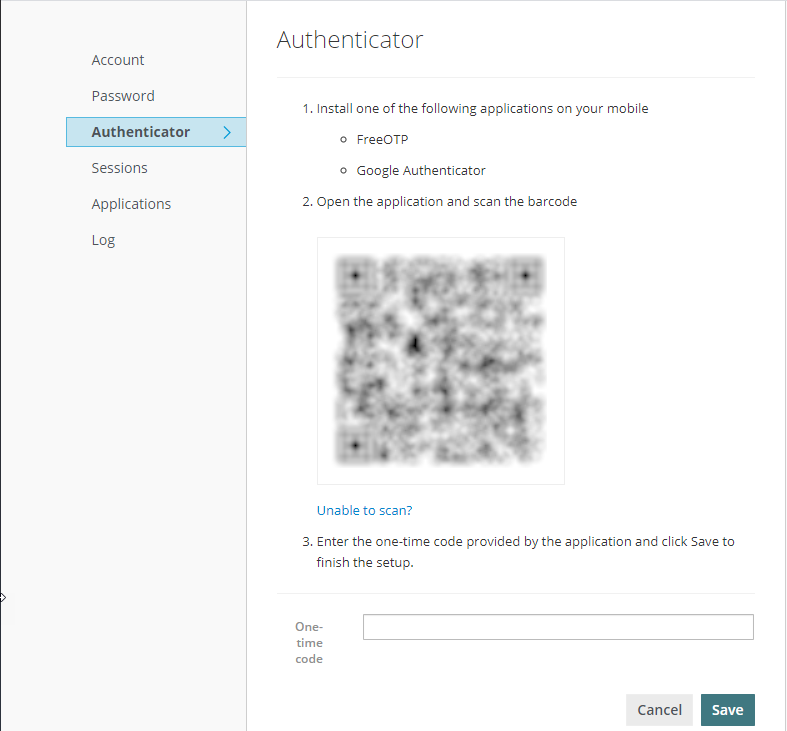
For enhanced security, users can add two-step verification (2FA) to their Kelvin Platform account. To get started, install an authenticator app on your mobile device, open the app, and scan the QR code, then enter the resulting code generated by the authenticator app.
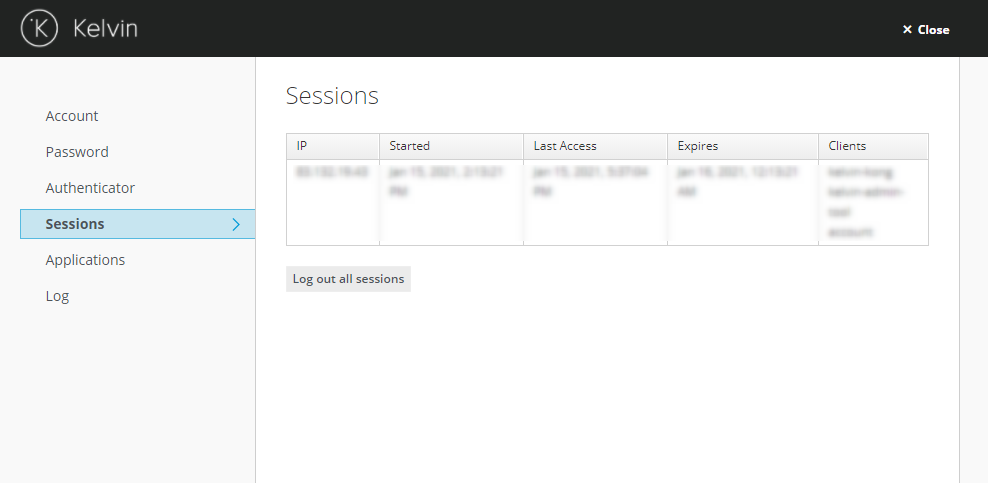
Sessions
Display the current sessions for the user.
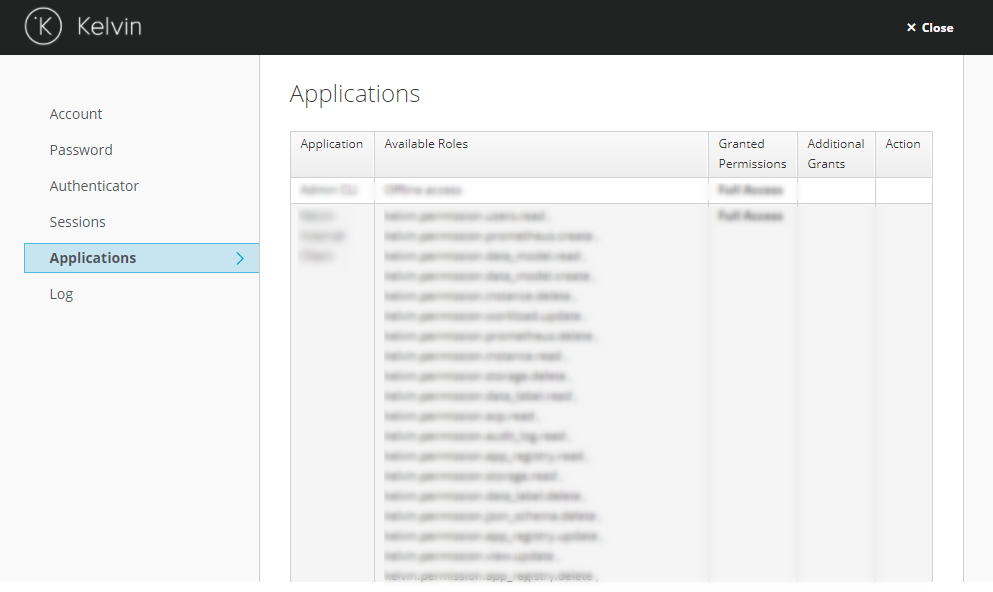
Applications
Display current sessions for the user.
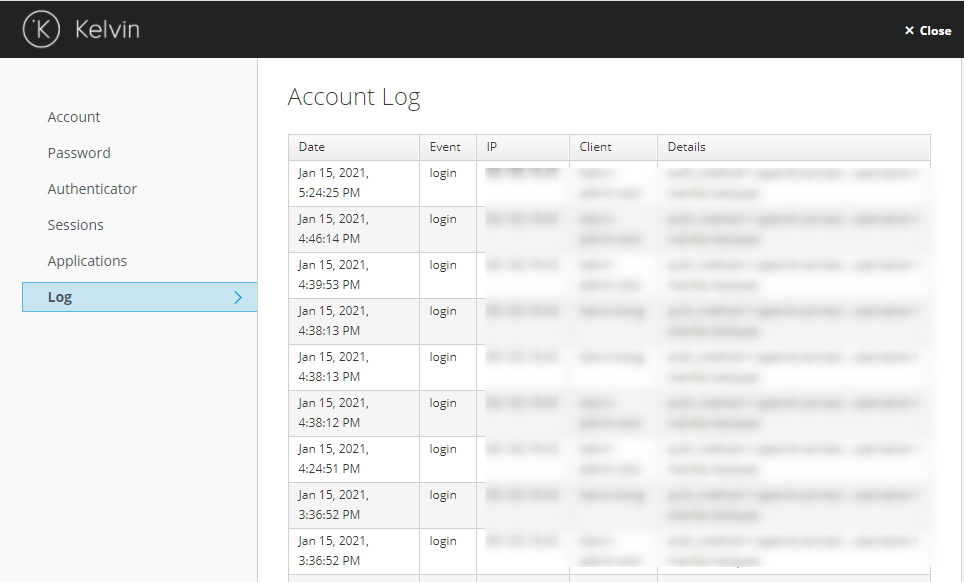
Log
Display usage log history for the user.