Asset List
The Asset List page lists all the Assets in the system. Currently, Assets are the Nodes configured in the Control Center.
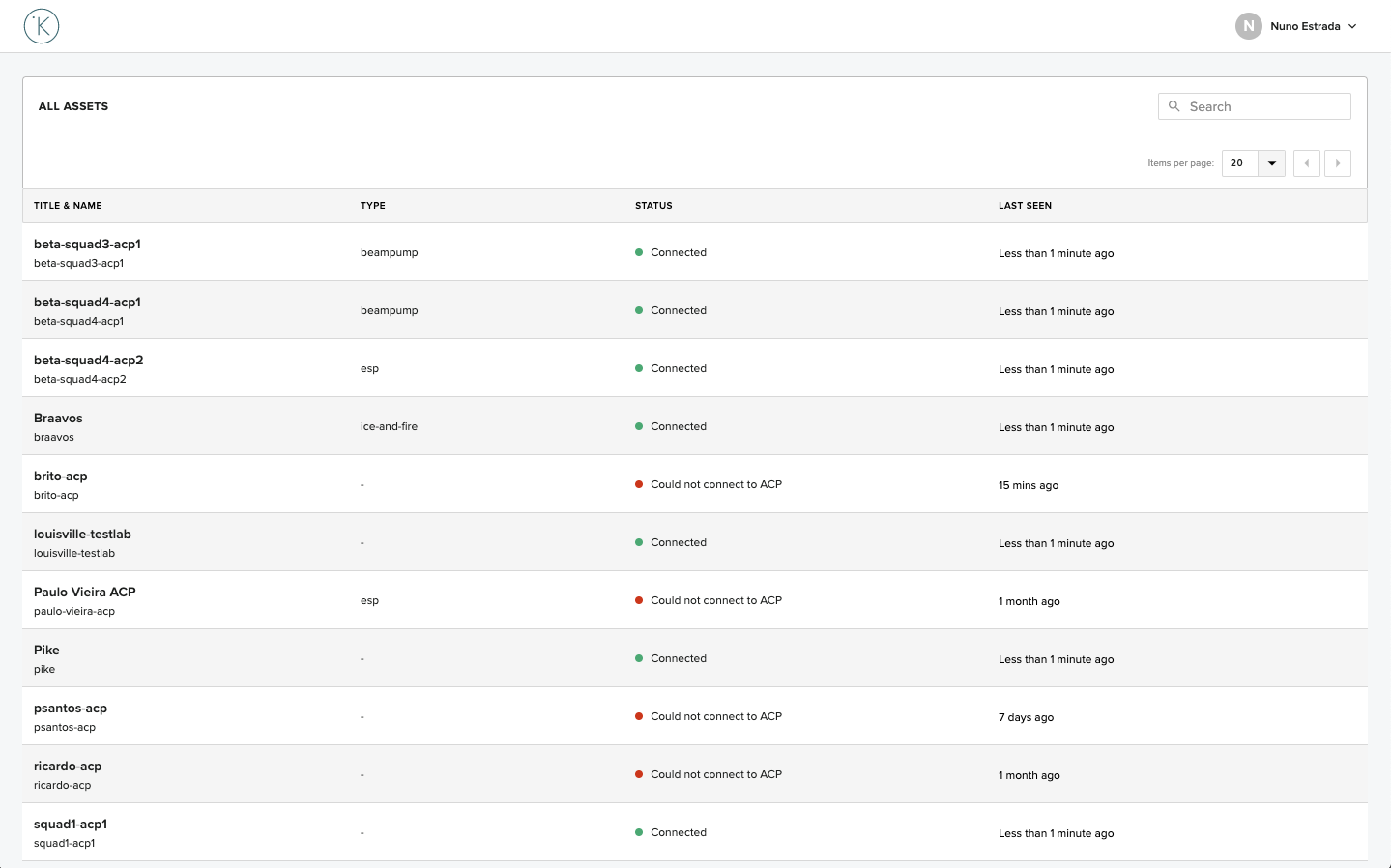
On this page we have the following information about each Asset:
- Title & Name - Title and name of the Asset. The title of the Asset is a link to the Asset Profile page.
- Type - The
asset-typeof the Asset. - Status - The status of the connection of the Node.
- Last Seen - The time when the Node status last updated.
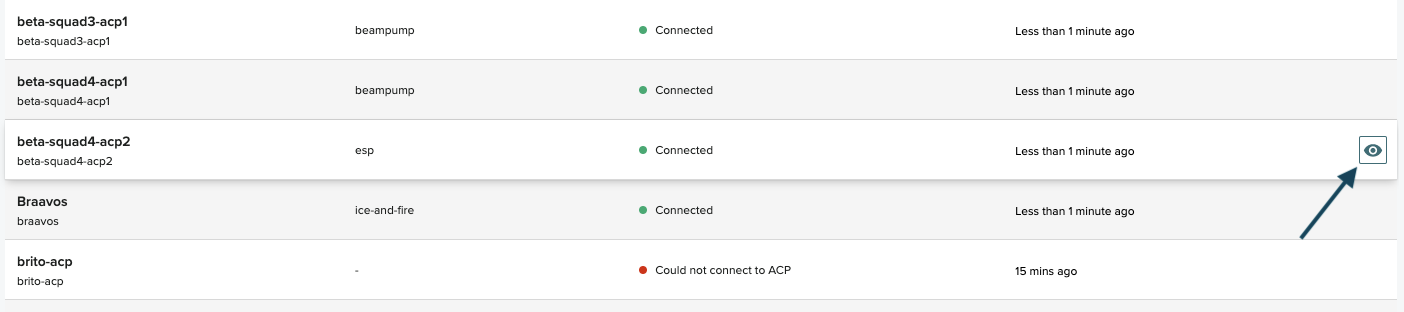
The link on the Asset title is not the only entry point for the Asset Profile page. When hovering a line on the Asset List, a "view" button is revealed on the right hand side of the table. This view button is another link to the Asset Profile page of that asset
On the top right corner of the page there are two components to help the navigation in the Asset List: Search and Pagination.
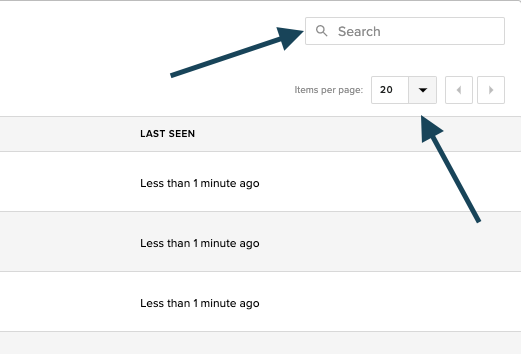
Typing in the Search box filters the list of Assets, showing only the Assets where the name or the title matches (partially or completely) the search query.
The Pagination component allows the navigation between "pages" of the list (if there is more than one page), and changing the number of items per page.