List Assets in Application
Reference:
| Field | Mandatory | Example | Description |
|---|---|---|---|
| app_name | Yes | event-detection |
The Application name to filter the Asset list. It must contain only lowercase alphanumeric characters. The characters ., _ and - are allowed to separate words instead of a space BUT can not be at the beginning or end of the name. |
| app_versions | No | 1.0.1 | Filter the results on the Application versions |
| enabled_states | No | Options are true or false |
Filter whether the Application is currently processing data from the Asset |
| resources | No | krn:asset:beam_pump_16 |
Filter for only certain Assets |
| statuses | No | Options are running, stopped, staged, updating. |
Filter on the status of the Application for the Asset. |
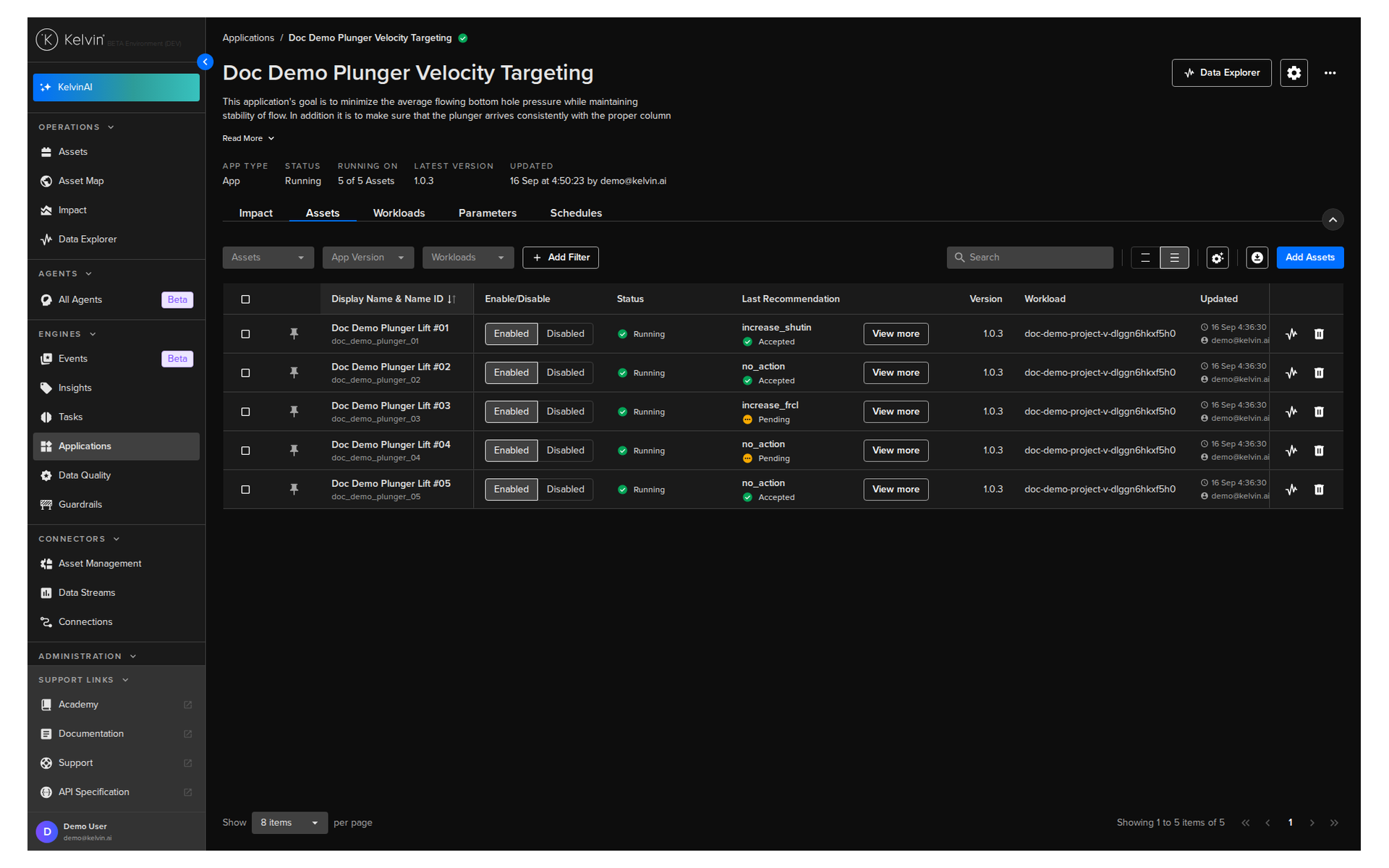
An application can be processing many thousands of Assets at the same time. Kelvin UI makes it easy to monitor the status of all these Assets and quickly add or delete Assets to the Application.
You can list all Assets used by a Application.
You can watch this short demo video or read the full step-by step written tutorial below.
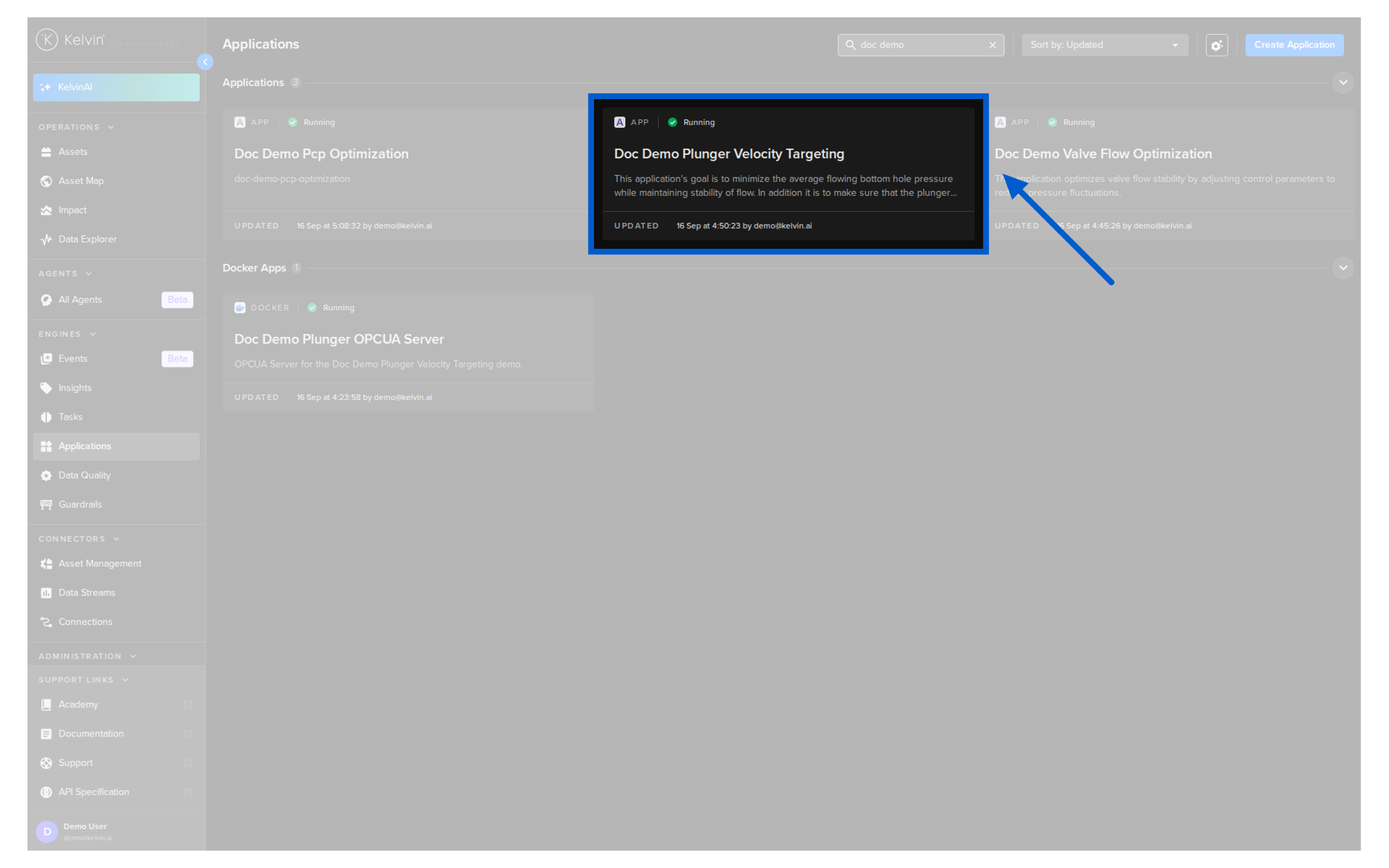
To see a full list of Assets running a certain , go to Applications dashboard page and select the Application.
Click on the Management tab, and click on the Assets tab. Here you can see a list of Assets and the configuration options for the Application.
| API cURL Example | |
|---|---|
The response will look like this;
The response will look like this;