Application Settings
Application Settings
You can set up the default application settings that will be used when one or more Assets are added to the Application through the Assets tab.
Success
The Add Assets method in Assets tab allows Operations to deploy Assets without any knowledge on the Kelvin Platform infrastructure or the Program variables.
Application Settings can be preset by the Developers.
To edit, click on the Configuration icon in the Application's details page.
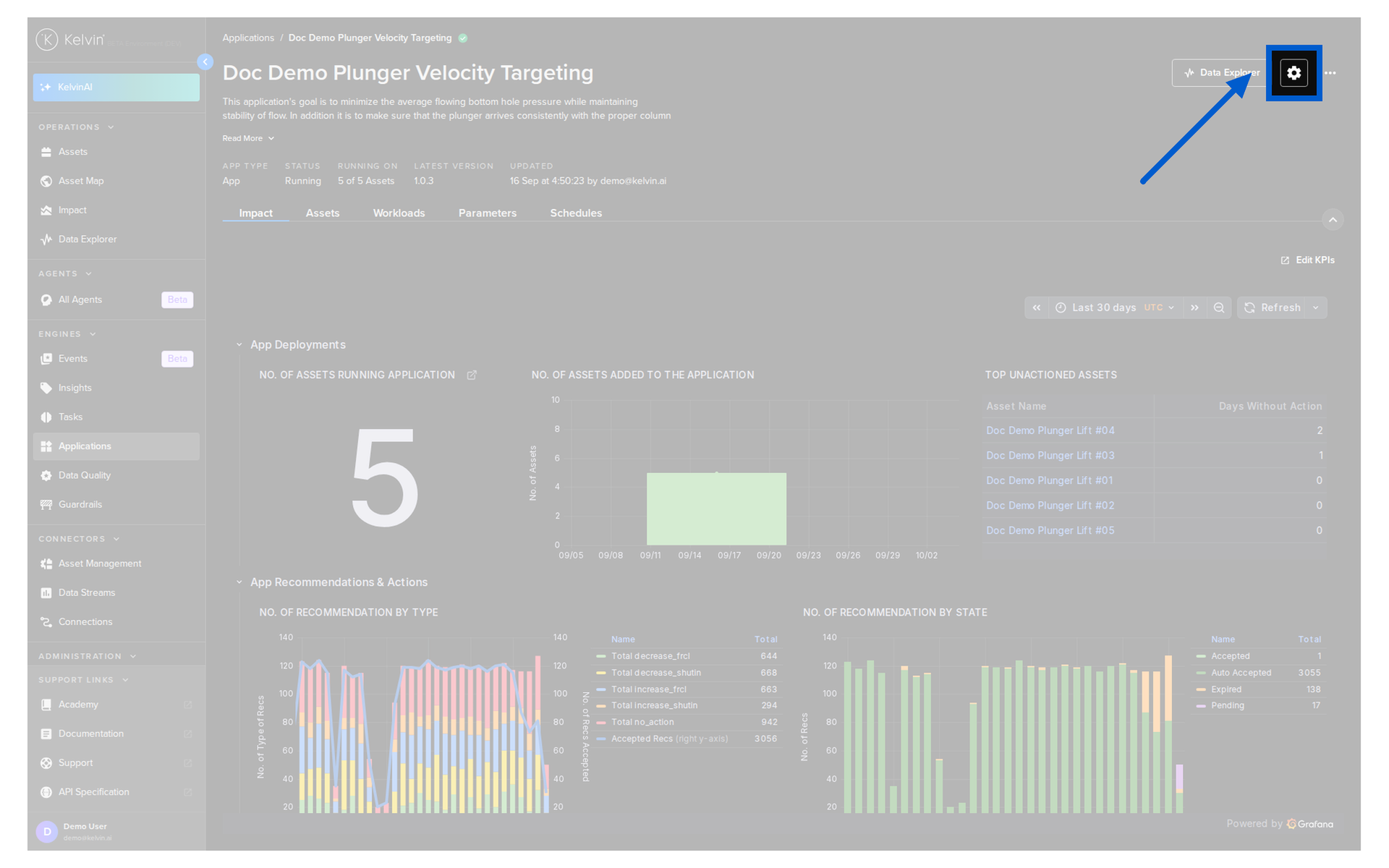
You will then see the configurations popup. Here you can set the defaults for all the configuration options.
Note
Instead of typing a credential, you can insert a reference to a secret that already exists on the platform. Use the YAML or JSON editor and enter <% secrets.secret-name %>. Kelvin injects the secret value at runtime, so the value is never stored or shown here.
Injecting the reference here means the secret does not have to be fixed into the Application in the app.yaml file. See Use Secrets.
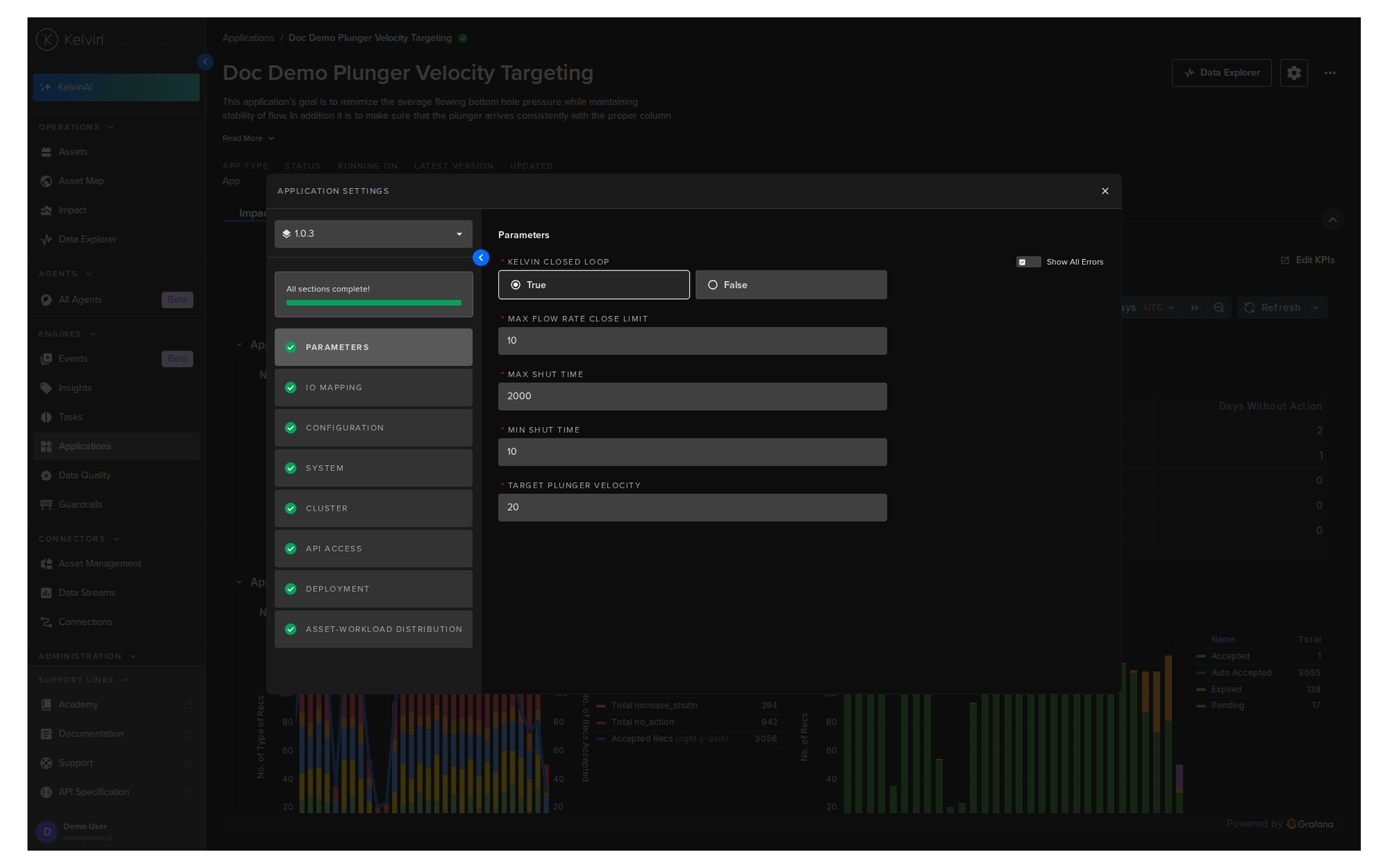
To read more about all the options, read the deploy documentation in the Developers Tools section here.