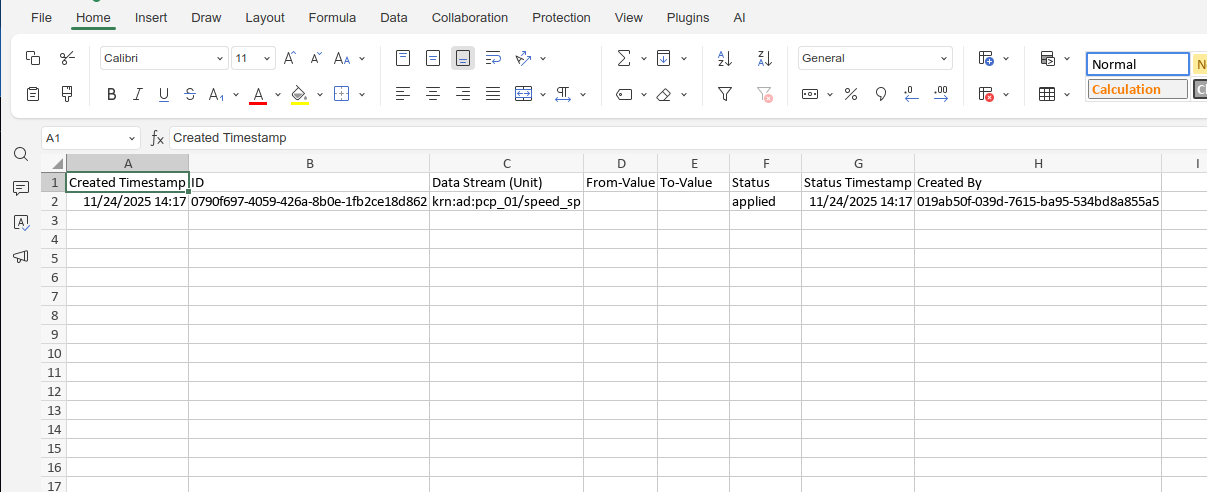
Download Data
You can download the data according to the time range you currently are viewing.
Note
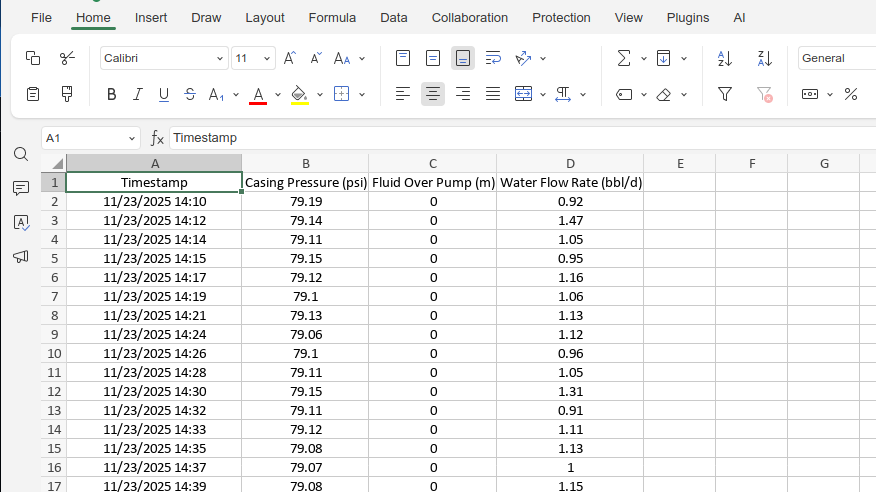
This is downloaded in a csv file format which can be opened by Google Sheets or Microsoft Excel.
You can watch this short demo video or follow the steps below.
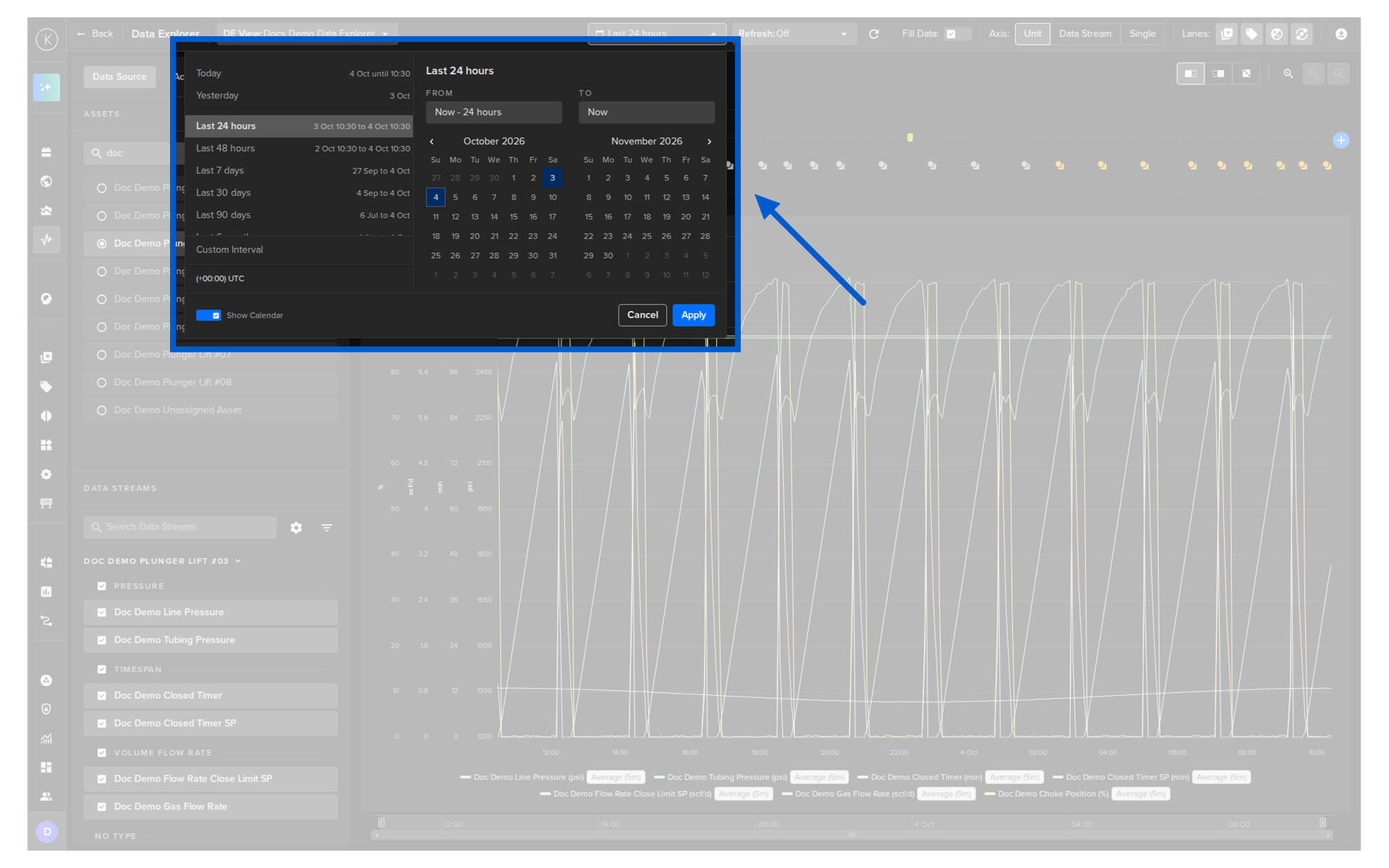
To start, setup the time range of your Data Explorer viewer.
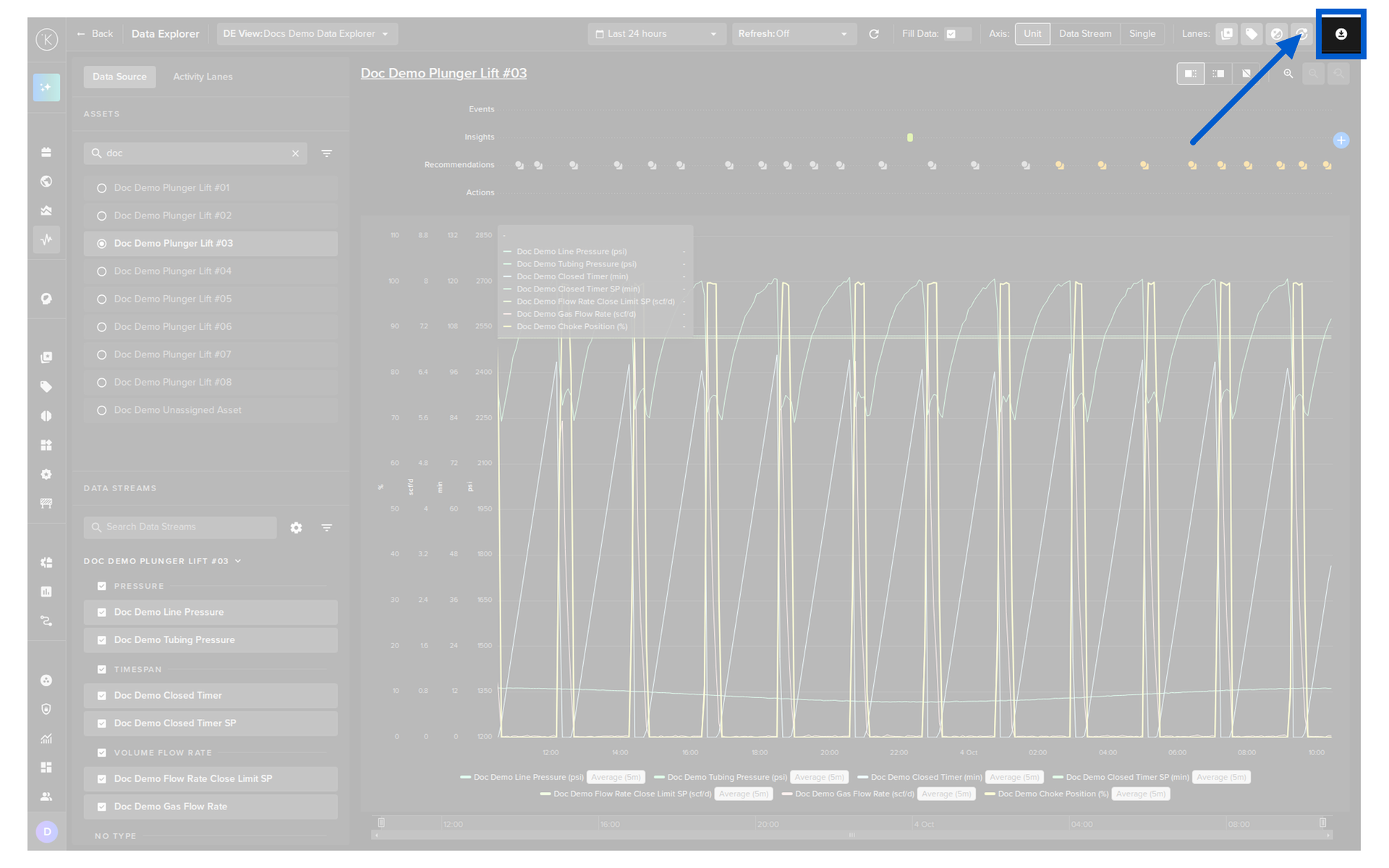
Then click on the download icon  in the top right corner.
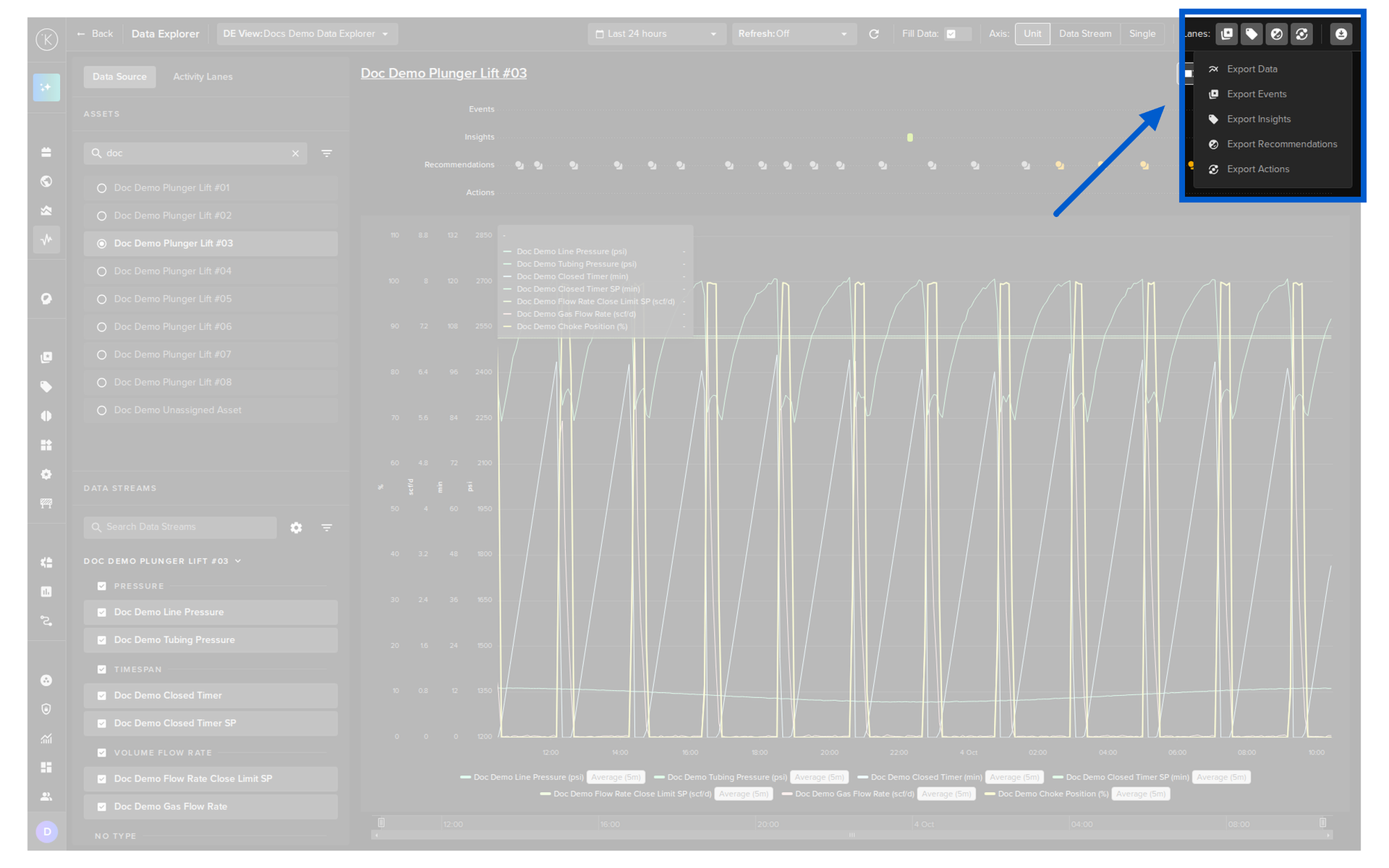
Export Data
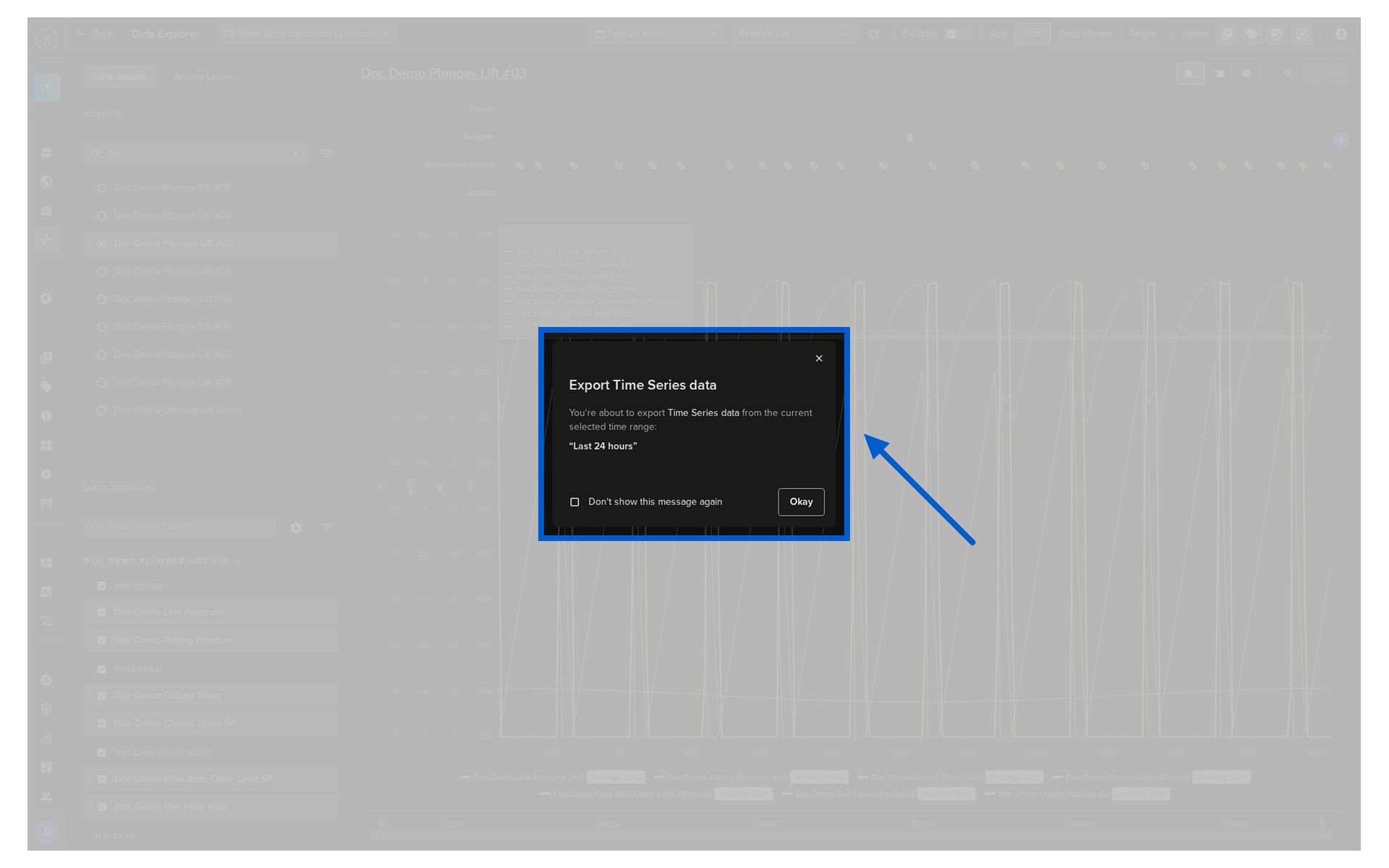
This will export all the Data Stream values for the selected Asset over the viewable time range.
Export Events
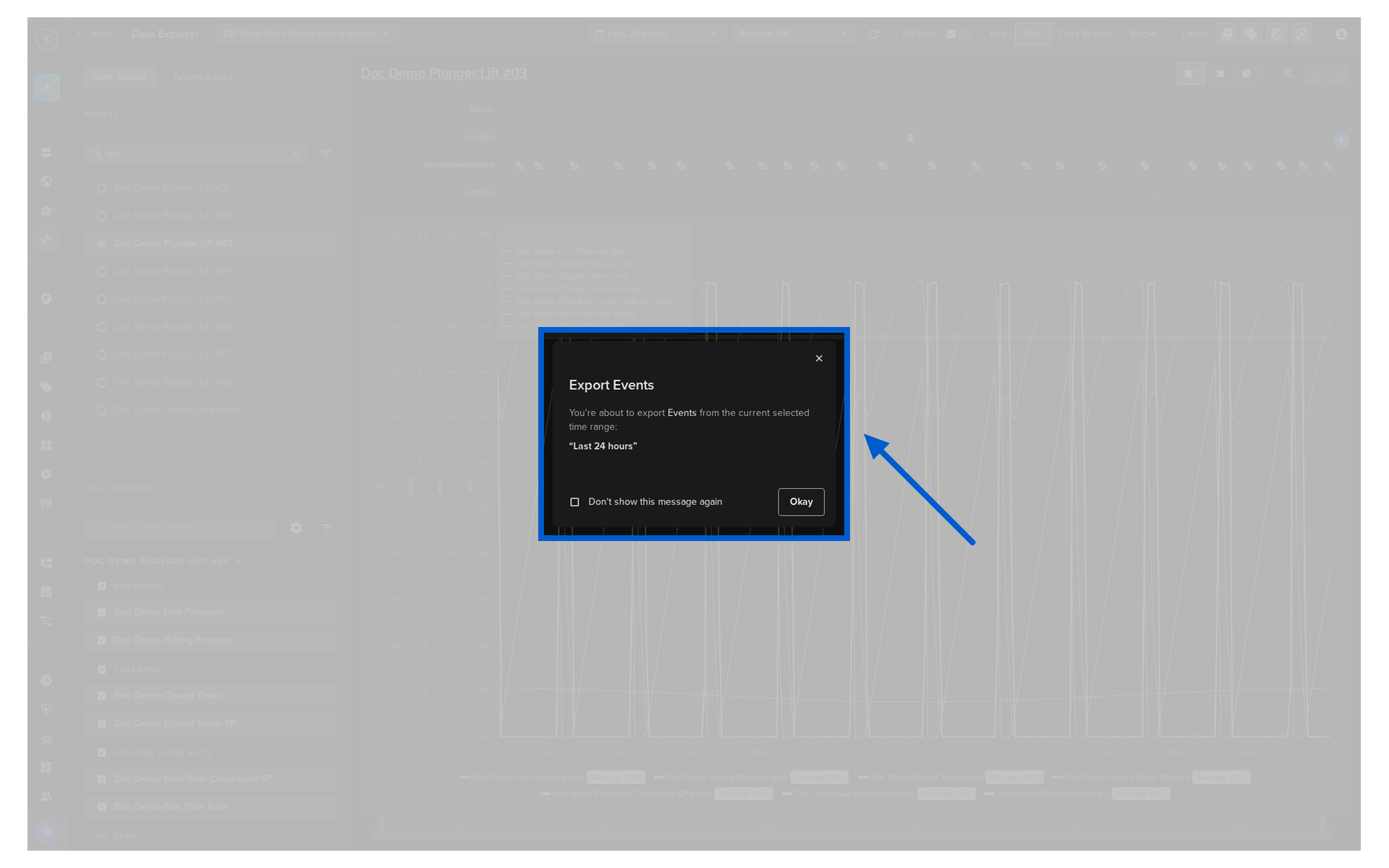
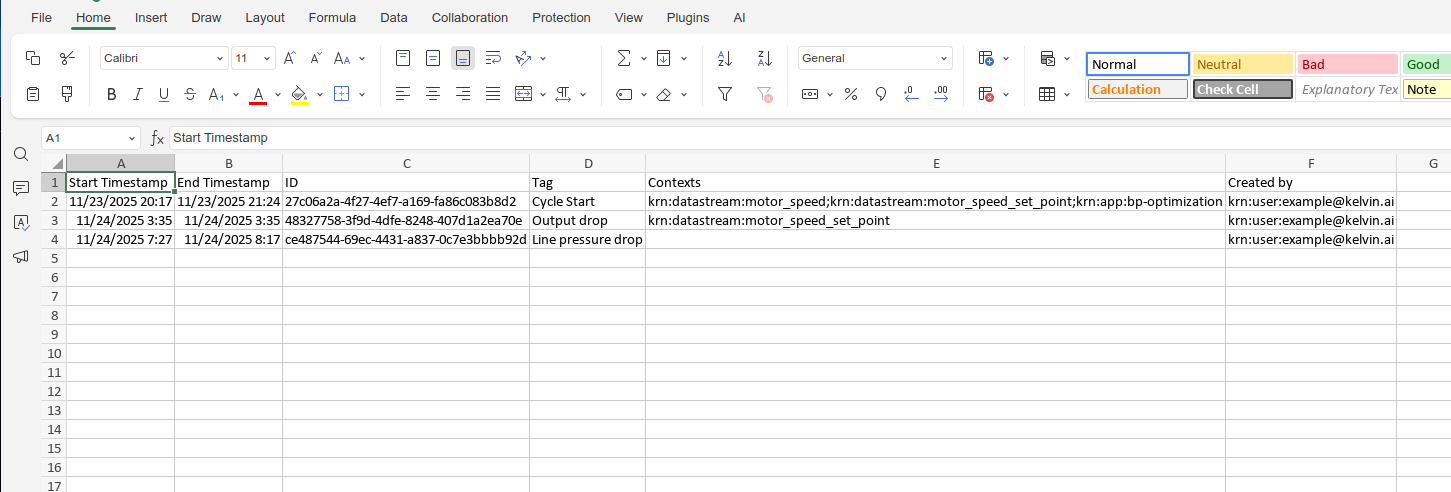
This will export all the Event information for the selected Asset over the viewable time range.
Export Insights
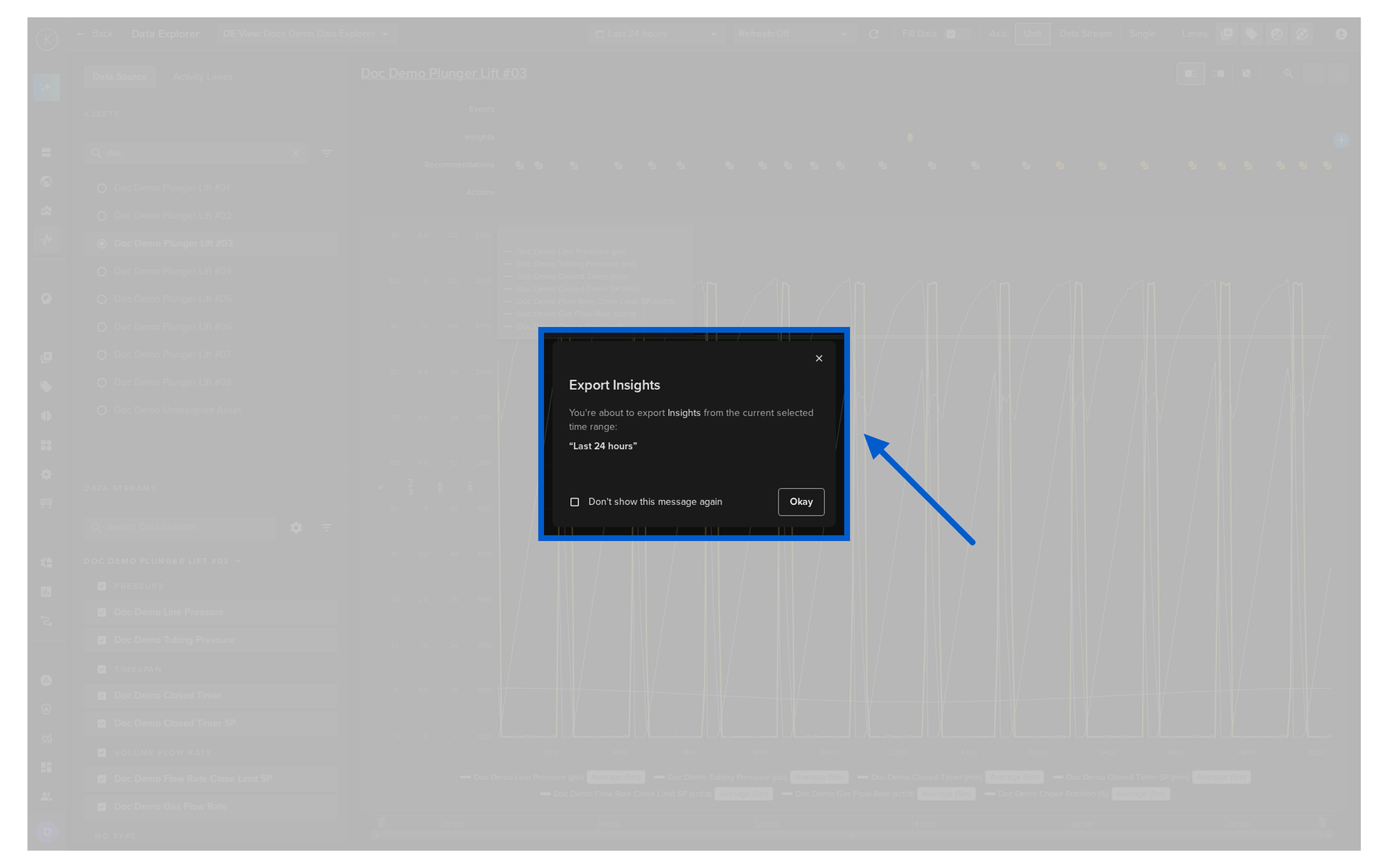
This will export all the Insight information for the selected Asset over the viewable time range.
Export Recommendations
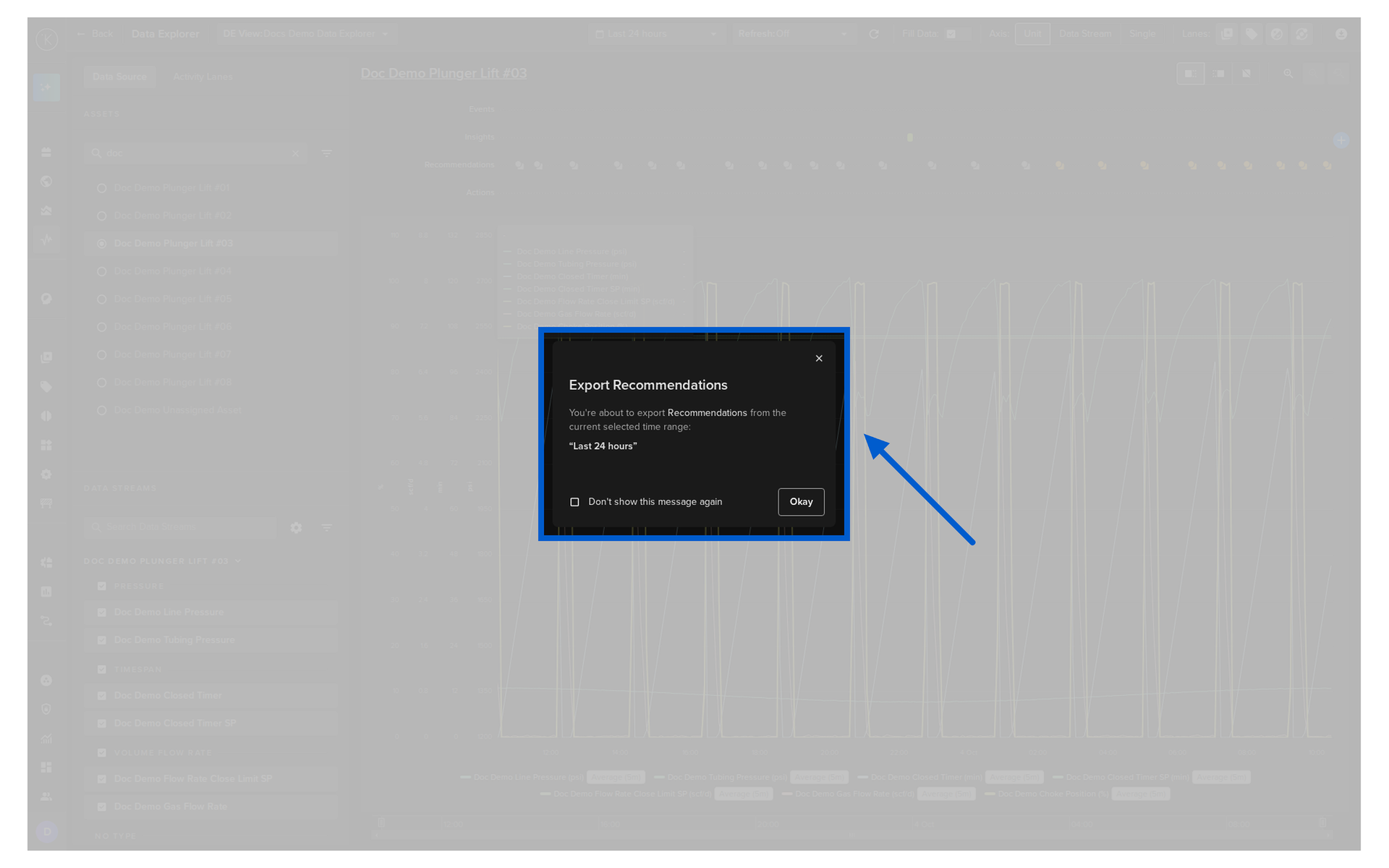
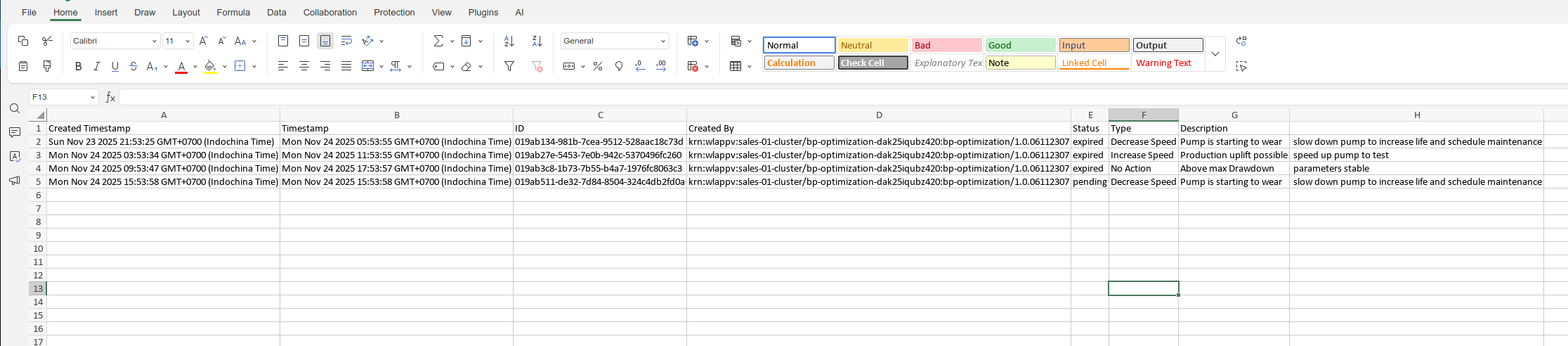
This will export all the Recommendation information for the selected Asset over the viewable time range.
Export Actions
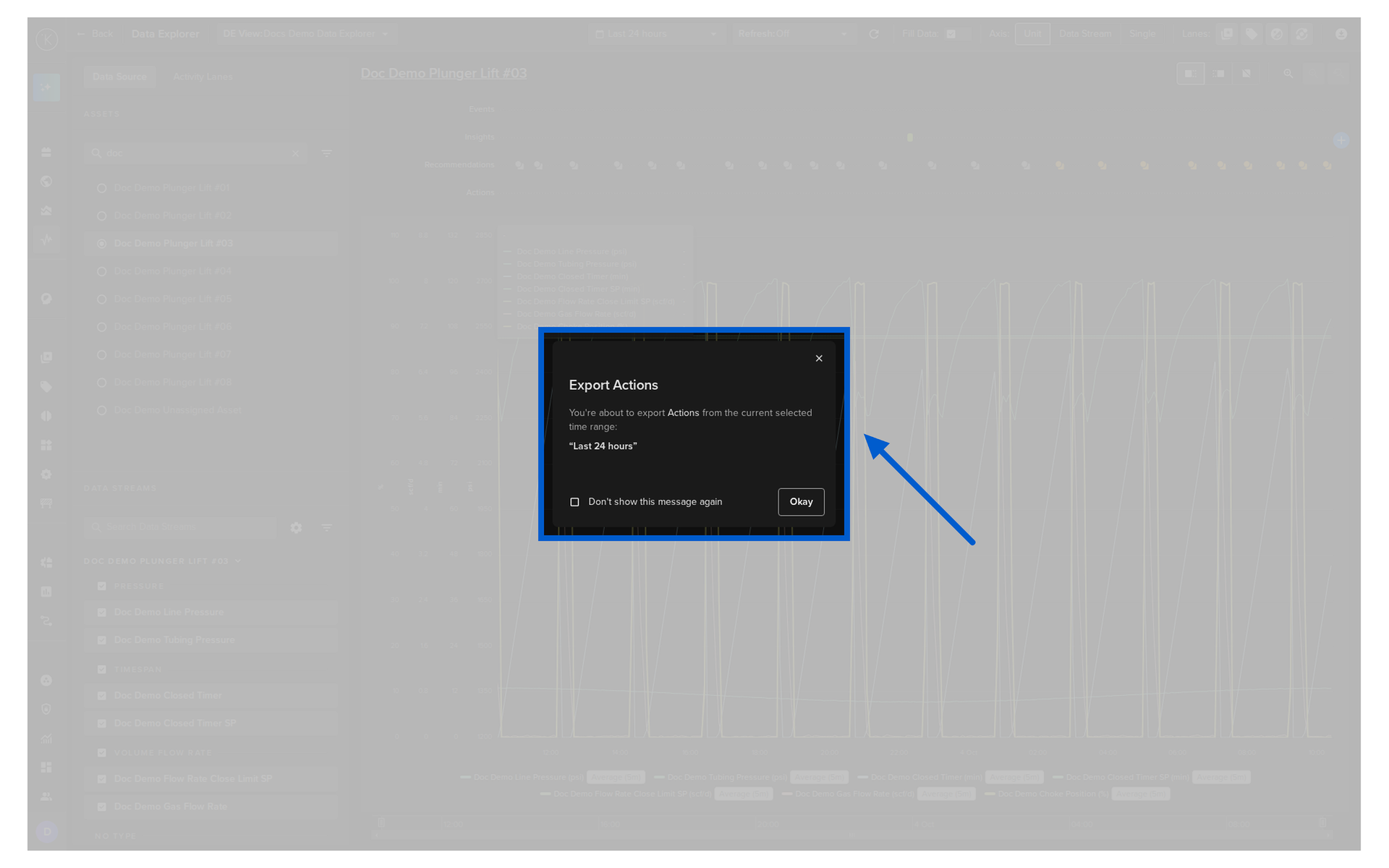
This will export all the Action information for the selected Asset over the viewable time range.