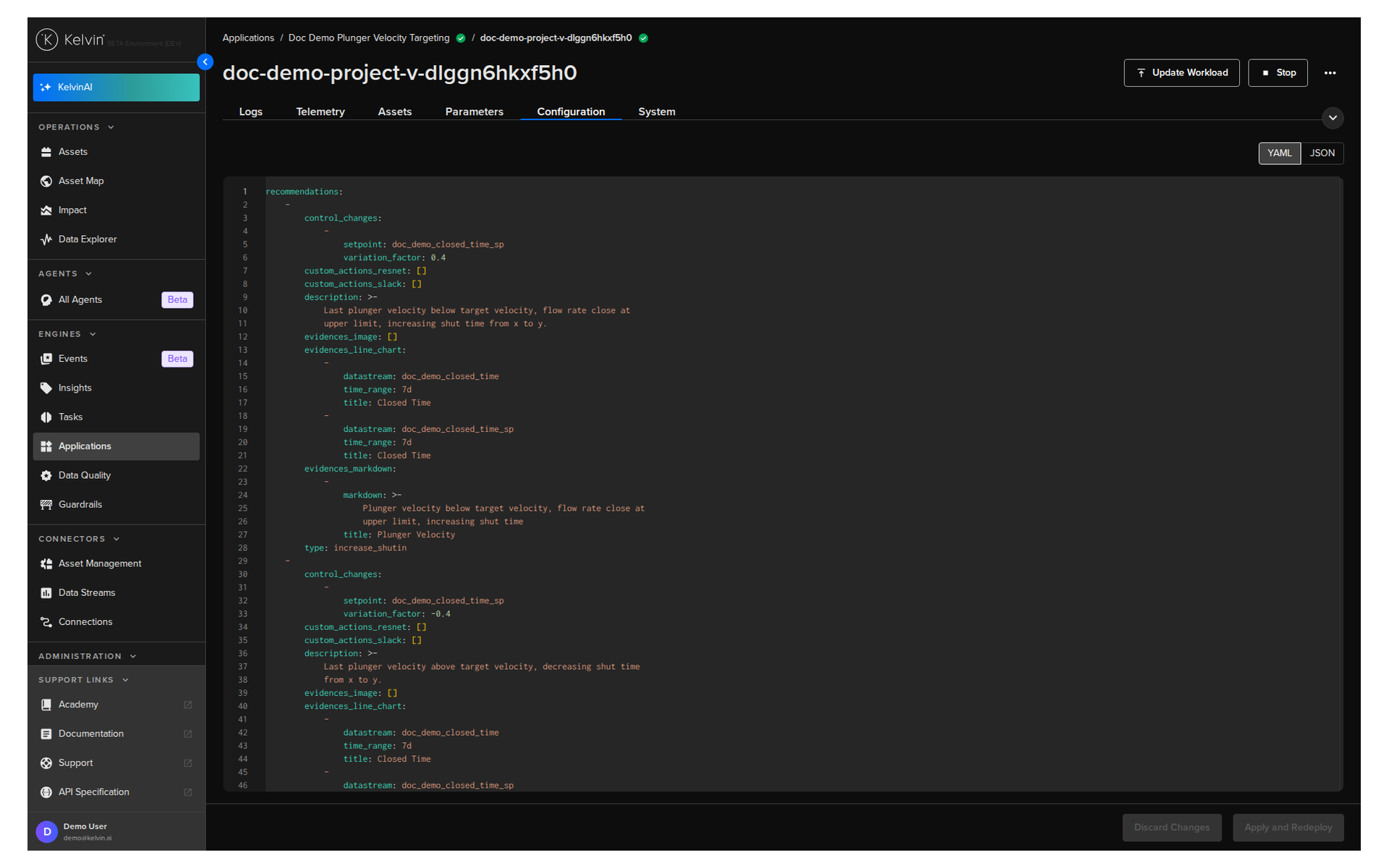
Update Workload Configuration
The App Configurations for a Application can be updated individually for each Workload.
Note
You can read the full concept of App Configurations in the Overview ⟶ Concepts page.
Click on the Applications menu item on the left sidebar menu.
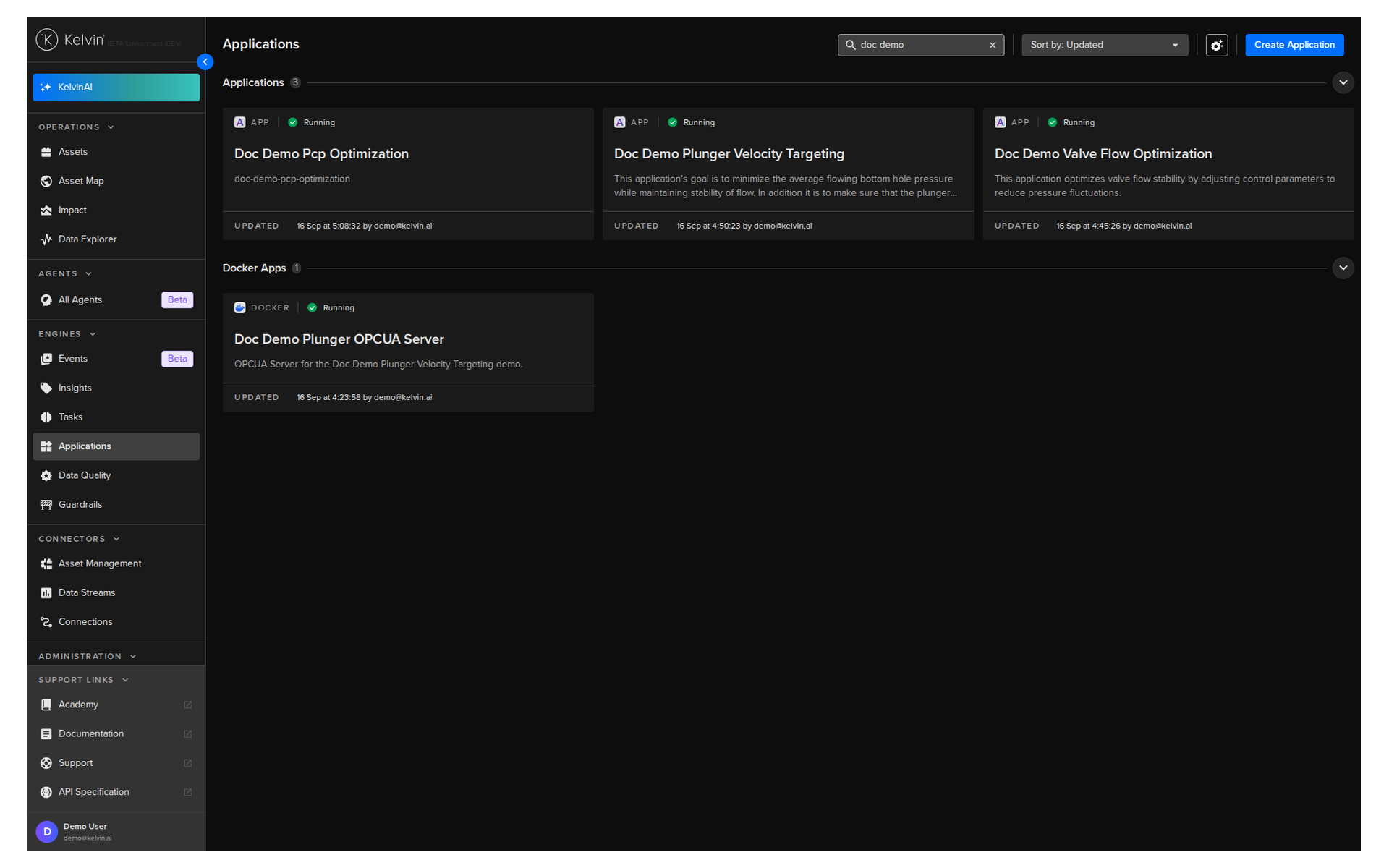
Select the Application you want to edit the App Configurations and click on the Workloads tab.
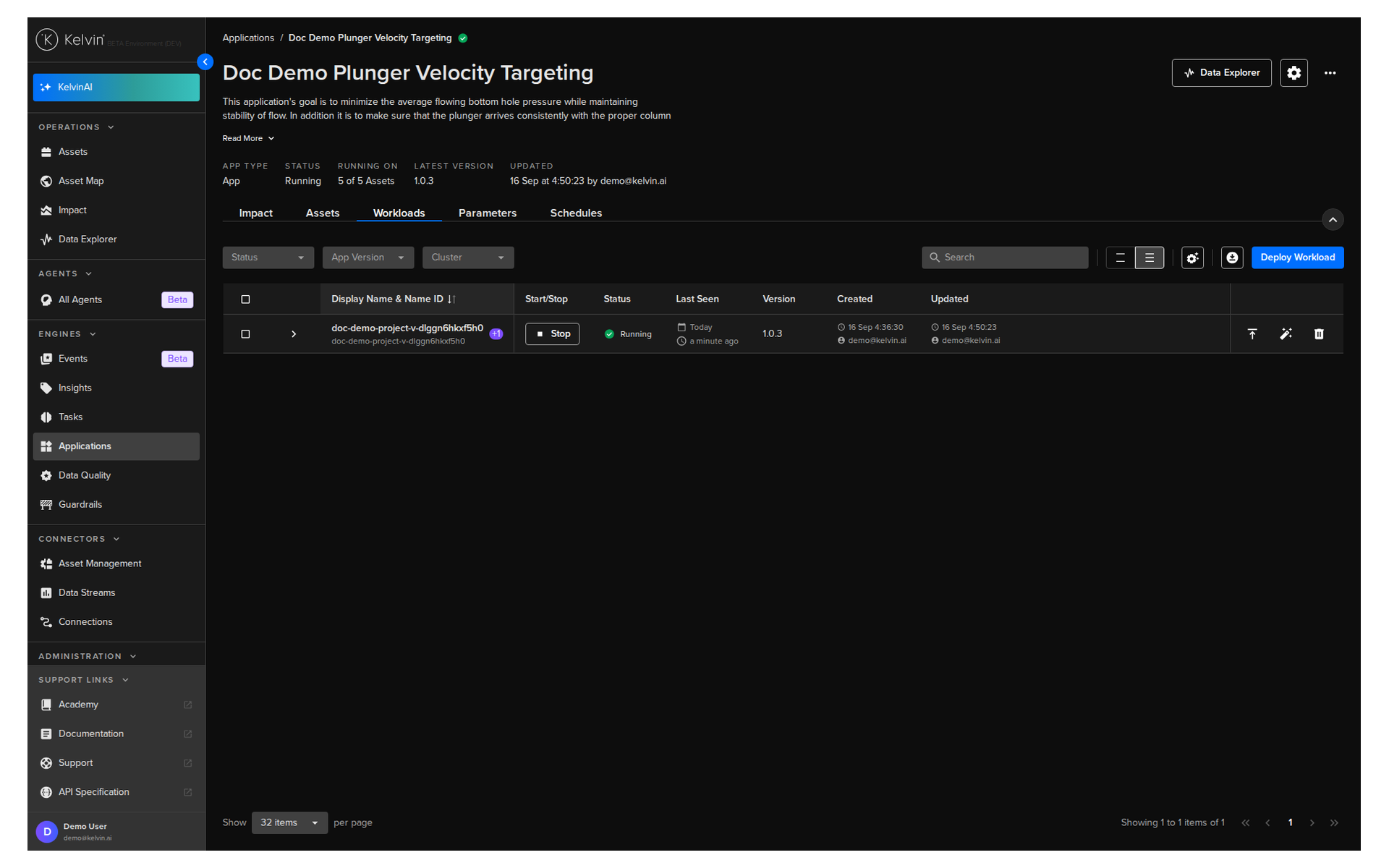
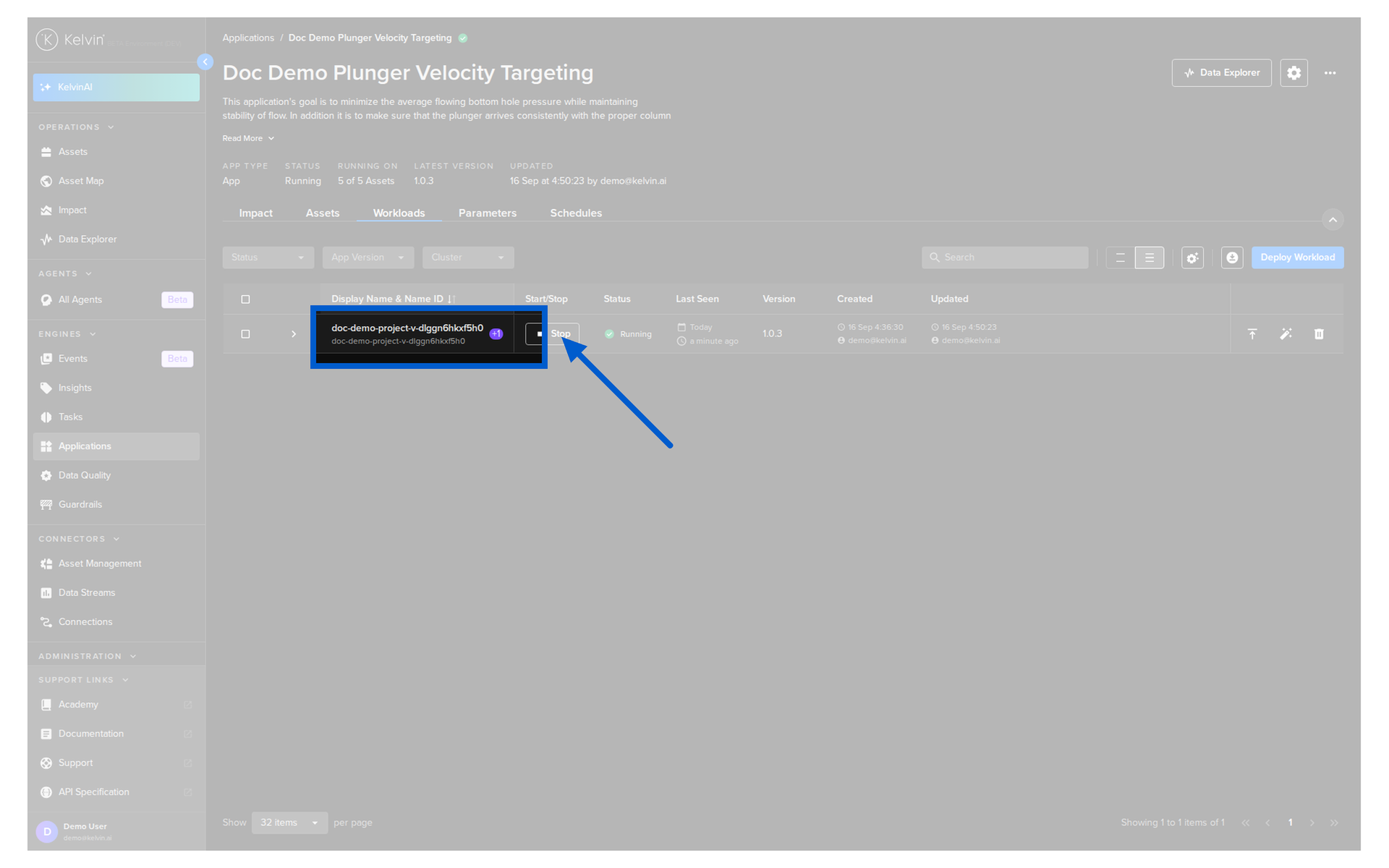
Next click on the workload name.
Click on the Configuration tab and update the configurations as required. When finished click on the Apply and Redeploy button.
Note
Instead of typing a credential, you can insert a reference to a secret that already exists on the platform. Use the YAML or JSON editor and enter <% secrets.secret-name %>. Kelvin injects the secret value at runtime, so the value is never stored or shown here.
Injecting the reference here means the secret does not have to be fixed into the Application in the app.yaml file. See Use Secrets.
The same workload is reachable from Clusters, a Cluster Node, or Applications. These are views of the same workload, so a change made in one is reflected in the others.
*