Edit KPIs
Note
This tab is only available with the Application type Application
Info
This KPIs editor is not related to the Impact section of Kelvin, which calculates Revenue and Cost Savings from asset data stream baselines and task time savings.
This editor allows you to customise the analytical dashboard for the application itself -- such as deployment counts, assets added, recommendations generated, and other activity metrics.
You can modify the Impacts screen both in layout and information.
To edit them, click on the Edit KPIs button.
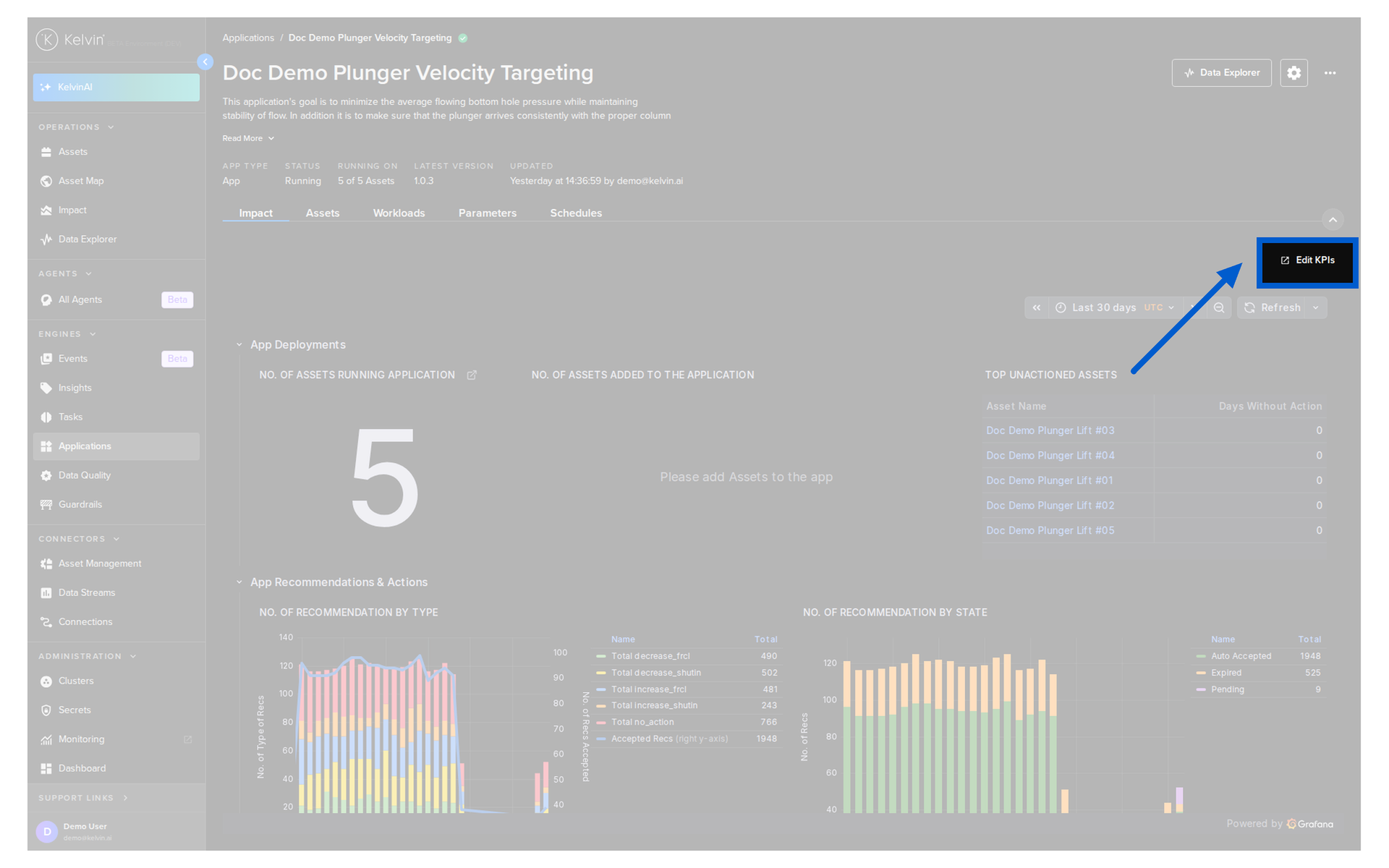
A new tab will open the dashboard in an edit mode.
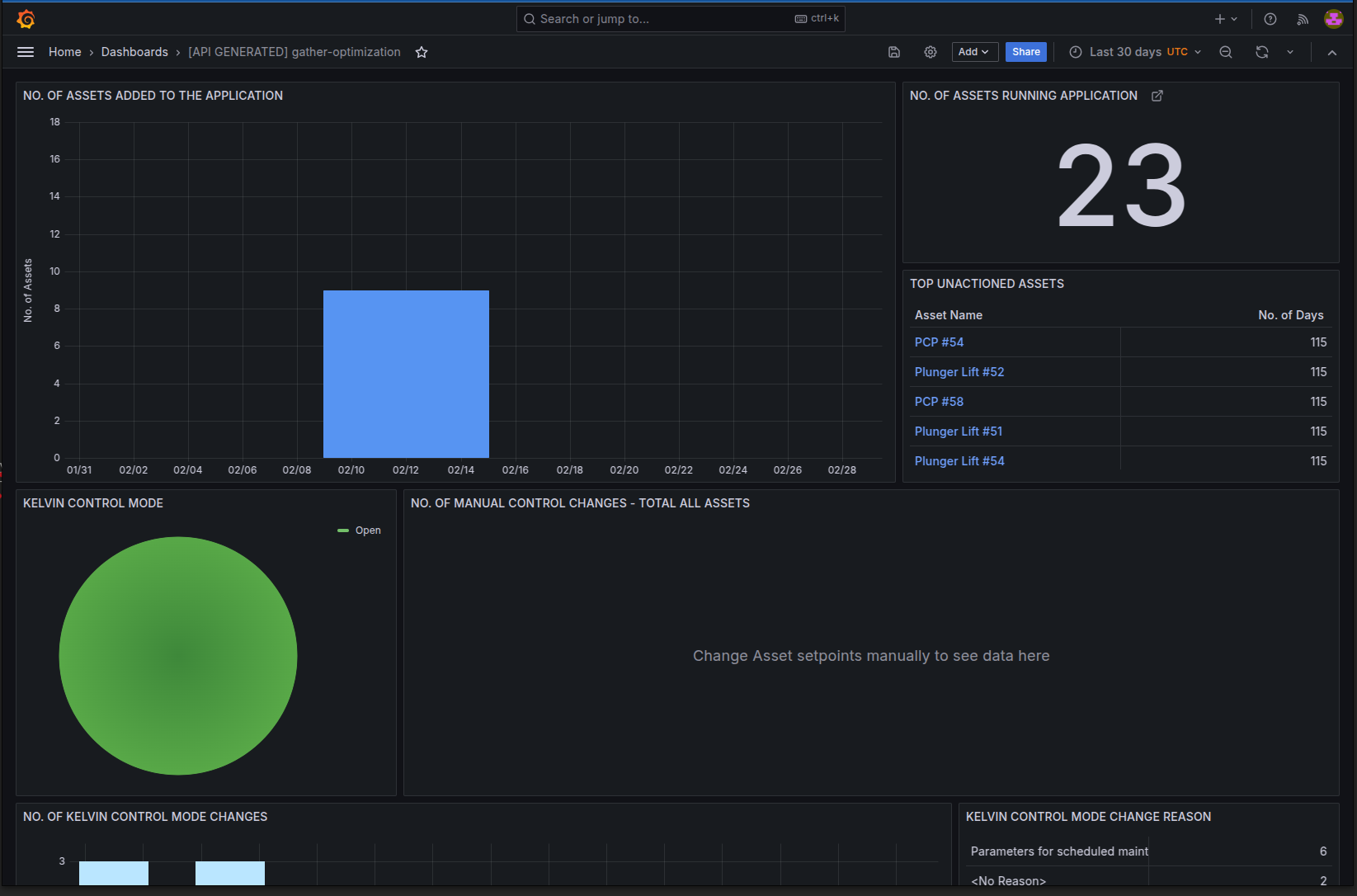
You have complete flexibility to set up the dashboards to suit your needs.
It is connected to the Kelvin database, so you can perform and display any type of SQL query about your Kelvin Platform data.
You can visit the Grafana dashboards documentation to learn all the features and panels available.