Download Control Changes
Available Guides
Reference:
| Field | Description |
|---|---|
| id | A unique random generated UUID as the key id for the Control Change. |
| resource | Asset / Data Stream pair in KRN format. The KRN format is krn:ad:<asset_name>/<data_stream_name> |
| last_state | The current state of the Control Change (pending, ready, sent, applied, failed) |
| last_message | The message attached to the current state of the Control Change |
| created_type | What type of process created the Control Change |
| created_by | Name of the process that created the Control Change |
| old_payload | Original value of resource before new value is applied |
| payload | New value to write to resource |
| timestamp | Exact UTC time when the data value was recorded, formatted in ISO 8601. |
| created | UTC time when the Control Change was created, formatted in ISO 8601. |
| updated | UTC time when any Control Change values were last updated, formatted in ISO 8601. |
| status_log | An array of objects for the time of each action taken by the Control Change and its related information |
Download Control Changes for an Asset
In this example we will get all the Control Changes that were applied in a 24 hour period for an Asset / Data Stream pair. The Asset name is pcp_01.
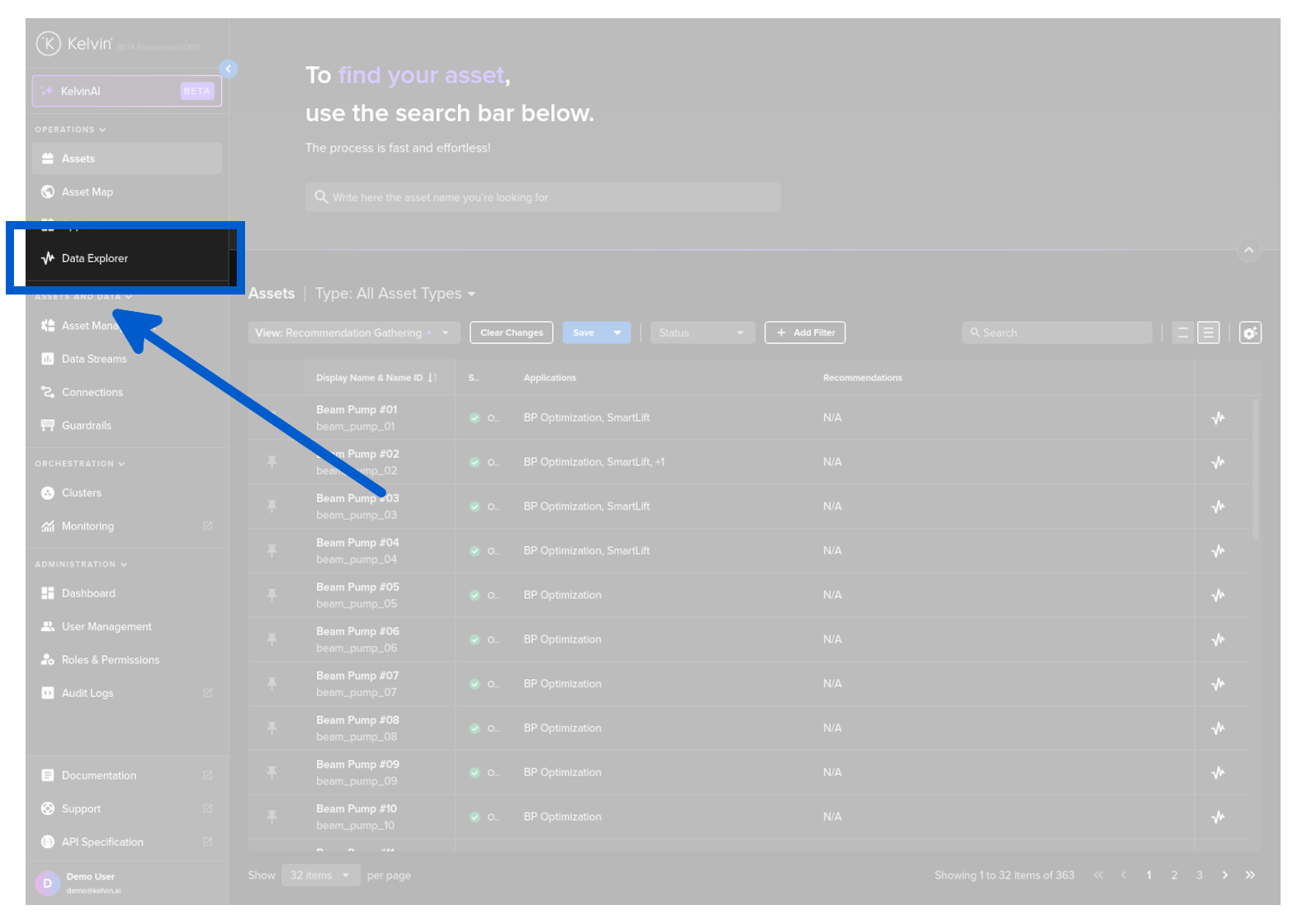
You can download a range of Control Change information from the Data Explorer page.
To do this go to the Data Explorer page.
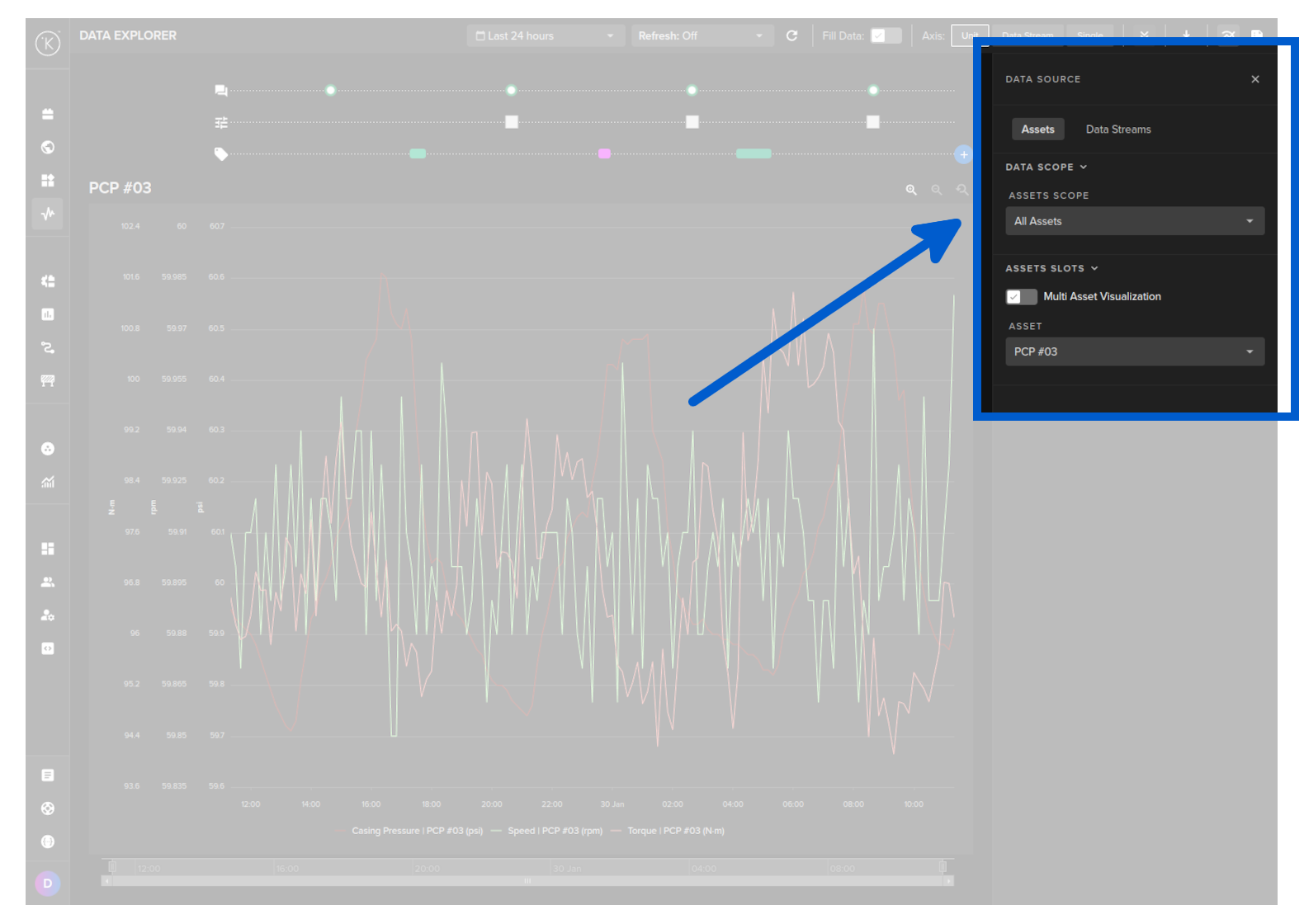
Select the Asset.
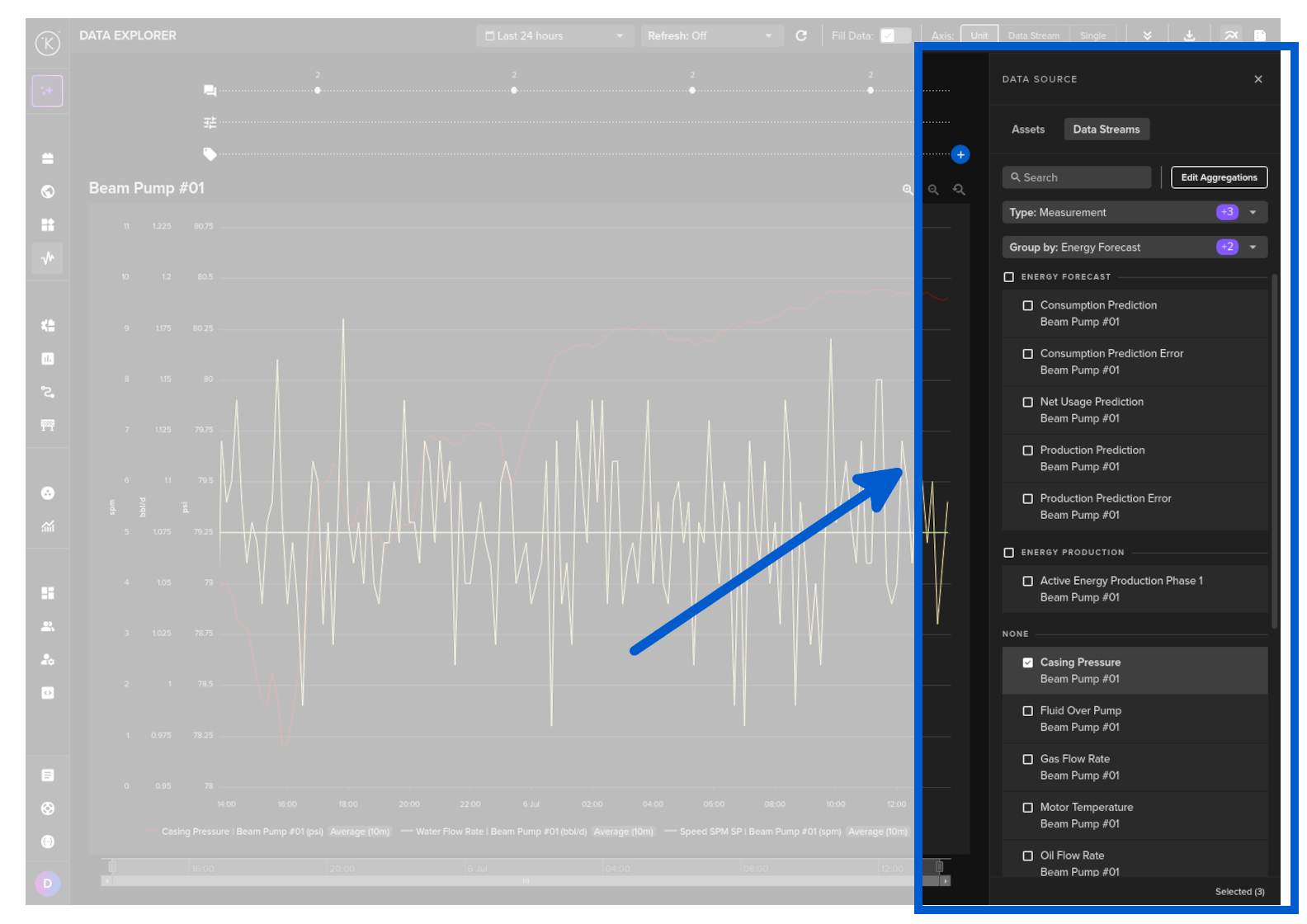
Select one or more Data Streams that you want to download the related information.
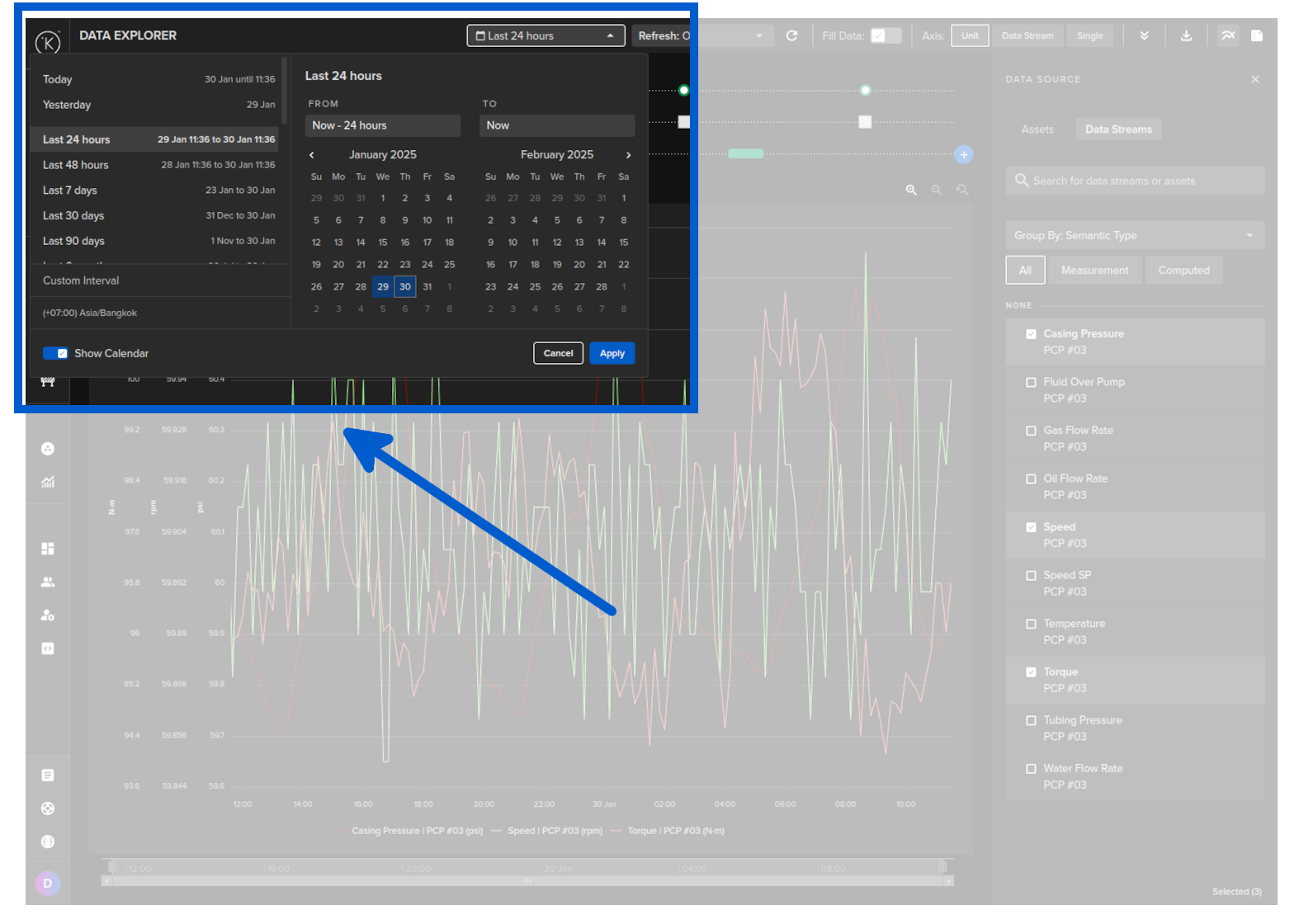
Choose a time period.
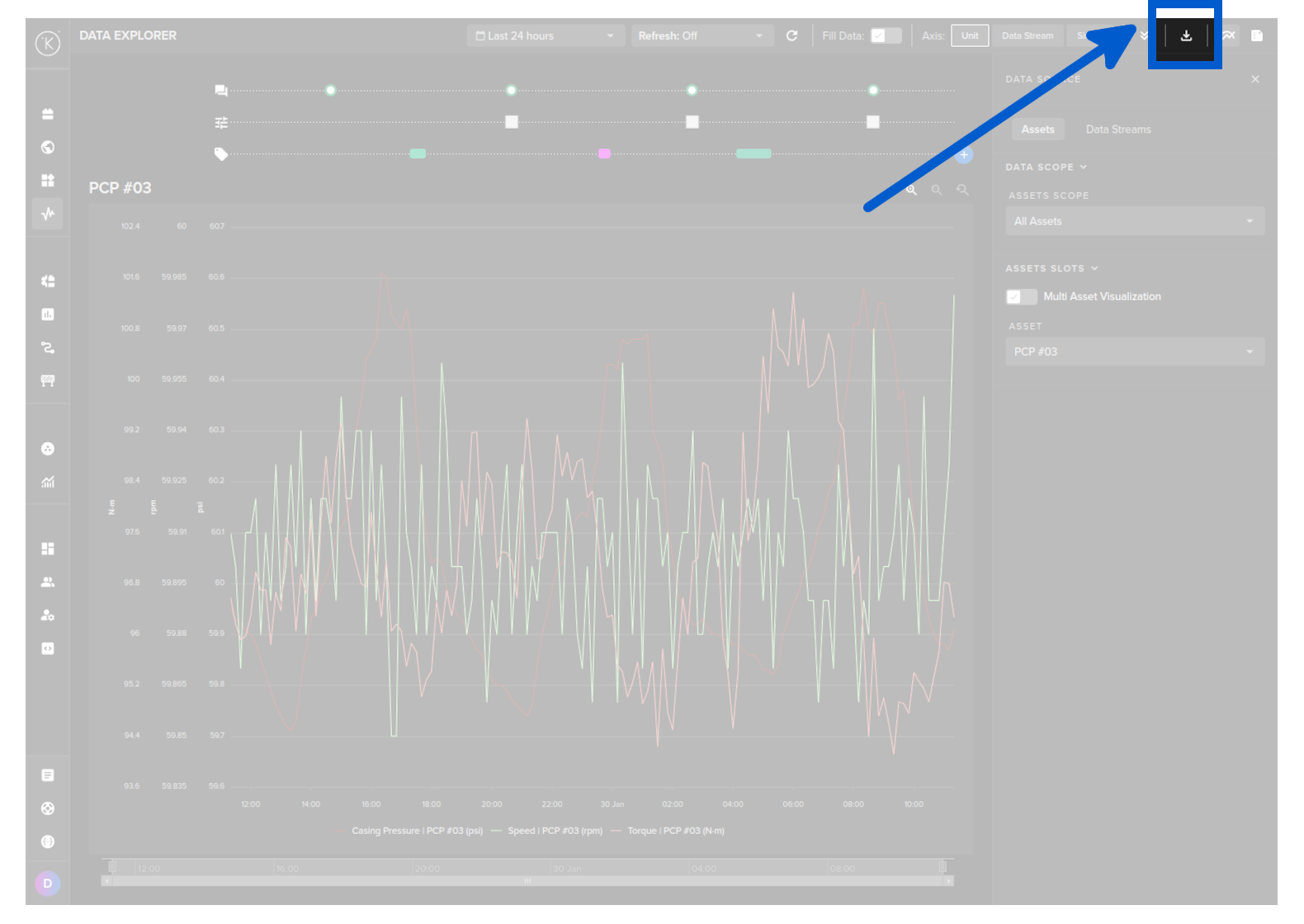
Then click on the download button.
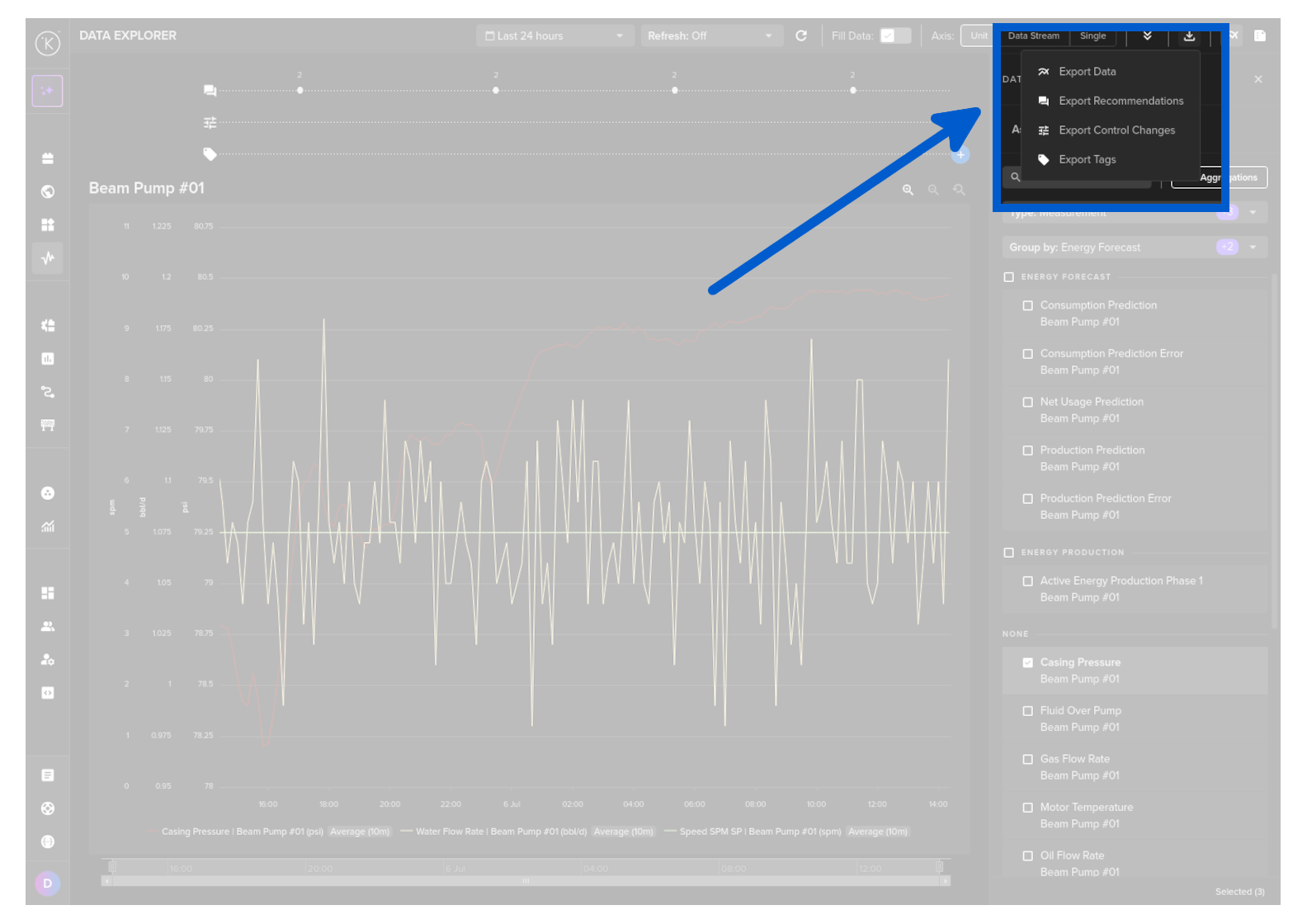
Select the Export Control Changes option.
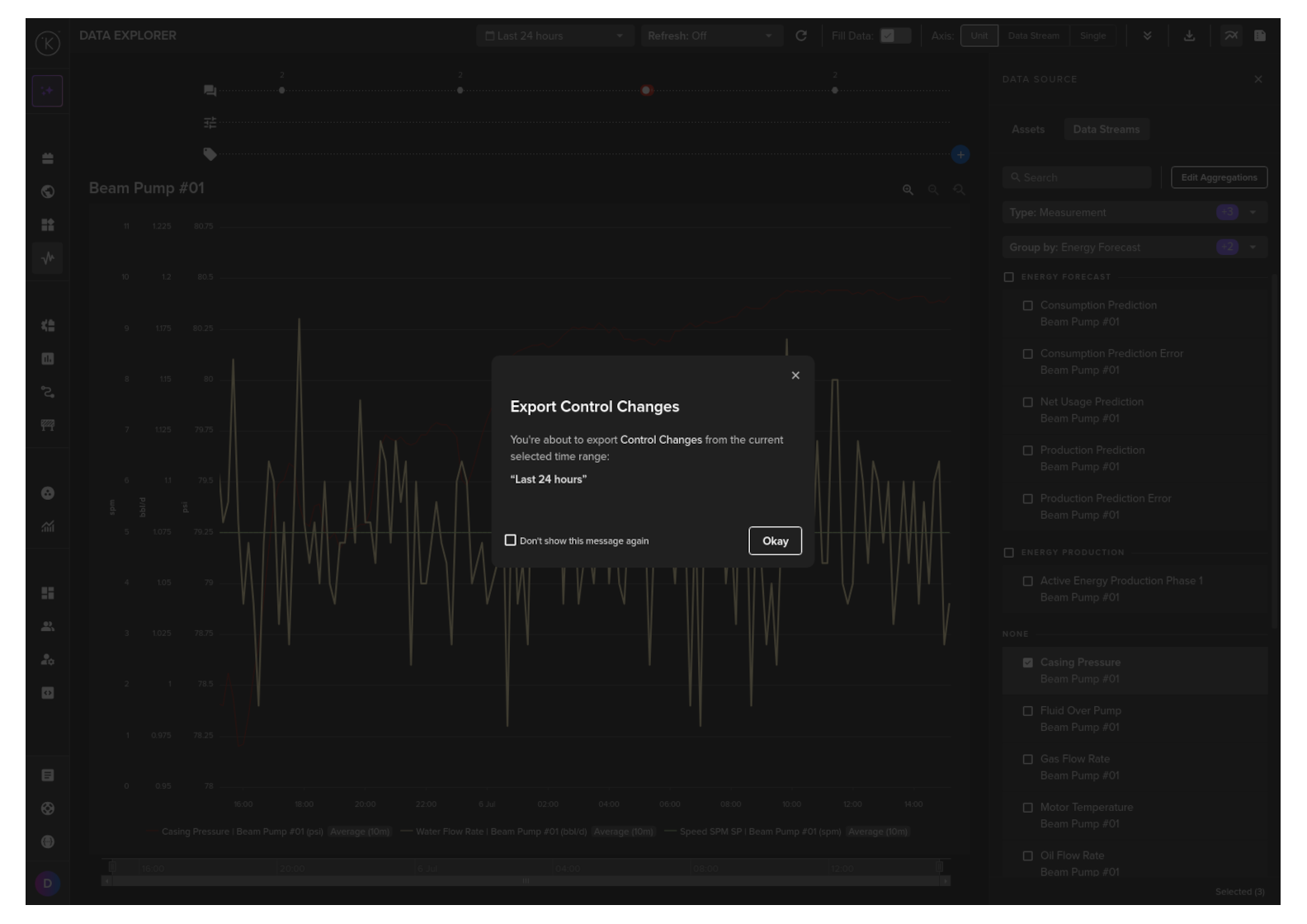
And finally confirm the download by clicking on the Okay button.
| API cURL Example | |
|---|---|
1 2 3 4 5 6 7 8 9 10 11 12 13 14 15 | |
You will receive a response body with a status code of 200, indicating a successful operation.
For example, the response body might look like this:
| API cURL Example Response | |
|---|---|
1 2 3 4 5 6 7 8 9 10 11 12 13 14 15 16 17 18 19 20 21 22 23 24 25 26 27 28 29 30 31 32 33 34 35 36 37 38 39 40 41 42 43 44 45 46 47 48 49 50 51 52 53 54 55 56 57 58 59 60 61 62 63 64 65 66 67 68 69 70 71 72 73 74 75 76 77 78 79 80 81 82 83 84 85 86 87 88 89 90 91 92 93 94 95 96 97 98 99 100 101 102 103 104 105 106 | |
| API Client (Python) Example | |
|---|---|
1 2 3 4 5 6 7 8 9 10 11 12 13 14 15 16 17 18 19 20 21 22 23 24 25 | |
You will receive a response like this:
| API Client (Python) Example Response | |
|---|---|
1 2 3 4 5 6 7 8 9 10 11 | |