Install Kelvin SDK in MacOS
Requirements
To get started is also very easy. Just ensure you have Docker, Python 3 and Pip 3 installed. Specific installation information on each of these for Windows, Mac and Linux can be found here:
- Docker: Always use the latest version or at least version ≥ 24.0.7 - https://docs.docker.com/engine/install/.
- Python 3: Supported versions from 3.8 to 3.12. https://www.python.org/downloads/macos/.
- Pip 3: Included by default with all Python versions starting from 3.4.
Installing
Docker
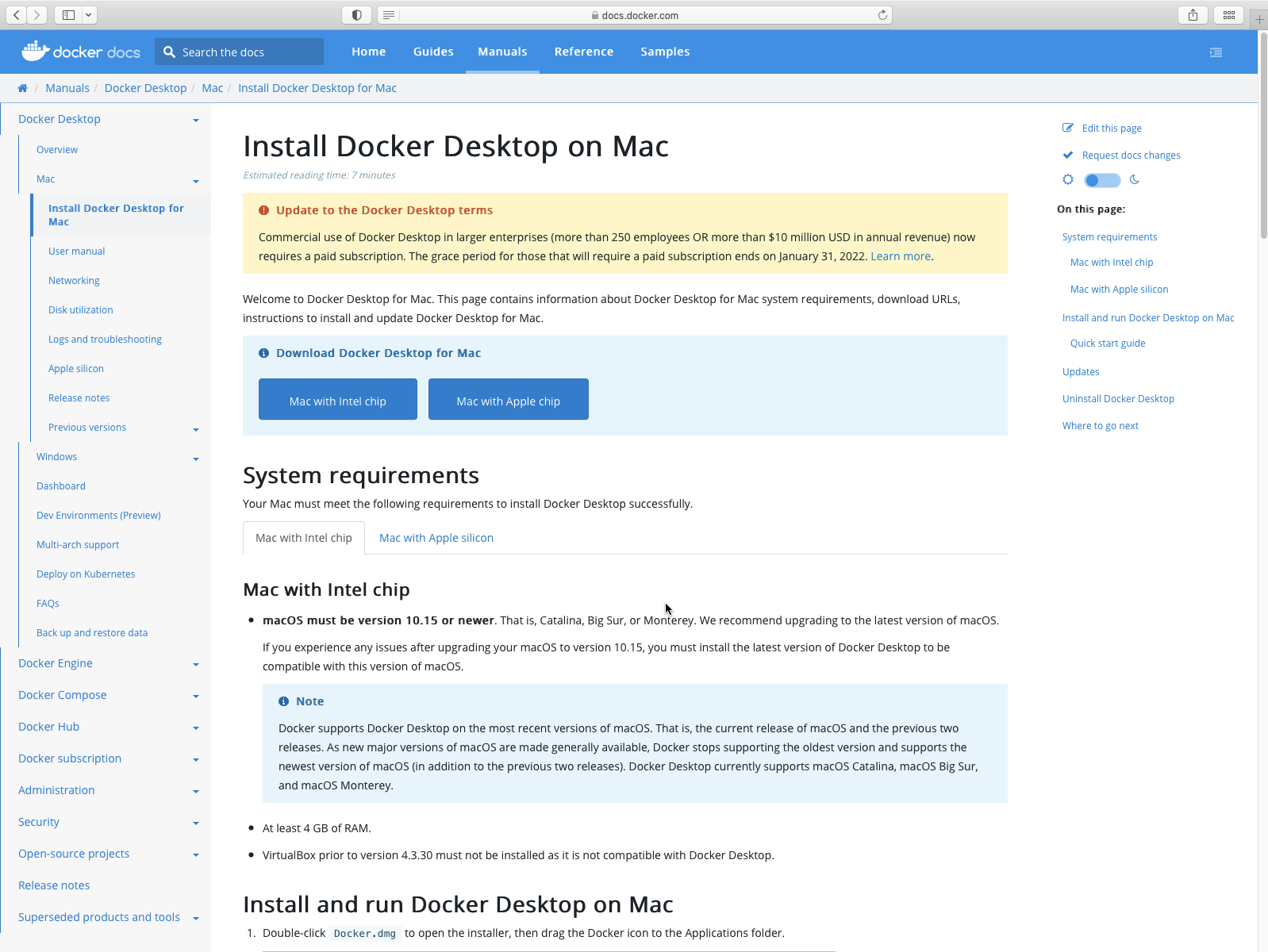
First of all go to the link and download the latest Docker Desktop installation file for your processor type and allow Safari to download the file.
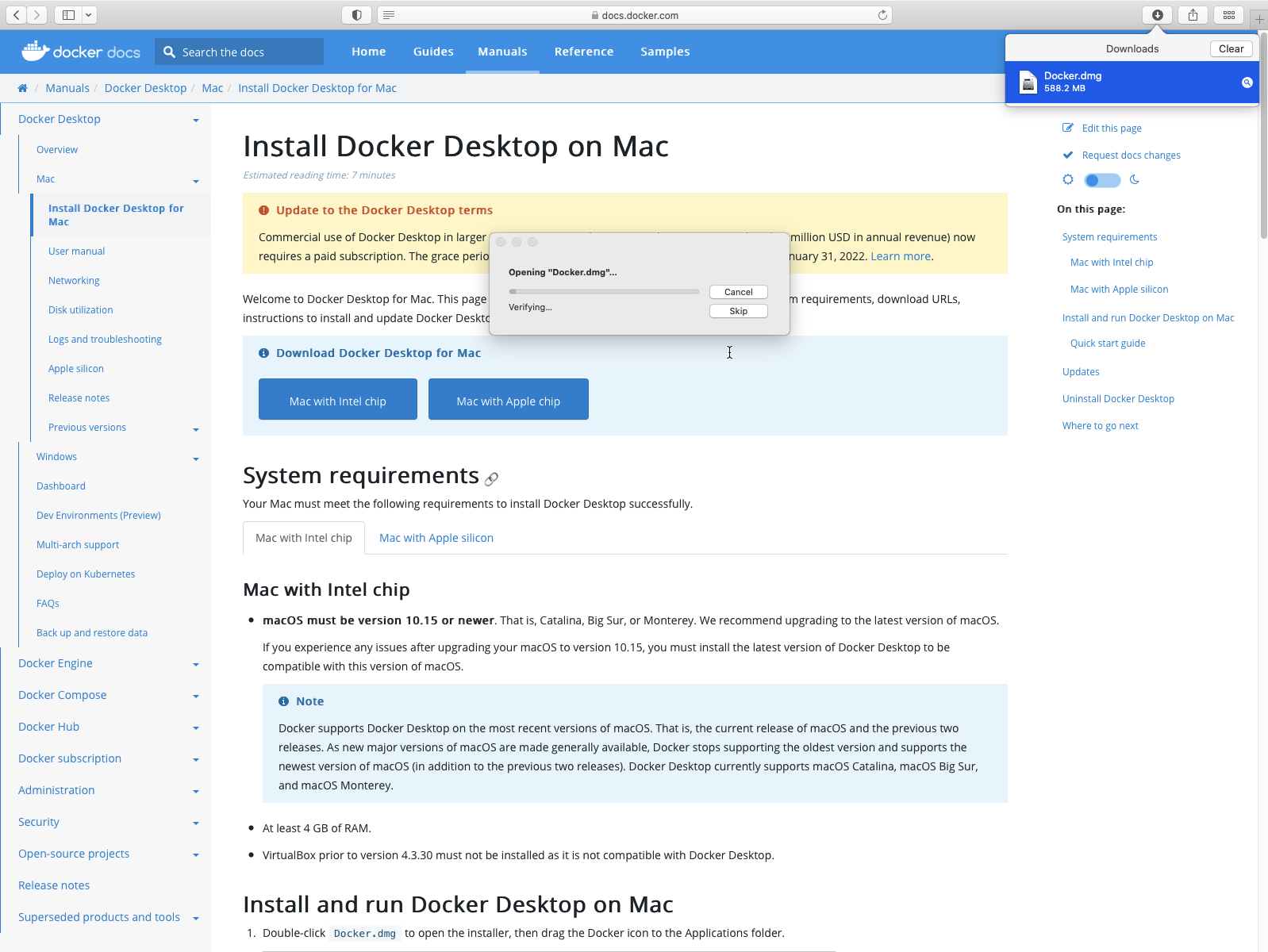
Once downloaded, run the program to start the installation process. MacOSX will verify the file before starting:
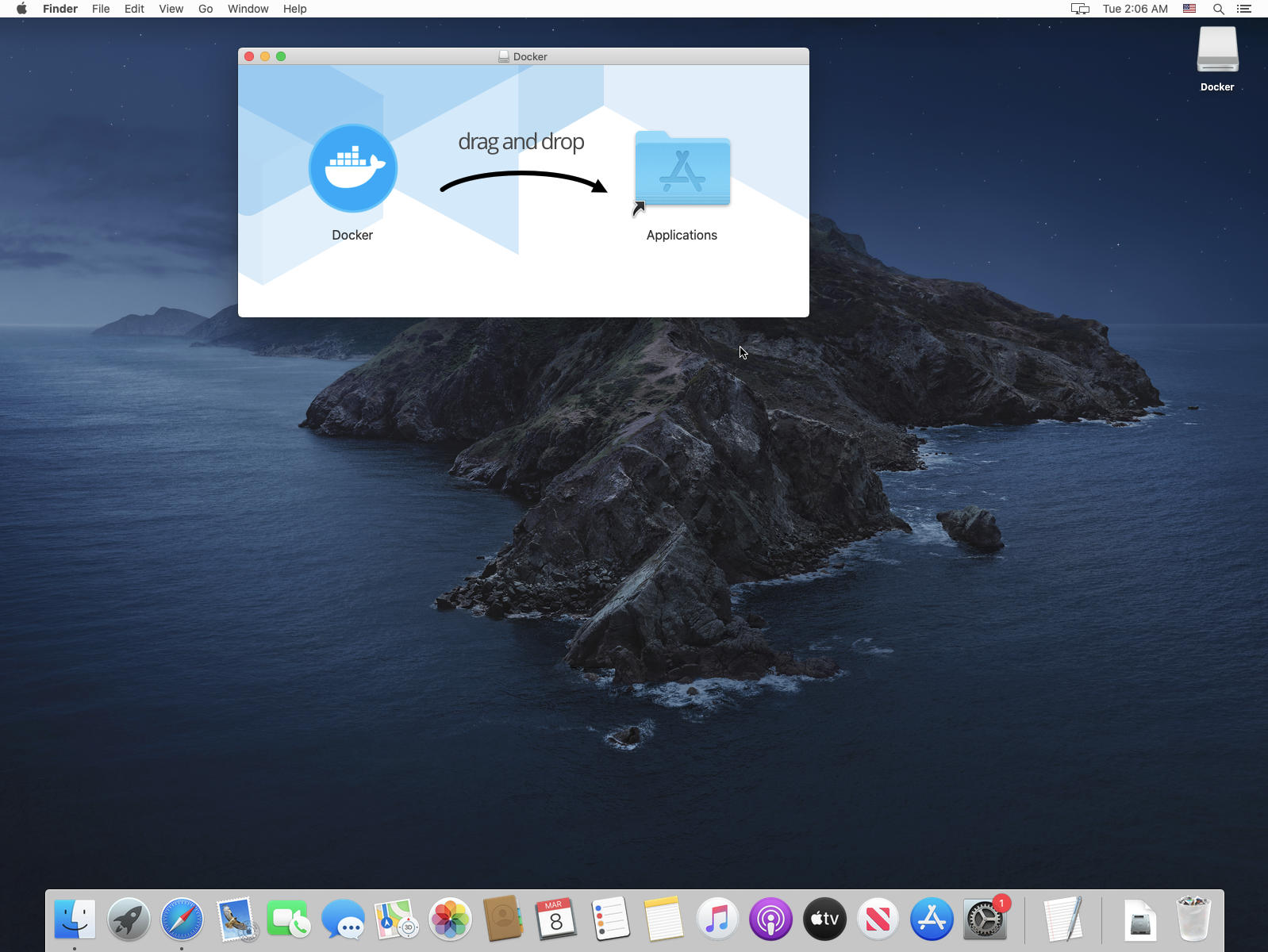
Once the installation is finished, then drag and drop it into your applications.
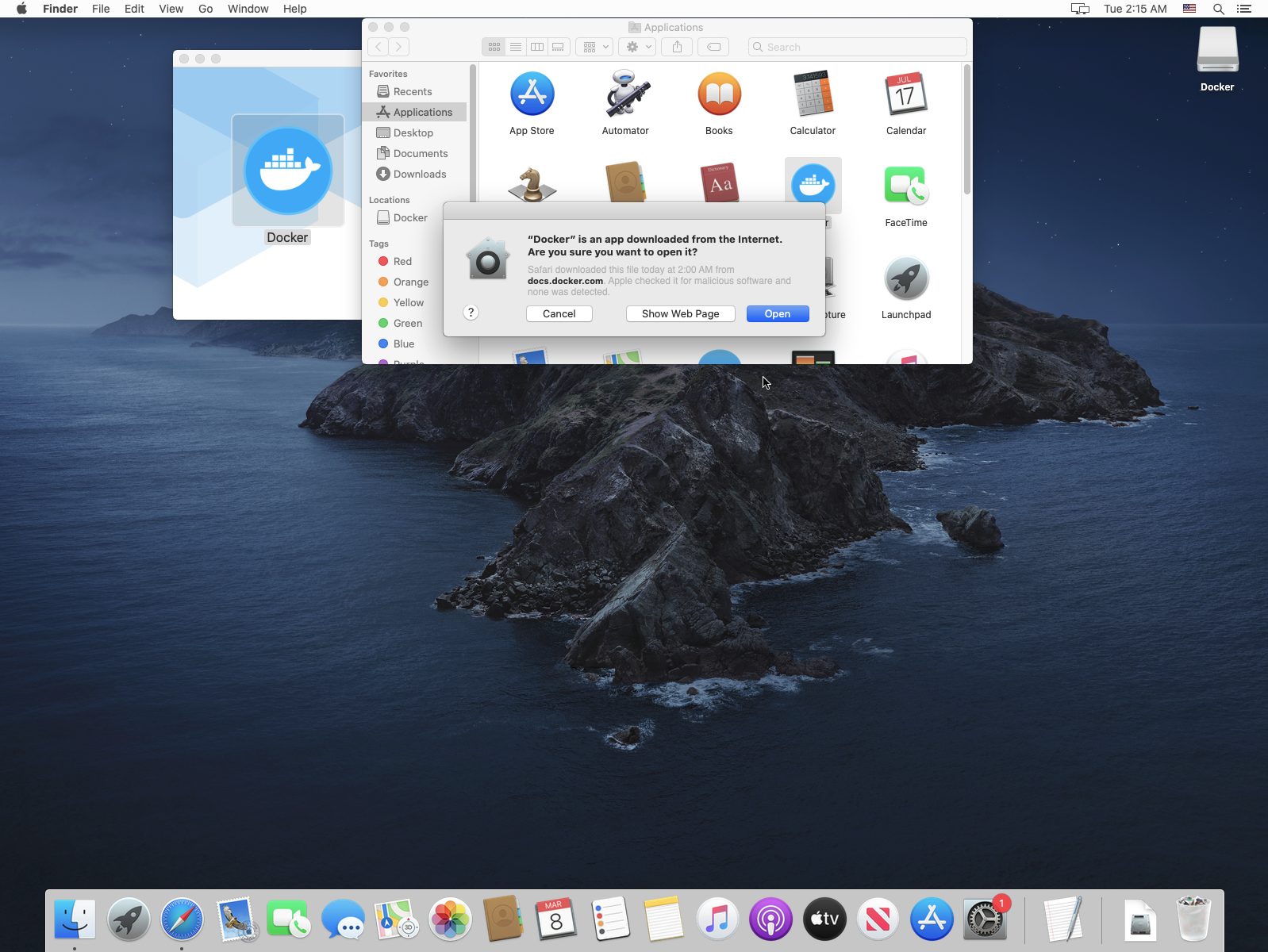
You don't have to do this step but if you are interested you can open the Docker Desktop. You will need to confirm one more time with MacOS X to allow the program to run.
Python
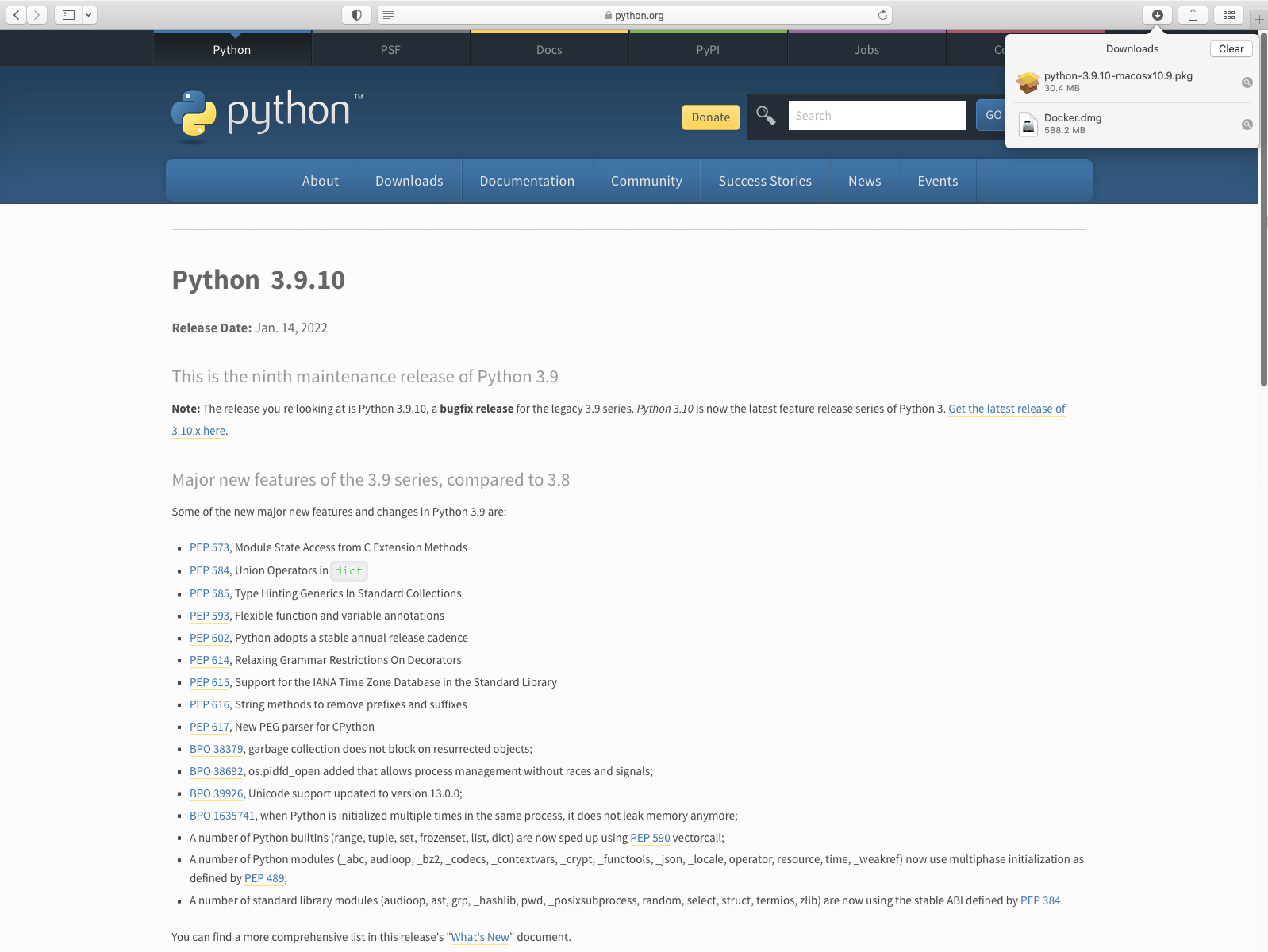
First of all go to the link and download the latest Python 3 release.
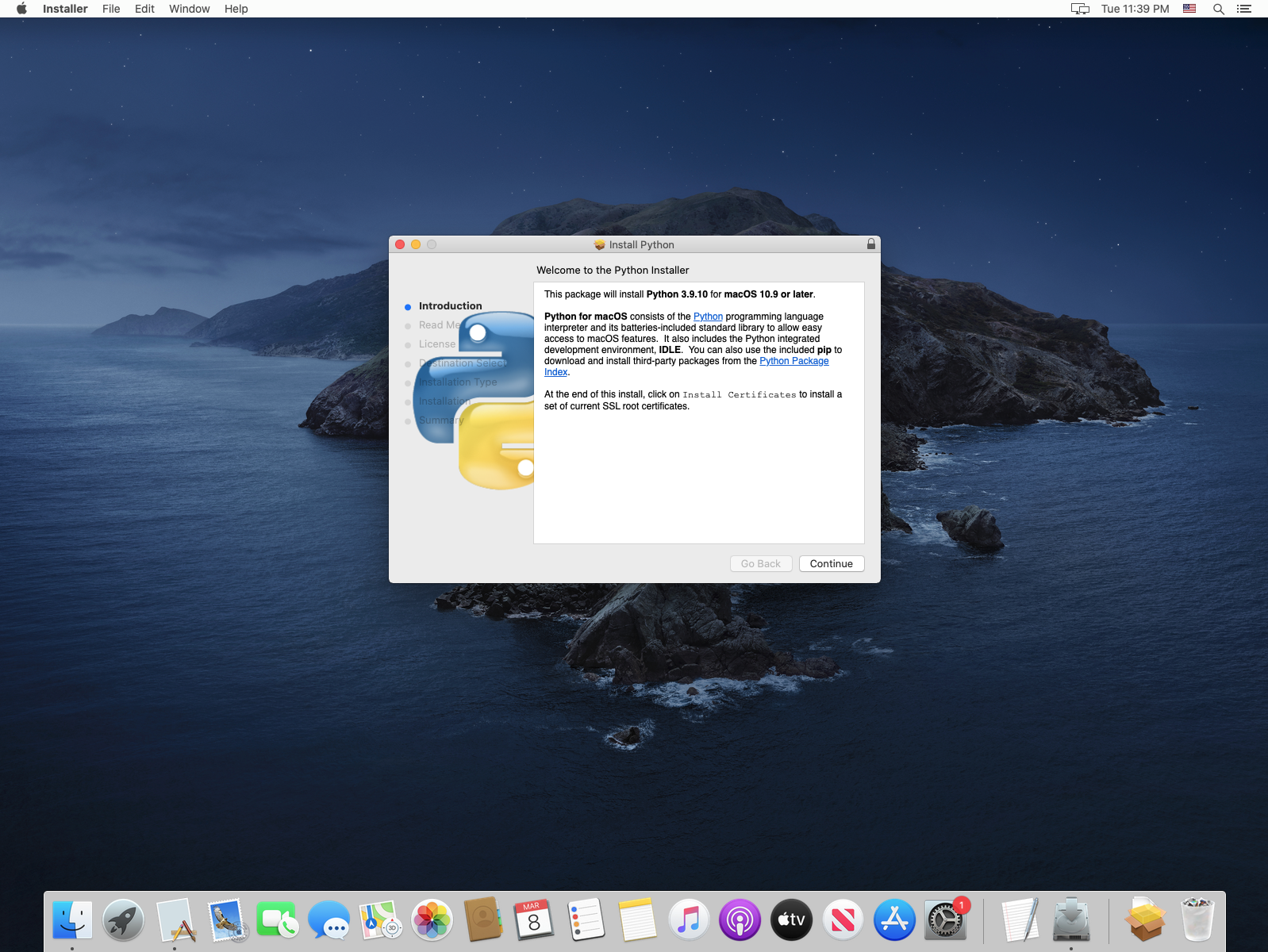
Run the download install file and install Python 3 with the default features.
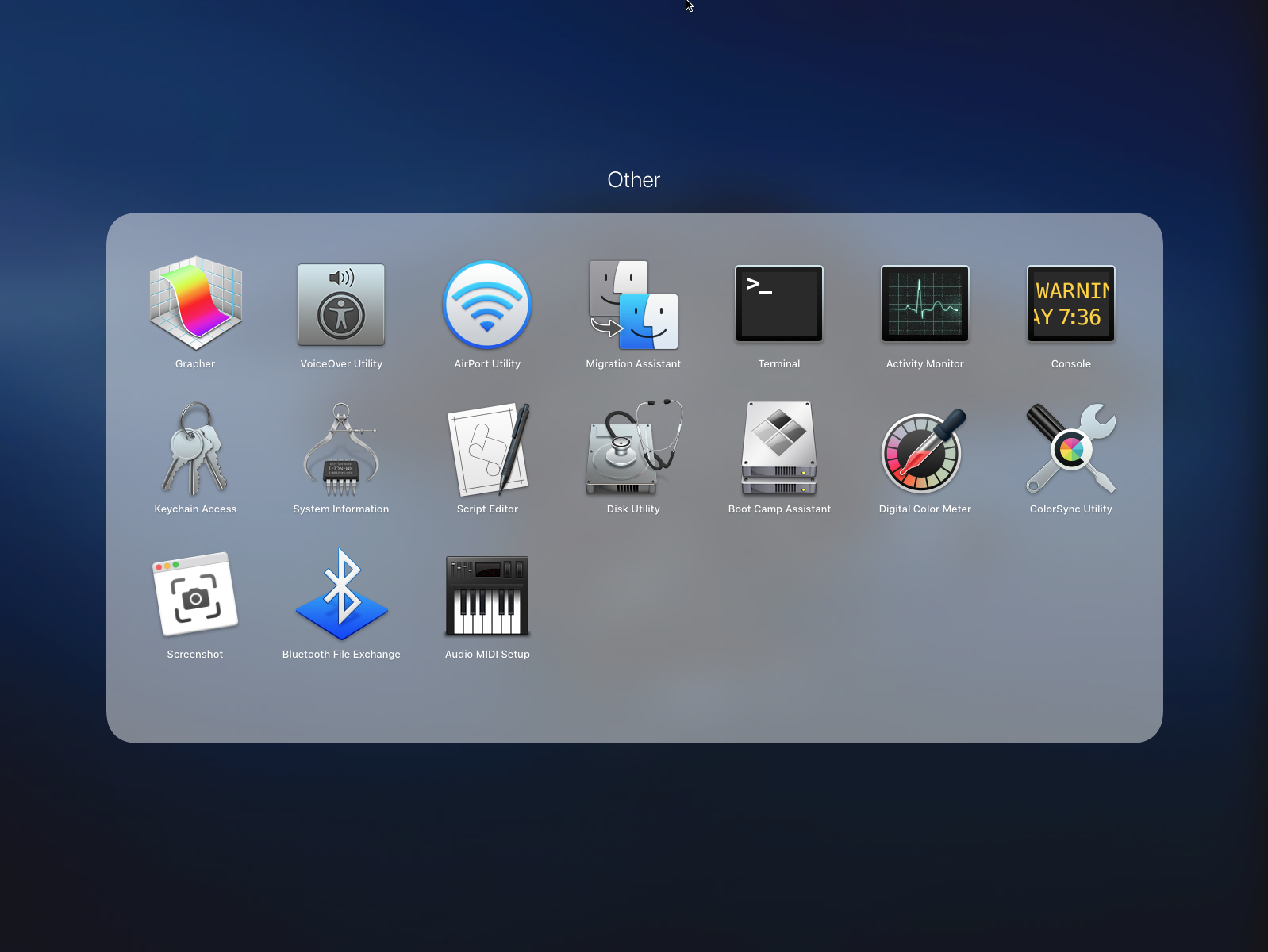
When installed you can check everything went ok by opening a terminal window from Launchpad -> Other:
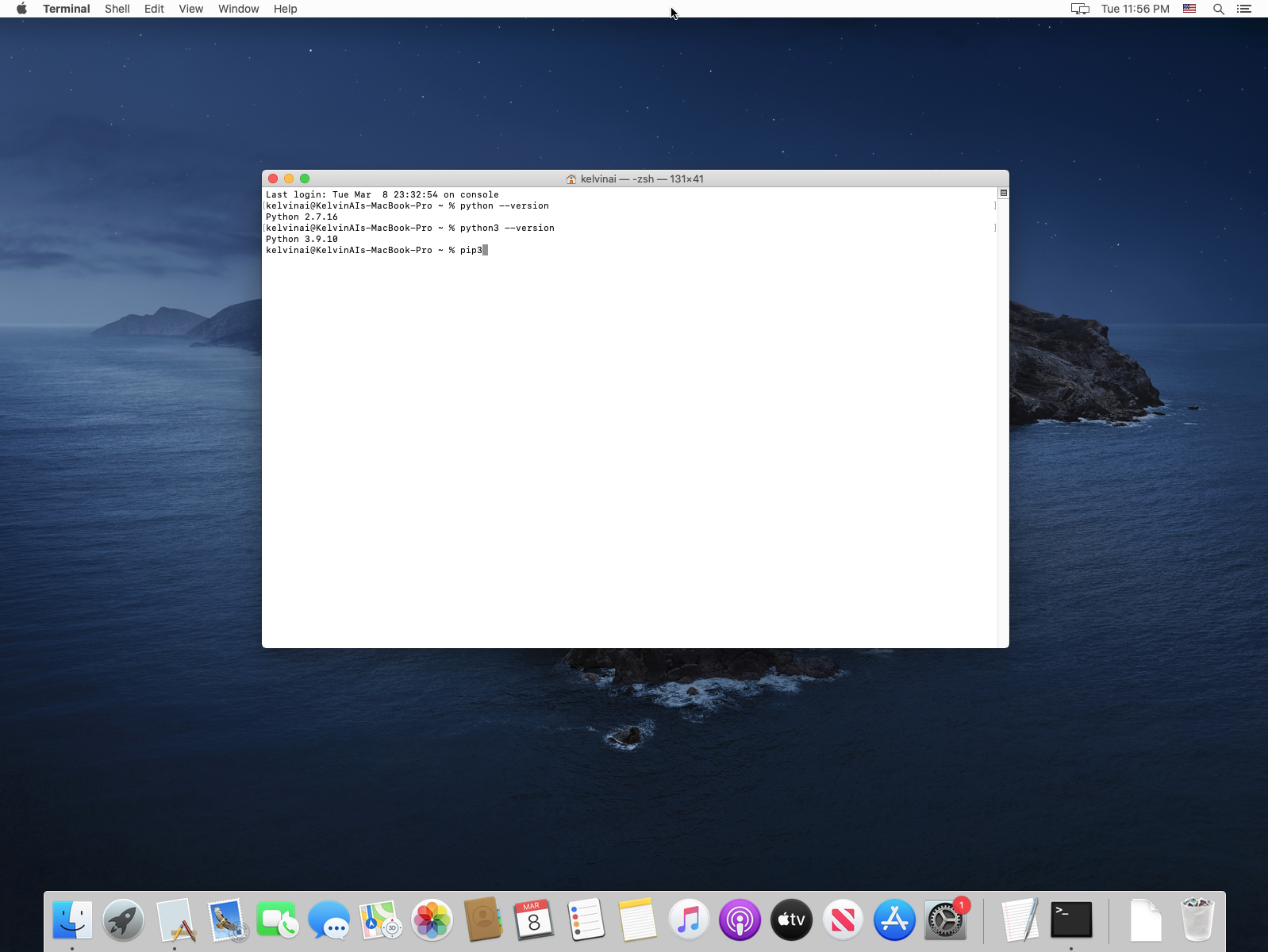
In the terminal window type:
python3 --version
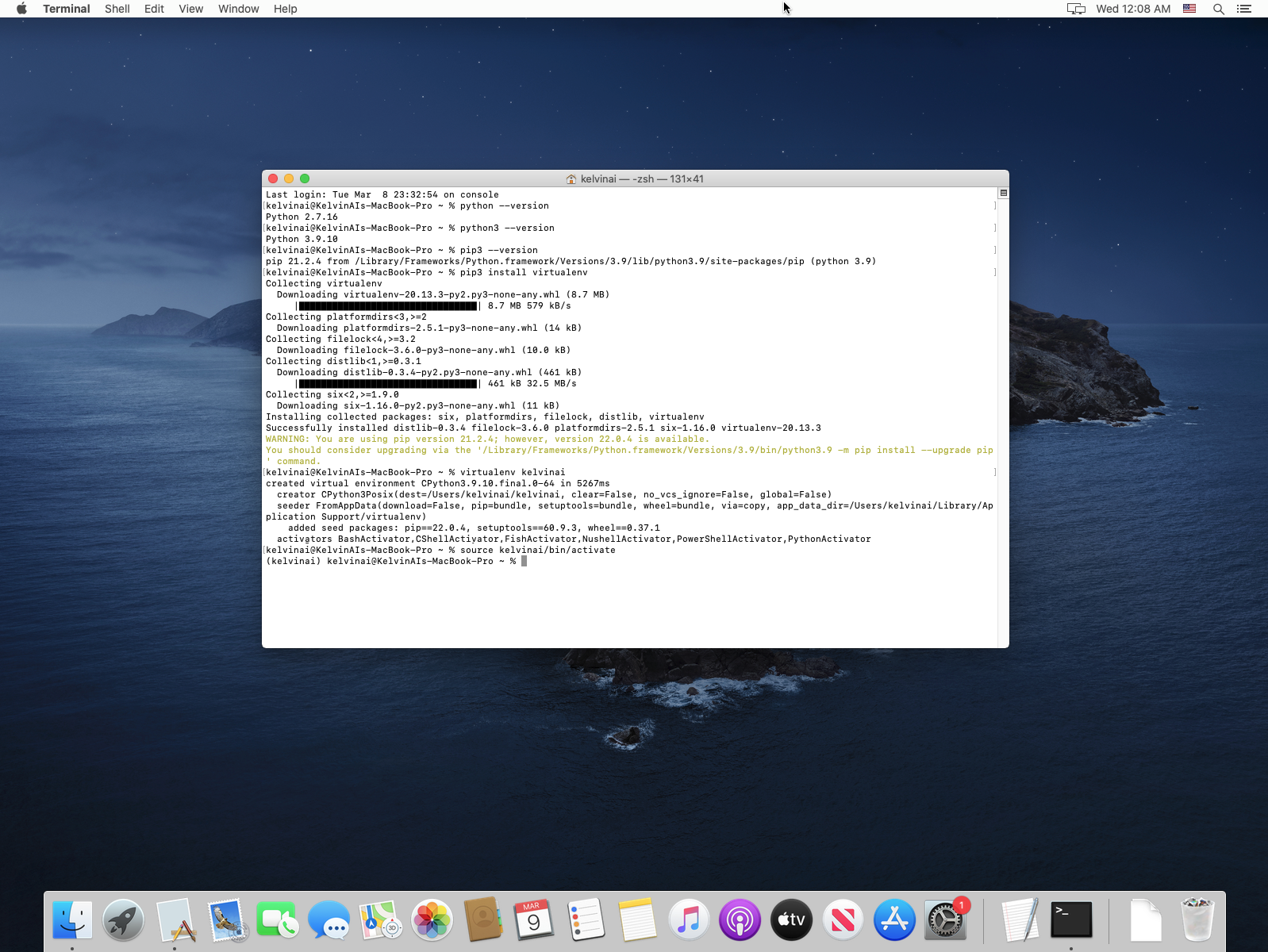
Make sure you are using Python 3. Python 2 maybe installed and we show this in the screenshot below as well. Don't use Python 2 as it is not supported, has many security issues and is not compatible with Kelvin SDK.
Python Virtual Environment
Before installing the Kelvin SDK we strongly recommend you use virtual python environments for your Kelvin SDK so that there are no conflicts, dependency issues or incompatibilities between Kelvin SDK and other python projects you work on.
In the Terminal window let's create a virtual environment and give it a name. In this case we will call it kelvinai.
python3 -m venv kelvinai
Then, you can activate it with this command:
source kelvinai/bin/activate
You should see a (kelvinai) at the beginning of your terminal line. You are now ready to install Kelvin SDK in your virtual Python environment.
Kelvin SDK
With all preconditions fulfilled you can now install the Kelvin SDK.
First upgrade pip to the latest version:
pip3 install --upgrade pip
And now install Kelvin SDK:
pip3 install kelvin-sdk
If you get an error that pip3 can not find a version that satisfies kelvin-sdk, make sure you are running a version of Python that is supported by kelvin-sdk.
To check the latest supported Python versions see the kelvin-sdk package details at pypi - https://pypi.org/project/kelvin-sdk/.
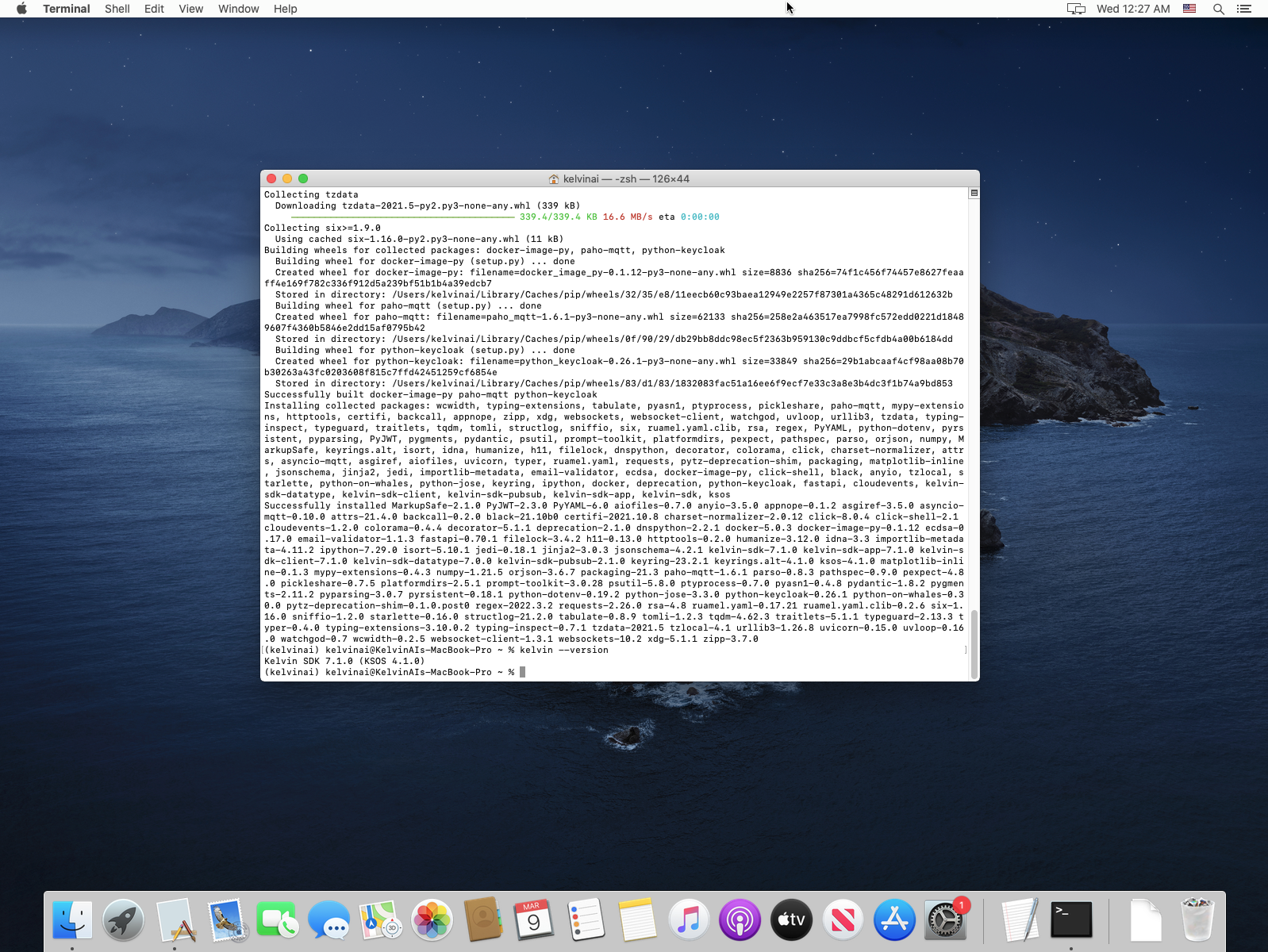
And finally check the Kelvin SDK version:
kelvin --version
Congratulations ! You are ready to start using the Kelvin SDK.
Other related Links
Interesting links related to Kelvin SDK Installation
- Docker Website - https://www.docker.com/
- Python Website - https://www.python.org/
- Kelvin SDK on Pypi - https://pypi.org/project/kelvin-sdk/