Logs telemetry cluster
Logs
Viewing Cluster Logs
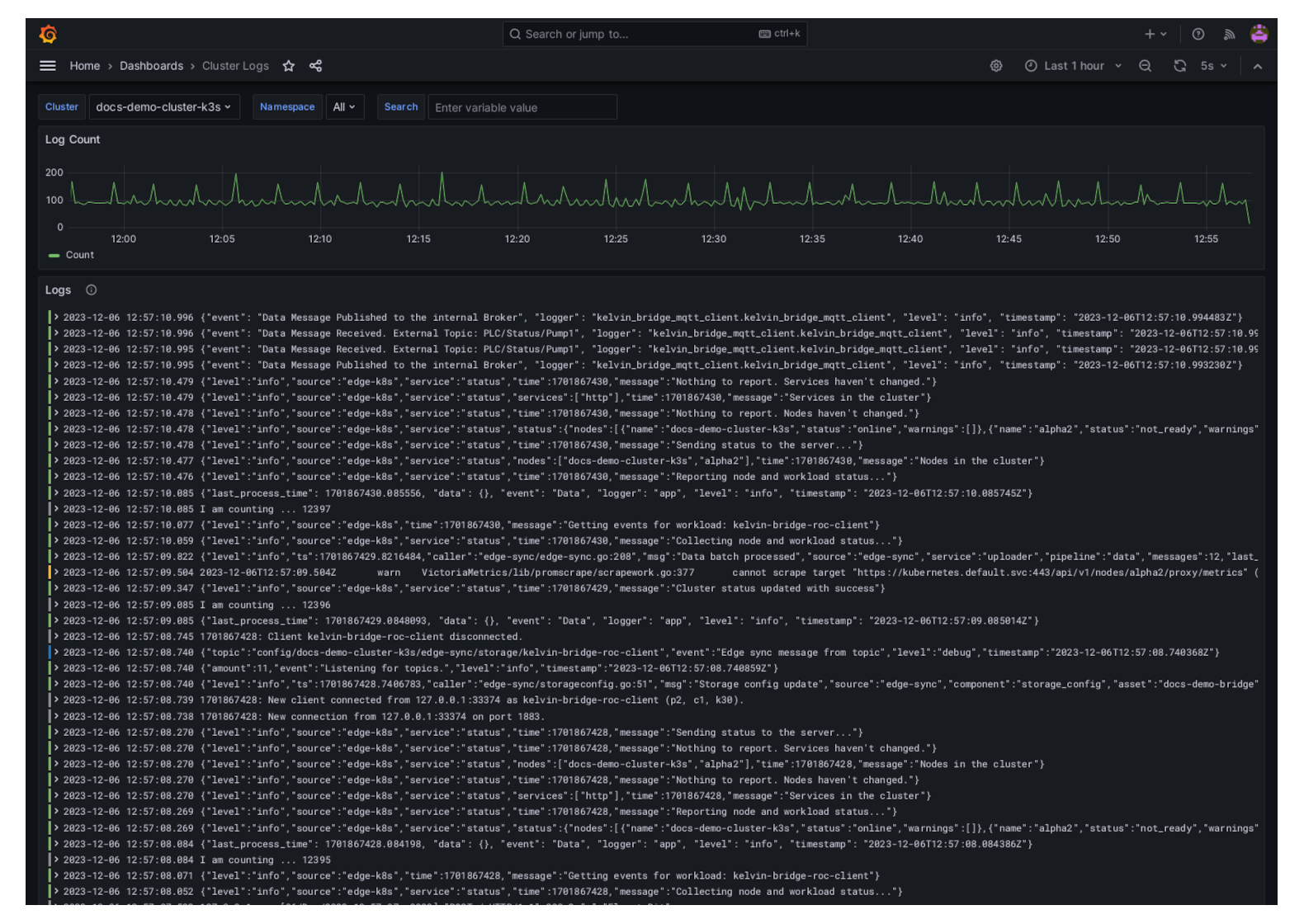
In the Kelvin UI you can view the logs of a Cluster and all the Workloads running on the Cluster.
Note
You can configure the Log options in the Configuration section of the Cluster.
Click here to read the full documentation.
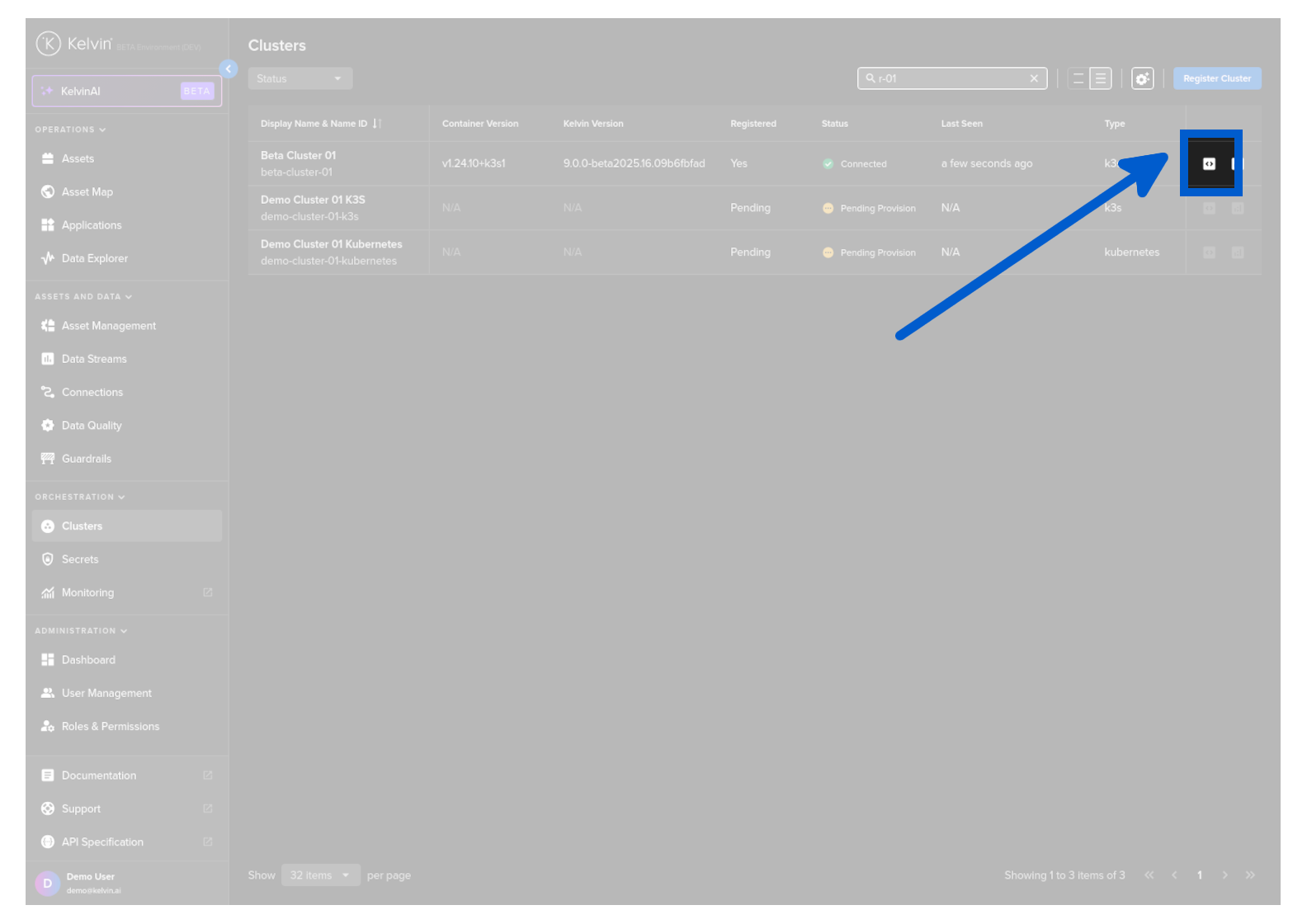
From Clusters menu find the Cluster row and click on the logs icon to the right hand side of the row.
And then you will see the logs being displayed in a Grafana environment.
Telemetry
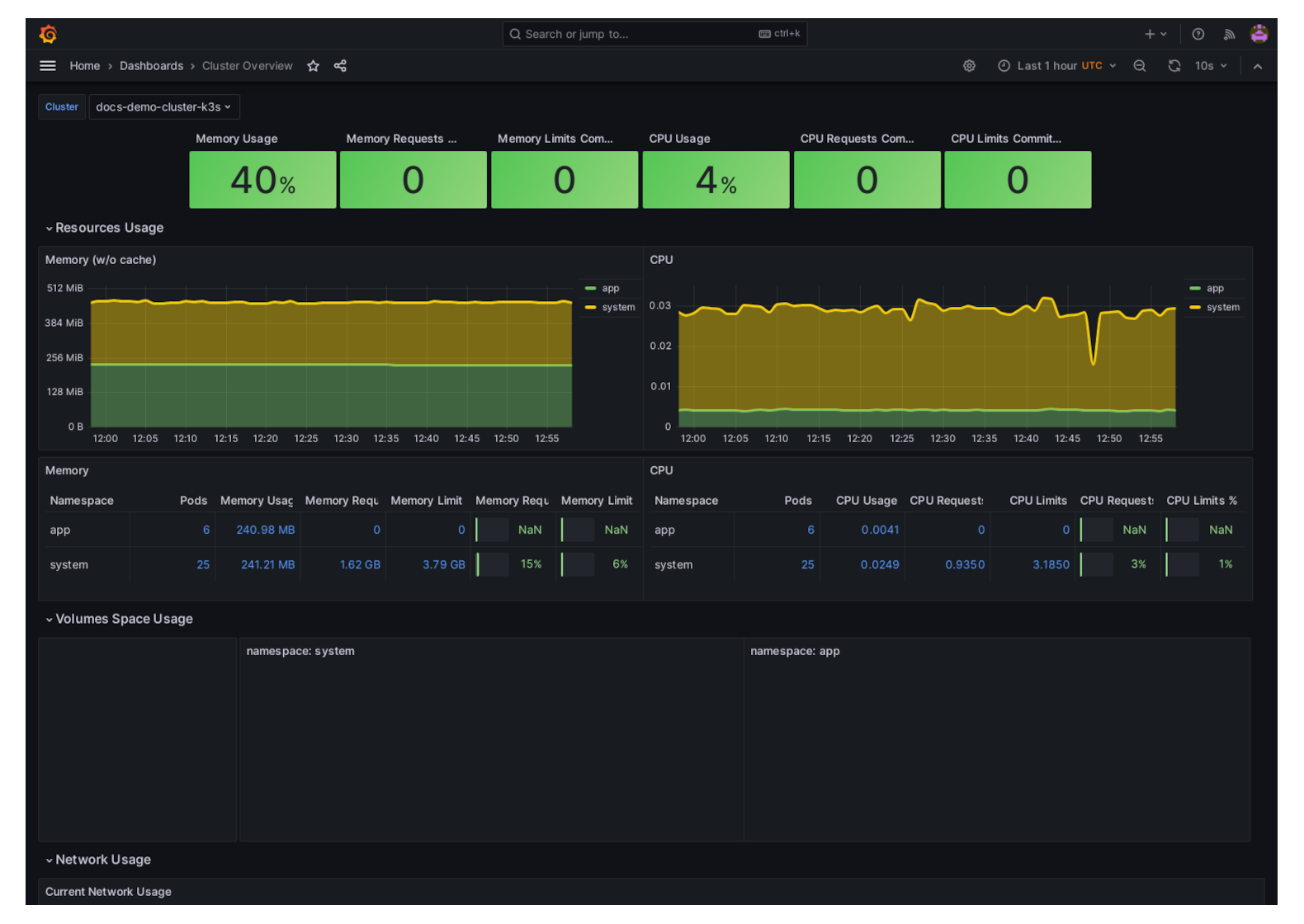
Viewing Cluster Telemetry
In the Kelvin UI you can view the Telemetry of the Cluster. It will show you the resources used on the hardware or in the case of a Virtual Machine, the resources the VM is using.
Note
You can configure the Telemetry options in the Configuration section of the Cluster.
Click here to read the full documentation.
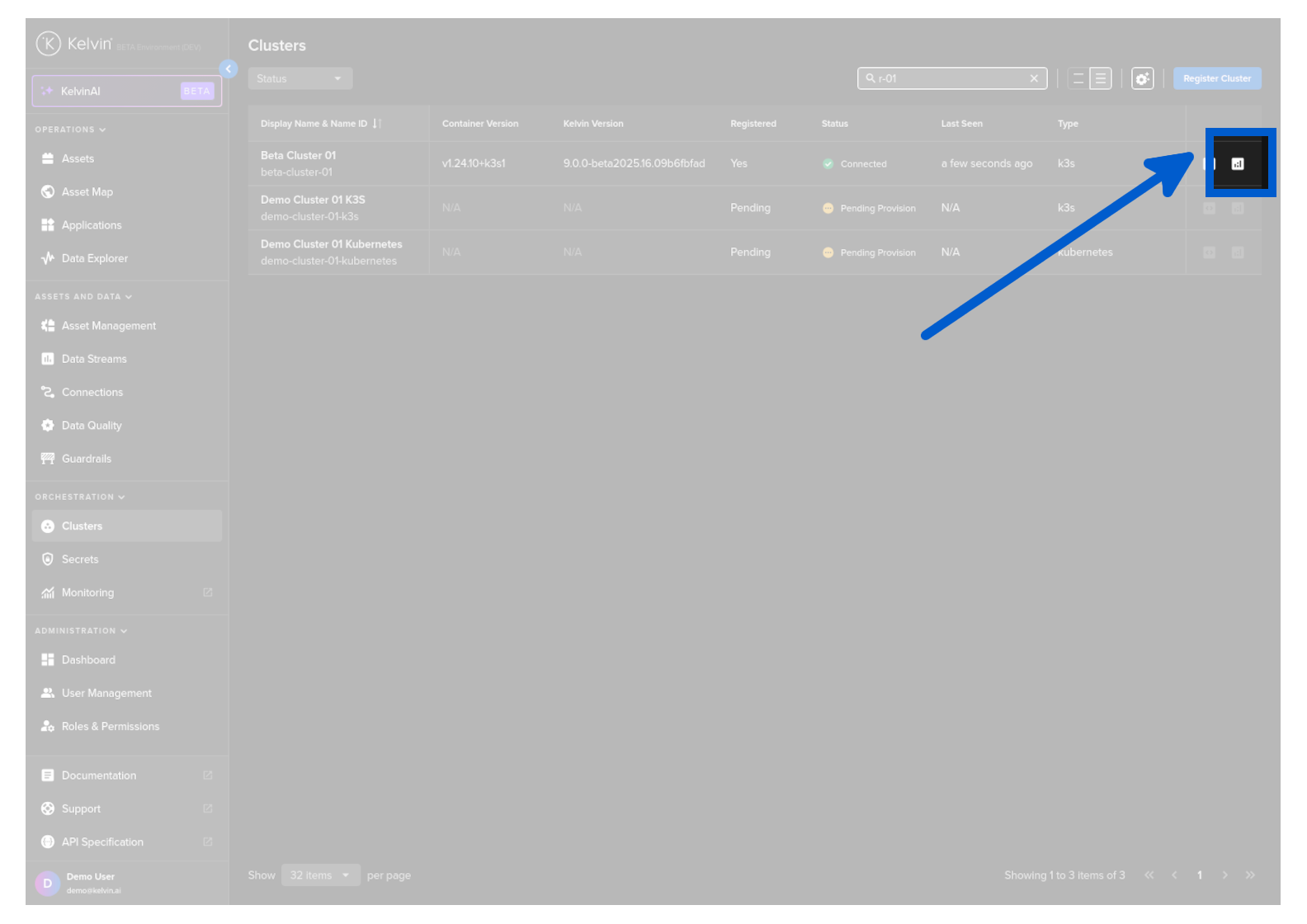
From Clusters menu find the Cluster row and click on the telemetry icon to the right hand side of the row.
And then you will see the telemetry being displayed in a Grafana environment.