Add Assets
Adding Assets to Your Application
Assets can be added to your Applications without requiring any knowledge about the infrastructure or Application variables.
This is ideal for Operations.
Note
For power users like Developers or Platform Administrators you can add Asset to your Applications through the Workload tab where all deployment options are available.
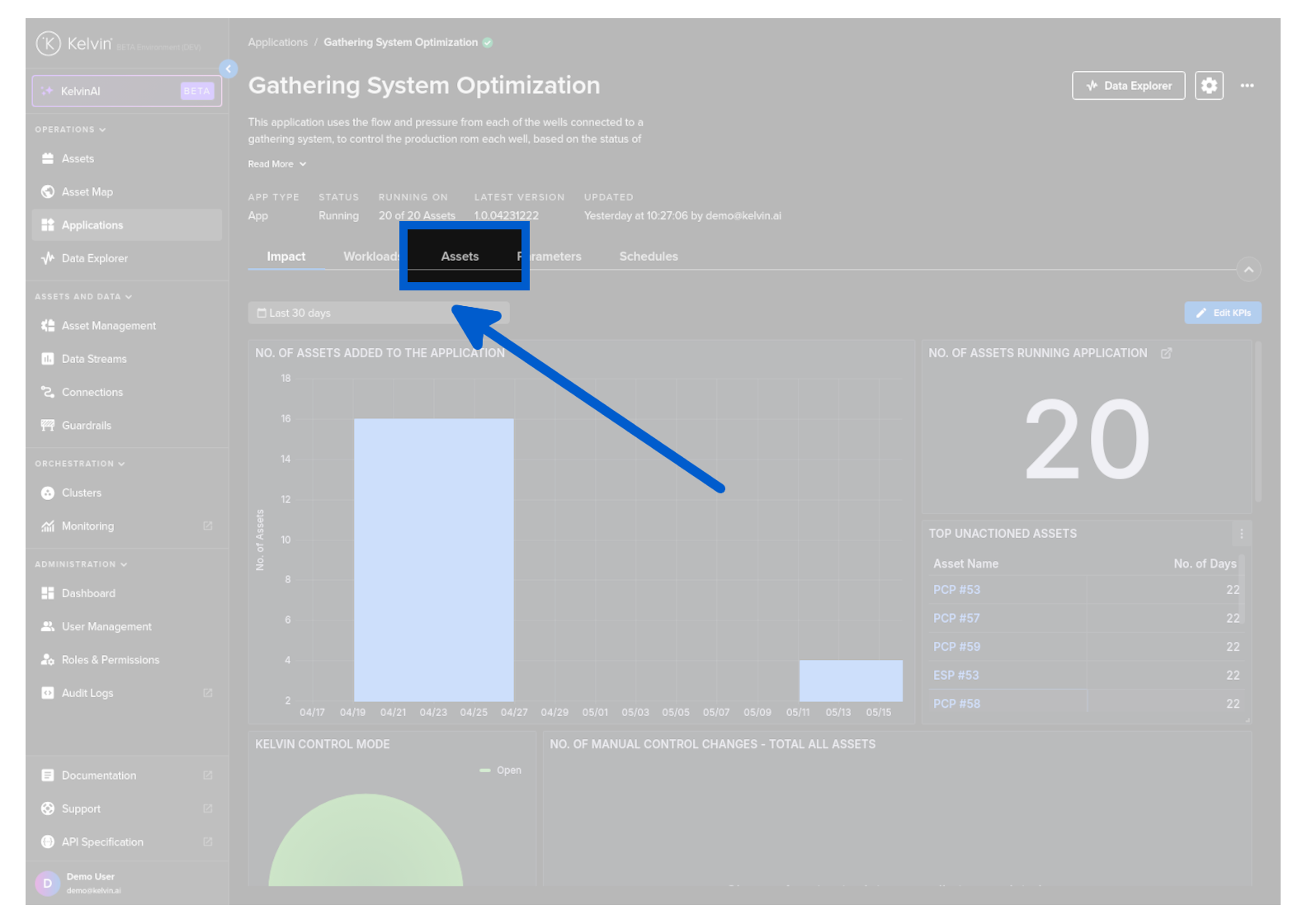
To start go to the Application details page and click on the Assets tab.
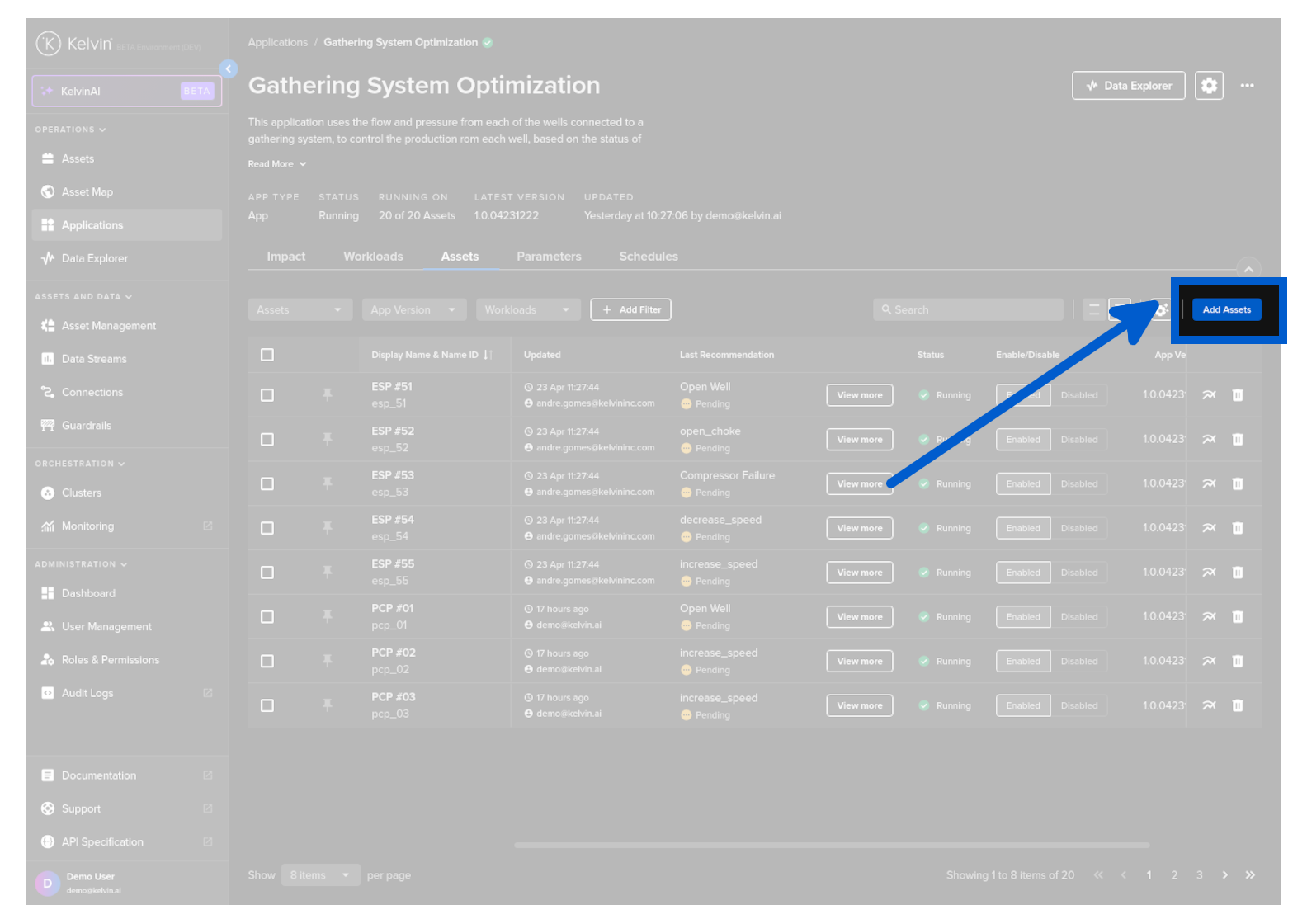
Then click on the Add Assets button.
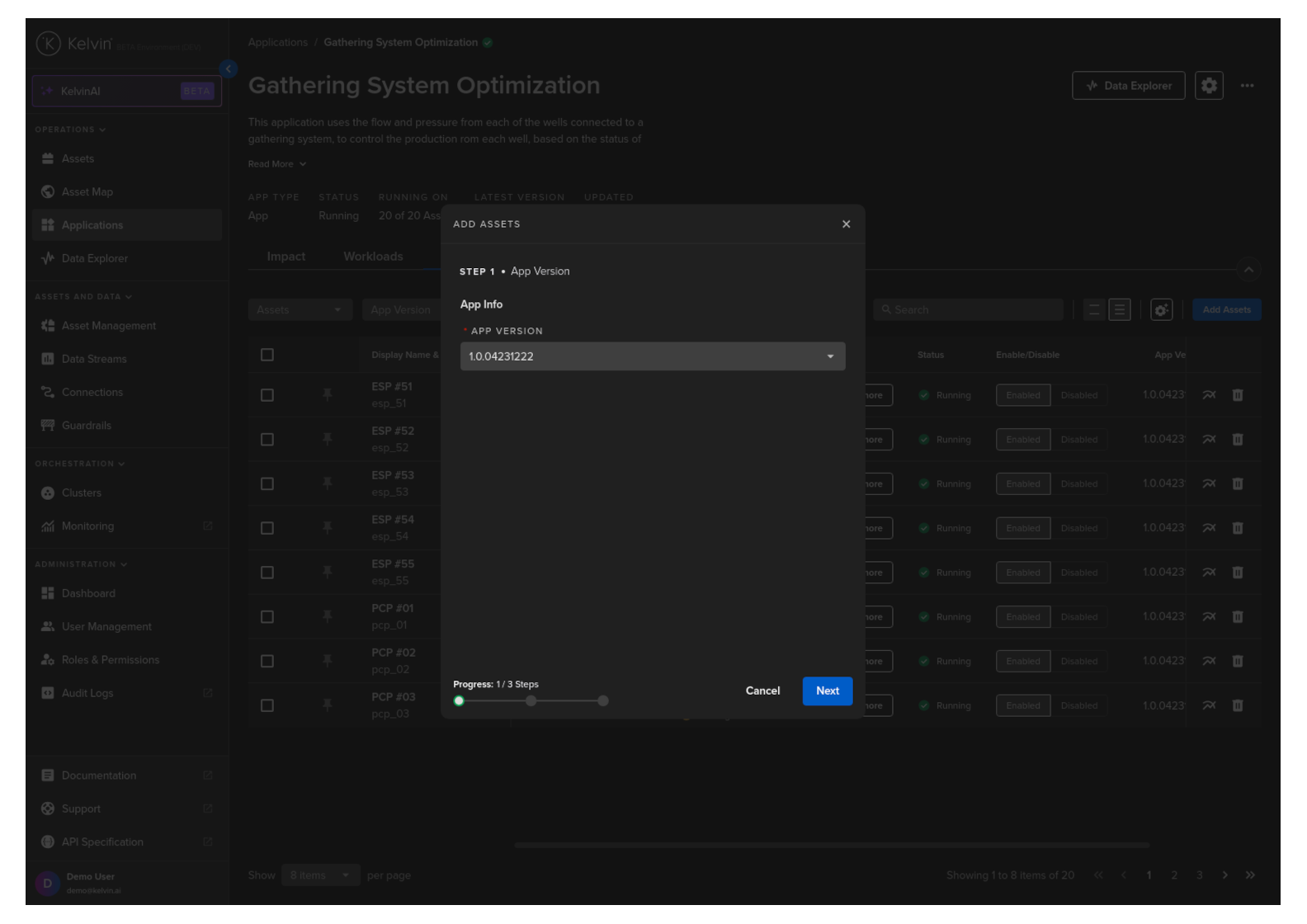
In step 1 select the version of the Application you want the Assets to use.
When ready click Next button.
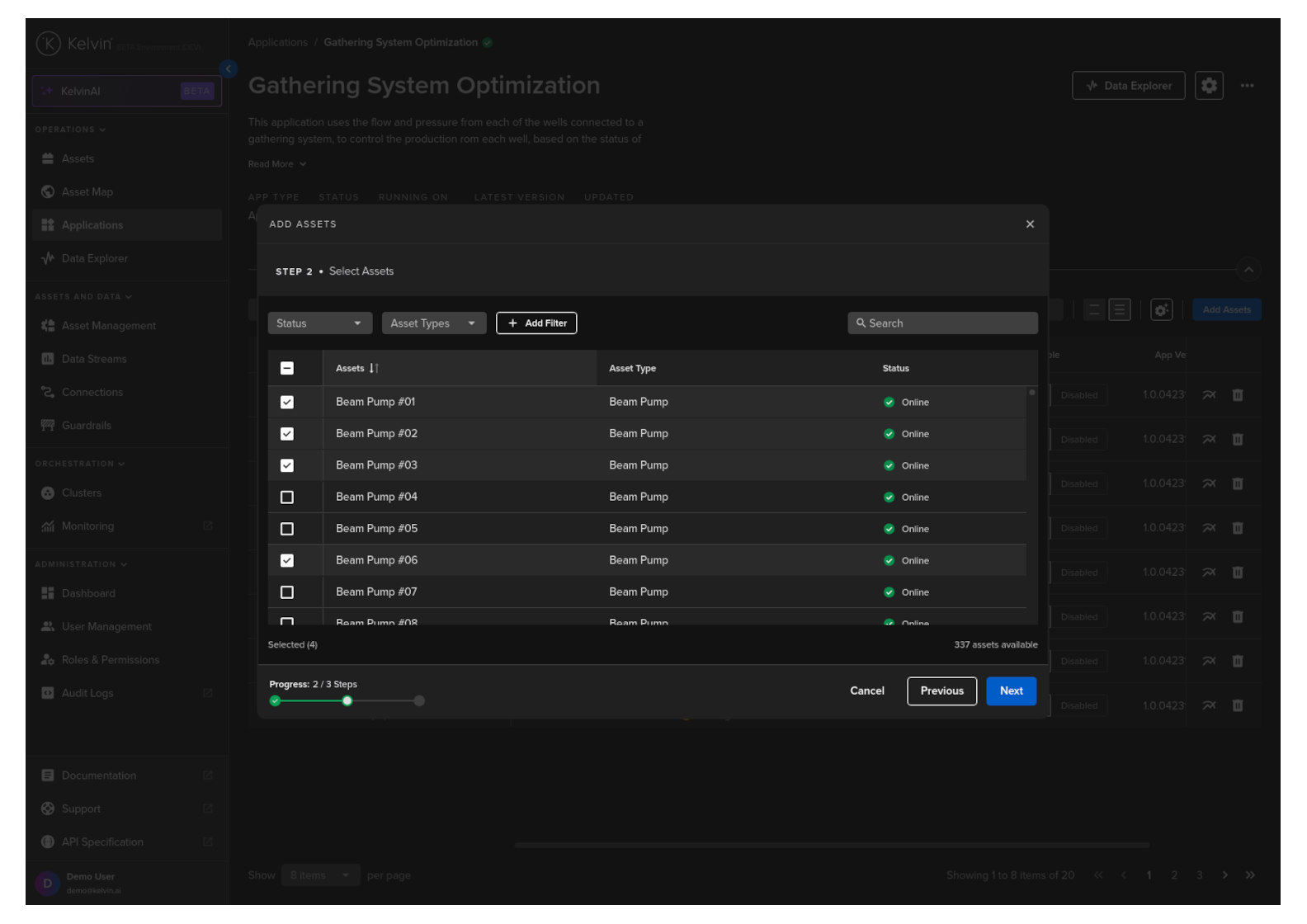
In step 2 select the Assets you want to add.
When ready click Next button.
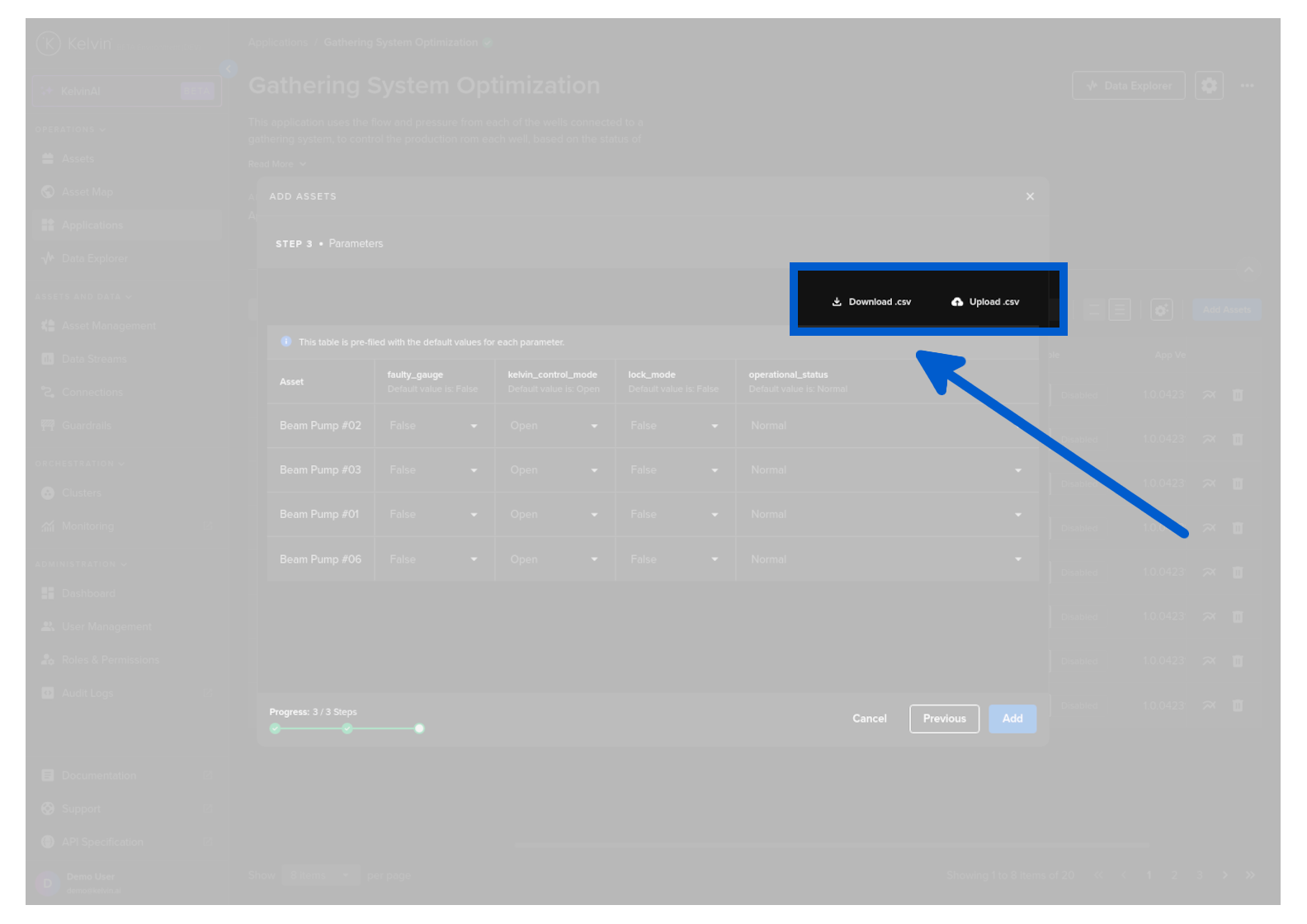
In step 3 you have the option to immediately add custom values to the App Parameters.
Note
This is optional and the default values are automatically filled in when deployed.
If you are adding many Assets, you can download the App Parameter list to you computer and edit them in Google Sheets or Microsoft Excel.
This allows you to easily do many changes in a familiar environment.
When ready, upload the modified CSV file and it will be populated into the table.
When satisfied with the App Parameter values, click the Add button.
Note
This will be deployed to the default cluster.
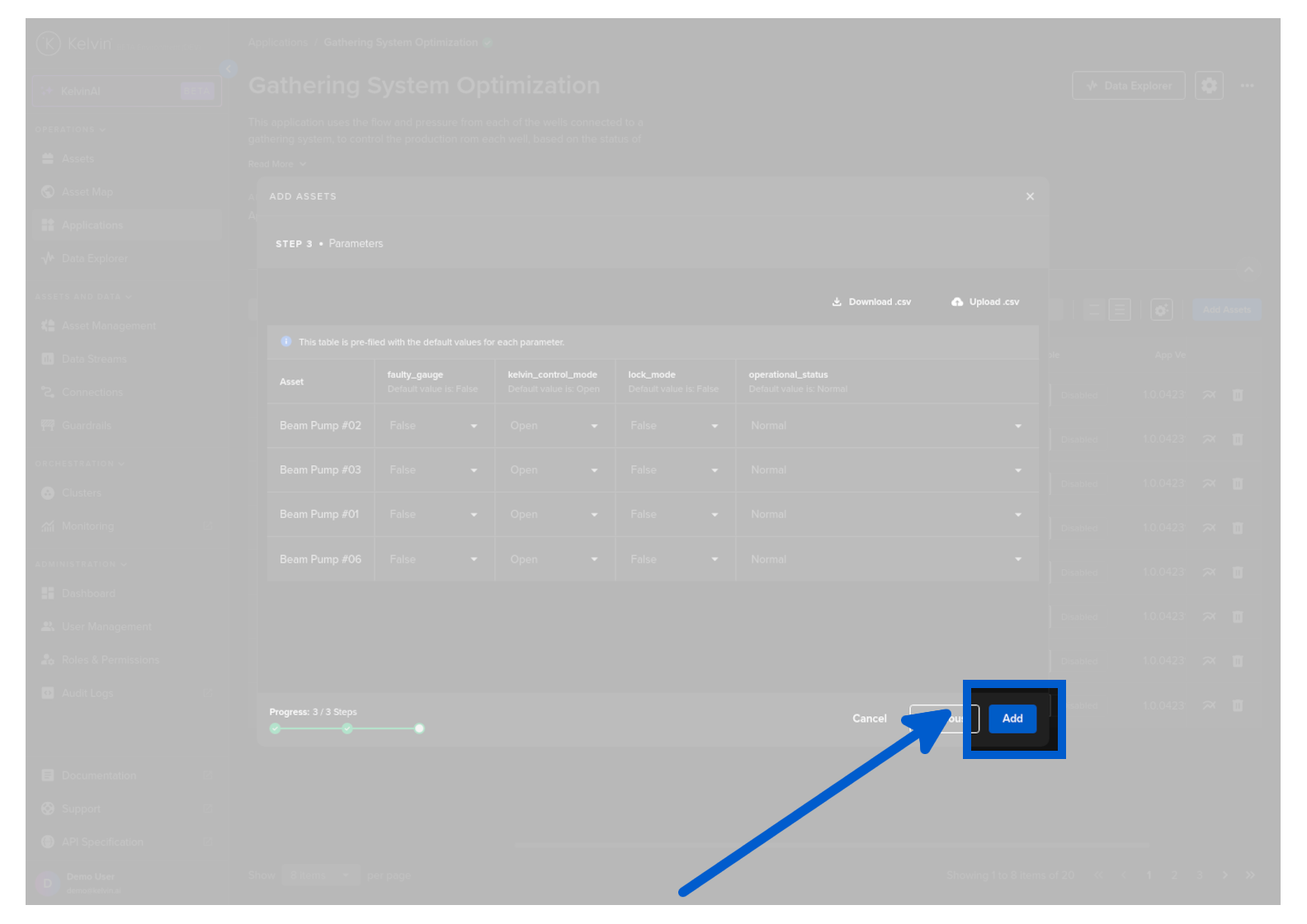
The Assets will now be deployed to the Application and started automatically.
Success
You have now successfully deployed Assets to an Application !